

AI Video Generator for Text
Write a scene description—subject, setting, motion, lighting—then generate a video clip that matches the text without editing software or production work.
AI Video Generator
0/20000 characters
Cost:10
My videos
Loading...
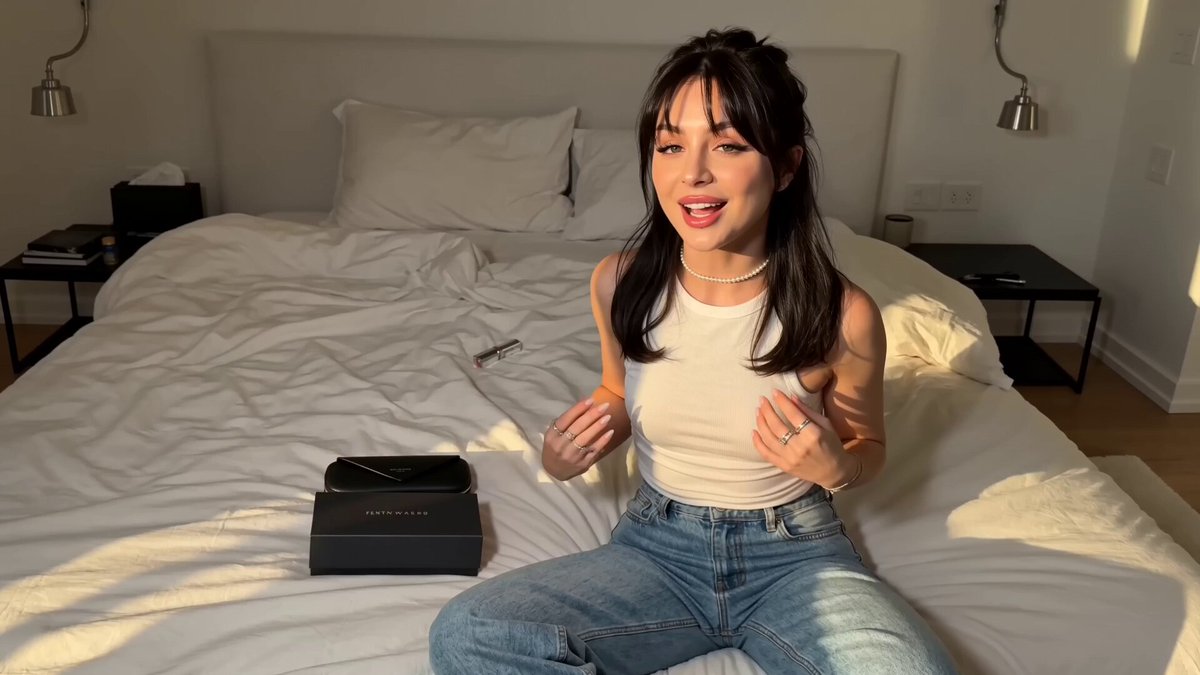

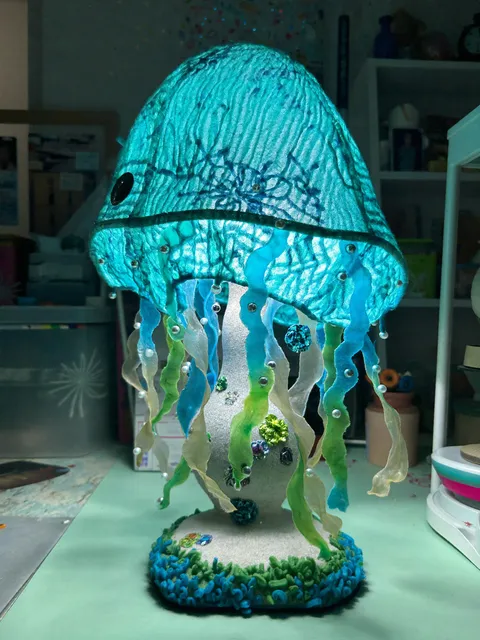
What does an AI video generator do with text?
An AI video generator for text converts a written description into a video clip. You describe the scene, motion, and mood in plain text, choose the available settings, and generate a result. The tool creates the video from your words, removing the need for cameras, sets, or editing software. Review the result, adjust the text if needed, and download the version that fits your intent.
AI Video Generator for Text
Blog excerpt to video
Input
A farmer walking through a sunflower field at golden hour, warm light filtering through the tall plants.
Expected output
A video showing a peaceful sunflower field at sunset with warm light and gentle movement through the plants.
Product page concept
Input
A sleek silver laptop open on a wooden desk next to a coffee cup, morning light through blinds.
Expected output
A clean product-style clip of a laptop setup with natural lighting and a cozy workspace feel.
Social media caption visual
Input
Waves crashing against a rocky cliff on a stormy day, grey sky, white foam, dramatic angle.
Expected output
A dramatic seaside video with waves hitting rocks, dark clouds, and spray rising into the air.
Convert written text descriptions into video clips without manual editing or production setup.
Text in, video out
No editing software or timeline. Write what you want to see and the tool generates a video from your description.
Works with existing content
Use descriptions from your blog, product copy, social posts, or storyboards as the input for video generation.
Fast turnaround
Generate multiple video concepts in minutes by adjusting your text prompts. Test different scenes quickly.
How It Works
1
Describe the scene
Describe the desired scene and motion.
2
Choose settings
Choose the available generation settings.
3
Generate and review
Generate, review, and download a suitable result.
Writing effective video prompts
Good text descriptions with concrete visual details lead to better video results.
Input Constraints
- Describe scenes as you would picture them—objects, lighting, movement.
- Limit each prompt to a single scene for clearer outputs.
- Avoid vague terms like 'nice' or 'beautiful'—use concrete visual details.
Practical Tips
- Start with the main subject, then add setting and atmosphere.
- Describe motion naturally—'wind blowing leaves' instead of 'things moving.'
- Include perspective hints—'close-up,' 'wide shot,' 'overhead.'
Privacy
- Do not upload personal or sensitive material unless you have permission to use it.
Usage Rights
- Confirm that you have the rights needed for the inputs and intended use of the result.
Prompt recipes
Copy a structure, then adjust the subject, lighting, camera, and output details for your own result.
Product in lifestyle setting
A water bottle resting on a yoga mat beside a window, morning sunlight streaming in, towel and phone nearby, camera angle slightly above.
The lifestyle context and natural light make the product feel authentic rather than staged, increasing relatability.
Nature scene for background or b-roll
Close-up of pine needles with morning dew, soft sunlight filtering through the forest canopy, gentle breeze causing slight movement.
The close detail and natural motion create a calm, versatile clip that works as a background or transition.
Food or recipe visual
A bowl of fresh fruit—strawberries, blueberries, sliced kiwi—on a white table, hand reaching in to pick a berry, natural window light.
The hand motion and fresh colors make the scene feel immediate and appetizing, ideal for food content.
Conceptual or abstract visual
Ink dropping into clear water, swirling patterns forming, close-up view, white background, slow motion effect.
The abstract motion and close framing create a visually interesting clip suitable for intros, transitions, or metaphorical storytelling.
Travel or destination scene
A narrow cobblestone street in a European village, colorful shutters on windows, a cyclist passing by, warm afternoon light casting long shadows.
The specific details and human motion evoke a sense of place and atmosphere, useful for travel content or location-based storytelling.
Workspace or productivity scene
A tidy desk with an open notebook, pen, and coffee cup, hand writing notes, natural light from a nearby window, camera overhead.
The overhead angle and writing motion create a productivity aesthetic popular in educational and planning content.
Best use cases
Match the workflow to the input you have and the result you need before opening the generator.
Blog or article visual companion
Input: Scene descriptions pulled from the text—evocative paragraphs or opening lines.
Result: A video that complements the written content and increases engagement.
Tool: Text-to-video generator with prompts taken directly from article text.
Social media post visual
Input: Caption or post description rewritten as a scene with subject, setting, and motion.
Result: A short video that captures attention in the feed and matches the post message.
Tool: Text-to-video generator with concise, visual prompts optimized for short-form platforms.
Product page or landing page video
Input: Product copy or feature description rewritten as a visual scene.
Result: A video that shows the product in context and improves conversion.
Tool: Text-to-video generator with product-focused prompts and clear framing.
Concept or pitch visualization
Input: Written pitch or concept document turned into a visual scene description.
Result: A video draft that communicates the idea visually to stakeholders or clients.
Tool: Text-to-video generator with evocative, high-level prompts that convey the vision.
Limitations to know before generating
- Generated clips are drafts based on text descriptions; clarity and specificity of the text directly affect the quality of the video.
- The tool does not add captions, combine multiple scenes, or sync to audio; those steps happen outside the workflow.
- Abstract or vague text produces abstract or vague video; concrete visual details are essential.
- You are responsible for confirming that the text inputs and video outputs respect rights, privacy, and intended-use guidelines.
Creative Suite: AI Video Generator & AI Image Generator Tools
Power up your creative workflow with our AI-driven tools. Generate stunning videos, create images, and apply custom adjustments - our AI Video Generator and AI Image Generator offer a complete solution for all your creative needs.
Strictly Prohibits Adult/NSFW Content








Pricing
Choose the credit package that works best for you.
No hidden fees • Cancel anytime • Unused credits roll over
Starter
Perfect for trying out AI creation.
Credits
200 credits / month
- Up to 20 videos per month
- Up to 100 images per month
$6.99/ month$9.9930% OFF
Billed monthly
First-time subscribers get 30% off their first month, then standard price
What's included
- Credits never expire
- Standard models
- HD, Watermark-Free Downloads
- Private Generation
- Faster Generation Speed
- Ad-free experience
Basic
Perfect for light creators.
Credits
500 credits / month
- Up to 50 videos per month
- Up to 250 images per month
$13.99/ month$19.9930% OFF
Billed monthly
First-time subscribers get 30% off their first month, then standard price
What's included
- Credits never expire
- Standard models
- HD, Watermark-Free Downloads
- Private Generation
- Faster Generation Speed
- Ad-free experience
Pro
PopularBest value for creators
Credits
1,200 credits / month
- Up to 120 videos per month
- Up to 600 images per month
$39.99/ month
Billed monthly
What's included
- Credits never expire
- All models + Early access to new models
- HD, Watermark-Free Downloads
- Private Generation
- Faster Generation Speed
- Ultra HD resolution
- Ad-free experience
Ultra
For video creators and power users.
Credits
5,000 credits / month
- Up to 500 videos per month
- Up to 2,500 images per month
$99.99/ month
Billed monthly
What's included
- Credits never expire
- All models + Early access to new models
- HD, Watermark-Free Downloads
- Private Generation
- Faster Generation Speed
- Ultra HD resolution
- Ad-free experience
Free
Standard models only — upgrade to unlock premium models.
Credits
10 free credits on signup
Questions? Contact us at support@domer.io
Turn your text into a video
Open the text-to-video tool, paste or type your description, and generate a matching clip.