
Create
AI Video Generator From Text Story 2026
Turn story scenes into video clips. Describe characters, setting, mood, and motion in text, then generate a visual narrative moment to review and download.
AI Video Generator
0/20000 characters
Cost:10
My videos
Loading...

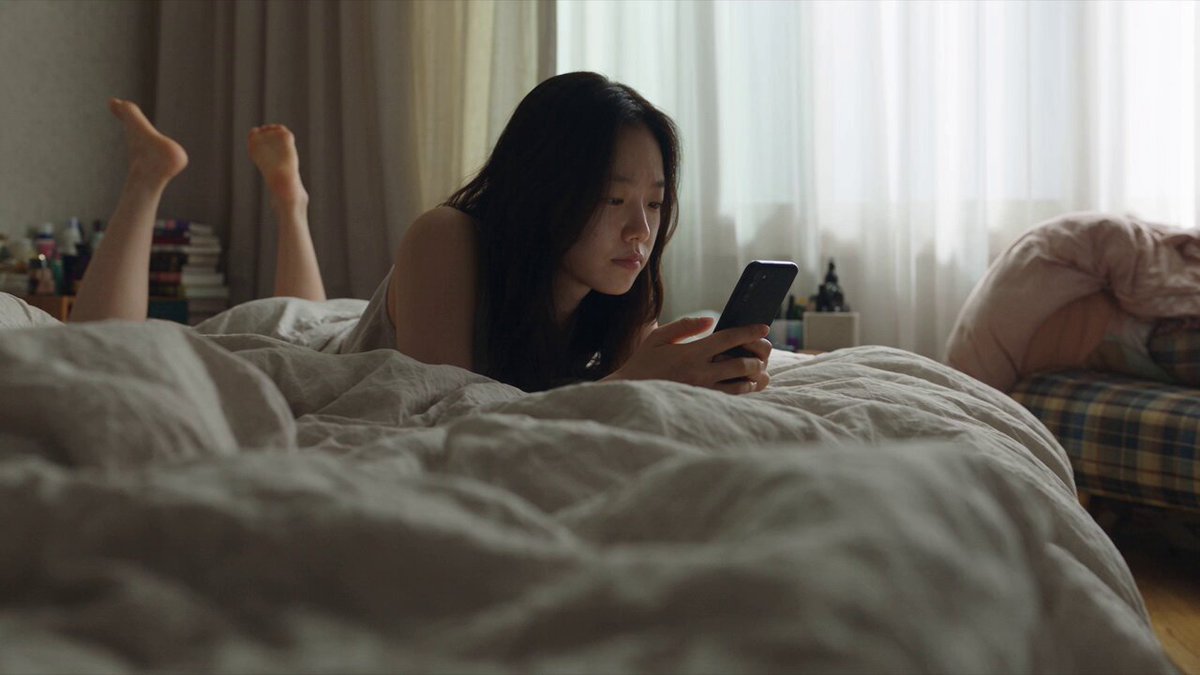
How does a text story AI video generator work?
A text story AI video generator reads your narrative description—characters, setting, lighting, mood, and action—and produces a matching video scene. You write one story moment as a visual prompt, choose generation settings, then review and download the clip. Each prompt generates one continuous scene; combine multiple clips outside the tool to build longer narratives.
AI Video Generator From Text Story 2026
Fantasy quest opening
Input
A hooded figure standing at the entrance of an ancient forest, mist rising from the ground, a glowing map in hand, dramatic light breaking through the trees.
Expected output
A fantasy story scene with atmospheric lighting, mist effects, and a clear narrative focal point.
Mystery novel scene
Input
A detective standing in a dimly lit study, bookshelves lining the walls, a single desk lamp casting shadows, rain visible through a window, contemplative mood.
Expected output
A mystery scene with controlled lighting, shadow play, and a moody atmospheric setting.
Romantic story moment
Input
Two figures dancing on a balcony overlooking a city at night, string lights overhead, soft music implied by the gentle movement, warm glow on their faces.
Expected output
A romantic story scene with city night lights, warm accent lighting, and gentle choreographed motion.
Turn a written story scene into a video clip that visualizes the narrative moment.
Visualise written narratives
Take any story scene from your writing and generate a matching video visual.
Accelerate storyboarding
Generate visual references for key story moments without illustration skills.
Iterate on story visuals
Test different visual interpretations of the same narrative moment by adjusting the prompt.
How It Works
1
Describe the story scene
Describe the desired scene and motion.
2
Choose generation settings
Choose the available generation settings.
3
Generate and review
Generate, review, and download a suitable result.
Writing story-based prompts
Focus on one story moment per prompt for best results.
Input Constraints
- Describe one specific scene or story moment per prompt.
- Include setting, characters, lighting, and mood.
- Specify the narrative genre for appropriate visual style.
- Avoid covering multiple plot events in one prompt.
- Keep descriptions grounded in visual details rather than dialogue.
Practical Tips
- Start with the genre and setting before adding character details.
- Use genre-appropriate vocabulary such as mysterious, epic, or intimate.
- Describe the camera perspective to control the narrative feel.
- Generate key moments first to establish visual direction.
- Save prompts for different story scenes to build a consistent style.
Privacy
- Do not upload personal or sensitive material unless you have permission to use it.
Usage Rights
- Confirm that you have the rights needed for the inputs and intended use of the result.
Prompt recipes
Copy a structure, then adjust the subject, lighting, camera, and output details for your own result.
Coming-of-age opening
A teenager standing alone on a train platform at dusk, holding a worn backpack, watching the last train depart. Soft purple and orange light from the sunset. The camera holds a medium shot with shallow focus on the figure.
Captures a narrative threshold moment with mood lighting, solitary subject, and a visual metaphor for departure or transition.
Thriller confrontation
Two figures facing each other in a narrow alley at night. One holds a briefcase, the other blocks the exit. A single overhead streetlight casts harsh shadows. The camera frames them from a low angle to increase tension.
Uses confined space, lighting contrast, and framing to convey suspense and power dynamics without dialogue.
Historical drama entrance
A woman in a long Victorian dress descends a grand staircase in a candlelit hall. Her hand trails along the ornate wooden banister. Shadows flicker on the walls. The camera tracks her descent from a slight elevation.
Combines period detail, controlled lighting, deliberate pacing, and camera movement to establish historical setting and character presence.
Science fiction discovery
An astronaut stands before a massive translucent alien structure glowing with blue light in a barren landscape. The structure hums with faint internal movement. The sky is dark with distant stars. The camera slowly circles the astronaut from a medium distance.
Establishes scale, wonder, and genre through lighting, environmental contrast, and camera movement that mimics a character's awe.
Domestic conflict moment
A couple sits at opposite ends of a dining table in a dimly lit room. One stares at a plate, the other at the window. A clock ticks on the wall. Cold blue light filters through curtains. The camera remains static at the head of the table.
Uses spatial distance, lighting temperature, ambient detail, and static framing to convey emotional disconnection without words.
Best use cases
Match the workflow to the input you have and the result you need before opening the generator.
Storyboard a novel scene
Input: Written scene description with character positions, setting, mood, and genre tone
Result: A visual reference clip showing the scene composition and atmosphere
Tool: Text to Video
Preview a script moment
Input: Scene direction text covering action, lighting, camera angle, and character emotion
Result: A clip that visualizes the scripted moment for director or team review
Tool: Text to Video
Create a story teaser
Input: Dramatic scene excerpt with strong visual imagery and genre markers
Result: A short teaser clip suitable for social media or pitch decks
Tool: Text to Video
Test narrative pacing
Input: Sequential scene descriptions at different story beats
Result: Multiple clips showing rhythm and visual progression across story arcs
Tool: Text to Video
Visualize character introductions
Input: Character-focused description including appearance, posture, environment, and lighting
Result: A character entrance or reveal clip suitable for casting or concept art
Tool: Text to Video
Limitations to know before generating
- Each prompt generates one continuous scene; longer stories require multiple prompts and external editing.
- Character consistency across separate clips depends on similar descriptors in each prompt.
- Dialogue and precise lip-sync are not supported; focus on visual storytelling.
- Complex plot events may not translate well; focus on single moments with clear visual focus.
- Output reflects the tool's interpretation of your narrative description; review for tone and coherence.
Creative Suite: AI Video Generator & AI Image Generator Tools
Power up your creative workflow with our AI-driven tools. Generate stunning videos, create images, and apply custom adjustments - our AI Video Generator and AI Image Generator offer a complete solution for all your creative needs.
Strictly Prohibits Adult/NSFW Content








Pricing
Choose the credit package that works best for you.
No hidden fees • Cancel anytime • Unused credits roll over
Starter
Perfect for trying out AI creation.
Credits
200 credits / month
- Up to 20 videos per month
- Up to 100 images per month
$6.99/ month$9.9930% OFF
Billed monthly
First-time subscribers get 30% off their first month, then standard price
What's included
- Credits never expire
- Standard models
- HD, Watermark-Free Downloads
- Private Generation
- Faster Generation Speed
- Ad-free experience
Basic
Perfect for light creators.
Credits
500 credits / month
- Up to 50 videos per month
- Up to 250 images per month
$13.99/ month$19.9930% OFF
Billed monthly
First-time subscribers get 30% off their first month, then standard price
What's included
- Credits never expire
- Standard models
- HD, Watermark-Free Downloads
- Private Generation
- Faster Generation Speed
- Ad-free experience
Pro
PopularBest value for creators
Credits
1,200 credits / month
- Up to 120 videos per month
- Up to 600 images per month
$39.99/ month
Billed monthly
What's included
- Credits never expire
- All models + Early access to new models
- HD, Watermark-Free Downloads
- Private Generation
- Faster Generation Speed
- Ultra HD resolution
- Ad-free experience
Ultra
For video creators and power users.
Credits
5,000 credits / month
- Up to 500 videos per month
- Up to 2,500 images per month
$99.99/ month
Billed monthly
What's included
- Credits never expire
- All models + Early access to new models
- HD, Watermark-Free Downloads
- Private Generation
- Faster Generation Speed
- Ultra HD resolution
- Ad-free experience
Free
Standard models only — upgrade to unlock premium models.
Credits
10 free credits on signup
Questions? Contact us at support@domer.io
Ready to turn your story into video?
Open the text-to-video tool, describe your story scene, and generate a visual narrative clip.