
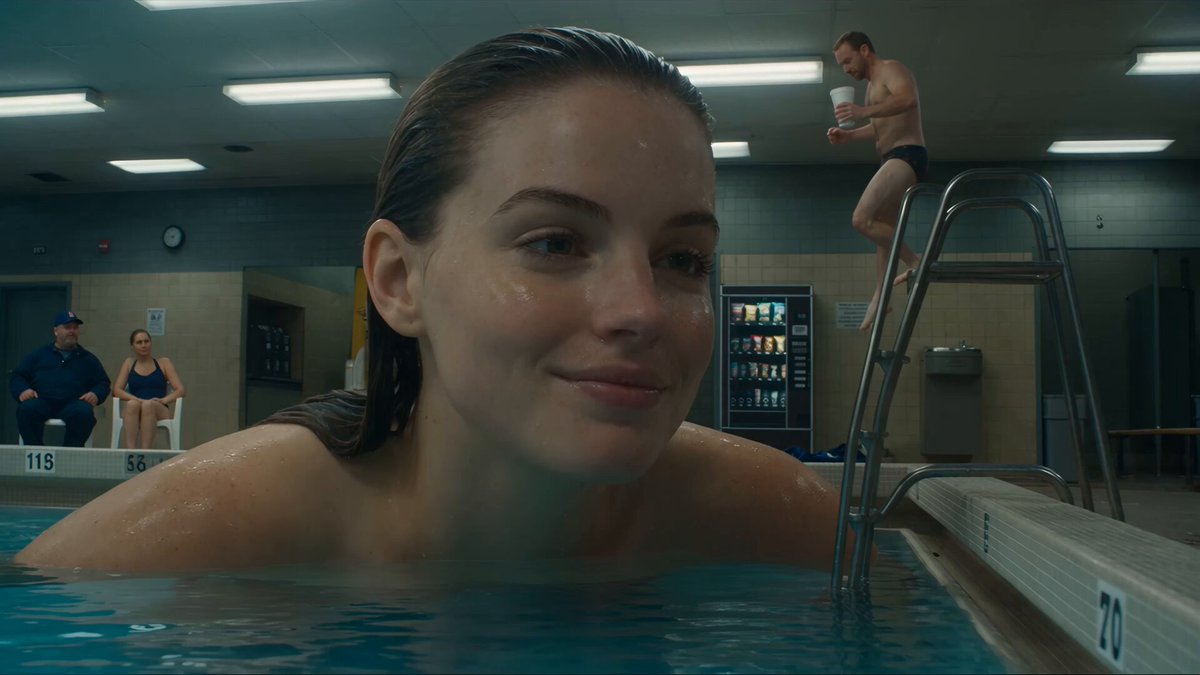
Ai Video Generator Gen 2 — Text to Video
Describe a scene with subject, setting, and motion in a text prompt, then generate a video clip to review and download.
AI Video Generator
0/20000 characters
Cost:10
My videos
Loading...
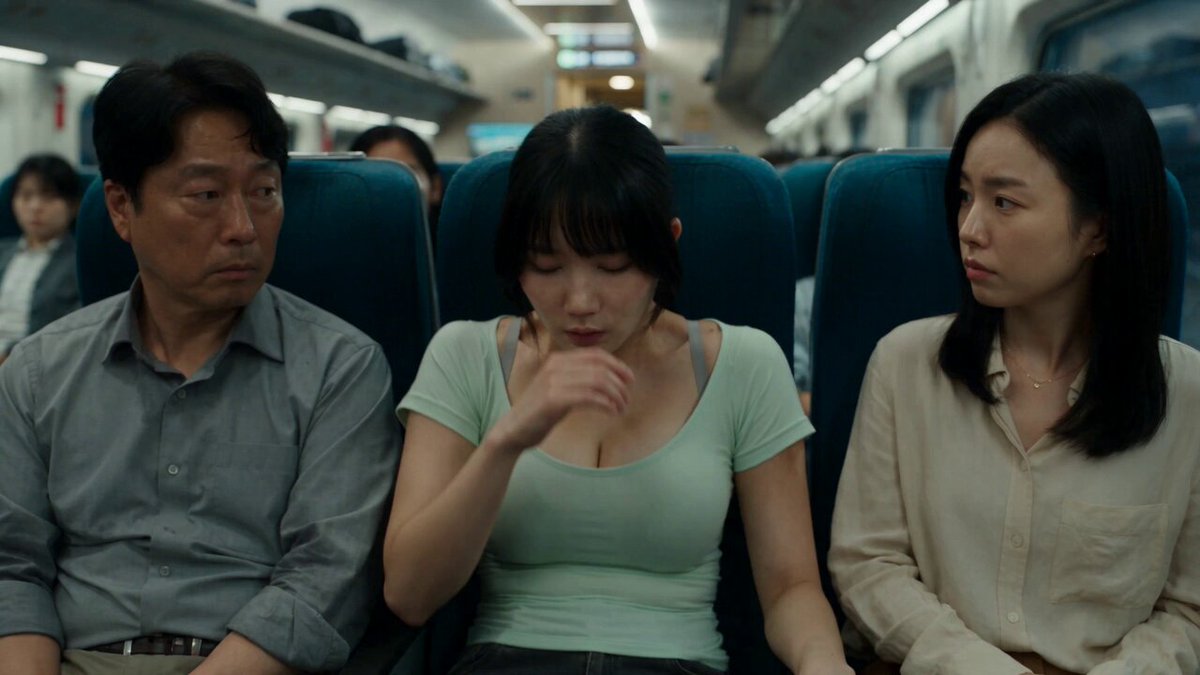
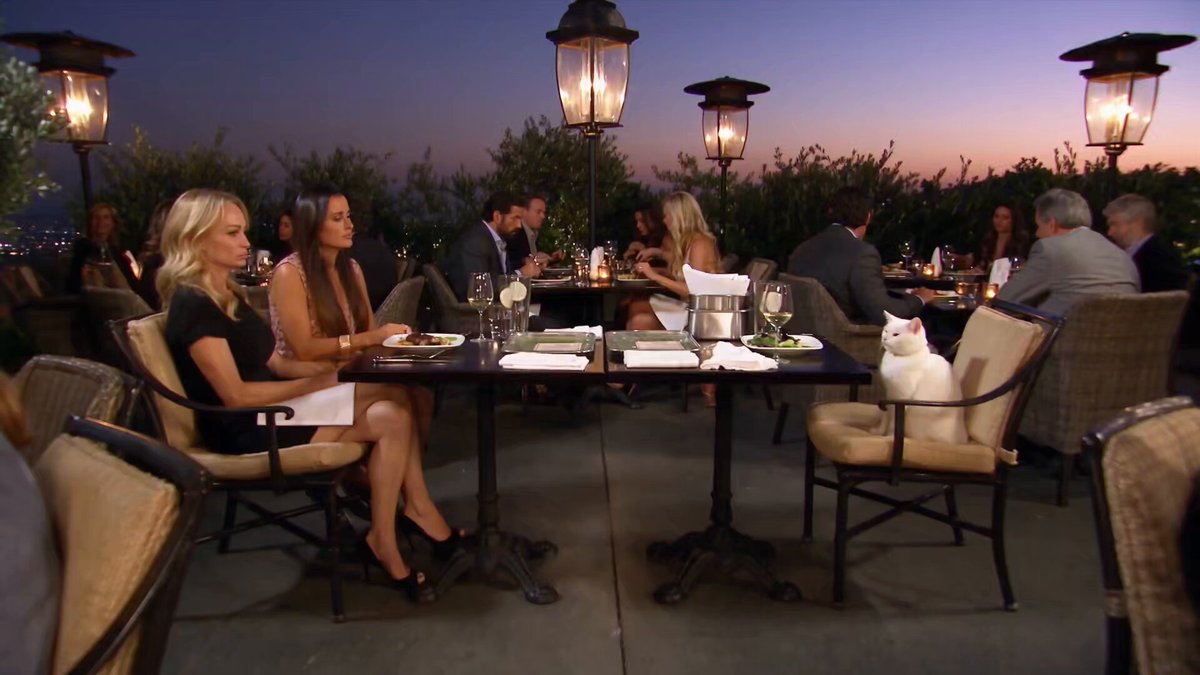
How does gen 2 video generation work?
A gen 2 video generator converts a detailed text prompt into a video clip. Describe the main subject, its surroundings, lighting, and how things should move — such as a camera pan, a character action, or an environmental change. Choose the available generation settings, generate the clip, and review the result. Regenerate with a revised prompt if the output does not match your intent.
Ai Video Generator Gen 2 — Text to Video
Short product demo
Input
A person demonstrating how a new kitchen gadget works, with close-up shots of the tool in action and a satisfied smile at the end.
Expected output
A short video clip showing a product demonstration with smooth motion and clear action
Nature scene
Input
Sunlight streaming through tall pine trees, camera slowly panning upward to reveal a clear blue sky with birds circling above.
Expected output
A landscape video with gentle camera movement and natural lighting
Character moment
Input
A character sitting at a desk, looking out a rain-streaked window, then turning back to type thoughtfully on a keyboard.
Expected output
A character-driven scene with subtle emotional cues and consistent motion
Generate a video clip from a detailed text description of a scene, motion, and mood without video editing tools.
Skip production complexity
Go from idea to video clip without cameras, actors, or editing software.
Iterate visually from text
Change the scene, mood, or action by editing your prompt instead of reshooting.
Consistent visual output
Keep the same character, setting, and style across multiple generations from one description.
How It Works
1
Describe the scene
Describe the desired scene and motion.
2
Adjust the settings
Choose the available generation settings.
3
Generate and review
Generate, review, and download a suitable result.
Tips for better video descriptions
Small details in your prompt make a big difference in the generated clip.
Input Constraints
- Keep descriptions focused on visible action and setting.
- Avoid abstract concepts that are hard to render visually.
- Describe motion direction, speed, and character positioning.
Practical Tips
- Start with the main subject and its surroundings.
- Add lighting cues such as 'morning light' or 'dim room'.
- Describe transitions between actions for smoother motion.
Privacy
- Do not upload personal or sensitive material unless you have permission to use it.
Usage Rights
- Confirm that you have the rights needed for the inputs and intended use of the result.
Prompt recipes
Copy a structure, then adjust the subject, lighting, camera, and output details for your own result.
Tech product showcase
A smartphone rotating slowly on a white surface, screen displaying a colorful app interface, soft studio lighting from above, reflections visible on the screen
Clean product focus with controlled lighting and rotation creates a professional, e-commerce-ready clip.
Urban lifestyle walking shot
A person walking through a busy street at dusk, streetlights glowing, camera following from the side, shallow depth of field, urban ambient sounds implied
Dynamic motion with environmental context and cinematic framing conveys energy and lifestyle, ideal for fashion or brand content.
Dramatic nature transition
A foggy forest at dawn, sunlight breaking through the mist, camera slowly tilting up from the ground to the tree canopy, birds chirping in the distance
Vertical camera move with changing light creates a sense of discovery and scale, perfect for travel or meditation content.
Workspace focus moment
A laptop on a wooden desk, hands typing rapidly, coffee steam rising from a mug to the left, warm desk lamp light, shallow focus on the hands
Action detail (typing hands) plus ambient elements (steam, lamp) creates an immersive productivity scene for SaaS or remote-work content.
Food preparation close-up
A knife chopping fresh herbs on a cutting board, green parsley pieces scattering, morning light from a window, camera steady on the cutting board
Tactile detail and natural lighting convey freshness and craft, great for recipe intros or culinary content.
Character emotional beat
A person sitting alone on a park bench at sunset, looking down at a phone, then glancing up with a slight smile, golden-hour light, shallow focus
Emotional transition (looking down, then smiling) plus cinematic lighting creates a character moment suitable for narrative or lifestyle content.
Best use cases
Match the workflow to the input you have and the result you need before opening the generator.
E-commerce product video
Input: Product on clean background with controlled lighting and slow rotation
Result: A polished, professional clip ready for product pages or ads
Tool: Text to Video generator with studio-lighting and rotation prompts
Lifestyle or fashion content
Input: Character in motion with urban or natural setting and cinematic framing
Result: A dynamic, engaging clip that conveys energy and style
Tool: Text to Video generator with character and environment prompts
Travel or nature content
Input: Nature scene with vertical or horizontal camera move and changing light
Result: An immersive, cinematic clip with sense of place and scale
Tool: Text to Video generator with nature and camera-move prompts
Productivity or SaaS marketing
Input: Workspace scene with action detail and ambient elements like steam or typing
Result: An immersive, relatable clip for productivity or remote-work content
Tool: Text to Video generator with workspace and action-detail prompts
Recipe or cooking content
Input: Food preparation with tactile detail and natural lighting
Result: A fresh, craft-focused clip for recipe intros or culinary channels
Tool: Text to Video generator with food-action and natural-light prompts
Limitations to know before generating
- Abstract concepts or emotions are difficult to render visually; focus on concrete, observable actions and settings.
- Complex scenes with multiple characters or rapid action can lose coherence; simpler prompts with one main subject work more reliably.
- Lighting and visual quality depend on detailed prompts; vague descriptions may produce flat or generic results.
- Generated clips are drafts and should be reviewed for motion quality, coherence, and alignment with your intent before use.
- Commercial use requires confirming you have rights to the prompt material and the generated result; the tool does not grant automatic commercial permissions.
Creative Suite: AI Video Generator & AI Image Generator Tools
Power up your creative workflow with our AI-driven tools. Generate stunning videos, create images, and apply custom adjustments - our AI Video Generator and AI Image Generator offer a complete solution for all your creative needs.
Strictly Prohibits Adult/NSFW Content








Pricing
Choose the credit package that works best for you.
No hidden fees • Cancel anytime • Unused credits roll over
Starter
Perfect for trying out AI creation.
Credits
200 credits / month
- Up to 20 videos per month
- Up to 100 images per month
$6.99/ month$9.9930% OFF
Billed monthly
First-time subscribers get 30% off their first month, then standard price
What's included
- Credits never expire
- Standard models
- HD, Watermark-Free Downloads
- Private Generation
- Faster Generation Speed
- Ad-free experience
Basic
Perfect for light creators.
Credits
500 credits / month
- Up to 50 videos per month
- Up to 250 images per month
$13.99/ month$19.9930% OFF
Billed monthly
First-time subscribers get 30% off their first month, then standard price
What's included
- Credits never expire
- Standard models
- HD, Watermark-Free Downloads
- Private Generation
- Faster Generation Speed
- Ad-free experience
Pro
PopularBest value for creators
Credits
1,200 credits / month
- Up to 120 videos per month
- Up to 600 images per month
$39.99/ month
Billed monthly
What's included
- Credits never expire
- All models + Early access to new models
- HD, Watermark-Free Downloads
- Private Generation
- Faster Generation Speed
- Ultra HD resolution
- Ad-free experience
Ultra
For video creators and power users.
Credits
5,000 credits / month
- Up to 500 videos per month
- Up to 2,500 images per month
$99.99/ month
Billed monthly
What's included
- Credits never expire
- All models + Early access to new models
- HD, Watermark-Free Downloads
- Private Generation
- Faster Generation Speed
- Ultra HD resolution
- Ad-free experience
Free
Standard models only — upgrade to unlock premium models.
Credits
10 free credits on signup
Questions? Contact us at support@domer.io
Describe an ai video generator gen 2 video now
Describe your scene, choose your settings, and generate a ai video generator gen 2 clip in minutes.