

AI Video Generator Hot — Bold Clips from Text
Describe fast zooms, neon lighting, and quick cuts. Generate high-energy social video clips without filming. Write the style, get the clip.
AI Video Generator
0/20000 characters
Cost:10
My videos
Loading...
What does ai video generator hot mean?
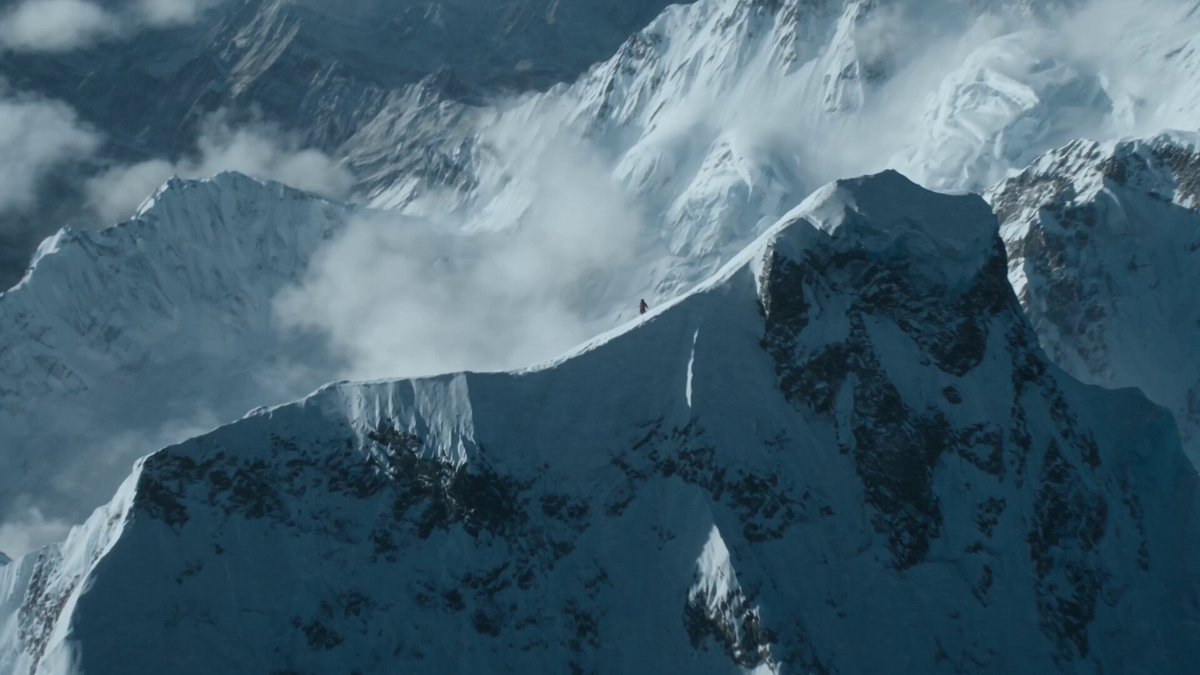
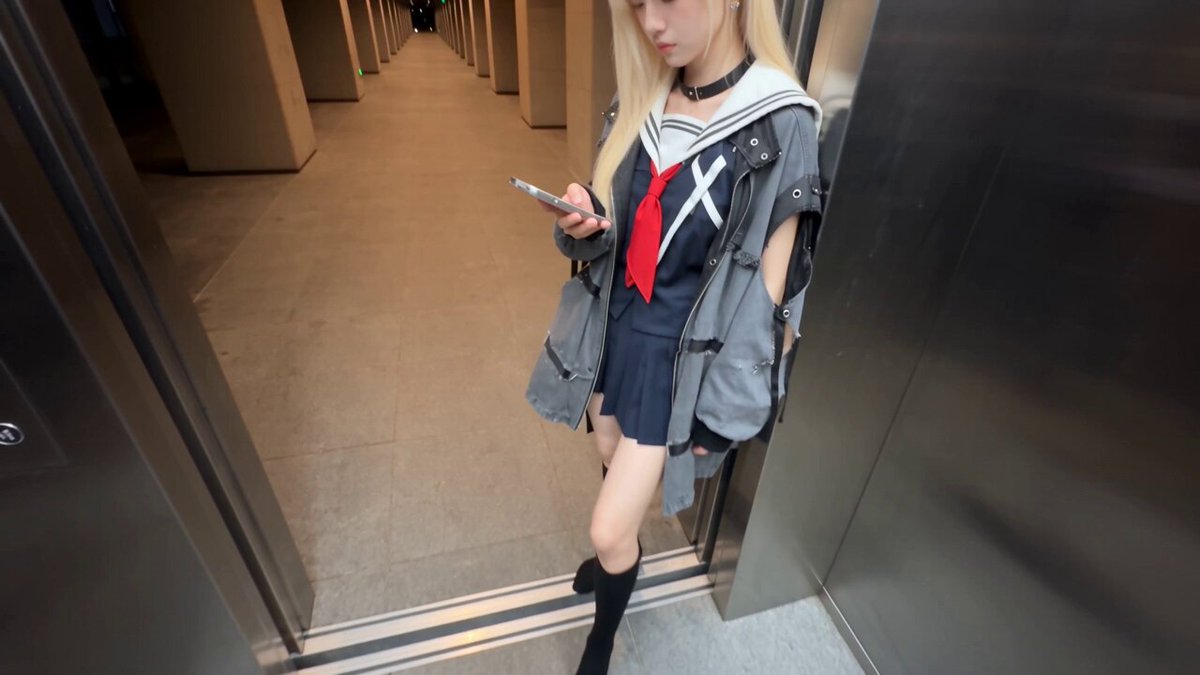
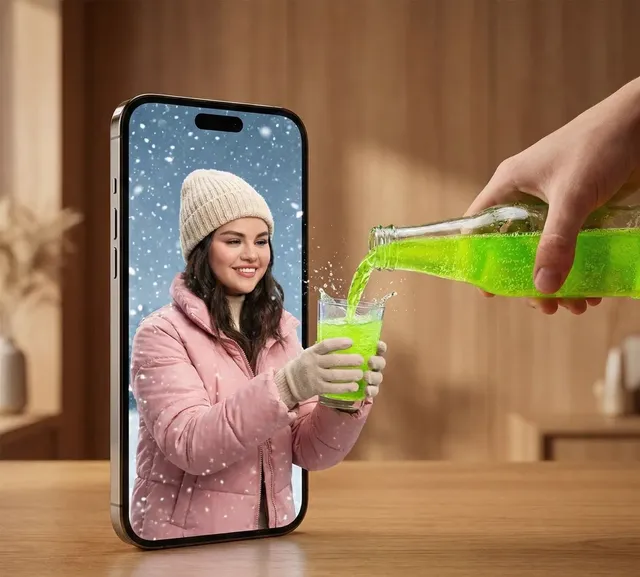
It refers to generating trending, high-energy video clips—the kind with bold visuals, dynamic motion, and attention-grabbing pacing. You describe the visual style (fast zoom, strobe lighting, quick cuts) in a text prompt, and the AI video generator hot tool produces a matching clip.
AI Video Generator Hot — Bold Clips from Text
Trending short clip
Input
Fast zoom on a person in streetwear looking directly at the camera. Flashing RGB lights behind them. Text overlay area at top. Quick cut every 2 seconds.
Expected output
A 6-second high-energy clip with rapid zooms, neon lighting, and timestamp-friendly pacing.
Event highlight
Input
Crowd at a concert with hands raised. Stage lights sweep across the audience in red and blue. Slow-motion on a burst of confetti. Camera pans from stage left to right.
Expected output
A dynamic concert scene with lighting sweeps, crowd reaction, and slow-motion particle effects.
Dramatic hook
Input
Close-up on a pair of eyes. The camera pulls back fast to reveal a person standing on a rooftop at sunset. Wind blows their hair. No music, just motion.
Expected output
A dramatic reveal shot with a fast reverse zoom, silhouette framing, and natural wind motion.
Generate high-energy, trend-style video clips from text descriptions for social media and short-form content
Trend-first prompting
Describe the visual trends you want—neon, slow-mo, fast cuts—and generate clips that match the aesthetic without templates.
Fast style iteration
Test different trendy styles by changing just the descriptive keywords in your prompt and regenerating.
Skip the shoot
Produce attention-grabbing clips by describing them instead of coordinating locations, talent, and lighting setups.
How It Works
1
Describe the desired scene and motion
Describe the desired scene and motion.
2
Choose the available generation settings
Choose the available generation settings.
3
Generate, review, and download a suitable result
Generate, review, and download a suitable result.
Crafting high-impact prompts
Lead with the visual energy level and lighting style. Describe motion speed, camera behavior, and framing changes.
Input Constraints
- Use concrete action terms instead of abstract concepts
- Avoid time-sensitive trend references that date the content quickly
- Review output for unintended motion or artifacts before posting
Practical Tips
- Use pacing terms: fast zoom, quick cut, slow motion, strobe flash
- Specify lighting: neon, RGB, strobe, golden hour, silhouette
- Mention camera distance changes to create dynamic framing
- Keep clips under 10 seconds for social-friendly lengths
Privacy
- Do not upload personal or sensitive material unless you have permission to use it.
Usage Rights
- Confirm that you have the rights needed for the inputs and intended use of the result.
Prompt recipes
Copy a structure, then adjust the subject, lighting, camera, and output details for your own result.
Fast fashion reveal
Wide shot of a person in oversized jacket and sneakers walking toward camera on an empty parking lot. Camera zooms in fast as they stop and make direct eye contact. Overcast lighting, muted color grade, ends on a close-up.
Combines simple wardrobe focus, dynamic zoom progression, and neutral setting to keep attention on the subject and motion rather than busy backgrounds.
Neon night drive
View from inside a car at night, city lights streaking past the windows, dashboard glowing purple and cyan, driver's hands on the wheel, camera tilts up to show neon signs through the windshield.
Uses first-person perspective, light motion blur, and neon color palette to create immersive high-energy atmosphere common in trending car and city content.
Beat-synced product drop
Sneaker spinning in mid-air against a solid black background, RGB rim lighting cycling through red, blue, and green, slow rotation with a sudden stop and camera snap to close-up on the sole.
Focuses on single product with high-contrast lighting, controlled motion change, and close-up detail shot—mimics short product-drop videos designed for beat sync.
Gym hype montage
Athlete lifting weights in a dark gym with single overhead spotlight, chalk dust rising in slow motion, camera cuts to close-up of their face mid-rep with sweat visible, high contrast shadows.
Uses slow-motion detail, dramatic single-source lighting, and mid-action framing to build intensity and urgency common in fitness motivation clips.
Crowd reaction POV
Camera low angle facing up at a crowd of people cheering and clapping, confetti falling from above in slow motion, colored spotlights sweeping across faces, camera rotates 90 degrees to the right.
Captures energy through upward POV, slow-motion celebratory elements, and rotational camera motion that adds dynamism and shareability to event footage.
Best use cases
Match the workflow to the input you have and the result you need before opening the generator.
Create a hook for a product launch reel
Input: Product centered, bold lighting, camera zoom or rotation, under 5 seconds
Result: An attention-grabbing opening clip with dynamic motion and high contrast
Tool: Text to Video
Generate b-roll for a fashion lookbook
Input: Subject walking or posing, simple background, camera movement described, muted or bold color grade
Result: A stylish short clip showing wardrobe and motion for editing into a longer sequence
Tool: Text to Video
Test visual concepts for a music video
Input: Lighting style, camera motion, and subject action described without audio cues
Result: A draft clip showing the visual feel and pacing for pre-production review
Tool: Text to Video
Produce quote or text overlay backgrounds
Input: Abstract motion, simple shapes or light effects, no central subject, loop-friendly
Result: A dynamic background clip ready for text overlay in video editing software
Tool: Text to Video
Limitations to know before generating
- Trending visual styles change quickly; descriptions based on current trends may feel dated within months
- Generated clips are interpretations, not frame-accurate replicas of specific viral videos or templates
- Precise timing for beat-synced edits requires post-production work; the tool does not sync to audio
- Motion artifacts or unintended effects may appear; always review output before publishing
- Social platform algorithms favor original content; generated clips should be edited or combined with other footage for best reach
Creative Suite: AI Video Generator & AI Image Generator Tools
Power up your creative workflow with our AI-driven tools. Generate stunning videos, create images, and apply custom adjustments - our AI Video Generator and AI Image Generator offer a complete solution for all your creative needs.
Strictly Prohibits Adult/NSFW Content








Pricing
Choose the credit package that works best for you.
No hidden fees • Cancel anytime • Unused credits roll over
Starter
Perfect for trying out AI creation.
Credits
200 credits / month
- Up to 20 videos per month
- Up to 100 images per month
$6.99/ month$9.9930% OFF
Billed monthly
First-time subscribers get 30% off their first month, then standard price
What's included
- Credits never expire
- Standard models
- HD, Watermark-Free Downloads
- Private Generation
- Faster Generation Speed
- Ad-free experience
Basic
Perfect for light creators.
Credits
500 credits / month
- Up to 50 videos per month
- Up to 250 images per month
$13.99/ month$19.9930% OFF
Billed monthly
First-time subscribers get 30% off their first month, then standard price
What's included
- Credits never expire
- Standard models
- HD, Watermark-Free Downloads
- Private Generation
- Faster Generation Speed
- Ad-free experience
Pro
PopularBest value for creators
Credits
1,200 credits / month
- Up to 120 videos per month
- Up to 600 images per month
$39.99/ month
Billed monthly
What's included
- Credits never expire
- All models + Early access to new models
- HD, Watermark-Free Downloads
- Private Generation
- Faster Generation Speed
- Ultra HD resolution
- Ad-free experience
Ultra
For video creators and power users.
Credits
5,000 credits / month
- Up to 500 videos per month
- Up to 2,500 images per month
$99.99/ month
Billed monthly
What's included
- Credits never expire
- All models + Early access to new models
- HD, Watermark-Free Downloads
- Private Generation
- Faster Generation Speed
- Ultra HD resolution
- Ad-free experience
Free
Standard models only — upgrade to unlock premium models.
Credits
10 free credits on signup
Questions? Contact us at support@domer.io
Start generating bold clips
Describe a high-energy scene with lighting, camera motion, and pacing cues, then review and download the result.