
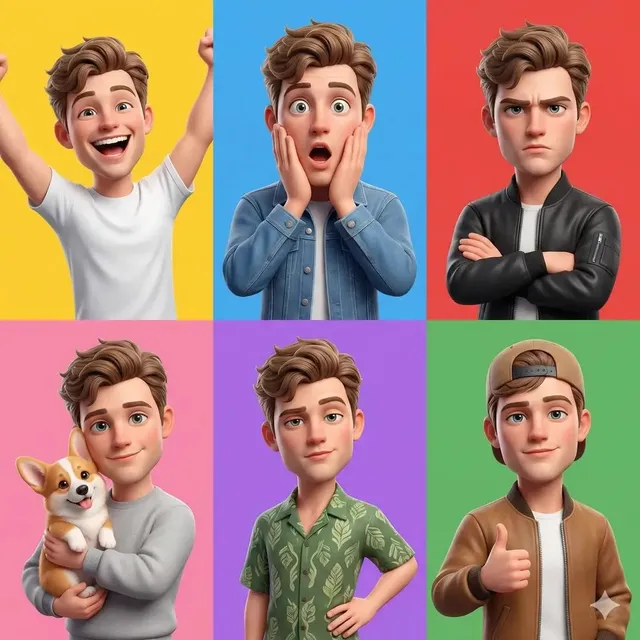
AI Video Generator Influencers
Describe influencer-style scenes and content setups in text. Generate a video clip, review the result, and download.
AI Video Generator
0/20000 characters
Cost:10
My videos
Loading...
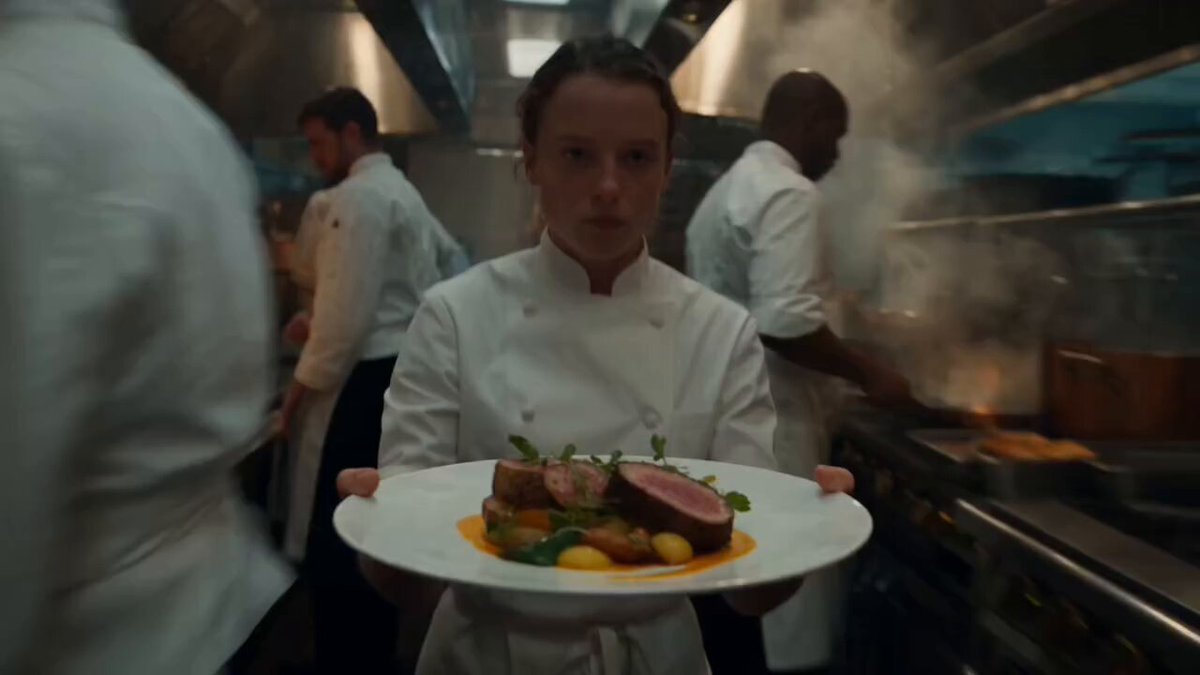

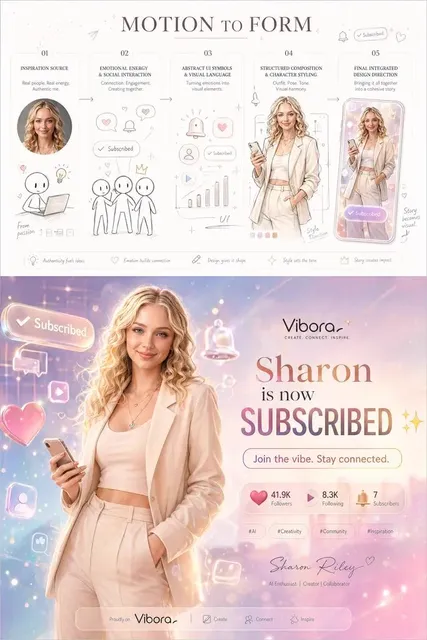
Generate influencer-style video from scene descriptions
This text-to-video tool lets you describe unboxing setups, flat lays, try-on moments, or lifestyle scenes in plain text. The generator creates a video clip based on your prompt, which you can review and download for use in content planning, campaign pitches, or mood references without filming.
AI Video Generator Influencers
Product unboxing setup
Input
A person sits at a clean white desk, holding a small cardboard box. Ring lights and a smartphone on a tripod are visible in the background. Bright, even lighting fills the room.
Expected output
A generated content creator scene with a seated person, visible unboxing action, and bright studio-style lighting.
Lifestyle flat lay scene
Input
Overhead view of a wooden table with a laptop, coffee cup, notebook, and fresh flowers arranged neatly. Natural light falls across the table. A hand reaches into frame toward the coffee cup.
Expected output
A generated overhead table scene with arranged objects and a reaching hand motion.
Fashion try-on moment
Input
A person stands in front of a floor mirror in a bright bedroom, holding a jacket up to their shoulders. Clothes are laid out on the bed behind them. Sunlight comes through sheer curtains.
Expected output
A generated bedroom scene with a standing figure in front of a mirror, clothing visible, and soft window lighting.
Turn a written description of an influencer-style scene or content setup into a video clip to review and download.
Plan content without production
Visualize influencer-style scenes, setups, and concepts without renting a studio or hiring talent.
Test campaign ideas fast
Generate multiple scene variations from text descriptions to compare visual directions before committing.
Share visual concepts with clients
Use generated clips as mood references for content briefs, campaign pitches, and storyboard planning.
How It Works
1
Describe the scene
Describe the desired scene and motion.
2
Adjust the settings
Choose the available generation settings.
3
Generate and download
Generate, review, and download a suitable result.
Tips for influencer-style prompts
Focus on setting, lighting, and the type of content moment you want to capture.
Input Constraints
- Describe a single content moment per generation
- Include lighting type and quality for better visuals
- Avoid replicating specific real influencer identities
Practical Tips
- Describe the room or setting in detail
- Specify the type of content: unboxing, try-on, flat lay, talking head
- Include props that define the scene
- Mention camera angle if it matters for the concept
Privacy
- Do not upload personal or sensitive material unless you have permission to use it.
Usage Rights
- Confirm that you have the rights needed for the inputs and intended use of the result.
Prompt recipes
Copy a structure, then adjust the subject, lighting, camera, and output details for your own result.
Morning skincare routine close-up
A person in a bright bathroom applying cream to their face, close-up shot of hands and product, soft morning light from a window, clean white tiles.
Captures a common influencer content type with close-up motion, clean aesthetic, and natural morning light.
Desk setup productivity shot
A minimalist desk with a laptop, notebook, coffee cup, and small plant, person typing on laptop, warm desk lamp lighting, blurred bookshelf in background.
Sets a relatable productivity scene with typing motion and warm light that suits lifestyle or work-from-home content.
Outfit grid planning scene
A person laying out clothing items on a white bed, arranging tops, pants, and accessories in a grid, overhead camera angle, bright natural light.
Shows a recognizable fashion content moment with overhead perspective and motion that reflects planning authenticity.
Cooking demo kitchen setup
A person chopping vegetables on a wooden cutting board in a bright kitchen, pots and ingredients arranged neatly, camera angled from the side, warm afternoon light.
Highlights a cooking action with side-angle motion and warm light that suits food or lifestyle influencer content.
Book recommendation cozy corner
A person sitting in a cozy reading nook holding an open book, blanket draped over legs, string lights and plants in background, soft golden lamp light.
Creates a warm, relatable reading moment with soft lighting and cozy aesthetic that appeals to lifestyle audiences.
Best use cases
Match the workflow to the input you have and the result you need before opening the generator.
Content planning for influencer campaigns
Input: Content type, setting, lighting, and main action
Result: A visual reference for the content moment before production
Tool: Text to Video with content type and setup details
Campaign pitch mood boards
Input: Scene description with influencer aesthetic and lighting style
Result: A generated clip that conveys the visual direction and atmosphere
Tool: Text to Video with aesthetic and mood specified
Testing content format variations
Input: Multiple prompts for different angles or setups of the same content
Result: Several generated clips to compare visual approaches before filming
Tool: Text to Video with varied camera angles and setups
Storyboard visualization for clients
Input: Storyboard description with setting, props, and lighting
Result: A clip that illustrates the planned content for client review
Tool: Text to Video with storyboard details and visual references
Limitations to know before generating
- Generated scenes are synthetic interpretations and may not perfectly match real influencer content or setups.
- Visual quality depends on the specificity of your prompt; generic descriptions may produce less recognizable results.
- The tool does not guarantee that generated people, settings, or props match specific brands or influencer identities.
- Review the output for suitability and authenticity before using it in professional pitches or client presentations.
Creative Suite: AI Video Generator & AI Image Generator Tools
Power up your creative workflow with our AI-driven tools. Generate stunning videos, create images, and apply custom adjustments - our AI Video Generator and AI Image Generator offer a complete solution for all your creative needs.
Strictly Prohibits Adult/NSFW Content








Pricing
Choose the credit package that works best for you.
No hidden fees • Cancel anytime • Unused credits roll over
Starter
Perfect for trying out AI creation.
Credits
200 credits / month
- Up to 20 videos per month
- Up to 100 images per month
$6.99/ month$9.9930% OFF
Billed monthly
First-time subscribers get 30% off their first month, then standard price
What's included
- Credits never expire
- Standard models
- HD, Watermark-Free Downloads
- Private Generation
- Faster Generation Speed
- Ad-free experience
Basic
Perfect for light creators.
Credits
500 credits / month
- Up to 50 videos per month
- Up to 250 images per month
$13.99/ month$19.9930% OFF
Billed monthly
First-time subscribers get 30% off their first month, then standard price
What's included
- Credits never expire
- Standard models
- HD, Watermark-Free Downloads
- Private Generation
- Faster Generation Speed
- Ad-free experience
Pro
PopularBest value for creators
Credits
1,200 credits / month
- Up to 120 videos per month
- Up to 600 images per month
$39.99/ month
Billed monthly
What's included
- Credits never expire
- All models + Early access to new models
- HD, Watermark-Free Downloads
- Private Generation
- Faster Generation Speed
- Ultra HD resolution
- Ad-free experience
Ultra
For video creators and power users.
Credits
5,000 credits / month
- Up to 500 videos per month
- Up to 2,500 images per month
$99.99/ month
Billed monthly
What's included
- Credits never expire
- All models + Early access to new models
- HD, Watermark-Free Downloads
- Private Generation
- Faster Generation Speed
- Ultra HD resolution
- Ad-free experience
Free
Standard models only — upgrade to unlock premium models.
Credits
10 free credits on signup
Questions? Contact us at support@domer.io
Plan your content concept
Describe the influencer-style scene you want to visualize. The AI video generator influencers tool creates a clip from your idea.