
Create
AI Video Generator Jobs and Workplace Scenes
Create job-related video clips from text: describe workplace settings, training scenarios, and professional demonstrations.
AI Video Generator
0/20000 characters
Cost:10
My videos
Loading...
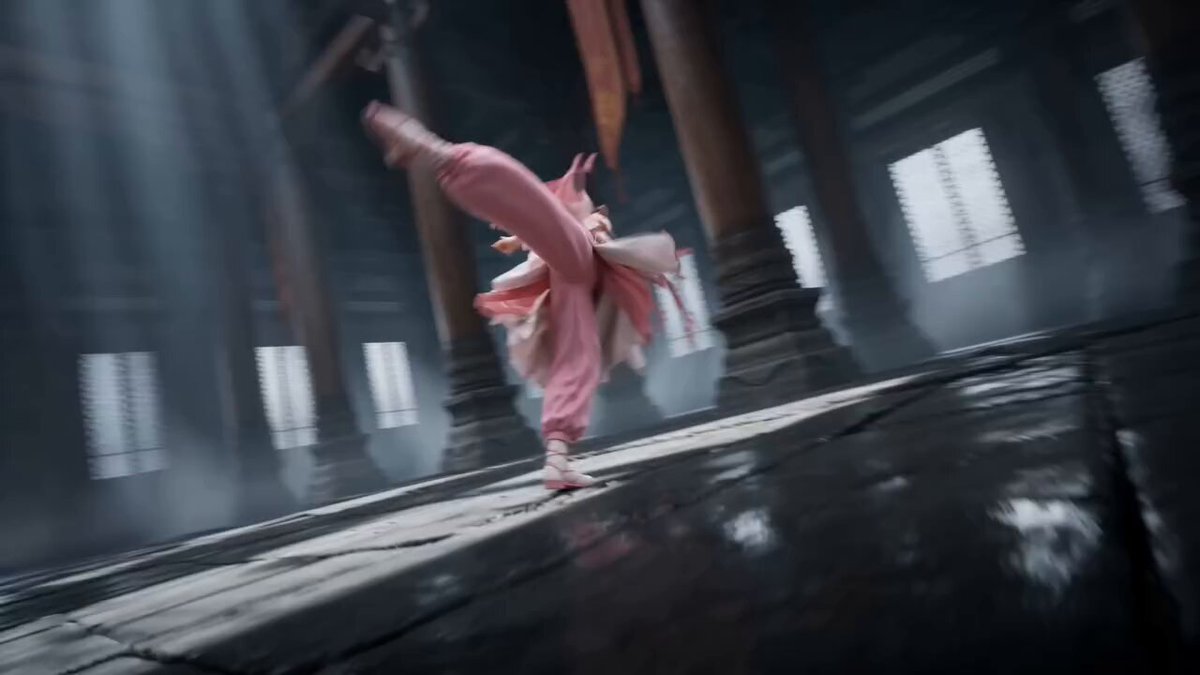
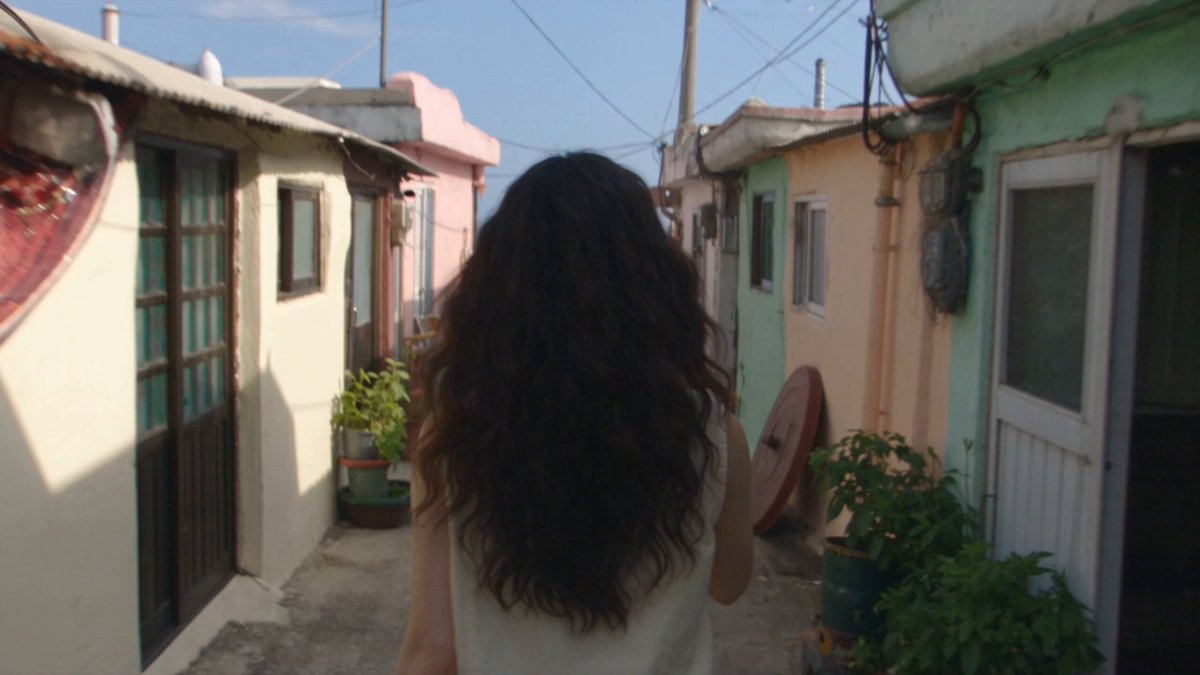
How do I generate workplace video clips?
Describe the professional scene you need—like an office environment, training sequence, or demonstration—along with the setting, activity, and lighting, then generate and review the clip before using it in presentations or training materials.
AI Video Generator Jobs and Workplace Scenes
Job-related scene
Input
An open-plan office with people working at desks, collaborative conversation at a table, plants and natural light
Expected output
A video clip showing a modern open-plan office with workers, collaboration, and natural lighting
Professional content clip
Input
A presenter standing at a conference stage with a large screen behind them, audience in dimmed lights, professional setup
Expected output
A video clip of a conference presentation with stage lighting, screen display, and audience
Training demo video
Input
A close-up of hands assembling a mechanical component on a workbench, step-by-step action, good task lighting
Expected output
A training-style video clip showing hands performing an assembly task on a workbench
Generate professional workplace and job-related video clips from text prompts for training, demos, or presentations
Create professional visual content
Generate workplace and professional scene videos from text descriptions for training, presentations, or internal content.
Produce demo clips from text
Turn step-by-step instructions into visual demonstrations without needing to film real procedures.
Create job-related visuals easily
Describe professional environments and activities to generate matching video content without production overhead.
How It Works
1
Describe the scene
Describe the desired scene and motion.
2
Adjust settings
Choose the available generation settings.
3
Generate and review
Generate, review, and download a suitable result.
Professional use tips
Keep workplace scenes appropriate and accurate.
Input Constraints
- Avoid depicting specific recognizable people or employees
- Do not describe violent, unsafe, or discriminatory workplace scenarios
- Keep all scenes appropriate for professional viewing
Practical Tips
- Describe the professional environment accurately
- Include appropriate workplace context and activity
- Use neutral and professional scene descriptions
Privacy
- Do not upload personal or sensitive material unless you have permission to use it.
Usage Rights
- Confirm that you have the rights needed for the inputs and intended use of the result.
Prompt recipes
Copy a structure, then adjust the subject, lighting, camera, and output details for your own result.
Team meeting overview
A conference room with a team gathered around a table, a presenter at a whiteboard, neutral office lighting, collaborative atmosphere
The meeting setup and whiteboard create a recognizable professional context for training or internal content.
Manufacturing floor demo
A worker inspecting a product on an assembly line, close-up of hands checking quality, industrial lighting, focused attention
The close-up and quality-check action illustrate a clear training or demonstration scenario.
Customer service interaction
A customer service representative at a desk with headset and computer, typing while speaking, professional office background, calm mood
The headset and typing action clearly convey a customer service role, useful for training materials.
Lab work procedure
Gloved hands pipetting liquid into test tubes on a lab bench, bright overhead lighting, precise motion, clean lab setting
The gloved hands and pipetting action create a clear scientific procedure reference for training.
Warehouse operations
A worker scanning barcodes on boxes in a warehouse, handheld scanner in use, organized shelving in the background, task lighting
The scanning action and warehouse setting illustrate a logistics task clearly for demo or training.
Best use cases
Match the workflow to the input you have and the result you need before opening the generator.
Training video creation
Input: Step-by-step workplace task description with clear actions
Result: Clip showing procedure for training materials
Tool: AI video generator with task-focused prompts
Presentation visualization
Input: Professional setting description with presenter or demo
Result: Clip for use in business presentations or pitches
Tool: AI video generator with professional scene support
Internal communications
Input: Office or workplace environment with team activity
Result: Clip for company newsletters or internal content
Tool: AI video generator with workplace context prompts
Safety and compliance demos
Input: Workplace safety scenario with proper procedure shown
Result: Clip illustrating correct safety practices
Tool: AI video generator with safety-focused framing
Limitations to know before generating
- Generated clips are visual references, not documentation of real workplace procedures
- Workplace accuracy depends on prompt detail; review clips for professional appropriateness
- Clips should not be used to represent specific employees or real company settings without permission
- Safety and compliance content should be reviewed by qualified personnel before use
- Generated scenes may not reflect all workplace safety standards; consult guidelines before training use
Creative Suite: AI Video Generator & AI Image Generator Tools
Power up your creative workflow with our AI-driven tools. Generate stunning videos, create images, and apply custom adjustments - our AI Video Generator and AI Image Generator offer a complete solution for all your creative needs.
Strictly Prohibits Adult/NSFW Content








Pricing
Choose the credit package that works best for you.
No hidden fees • Cancel anytime • Unused credits roll over
Starter
Perfect for trying out AI creation.
Credits
200 credits / month
- Up to 20 videos per month
- Up to 100 images per month
$6.99/ month$9.9930% OFF
Billed monthly
First-time subscribers get 30% off their first month, then standard price
What's included
- Credits never expire
- Standard models
- HD, Watermark-Free Downloads
- Private Generation
- Faster Generation Speed
- Ad-free experience
Basic
Perfect for light creators.
Credits
500 credits / month
- Up to 50 videos per month
- Up to 250 images per month
$13.99/ month$19.9930% OFF
Billed monthly
First-time subscribers get 30% off their first month, then standard price
What's included
- Credits never expire
- Standard models
- HD, Watermark-Free Downloads
- Private Generation
- Faster Generation Speed
- Ad-free experience
Pro
PopularBest value for creators
Credits
1,200 credits / month
- Up to 120 videos per month
- Up to 600 images per month
$39.99/ month
Billed monthly
What's included
- Credits never expire
- All models + Early access to new models
- HD, Watermark-Free Downloads
- Private Generation
- Faster Generation Speed
- Ultra HD resolution
- Ad-free experience
Ultra
For video creators and power users.
Credits
5,000 credits / month
- Up to 500 videos per month
- Up to 2,500 images per month
$99.99/ month
Billed monthly
What's included
- Credits never expire
- All models + Early access to new models
- HD, Watermark-Free Downloads
- Private Generation
- Faster Generation Speed
- Ultra HD resolution
- Ad-free experience
Free
Standard models only — upgrade to unlock premium models.
Credits
10 free credits on signup
Questions? Contact us at support@domer.io
Create professional video from text
Open the text-to-video tool, describe your workplace scene, and generate a professional video clip.