
AI Video Generator of Yourself
Describe the scene, subject, and motion you want to see. Generate a video clip from your text prompt and review the result before download.
AI Video Generator
0/20000 characters
Cost:10
My videos
Loading...
How do I generate a video of myself with AI?
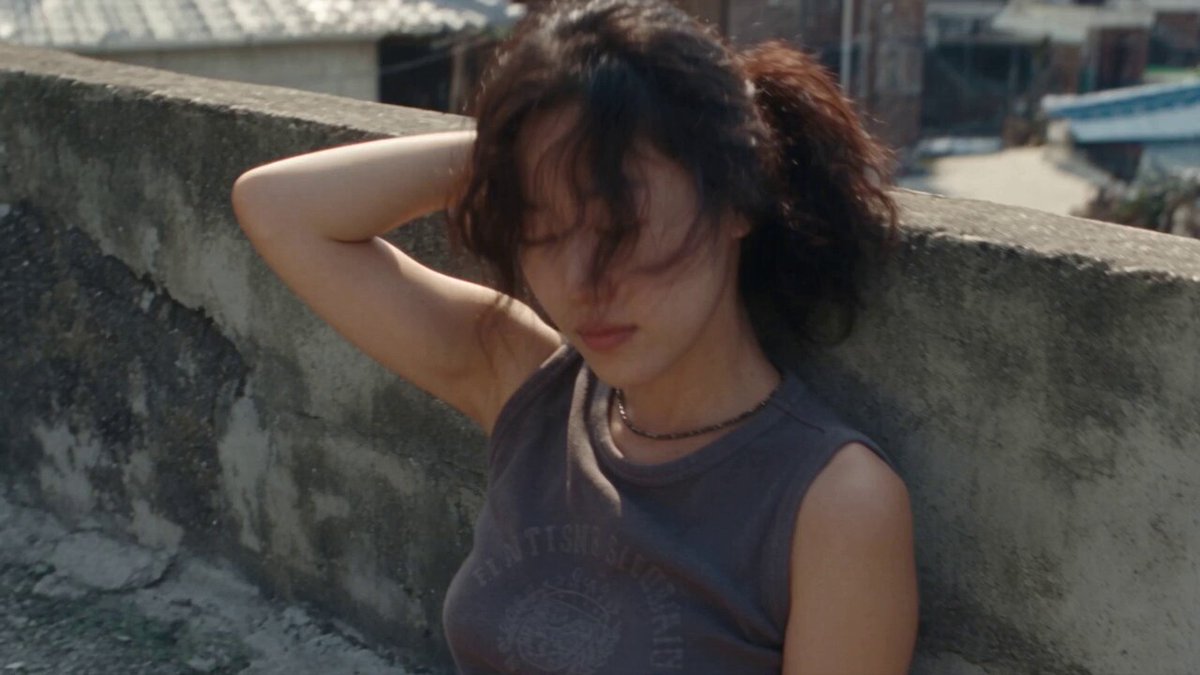
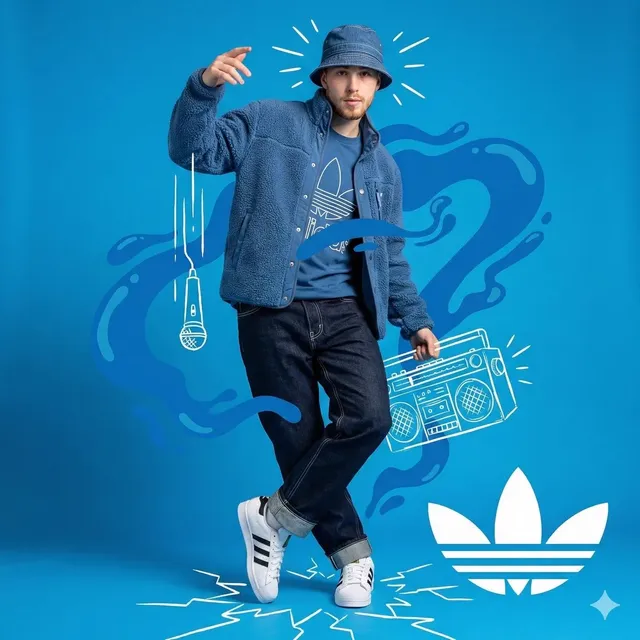
Describe the scene, setting, motion, and visual style in a text prompt. Choose the available generation settings, then generate and review the video clip. The tool interprets your description and produces a matching video result that you can download after review.
AI Video Generator of Yourself
Personal introduction video
Input
A person speaking to camera in a modern office, soft natural lighting from a window, relaxed professional setting
Expected output
A short video showing a person speaking in an office environment with natural lighting and professional atmosphere
Fitness demonstration
Input
A person performing yoga poses in a sunlit room, smooth transitions between poses, calm background music mood
Expected output
A video sequence showing flowing yoga movements with sunlight and peaceful atmosphere
Product presentation
Input
A person holding and showcasing a tech gadget, rotating it to show different angles, clean white background with studio lighting
Expected output
A clean product demonstration video with the subject holding and rotating an item against a professional backdrop
Create personalized AI video clips from text descriptions that match specific scenes, subjects, and motion
No camera setup required
Generate video content from text descriptions without setting up cameras, lights, or recording equipment.
Quick visual iteration
Adjust your scene description and regenerate until the output matches your vision, all from text alone.
Review before publishing
Check motion, framing, and visual quality in the preview before downloading the final clip.
How It Works
1
Describe the scene
Describe the desired scene and motion.
2
Choose settings
Choose the available generation settings.
3
Generate and review
Generate, review, and download a suitable result.
Tips for better personal video generation
Clear prompts that describe subject position, lighting, setting, and intended motion produce more accurate results.
Input Constraints
- Describe the subject, setting, lighting, and motion explicitly in your prompt
- Use material and subjects you have permission to depict
- Review generated results carefully before sharing or publishing
Practical Tips
- Include subject position, camera angle, and background details in your description
- Specify lighting conditions such as natural window light, studio lighting, or outdoor sun
- Describe the mood and pace of motion — calm, energetic, slow, or dynamic
- Start with simple scenes and add complexity once you understand the output style
Privacy
- Do not upload personal or sensitive material unless you have permission to use it.
Usage Rights
- Confirm that you have the rights needed for the inputs and intended use of the result.
Prompt recipes
Copy a structure, then adjust the subject, lighting, camera, and output details for your own result.
Professional talking-head video
A person speaking directly to camera in a modern office, natural daylight from large window on the left, bookshelves in soft focus behind, confident and friendly expression
Specifies subject position, light source direction, background context, and emotional tone for a professional introduction or explainer video.
Workout instruction clip
A person demonstrating a push-up form in a home gym, camera at 45-degree angle, motivational poster on wall, smooth motion from down to up position, bright overhead lighting
Describes the exercise, camera angle, environment details, and movement phase for clear instructional fitness content.
Product unboxing sequence
Hands opening a cardboard package on a wooden table, product revealed with careful lifting motion, soft afternoon light from window, camera close-up on hands and product
Focuses on hands and product with tactile motion, lighting context, and camera proximity for engaging unboxing or review content.
Outdoor walking scene
A person walking along a tree-lined path in a park, camera tracking from the side, autumn leaves on the ground, golden hour lighting, relaxed walking pace
Combines subject motion, camera movement, seasonal setting, and time-of-day lighting for cinematic outdoor footage.
Creative studio shot
An artist painting on a canvas in a bright studio, colorful paint jars in foreground, brush strokes visible, camera slowly zooms in on the canvas, natural skylight overhead
Details the creative activity, foreground and background elements, brush motion, camera behavior, and light source for an artistic process video.
Best use cases
Match the workflow to the input you have and the result you need before opening the generator.
Social media introduction
Input: Clear description of speaking position, background setting, lighting direction, and friendly tone
Result: A short talking-head video suitable for Instagram Reels, TikTok, or YouTube Shorts
Tool: Text to Video with portrait aspect ratio
Fitness or wellness content
Input: Exercise or yoga pose description with motion flow, camera angle, and environment lighting
Result: A demonstration clip showing movement form and transitions for instructional or promotional use
Tool: Text to Video with side or 45-degree camera angle specified
Product showcase or review
Input: Subject holding or interacting with item, camera focus, background choice, and lighting setup
Result: A clean product presentation video highlighting the item from multiple angles
Tool: Text to Video with close-up camera and studio lighting descriptions
Lifestyle or travel footage
Input: Person in outdoor or travel setting with walking motion, scenery details, and natural lighting
Result: A cinematic lifestyle clip with movement and environmental context for vlogs or ads
Tool: Text to Video with tracking camera motion and golden hour lighting
Limitations to know before generating
- Generated videos are interpretations of text descriptions and may not match every detail of your vision on the first attempt
- Complex scenes with multiple subjects, rapid motion changes, or intricate backgrounds may require simplified prompts
- Facial features, expressions, and fine details depend on prompt clarity and may vary between generations
- The tool does not upload or analyze photos of real people — all output is generated from text descriptions alone
- Review each result for suitability before using in professional or commercial contexts
- Confirm you have rights to depict any recognizable people, brands, or locations described in your prompt
Creative Suite: AI Video Generator & AI Image Generator Tools
Power up your creative workflow with our AI-driven tools. Generate stunning videos, create images, and apply custom adjustments - our AI Video Generator and AI Image Generator offer a complete solution for all your creative needs.
Strictly Prohibits Adult/NSFW Content








Pricing
Choose the credit package that works best for you.
No hidden fees • Cancel anytime • Unused credits roll over
Starter
Perfect for trying out AI creation.
Credits
200 credits / month
- Up to 20 videos per month
- Up to 100 images per month
$6.99/ month$9.9930% OFF
Billed monthly
First-time subscribers get 30% off their first month, then standard price
What's included
- Credits never expire
- Standard models
- HD, Watermark-Free Downloads
- Private Generation
- Faster Generation Speed
- Ad-free experience
Basic
Perfect for light creators.
Credits
500 credits / month
- Up to 50 videos per month
- Up to 250 images per month
$13.99/ month$19.9930% OFF
Billed monthly
First-time subscribers get 30% off their first month, then standard price
What's included
- Credits never expire
- Standard models
- HD, Watermark-Free Downloads
- Private Generation
- Faster Generation Speed
- Ad-free experience
Pro
PopularBest value for creators
Credits
1,200 credits / month
- Up to 120 videos per month
- Up to 600 images per month
$39.99/ month
Billed monthly
What's included
- Credits never expire
- All models + Early access to new models
- HD, Watermark-Free Downloads
- Private Generation
- Faster Generation Speed
- Ultra HD resolution
- Ad-free experience
Ultra
For video creators and power users.
Credits
5,000 credits / month
- Up to 500 videos per month
- Up to 2,500 images per month
$99.99/ month
Billed monthly
What's included
- Credits never expire
- All models + Early access to new models
- HD, Watermark-Free Downloads
- Private Generation
- Faster Generation Speed
- Ultra HD resolution
- Ad-free experience
Free
Standard models only — upgrade to unlock premium models.
Credits
10 free credits on signup
Questions? Contact us at support@domer.io
Create your personalized AI video now
Open the Text to Video tool, describe the scene and motion you want, and generate your first video clip in minutes.