
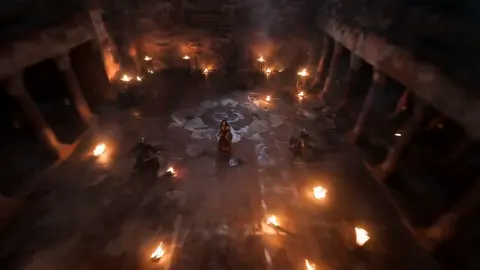
AI Video Generator Stable Diffusion
Generate video clips from text descriptions. Describe scenes with movement and detail, choose settings, and download your result — no studio needed.
AI Video Generator
0/20000 characters
Cost:10
My videos
Loading...
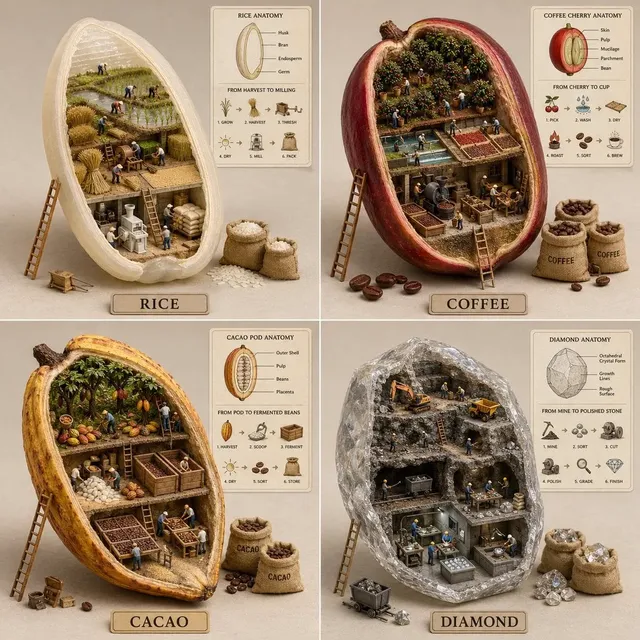
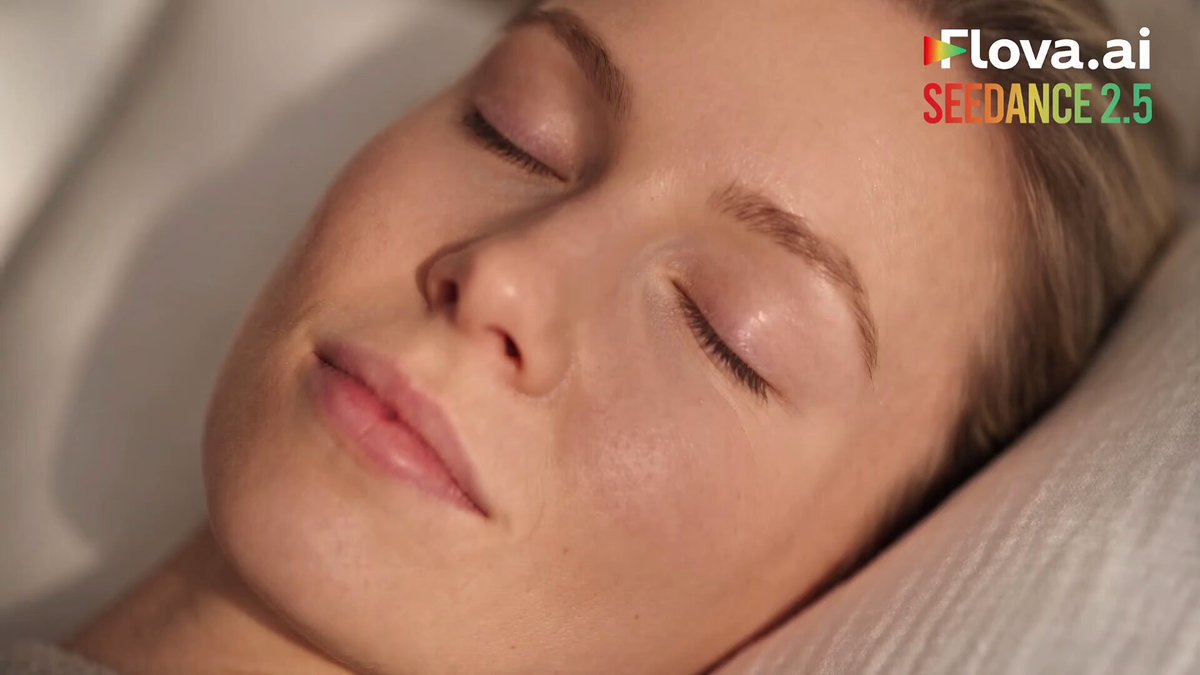
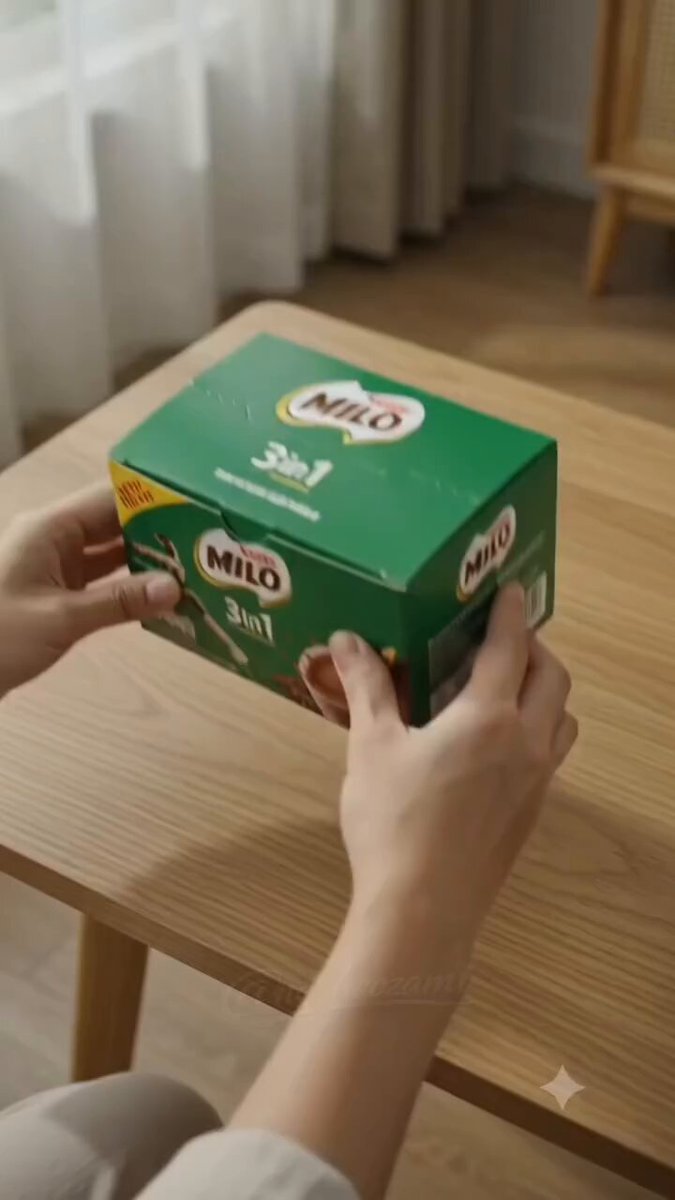
Can Stable Diffusion generate video?
Text-to-video tools use AI models to generate video clips from written descriptions. Describe a scene with motion — flowing water, drifting clouds, walking characters — and the tool produces a short video. You control the output through your prompt: subject, setting, lighting, and movement details.
AI Video Generator Stable Diffusion
Mountain panorama
Input
A wide view of a mountain landscape with clouds drifting across snowy peaks, a river flowing through the valley below, tall pine trees swaying in the wind.
Expected output
A short video of a mountain valley with drifting clouds, flowing water, and wind in the trees.
Flower time-lapse
Input
A close-up of a red tulip opening its petals in soft morning light, dewdrops on the petals, a blurred green background.
Expected output
A short video of a flower opening with visible petals and morning light.
Market activity
Input
A bustling outdoor market with vendor stalls under striped awnings, people walking past, steam rising from a food cart, colorful produce on display.
Expected output
A short video of a market scene with moving crowds, steam, and colorful stalls.
Generate videos from text descriptions of scenes and motion
From text to motion
Turn a written description into a moving video clip without any production equipment.
Test visual concepts
Quickly see how a described scene would look in motion before building it elsewhere.
Explore compositions
Try different arrangements of subjects, lighting, and movement by editing the prompt.
How It Works
1
Describe the scene and motion
Describe the desired scene and motion.
2
Adjust generation settings
Choose the available generation settings.
3
Generate and download
Generate, review, and download a suitable result.
Crafting effective prompts
Focus on what the viewer sees and how the elements move.
Input Constraints
- Stick to one primary subject or setting per prompt.
- Describe motion as part of the scene, not as a separate instruction.
- Avoid contradictory descriptions that mix different weather or lighting.
Practical Tips
- Open with the setting, then introduce the subject, then describe the action.
- Use motion verbs like drifting, sweeping, flowing, and rising.
- Add one lighting detail to set the mood of the scene.
- Review and refine one part of the description at a time.
Privacy
- Do not upload personal or sensitive material unless you have permission to use it.
Usage Rights
- Confirm that you have the rights needed for the inputs and intended use of the result.
Prompt recipes
Copy a structure, then adjust the subject, lighting, camera, and output details for your own result.
Waterfall in forest clearing
Medium shot of waterfall cascading over mossy rocks in dense green forest, sunlight filtering through canopy creating light shafts, mist rising from pool below, ferns swaying in breeze.
Combines multiple motion elements — falling water, light movement, mist, and foliage — creating rich natural scene with depth.
Northern lights over lake
Wide panorama of aurora borealis dancing in green and purple waves across night sky, reflecting in still mountain lake, silhouetted pine trees in foreground, stars visible.
Creates dramatic natural phenomenon with flowing celestial motion and mirror effect for visual interest.
Busy Tokyo street at night
Eye-level view down narrow Tokyo alley with neon signs in Japanese, people with umbrellas walking past camera, wet pavement reflecting colored lights, vending machines glowing, light rain falling.
Layers multiple motion sources — pedestrians, rain, reflections — with vibrant urban lighting for dynamic city scene.
Desert dunes at sunset
Sweeping aerial view of sand dunes in Sahara, golden hour light creating long shadows, wind-blown sand streaming off ridge tops, slow camera drift forward, warm orange and deep purple sky.
Uses camera motion and subtle environmental movement to show scale and atmosphere of desert landscape.
Underwater coral reef for ai video generator stable diffusion
Close tracking shot through colorful coral reef, tropical fish swimming past camera, sunlight rays penetrating from surface creating moving patterns, sea anemones swaying, crystal clear water.
Combines natural underwater motion with light play and camera movement for immersive ocean scene.
Autumn leaves falling
Tree-lined path in park during fall, golden and red leaves gently falling and spiraling down, person walking away from camera through dappled sunlight, soft afternoon glow, peaceful atmosphere.
Features organic falling motion with human element for scale and emotional tone through seasonal color palette.
Best use cases
Match the workflow to the input you have and the result you need before opening the generator.
Concept visualization
Input: Detailed scene description with specific motion
Result: Quick visual proof of concept before production
Tool: Text to Video
Nature documentary B-roll
Input: Natural environments with weather and wildlife
Result: Background footage for educational content
Tool: Text to Video
Social media background loops
Input: Abstract or ambient scenes with subtle motion
Result: Loopable video for posts and stories
Tool: Text to Video
Storyboard animation
Input: Scene descriptions from script or treatment
Result: Animated storyboard for pitch or planning
Tool: Text to Video
Limitations to know before generating
- Generated videos are typically short clips — longer content requires multiple generations and editing.
- The tool interprets your description but may not match your mental image exactly on first attempt.
- Complex scenes with many moving parts may produce unpredictable or inconsistent motion.
- Character and object consistency across multiple clips is difficult to maintain.
- Output quality depends on prompt clarity — vague or contradictory descriptions reduce coherence.
Creative Suite: AI Video Generator & AI Image Generator Tools
Power up your creative workflow with our AI-driven tools. Generate stunning videos, create images, and apply custom adjustments - our AI Video Generator and AI Image Generator offer a complete solution for all your creative needs.
Strictly Prohibits Adult/NSFW Content








Pricing
Choose the credit package that works best for you.
No hidden fees • Cancel anytime • Unused credits roll over
Starter
Perfect for trying out AI creation.
Credits
200 credits / month
- Up to 20 videos per month
- Up to 100 images per month
$6.99/ month$9.9930% OFF
Billed monthly
First-time subscribers get 30% off their first month, then standard price
What's included
- Credits never expire
- Standard models
- HD, Watermark-Free Downloads
- Private Generation
- Faster Generation Speed
- Ad-free experience
Basic
Perfect for light creators.
Credits
500 credits / month
- Up to 50 videos per month
- Up to 250 images per month
$13.99/ month$19.9930% OFF
Billed monthly
First-time subscribers get 30% off their first month, then standard price
What's included
- Credits never expire
- Standard models
- HD, Watermark-Free Downloads
- Private Generation
- Faster Generation Speed
- Ad-free experience
Pro
PopularBest value for creators
Credits
1,200 credits / month
- Up to 120 videos per month
- Up to 600 images per month
$39.99/ month
Billed monthly
What's included
- Credits never expire
- All models + Early access to new models
- HD, Watermark-Free Downloads
- Private Generation
- Faster Generation Speed
- Ultra HD resolution
- Ad-free experience
Ultra
For video creators and power users.
Credits
5,000 credits / month
- Up to 500 videos per month
- Up to 2,500 images per month
$99.99/ month
Billed monthly
What's included
- Credits never expire
- All models + Early access to new models
- HD, Watermark-Free Downloads
- Private Generation
- Faster Generation Speed
- Ultra HD resolution
- Ad-free experience
Free
Standard models only — upgrade to unlock premium models.
Credits
10 free credits on signup
Questions? Contact us at support@domer.io
Describe and generate a video
Open the text-to-video tool, type your scene description, and generate a short clip from your words.