
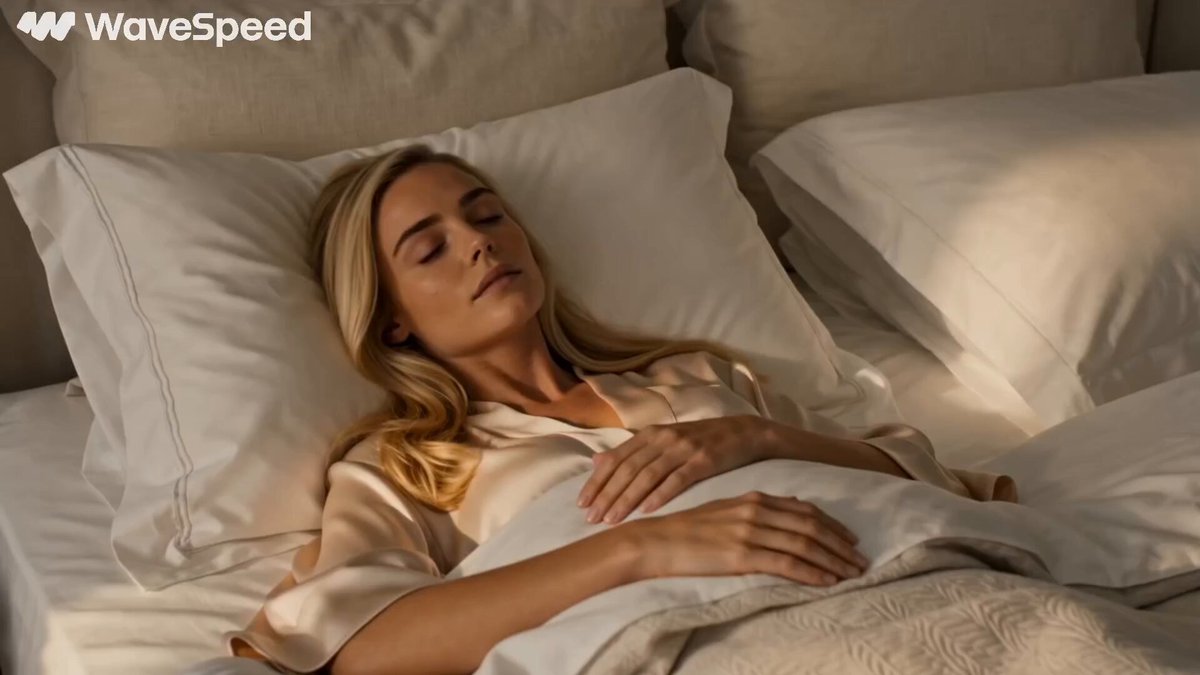
ai video generator synthesia guide
Generate video clips from text prompts. Describe scenes, settings, and people in natural language to create video without avatars or templates.
AI Video Generator
0/20000 characters
Cost:10
My videos
Loading...
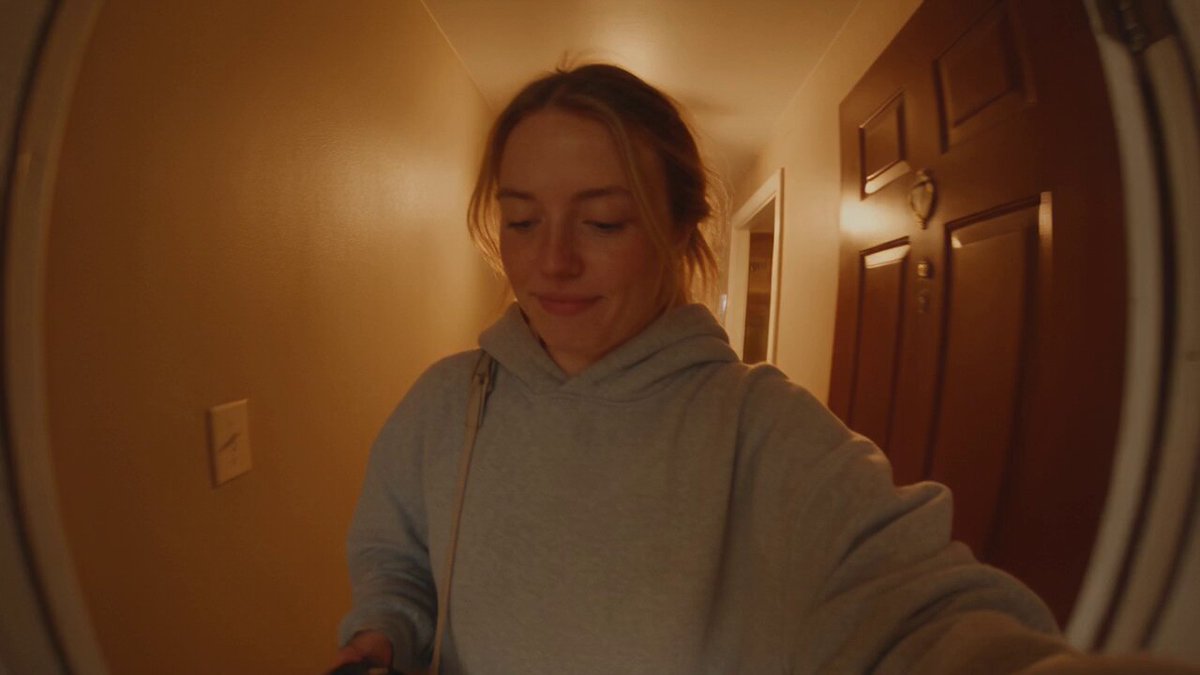
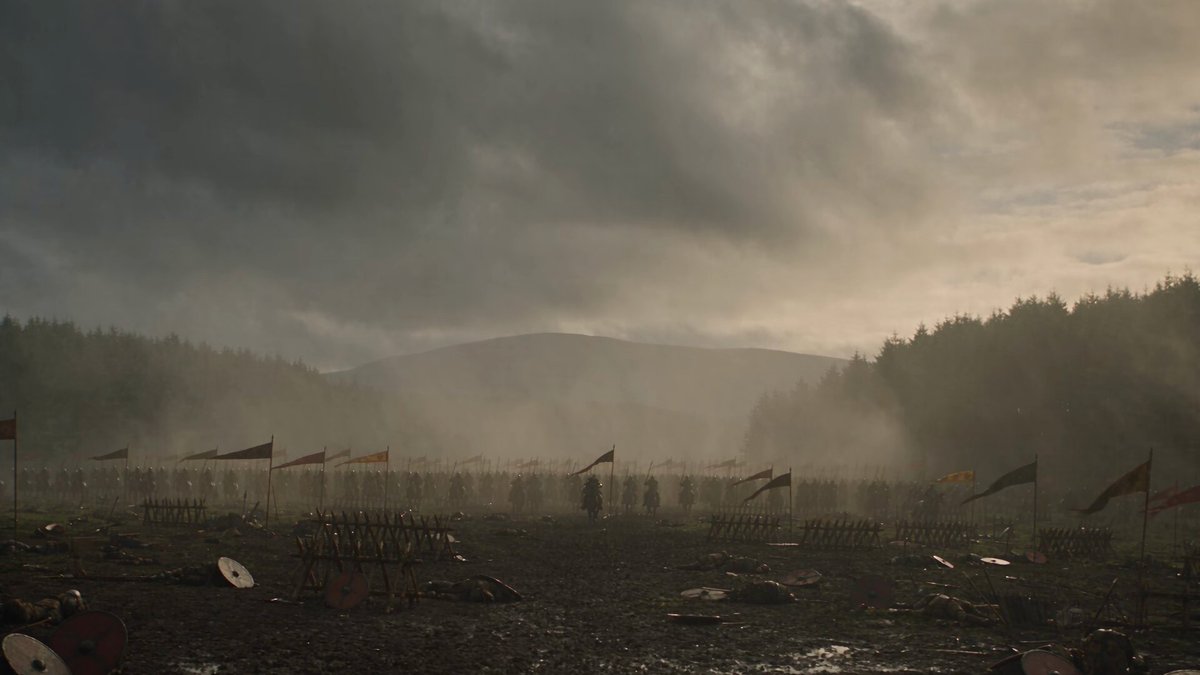
Is this the same as Synthesia?
This is a general text-to-video tool that generates clips from scene descriptions. It does not use avatars or templated video formats. You describe the scene, setting, and people in words, and the tool generates a matching video clip.
ai video generator synthesia guide
Presenter in a studio
Input
A person standing in a modern studio in front of a large screen displaying charts, professional lighting, friendly expression, hands gesturing while presenting
Expected output
A studio-style clip of a presenter in front of a screen with professional lighting and gestures
Office walkthrough
Input
A modern open-plan office with people sitting at desks, plants on shelves, natural light from large windows, camera glides slowly through the space
Expected output
A slow walkthrough clip of a modern office interior with employees at workstations
Training scene
Input
A trainer pointing to a flip chart in a small meeting room, three attendees taking notes, whiteboard with diagrams visible in the background
Expected output
A training room scene with a presenter, attendees, and visual aids in a corporate setting
Generate video clips from text prompts using a general text-to-video capability.
Generate from text alone
Describe the scene, setting, and people in words to generate a video clip without uploading photos or configuring avatars.
Focus on environment and action
Create clips centered on settings, interactions, and atmospheres that are described through natural language prompts.
Prototype visual ideas quickly
Test different scene descriptions, camera angles, and lighting conditions by editing your text prompt and regenerating.
How It Works
1
Describe the scene
Describe the desired scene and motion.
2
Choose settings
Choose the available generation settings.
3
Generate and download
Generate, review, and download a suitable result.
Tips for scene-based prompts
Describe the setting, characters, actions, and lighting as you would direct a scene for a video production.
Input Constraints
- Focus on describing the scene, setting, and motion rather than a specific presenter avatar.
- Avoid claims or comparisons to specific named products or platforms.
- Review the generated clip for visual coherence and alignment with your prompt.
Practical Tips
- Include details about the room, lighting, and camera position to anchor the scene.
- Describe what people are doing, not just what they look like.
- Specify the mood or tone of the scene to guide the visual output.
Privacy
- Do not upload personal or sensitive material unless you have permission to use it.
Usage Rights
- Confirm that you have the rights needed for the inputs and intended use of the result.
Prompt recipes
Copy a structure, then adjust the subject, lighting, camera, and output details for your own result.
Corporate presentation setting
A person in business attire standing beside a projection screen in a bright conference room, pointing to bullet points, audience silhouettes visible in foreground, professional lighting from ceiling
Creates a realistic business presentation context without needing avatars or pre-built templates.
Product demonstration scene
A person seated at a desk demonstrating a software interface on a laptop screen, camera over shoulder showing both person and screen, modern office background, natural conversational gestures
Generates a software demo setup with human presence and product focus for tutorial or marketing content.
Educational lecture environment
A teacher standing in front of a whiteboard with diagrams, marker in hand, explaining to camera, classroom visible in background, engaging eye contact, clear daylight from windows
Simulates an instructional scene for educational content with active teaching gestures and environment.
Casual explainer video setup
A person sitting on a stool in a home studio with soft colorful background, talking to camera with friendly expression, hands gesturing naturally, ring light visible as soft glow
Creates an approachable video-blog or social media explainer setting without formal studio requirements.
Professional interview scene
Two people seated facing each other in modern office setting, one asking questions with notepad, the other responding with engaged body language, window light from side, plants in background
Generates a two-person interview or conversation scene for testimonial or Q&A content.
Best use cases
Match the workflow to the input you have and the result you need before opening the generator.
Creating explainer video content
Input: Scene descriptions with a presenter explaining or demonstrating in a specific setting
Result: Clips with human presence and context for educational or marketing videos
Tool: Text to Video with presenter focus
Prototyping training videos
Input: Training scenarios described with instructor, setting, and visual aids
Result: Draft training clips to test content flow before filming
Tool: Text to Video with instructional emphasis
Generating presentation visuals
Input: Professional presentation scenes with speakers and context
Result: Clips to accompany slides or illustrate speaking scenarios
Tool: Text to Video with corporate setting
Producing social video content
Input: Casual presenter scenes with relatable settings and friendly tone
Result: Social media-ready clips with human presence for engagement
Tool: Text to Video with conversational style
Limitations to know before generating
- This tool generates video from text prompts and does not use avatars, voice synthesis, or templated video formats.
- Comparisons to specific platforms or products are not accurate; this is a general text-to-video tool.
- Human figures are generated based on descriptions and may not look identical across multiple generations.
- Precise lip sync or scripted dialogue is not guaranteed from text prompts alone.
- Generated clips should be reviewed for visual coherence and appropriateness before use.
Creative Suite: AI Video Generator & AI Image Generator Tools
Power up your creative workflow with our AI-driven tools. Generate stunning videos, create images, and apply custom adjustments - our AI Video Generator and AI Image Generator offer a complete solution for all your creative needs.
Strictly Prohibits Adult/NSFW Content








Pricing
Choose the credit package that works best for you.
No hidden fees • Cancel anytime • Unused credits roll over
Starter
Perfect for trying out AI creation.
Credits
200 credits / month
- Up to 20 videos per month
- Up to 100 images per month
$6.99/ month$9.9930% OFF
Billed monthly
First-time subscribers get 30% off their first month, then standard price
What's included
- Credits never expire
- Standard models
- HD, Watermark-Free Downloads
- Private Generation
- Faster Generation Speed
- Ad-free experience
Basic
Perfect for light creators.
Credits
500 credits / month
- Up to 50 videos per month
- Up to 250 images per month
$13.99/ month$19.9930% OFF
Billed monthly
First-time subscribers get 30% off their first month, then standard price
What's included
- Credits never expire
- Standard models
- HD, Watermark-Free Downloads
- Private Generation
- Faster Generation Speed
- Ad-free experience
Pro
PopularBest value for creators
Credits
1,200 credits / month
- Up to 120 videos per month
- Up to 600 images per month
$39.99/ month
Billed monthly
What's included
- Credits never expire
- All models + Early access to new models
- HD, Watermark-Free Downloads
- Private Generation
- Faster Generation Speed
- Ultra HD resolution
- Ad-free experience
Ultra
For video creators and power users.
Credits
5,000 credits / month
- Up to 500 videos per month
- Up to 2,500 images per month
$99.99/ month
Billed monthly
What's included
- Credits never expire
- All models + Early access to new models
- HD, Watermark-Free Downloads
- Private Generation
- Faster Generation Speed
- Ultra HD resolution
- Ad-free experience
Free
Standard models only — upgrade to unlock premium models.
Credits
10 free credits on signup
Questions? Contact us at support@domer.io
Start generating scene-based videos
Open the text-to-video tool, describe your scene in detail, and generate a clip that matches your vision.