
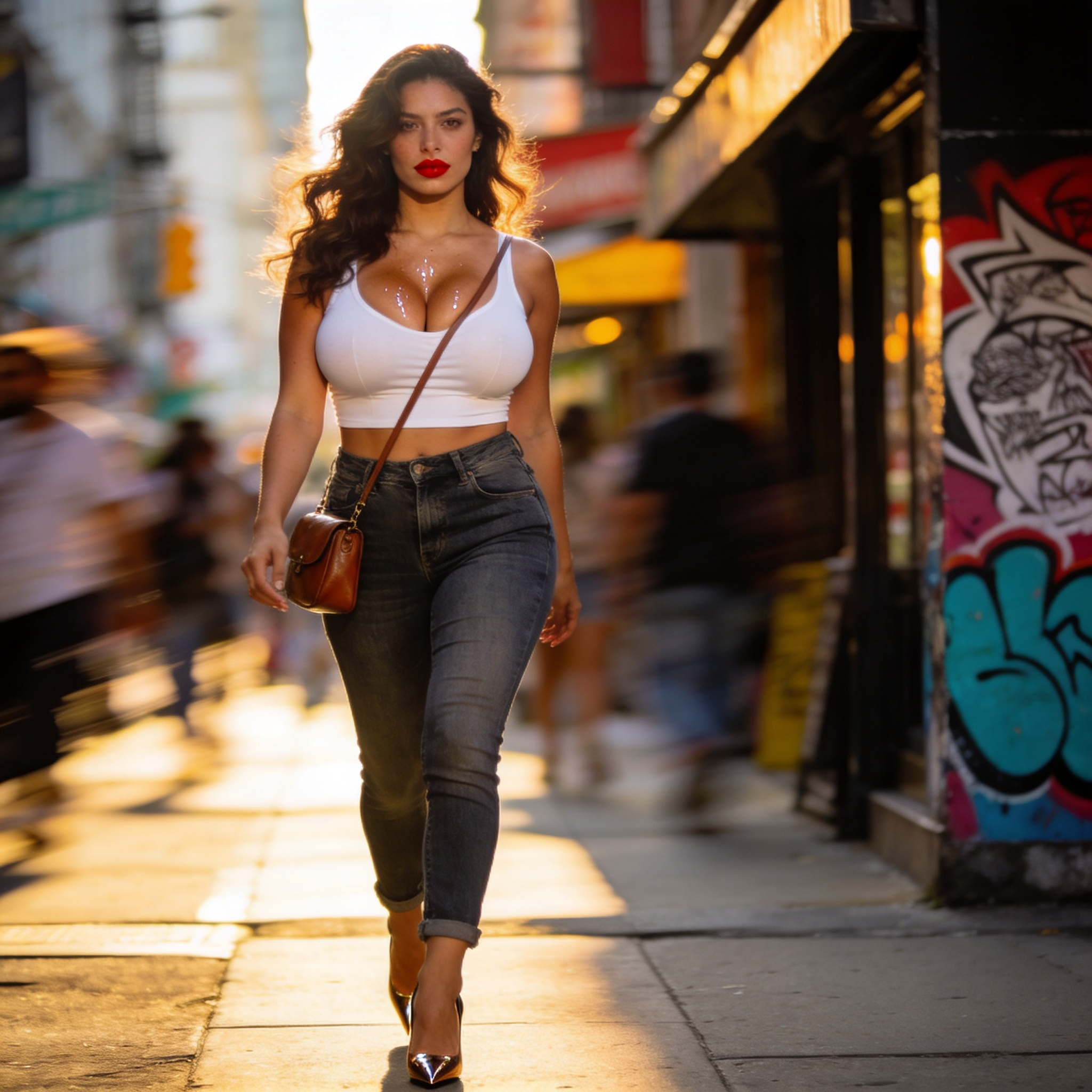
AI Video Generator with Glitch Transitions
Generate video clips with glitch-style scene cuts and distortion effects. Describe the transition, scene, and motion in your text prompt.
AI Video Generator
0/20000 characters
Cost:10
My videos
Loading...
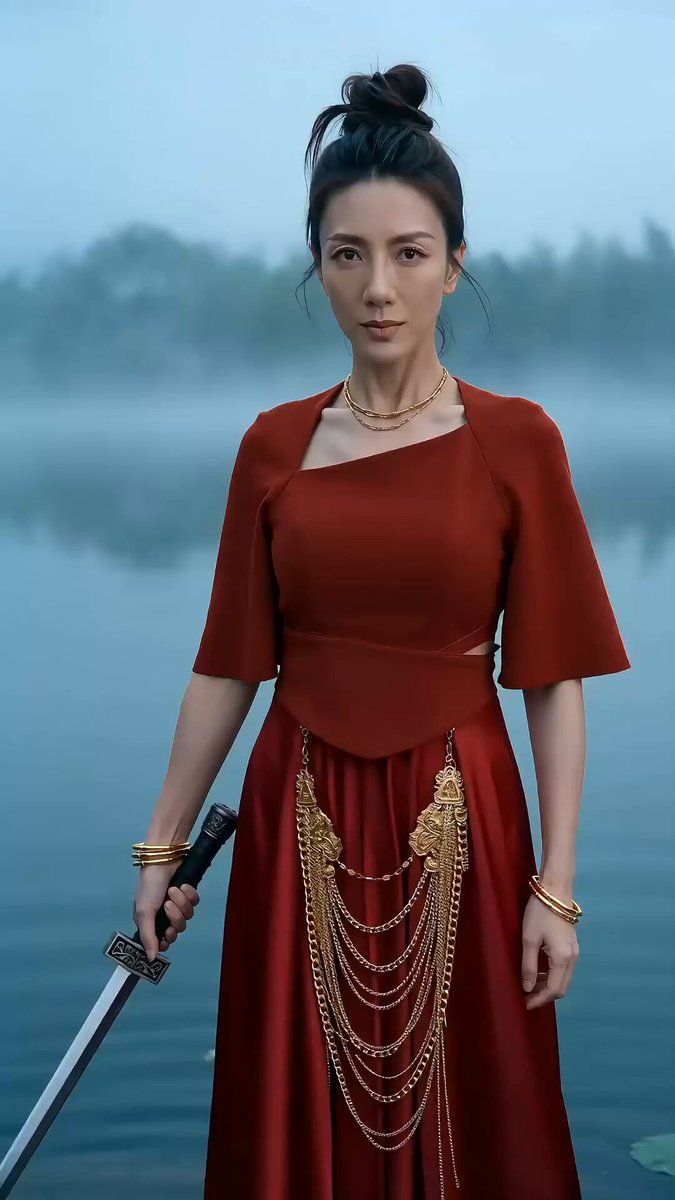
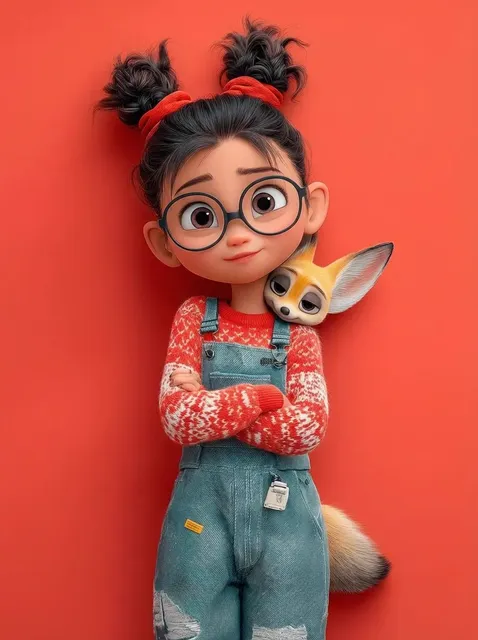
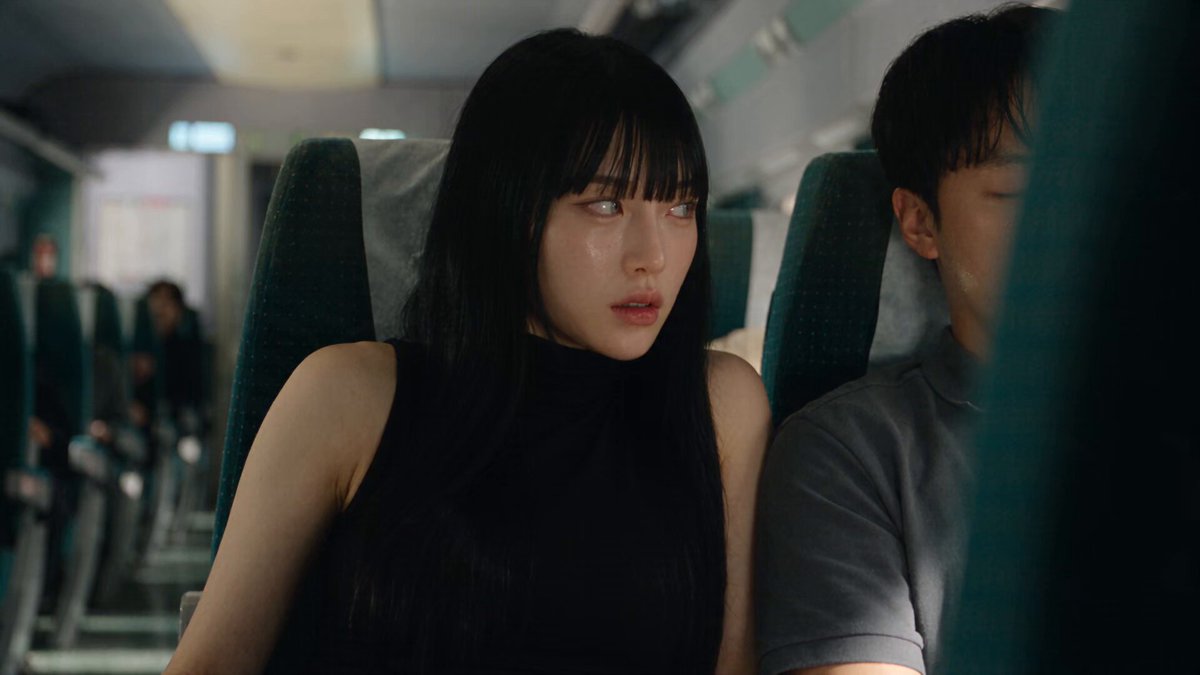
Create glitch-style video transitions from text
An AI video generator with glitch transitions lets you describe distortion effects like RGB splits, scan lines, and static bursts directly in your text prompt. The tool generates a video clip that includes the glitch cut or effect. Review the transition timing and distortion level before using the result.
AI Video Generator with Glitch Transitions
Glitch title intro
Input
A bold neon title card that cuts into a city skyline with glitch-style jumps, RGB color split, and short static bursts, camera holding steady
Expected output
A short intro clip with a glitch-style cut between the title card and the skyline; review the transition timing before use.
Scene-break transition
Input
A quiet forest scene that breaks into a rainy street with a flickering glitch transition, brief white noise, then the street settles
Expected output
A clip where the forest switches to the street through a glitch-style break; confirm the cut matches your intent.
Retro loop
Input
A vintage computer screen showing a grid that glitches into a spiral, horizontal scan lines, intermittent color flashes, looping motion
Expected output
A stylized loop with scan-line distortion and color flashes; check that the loop point is clean before download.
Create short video clips with glitch-style scene transitions from text prompts
Prompt the effect directly
Describe glitch cuts and distortion in the text prompt instead of asking for separate editing steps.
Iterate on wording
Change a few words about the transition and generate again to compare how the cut reads.
Review before keeping
Check the motion, transition timing, and overall look, then download the clip that fits.
How It Works
1
Describe the scene and motion
Describe the desired scene and motion.
2
Choose the settings
Choose the available generation settings.
3
Generate, review, and download
Generate, review, and download a suitable result.
Prompting glitch-style transitions
Notes for describing glitch cuts and distortion in a text-to-video prompt.
Input Constraints
- Describe the transition effect in the prompt, such as glitch cuts, static bursts, or color split.
- Keep the scene and motion specific so the result stays focused.
- Do not upload personal or sensitive material unless you have permission to use it.
- Review the clip for unintended distortion or flicker before use.
Practical Tips
- Name the effect, like RGB split or scan lines, when you want a particular look.
- Keep the prompt to one scene change so the transition is easy to judge.
- Rerun with small wording changes when the glitch does not read clearly.
- Save the prompt text so you can recreate the clip later.
Privacy
- Do not upload personal or sensitive material unless you have permission to use it.
Usage Rights
- Confirm that you have the rights needed for the inputs and intended use of the result.
Prompt recipes
Copy a structure, then adjust the subject, lighting, camera, and output details for your own result.
VHS tape distortion cut
A suburban street at dusk cuts to a neon-lit arcade interior with VHS-style tracking errors, horizontal scan lines rolling upward, brief color bleed, then stabilizes
Specifies the source and target scenes, names the analog distortion style, and describes the visual artifact sequence for a retro aesthetic.
Digital glitch reveal
A blank white screen fractures into pixelated blocks that reassemble into a product close-up, RGB channels slightly misaligned, sharp digital clicks implied by the motion
Uses digital artifact language like pixelation and RGB misalignment to signal a modern glitch, with a clear before-and-after structure.
Static burst transition
A calm ocean view flickers and breaks into static noise for one second, then snaps to a busy highway scene with no further distortion
Defines the transition duration, isolates the glitch to the cut point, and clarifies that the second scene plays cleanly.
Chromatic aberration shift
A person walking down a hallway, then the image splits into red and cyan offset layers, slides apart horizontally, and reassembles into the same person now outdoors
Describes the chromatic aberration mechanic in motion, specifying direction and color channels for a controlled glitch effect.
Loop with scan-line pulse
A rotating geometric shape with horizontal black scan lines pulsing across the frame every two seconds, subtle white noise texture, seamless loop
Sets a regular glitch rhythm, names the visual texture, and ensures the loop constraint is clear for repeating playback.
Best use cases
Match the workflow to the input you have and the result you need before opening the generator.
Music video transition
Input: Two contrasting scenes with named glitch effect and timing
Result: A scene cut with visible distortion that matches the beat or mood
Tool: Text to Video with glitch-style wording in the prompt
Retro title card
Input: Title text to scene transition with VHS or CRT artifact description
Result: An intro clip with analog-style glitch leading into main footage
Tool: Text to Video with VHS/CRT artifact terms
Abstract loop for backgrounds
Input: Single looping motion with periodic scan lines or flicker
Result: A seamless loop with subtle glitch rhythm for ambient playback
Tool: Text to Video with loop and glitch timing noted
Product reveal with digital glitch
Input: Blank or abstract start that glitches into product shot
Result: A short reveal clip with digital distortion for modern branding
Tool: Text to Video with pixelation or RGB split description
Limitations to know before generating
- The generator interprets glitch wording in the prompt. Results may vary in distortion intensity and timing.
- Very complex glitch sequences with multiple overlapping effects may produce unpredictable results.
- Review the transition timing and visual artifact quality before using the clip in a final edit.
- Glitch effects are generated as part of the video, not applied as a separate layer. You cannot adjust the effect after generation without regenerating.
- Avoid excessive glitch language in one prompt. Focus on one or two named effects for clearer output.
Creative Suite: AI Video Generator & AI Image Generator Tools
Power up your creative workflow with our AI-driven tools. Generate stunning videos, create images, and apply custom adjustments - our AI Video Generator and AI Image Generator offer a complete solution for all your creative needs.
Strictly Prohibits Adult/NSFW Content








Pricing
Choose the credit package that works best for you.
No hidden fees • Cancel anytime • Unused credits roll over
Starter
Perfect for trying out AI creation.
Credits
200 credits / month
- Up to 20 videos per month
- Up to 100 images per month
$6.99/ month$9.9930% OFF
Billed monthly
First-time subscribers get 30% off their first month, then standard price
What's included
- Credits never expire
- Standard models
- HD, Watermark-Free Downloads
- Private Generation
- Faster Generation Speed
- Ad-free experience
Basic
Perfect for light creators.
Credits
500 credits / month
- Up to 50 videos per month
- Up to 250 images per month
$13.99/ month$19.9930% OFF
Billed monthly
First-time subscribers get 30% off their first month, then standard price
What's included
- Credits never expire
- Standard models
- HD, Watermark-Free Downloads
- Private Generation
- Faster Generation Speed
- Ad-free experience
Pro
PopularBest value for creators
Credits
1,200 credits / month
- Up to 120 videos per month
- Up to 600 images per month
$39.99/ month
Billed monthly
What's included
- Credits never expire
- All models + Early access to new models
- HD, Watermark-Free Downloads
- Private Generation
- Faster Generation Speed
- Ultra HD resolution
- Ad-free experience
Ultra
For video creators and power users.
Credits
5,000 credits / month
- Up to 500 videos per month
- Up to 2,500 images per month
$99.99/ month
Billed monthly
What's included
- Credits never expire
- All models + Early access to new models
- HD, Watermark-Free Downloads
- Private Generation
- Faster Generation Speed
- Ultra HD resolution
- Ad-free experience
Free
Standard models only — upgrade to unlock premium models.
Credits
10 free credits on signup
Questions? Contact us at support@domer.io
Create a glitch-style clip
Open the text-to-video route, describe your scene and motion with a glitch transition, and review the result before use.