
AI Video Generator With Image Reference
Turn visual references into video. Describe composition, lighting, colors, and camera angle in text, and the tool generates a matching video clip.
AI Video Generator
0/20000 characters
Cost:10
My videos
Loading...
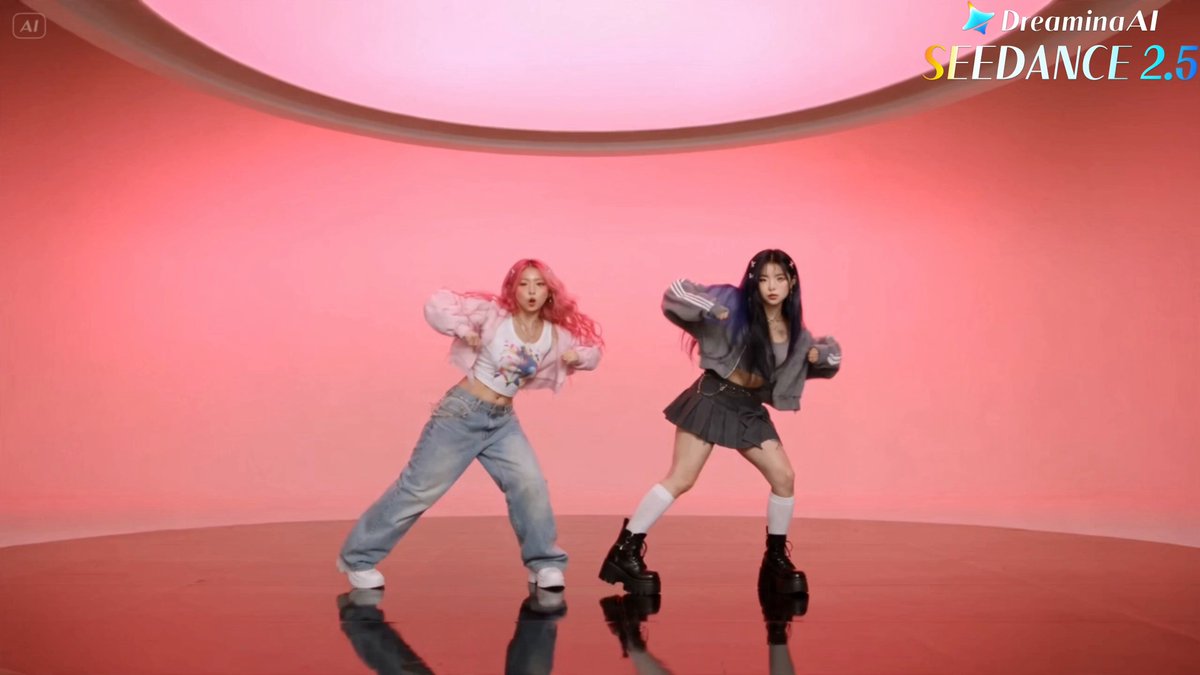
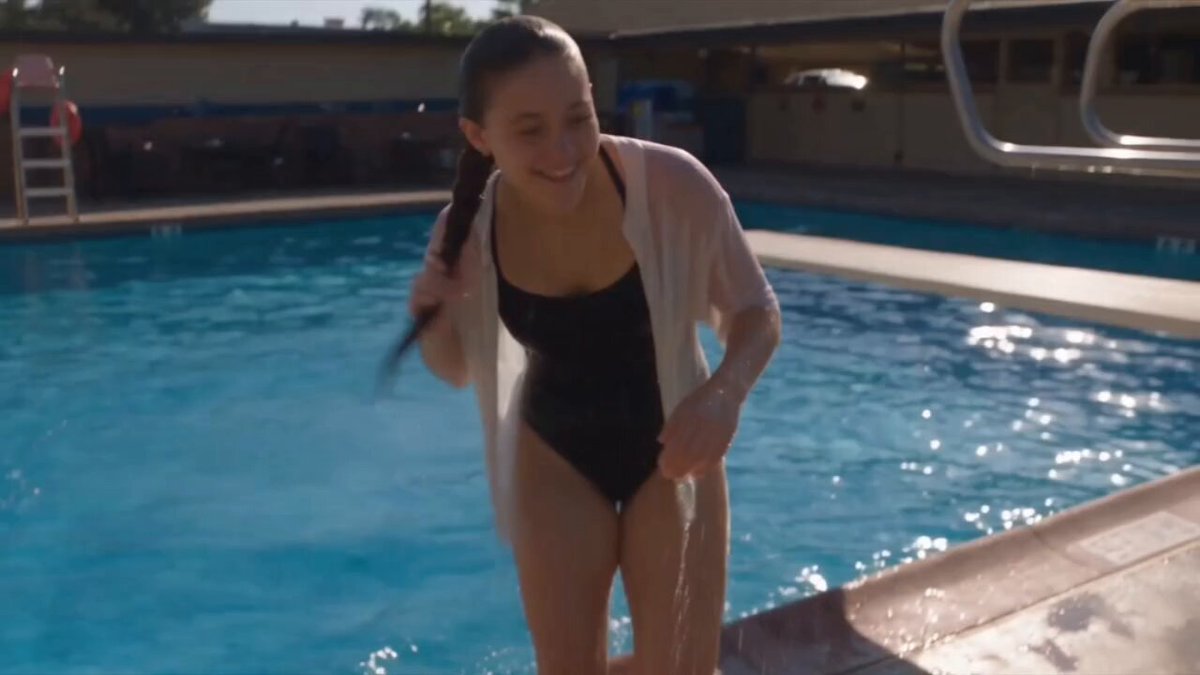
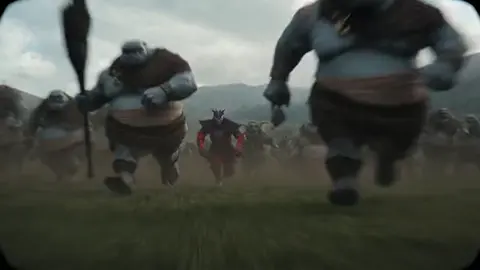
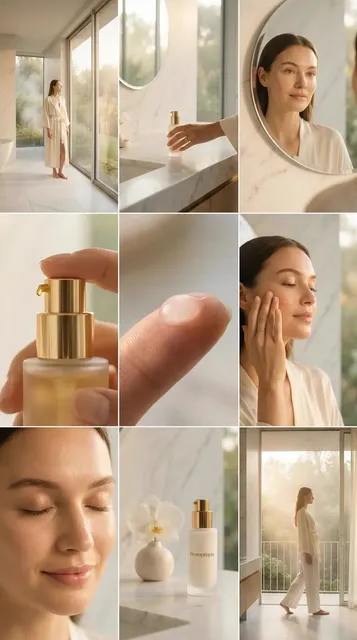
Create video from text-based image references
An AI video generator with image reference lets you translate a visual concept into video by describing it in text. Write down the composition, lighting, colors, camera angle, and motion, and the tool generates a video that matches your description. The tool does not accept image uploads; all reference input is text-based.
AI Video Generator With Image Reference
Describe a Landscape Reference
Input
A misty forest clearing at dawn, rays of light cut through fog between tall pine trees, wildflowers on the ground, slow camera push forward
Expected output
A misty forest scene with light rays and slow tracking shot
Describe a Portrait Reference
Input
A person in profile against a sunset sky, warm orange and pink gradients, soft wind moves their hair, shallow depth of field
Expected output
A profile-portrait scene with sunset background and soft focus
Describe an Architectural Reference
Input
A modern glass building facade reflecting a blue sky, clouds move across the reflection, camera tilts up slowly from street level
Expected output
An architectural scene with glass reflections and upward tilt
Generate video from detailed text descriptions that capture the visual qualities of a reference scene
Text-Based Reference
Write detailed scene descriptions instead of uploading image references. The tool generates video from your words.
Composition Control
Describe colors, lighting, composition, and camera angle precisely to guide the output.
Iterate on Text
Refine your description until the generated result matches the visual reference you have in mind.
How It Works
1
Describe the Scene
Describe the desired scene and motion.
2
Choose Settings
Choose the available generation settings.
3
Generate and Download
Generate, review, and download a suitable result.
Translating Visual References Into Text
Write down the key visual elements — lighting, colors, composition, and camera angle.
Input Constraints
- The tool accepts text prompts only, not image uploads
- Results depend on the detail and clarity of your written description
- Review all generated clips before use
Practical Tips
- Start with the overall composition and then add details
- Describe the lighting source and quality — 'soft side light', 'harsh top light'
- List specific colors — 'warm amber', 'cool teal', 'muted gray'
- Mention camera perspective — 'eye level', 'low angle', 'overhead'
Privacy
- Do not upload personal or sensitive material unless you have permission to use it.
Usage Rights
- Confirm that you have the rights needed for the inputs and intended use of the result.
Prompt recipes
Copy a structure, then adjust the subject, lighting, camera, and output details for your own result.
Magazine cover recreation
A close-up portrait of a person in a bold red jacket against a solid yellow background, direct eye contact, even studio lighting, magazine cover composition with centered framing
Specifies wardrobe, background, gaze, lighting, and composition style to replicate a styled magazine cover.
Golden-hour landscape reference
A rolling hill landscape at sunset, warm golden light from the left, long shadows stretching across the grass, distant mountains silhouetted against a pink and orange sky, slow horizontal pan
Describes time of day, lighting direction, shadow detail, background elements, and camera motion to capture a specific landscape photograph.
Product flat-lay reference
Overhead shot of a wooden desk with a laptop, notebook, coffee cup, and pen arranged symmetrically, soft natural light from a window, minimal shadows, clean flat-lay composition
Uses overhead perspective, object arrangement, lighting source, and composition style to recreate a product flat-lay image.
Street photography scene
A narrow cobblestone alley in a European city, warm afternoon light casting long shadows, a person walking away from the camera in the distance, vintage film grain texture, handheld camera motion
Combines setting, lighting, subject placement, texture, and camera style to match a street photography aesthetic.
Minimalist interior reference
A bright white room with a single green armchair by a tall window, sunlight streaming in and casting a sharp rectangular shadow on the floor, minimal decoration, static wide shot
Describes room color, focal object, natural light behavior, shadow detail, and framing to replicate a minimalist interior photograph.
Best use cases
Match the workflow to the input you have and the result you need before opening the generator.
Recreate a magazine or editorial image
Input: Portrait or product description with lighting setup and composition style
Result: A video that matches the framing and mood of the reference image
Tool: Text to Video with editorial composition and lighting terms
Animate a landscape photograph
Input: Landscape with time of day, lighting direction, and environmental detail
Result: A video with natural motion like clouds, water, or camera drift
Tool: Text to Video with landscape and lighting keywords
Product flat-lay video
Input: Overhead product arrangement with lighting and background detail
Result: A flat-lay video with subtle motion or camera drift
Tool: Text to Video with overhead perspective and object placement
Street or documentary-style scene
Input: Urban setting with subject, lighting, and camera style
Result: A scene with handheld motion and natural lighting
Tool: Text to Video with street photography or documentary keywords
Limitations to know before generating
- The tool accepts text prompts only. You cannot upload an image file as a reference.
- Results are interpretations of your text description, not exact reproductions of a specific photograph or artwork.
- The level of match depends on the detail and clarity of your written description. Vague prompts produce less accurate results.
- Colors, lighting, and camera angles are interpreted by the model. Experiment with different wording to refine the output.
- Do not describe copyrighted images or trademarked visual content. Keep descriptions generic or original.
Creative Suite: AI Video Generator & AI Image Generator Tools
Power up your creative workflow with our AI-driven tools. Generate stunning videos, create images, and apply custom adjustments - our AI Video Generator and AI Image Generator offer a complete solution for all your creative needs.
Strictly Prohibits Adult/NSFW Content








Pricing
Choose the credit package that works best for you.
No hidden fees • Cancel anytime • Unused credits roll over
Starter
Perfect for trying out AI creation.
Credits
200 credits / month
- Up to 20 videos per month
- Up to 100 images per month
$6.99/ month$9.9930% OFF
Billed monthly
First-time subscribers get 30% off their first month, then standard price
What's included
- Credits never expire
- Standard models
- HD, Watermark-Free Downloads
- Private Generation
- Faster Generation Speed
- Ad-free experience
Basic
Perfect for light creators.
Credits
500 credits / month
- Up to 50 videos per month
- Up to 250 images per month
$13.99/ month$19.9930% OFF
Billed monthly
First-time subscribers get 30% off their first month, then standard price
What's included
- Credits never expire
- Standard models
- HD, Watermark-Free Downloads
- Private Generation
- Faster Generation Speed
- Ad-free experience
Pro
PopularBest value for creators
Credits
1,200 credits / month
- Up to 120 videos per month
- Up to 600 images per month
$39.99/ month
Billed monthly
What's included
- Credits never expire
- All models + Early access to new models
- HD, Watermark-Free Downloads
- Private Generation
- Faster Generation Speed
- Ultra HD resolution
- Ad-free experience
Ultra
For video creators and power users.
Credits
5,000 credits / month
- Up to 500 videos per month
- Up to 2,500 images per month
$99.99/ month
Billed monthly
What's included
- Credits never expire
- All models + Early access to new models
- HD, Watermark-Free Downloads
- Private Generation
- Faster Generation Speed
- Ultra HD resolution
- Ad-free experience
Free
Standard models only — upgrade to unlock premium models.
Credits
10 free credits on signup
Questions? Contact us at support@domer.io
Start Describing Your Reference Scene
Open Text to Video and write a detailed scene description that captures the visuals you want.