
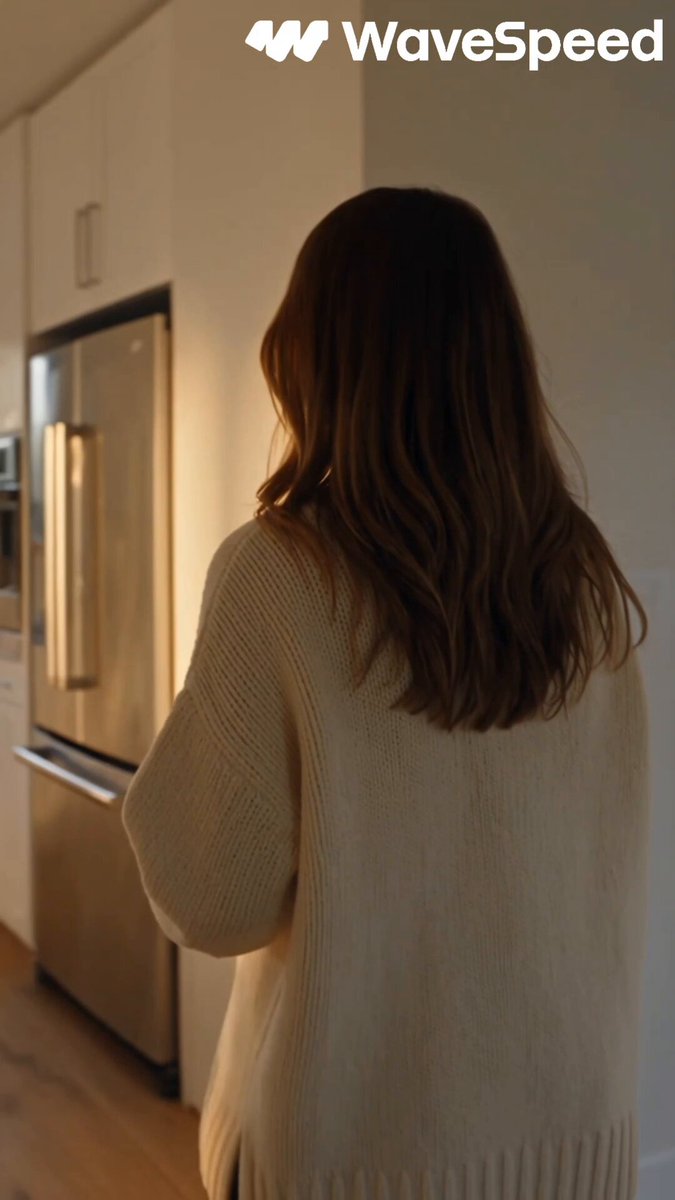
AI Video Generator with People
Generate video clips with human figures and interactions. Describe the scene, people, and actions, then review the generated result.
AI Video Generator
0/20000 characters
Cost:10
My videos
Loading...
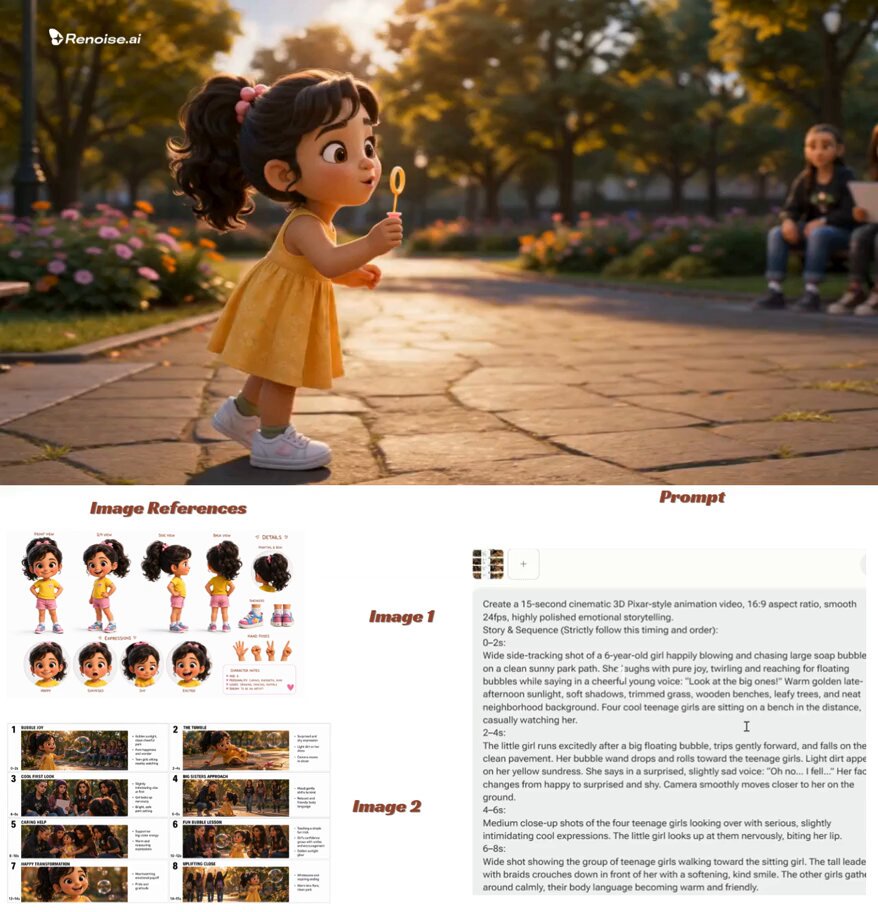
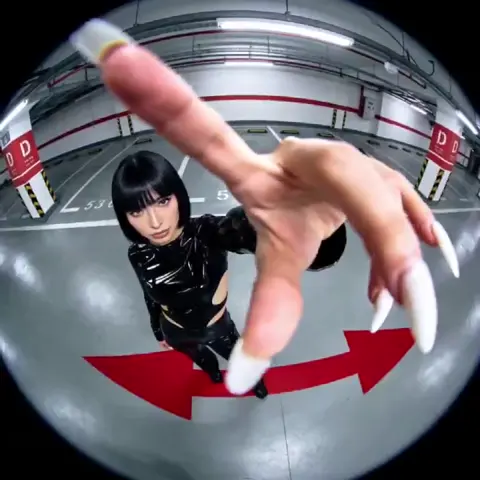
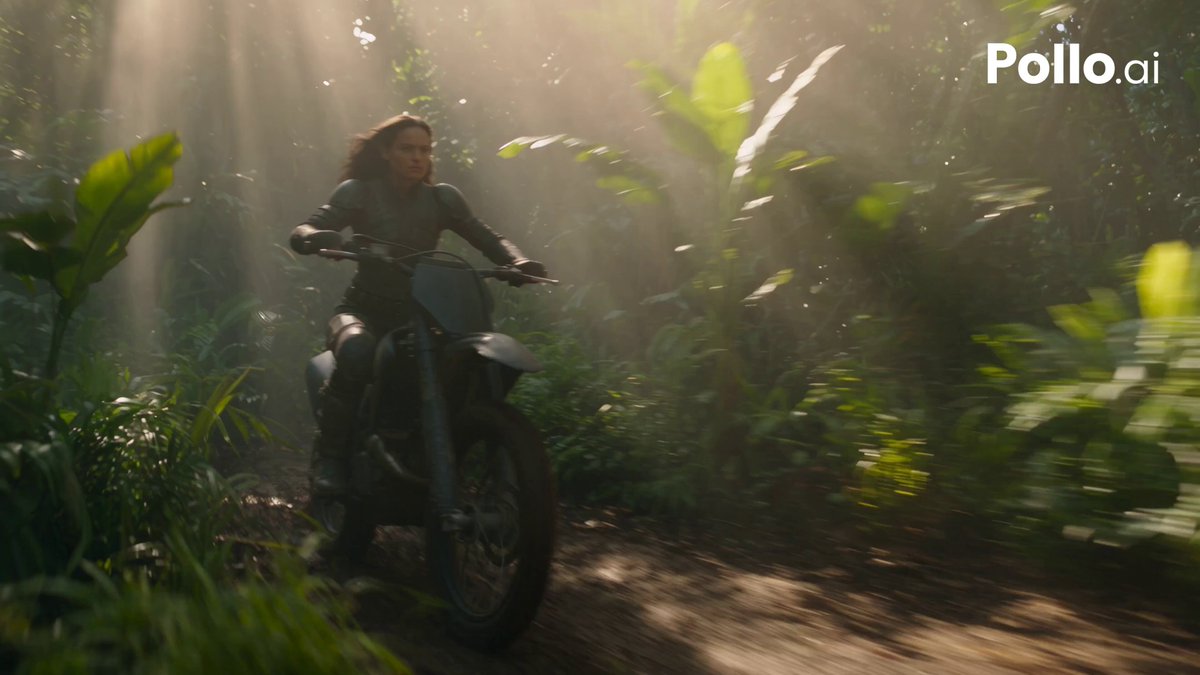
What is an AI video generator with people?
It is a text-to-video tool that generates clips featuring human figures based on your description. You specify the number of people, their actions, clothing, and the environment, and the tool creates a video clip showing the scene. This allows you to populate scenes with characters without filming or casting.
AI Video Generator with People
Café conversation scene
Input
Two people sit at a small wooden table in a bright café, one pours coffee while the other gestures while talking, warm afternoon light through a window.
Expected output
A short clip showing two people in a café setting with natural movement and a warm indoor atmosphere.
Park jogging scene
Input
A person in running clothes jogs along a tree-lined park path in the morning, leaves rustling, a cyclist passes in the background.
Expected output
A clip of a runner moving through a park with background activity and natural outdoor lighting.
Market stall scene
Input
A vendor at an outdoor market arranges fruit on a wooden stand, a customer approaches and picks up an apple, bright daylight.
Expected output
A short scene of a market vendor and customer interacting at a fruit stall with a lively outdoor setting.
Generate video clips featuring human figures in various settings and actions from text descriptions
Populate scenes naturally
Describe the people, their actions, and the environment to generate clips that include human characters in context.
Avoid location and casting costs
Generate crowd scenes, one-on-one interactions, or solo character shots without arranging talent or locations.
Test character-driven concepts
Quickly explore how different character actions, poses, or groupings look in a generated clip before production.
How It Works
1
Describe the scene
Describe the desired scene and motion.
2
Choose settings
Choose the available generation settings.
3
Generate and download
Generate, review, and download a suitable result.
Tips for prompts with people
Be specific about the number of people, their actions, and the setting to improve consistency.
Input Constraints
- Specify the number of people and their relative positions in the scene.
- Describe clothing, posture, and activity clearly but concisely.
- Avoid prompts that imply specific real people or public figures.
Practical Tips
- Include lighting and environment details to help situate the characters.
- Mention key actions one at a time rather than listing too many simultaneous movements.
- If a character interaction does not generate as expected, simplify the action description.
Privacy
- Do not upload personal or sensitive material unless you have permission to use it.
Usage Rights
- Confirm that you have the rights needed for the inputs and intended use of the result.
Prompt recipes
Copy a structure, then adjust the subject, lighting, camera, and output details for your own result.
Business meeting scene
Four people sit around a glass conference table in a modern office, one person stands presenting at a whiteboard, natural light from floor-to-ceiling windows, professional attire
Defines the number of people, their roles, the setting, and lighting to create a clear corporate scene with purposeful action.
Family dinner gathering
Five people seated around a wooden dining table, passing dishes and talking, warm pendant lights overhead, cozy evening atmosphere, casual clothing
Establishes a relatable domestic scene with specific group size, action, lighting, and mood to convey warmth and interaction.
Street musician performance
A musician playing guitar on a city sidewalk, passersby stopping to listen, coins in an open case, afternoon sun casting long shadows, urban background
Focuses on a central character with supporting figures and environmental details that create a lively street scene.
Yoga class in a studio
Six people in workout clothes on yoga mats in a bright studio with wood floors, an instructor demonstrating a pose at the front, soft morning light through large windows
Provides clear spatial arrangement, group size, activity, and lighting to generate a coherent wellness environment.
Couple walking on beach
Two people walking hand-in-hand along a sandy beach at sunset, waves washing over their feet, seagulls in the distance, golden hour lighting
Uses a simple two-person interaction with natural motion, romantic atmosphere, and specific lighting to create an emotionally resonant scene.
Best use cases
Match the workflow to the input you have and the result you need before opening the generator.
Social media ads with character interactions
Input: Description of 2-3 people performing a clear action in a relatable setting
Result: A short clip showing character interaction suitable for Instagram, TikTok, or YouTube ads
Tool: Text to Video
Concept visualization for narrative projects
Input: Scene description with specific character roles, actions, and emotional tone
Result: A rough visual reference for storyboards, pitches, or pre-visualization
Tool: Text to Video
Training or educational video content
Input: Scene with people demonstrating actions or procedures in a professional setting
Result: A clip showing people in realistic work or learning environments
Tool: Text to Video
Background footage for video editing
Input: General scene with people in motion—walking, talking, working—in a defined environment
Result: B-roll clips of people that can be edited into larger video projects
Tool: Text to Video
Limitations to know before generating
- Generated human figures are synthetic and may not match specific appearance expectations; results vary by prompt.
- Complex group interactions with many simultaneous actions are harder to render consistently and may require multiple attempts.
- Facial details, expressions, and fine movements may lack precision; review each clip for quality.
- Avoid prompts requesting specific real individuals, celebrities, or public figures; the tool generates generic characters.
- Human motion in generated clips may contain artifacts or unnatural movements that need review before professional use.
Creative Suite: AI Video Generator & AI Image Generator Tools
Power up your creative workflow with our AI-driven tools. Generate stunning videos, create images, and apply custom adjustments - our AI Video Generator and AI Image Generator offer a complete solution for all your creative needs.
Strictly Prohibits Adult/NSFW Content








Pricing
Choose the credit package that works best for you.
No hidden fees • Cancel anytime • Unused credits roll over
Starter
Perfect for trying out AI creation.
Credits
200 credits / month
- Up to 20 videos per month
- Up to 100 images per month
$6.99/ month$9.9930% OFF
Billed monthly
First-time subscribers get 30% off their first month, then standard price
What's included
- Credits never expire
- Standard models
- HD, Watermark-Free Downloads
- Private Generation
- Faster Generation Speed
- Ad-free experience
Basic
Perfect for light creators.
Credits
500 credits / month
- Up to 50 videos per month
- Up to 250 images per month
$13.99/ month$19.9930% OFF
Billed monthly
First-time subscribers get 30% off their first month, then standard price
What's included
- Credits never expire
- Standard models
- HD, Watermark-Free Downloads
- Private Generation
- Faster Generation Speed
- Ad-free experience
Pro
PopularBest value for creators
Credits
1,200 credits / month
- Up to 120 videos per month
- Up to 600 images per month
$39.99/ month
Billed monthly
What's included
- Credits never expire
- All models + Early access to new models
- HD, Watermark-Free Downloads
- Private Generation
- Faster Generation Speed
- Ultra HD resolution
- Ad-free experience
Ultra
For video creators and power users.
Credits
5,000 credits / month
- Up to 500 videos per month
- Up to 2,500 images per month
$99.99/ month
Billed monthly
What's included
- Credits never expire
- All models + Early access to new models
- HD, Watermark-Free Downloads
- Private Generation
- Faster Generation Speed
- Ultra HD resolution
- Ad-free experience
Free
Standard models only — upgrade to unlock premium models.
Credits
10 free credits on signup
Questions? Contact us at support@domer.io
Bring your characters to the screen
Open the text-to-video tool, write a prompt that includes people and their actions, and generate a clip with the characters you imagine.