
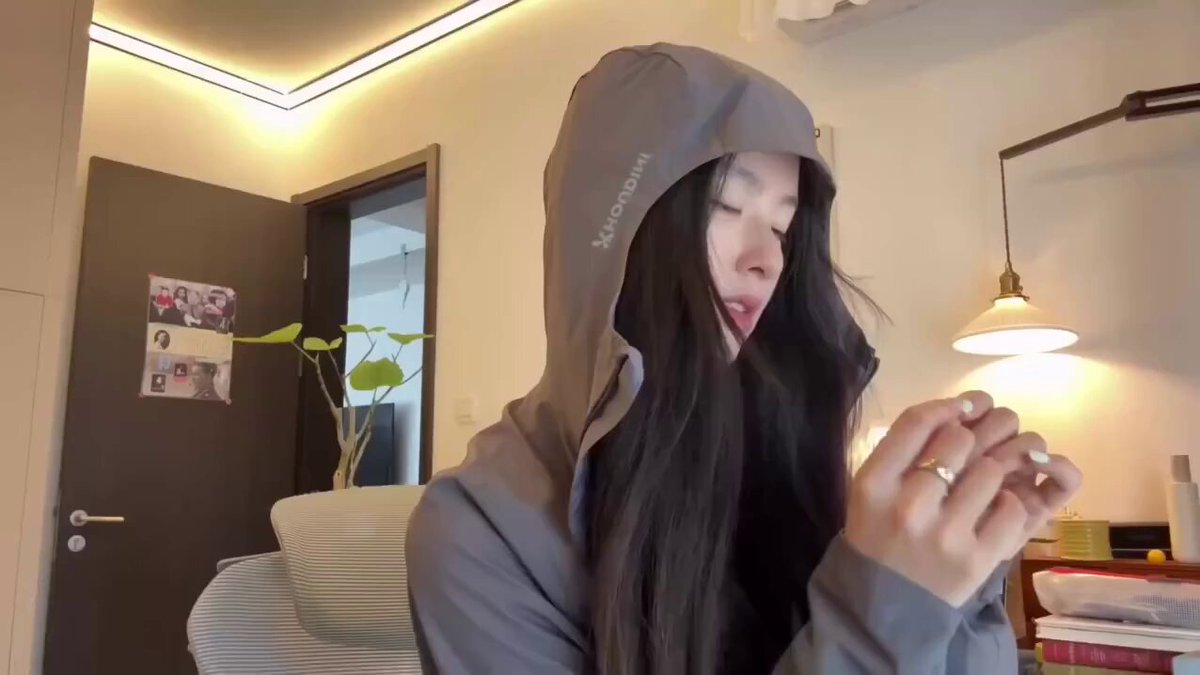
AI Video Generator with Screenplay Input
Turn screenplay scenes into video clips. Describe each script beat, generate shots, and review the results scene by scene.
AI Video Generator
0/20000 characters
Cost:10
My videos
Loading...
How does an AI video generator work with screenplays?
It is a text-to-video tool that generates clips from screenplay scene descriptions. You describe individual beats—action, dialogue cues, camera direction—from your script, and the tool creates short video clips matching each scene. This helps you visualize script moments during pre-production or when pitching projects.
AI Video Generator with Screenplay Input
Turn a scene into motion
Input
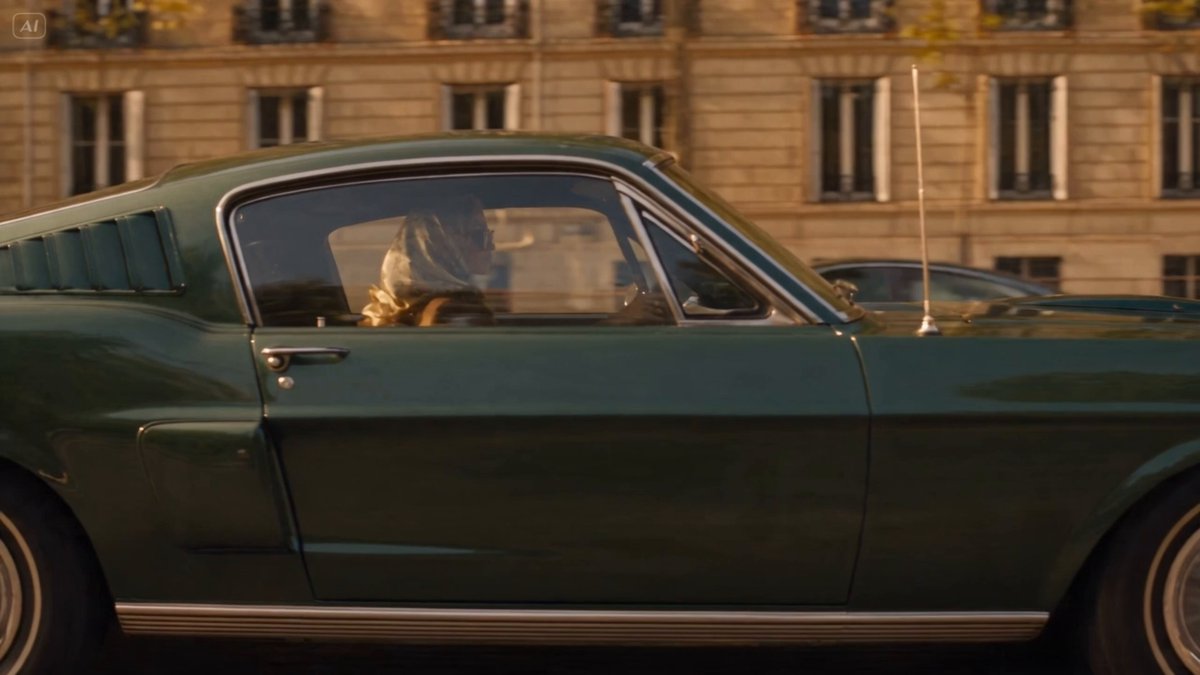
Screenplay excerpt: INT. COFFEE SHOP - DAY. A woman glances up from her laptop as rain streaks the window.
Expected output
A short clip of a quiet coffee shop interior, with the woman looking up and rain moving down the window glass.
Visualize an action beat
Input
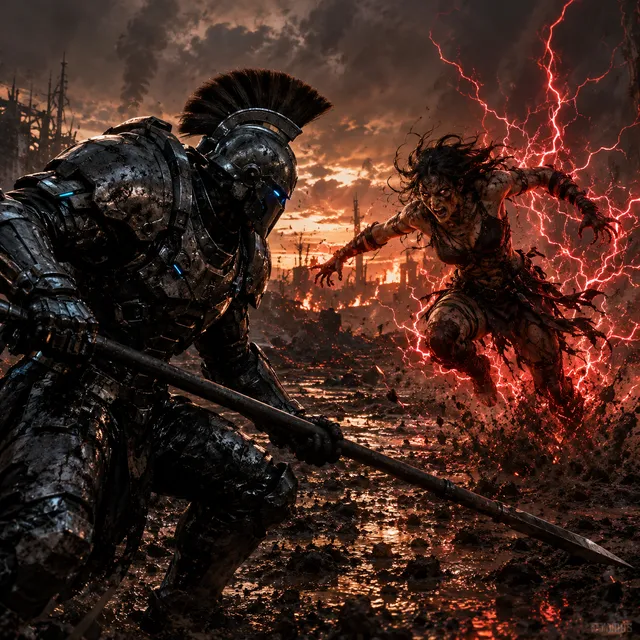
The courier dodges between parked bikes and leaps onto a moving tram.
Expected output
A clip of a fast street scene, with the courier weaving between bikes and landing on the tram platform.
Build an establishing shot
Input
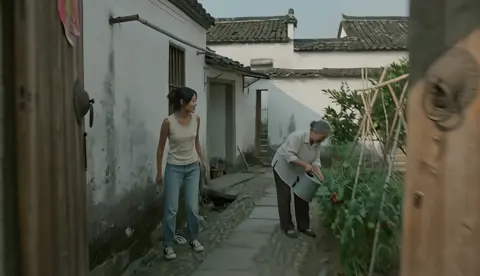
Aerial view of a harbor at dusk, fishing boats bobbing in orange light.
Expected output
A slow aerial clip of a harbor at dusk, boats gently moving in warm evening light.
Turn screenplay scenes into short generated video clips for pre-production or pitching
Scene-by-scene control
Prompt each screenplay beat separately so the shots stay aligned with the script and easy to review.
Catch weak moments early
See a rough visual of a scene before editing, so you can rework a beat that does not read clearly.
Reusable look
Keep the same scene details in each prompt, so clips made from the same script feel consistent.
How It Works
1
Describe the scene
Describe the desired scene and motion.
2
Choose the settings
Choose the available generation settings.
3
Generate and review
Generate, review, and download a suitable result.
Prompting tips for screenplay scenes
Write each screenplay beat as its own short scene description.
Input Constraints
- Keep each prompt to one scene so the result stays focused.
- Include camera direction, lighting, and motion in the scene text.
- Review generated clips before combining them into a sequence.
Practical Tips
- Break long dialogue into short visual beats instead of one dense paragraph.
- Note the character's action and the camera angle; they drive the motion.
- Save the prompts you like so the next scene matches the same look.
Privacy
- Do not upload personal or sensitive material unless you have permission to use it.
Usage Rights
- Confirm that you have the rights needed for the inputs and intended use of the result.
Prompt recipes
Copy a structure, then adjust the subject, lighting, camera, and output details for your own result.
Interior dialogue beat
INT. KITCHEN - MORNING. Two characters sit across from each other at a small table, coffee cups between them, one character leans forward speaking intensely, morning light through window, handheld camera
Breaks a dialogue scene into visual elements—character positions, props, lighting, camera style—that can be generated without the actual dialogue audio.
Action sequence beat
EXT. PARKING LOT - NIGHT. A figure sprints across wet asphalt, headlights sweep the scene, they dive behind a car as tires screech, low camera angle following the action
Captures a single action beat with clear motion, environment, lighting, and camera direction for a focused high-energy clip.
Establishing shot
EXT. FARMHOUSE - DAWN. Wide shot of an isolated farmhouse on a hill, mist rolling through fields below, first light breaking over the horizon, slow drone shot pulling back
Translates a script's establishing shot direction into a detailed visual prompt with specific time of day, atmosphere, and camera movement.
Emotional reaction close-up
CLOSE-UP - CHARACTER'S FACE. A woman's expression shifts from hope to disappointment, tears beginning to form, soft side lighting, camera slowly pushing in
Focuses on a single emotional beat with specific facial expression cues and lighting that support the script's emotional turn.
Transition or montage beat
MONTAGE - CITY AT NIGHT. Neon signs flickering, taxis passing, people walking under umbrellas, rain-slicked streets reflecting lights, quick cuts suggested by varied camera angles
Describes a montage beat with multiple visual elements and camera variety that can be generated as a single atmospheric clip or split into separate shots.
Best use cases
Match the workflow to the input you have and the result you need before opening the generator.
Pre-visualization for film or TV projects
Input: Screenplay beats with detailed scene location, character action, camera direction, and lighting
Result: Rough video clips that visualize script moments for planning shots and sequences
Tool: AI Video Generator
Pitching scripts to producers or investors
Input: Key scenes from the screenplay with strong visual or emotional beats
Result: Video clips that demonstrate the script's visual potential and tone
Tool: AI Video Generator
Storyboard replacement or supplement
Input: Scene-by-scene descriptions matching the script's shot list
Result: Video references that show composition, movement, and pacing for production planning
Tool: AI Video Generator
Script development and rewriting
Input: Individual beats from scenes you are revising or testing
Result: Visual output that helps identify weak beats or pacing issues in the script
Tool: AI Video Generator
Limitations to know before generating
- The tool generates video from text descriptions; it does not interpret screenplay formatting or dialogue automatically.
- Each scene must be described separately; the tool does not process full screenplay documents for comparison.
- Clips are independent; you must assemble and edit them into sequences manually.
- Generated visuals may not match specific casting, locations, or production design choices you have in mind.
- Review each clip for visual quality and narrative coherence before using it in presentations or as pre-visualization material.
Creative Suite: AI Video Generator & AI Image Generator Tools
Power up your creative workflow with our AI-driven tools. Generate stunning videos, create images, and apply custom adjustments - our AI Video Generator and AI Image Generator offer a complete solution for all your creative needs.
Strictly Prohibits Adult/NSFW Content








Pricing
Choose the credit package that works best for you.
No hidden fees • Cancel anytime • Unused credits roll over
Starter
Perfect for trying out AI creation.
Credits
200 credits / month
- Up to 20 videos per month
- Up to 100 images per month
$6.99/ month$9.9930% OFF
Billed monthly
First-time subscribers get 30% off their first month, then standard price
What's included
- Credits never expire
- Standard models
- HD, Watermark-Free Downloads
- Private Generation
- Faster Generation Speed
- Ad-free experience
Basic
Perfect for light creators.
Credits
500 credits / month
- Up to 50 videos per month
- Up to 250 images per month
$13.99/ month$19.9930% OFF
Billed monthly
First-time subscribers get 30% off their first month, then standard price
What's included
- Credits never expire
- Standard models
- HD, Watermark-Free Downloads
- Private Generation
- Faster Generation Speed
- Ad-free experience
Pro
PopularBest value for creators
Credits
1,200 credits / month
- Up to 120 videos per month
- Up to 600 images per month
$39.99/ month
Billed monthly
What's included
- Credits never expire
- All models + Early access to new models
- HD, Watermark-Free Downloads
- Private Generation
- Faster Generation Speed
- Ultra HD resolution
- Ad-free experience
Ultra
For video creators and power users.
Credits
5,000 credits / month
- Up to 500 videos per month
- Up to 2,500 images per month
$99.99/ month
Billed monthly
What's included
- Credits never expire
- All models + Early access to new models
- HD, Watermark-Free Downloads
- Private Generation
- Faster Generation Speed
- Ultra HD resolution
- Ad-free experience
Free
Standard models only — upgrade to unlock premium models.
Credits
10 free credits on signup
Questions? Contact us at support@domer.io
Start with your strongest scene
Open the text-to-video tool, describe your best screenplay moment, and generate a clip you can review right away.