

AI Video Generator with Voice Over
Create video from text designed to work with voice narration. Describe scenes that match your script and generate clips ready for audio pairing.
AI Video Generator
0/20000 characters
Cost:10
My videos
Loading...
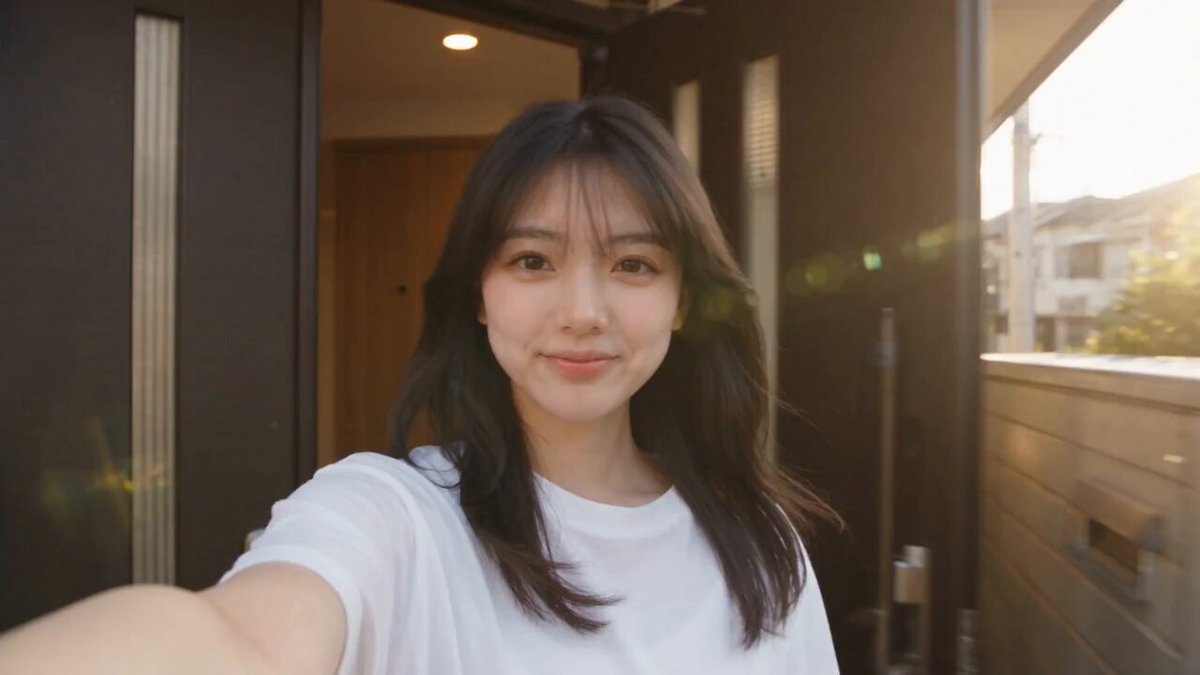
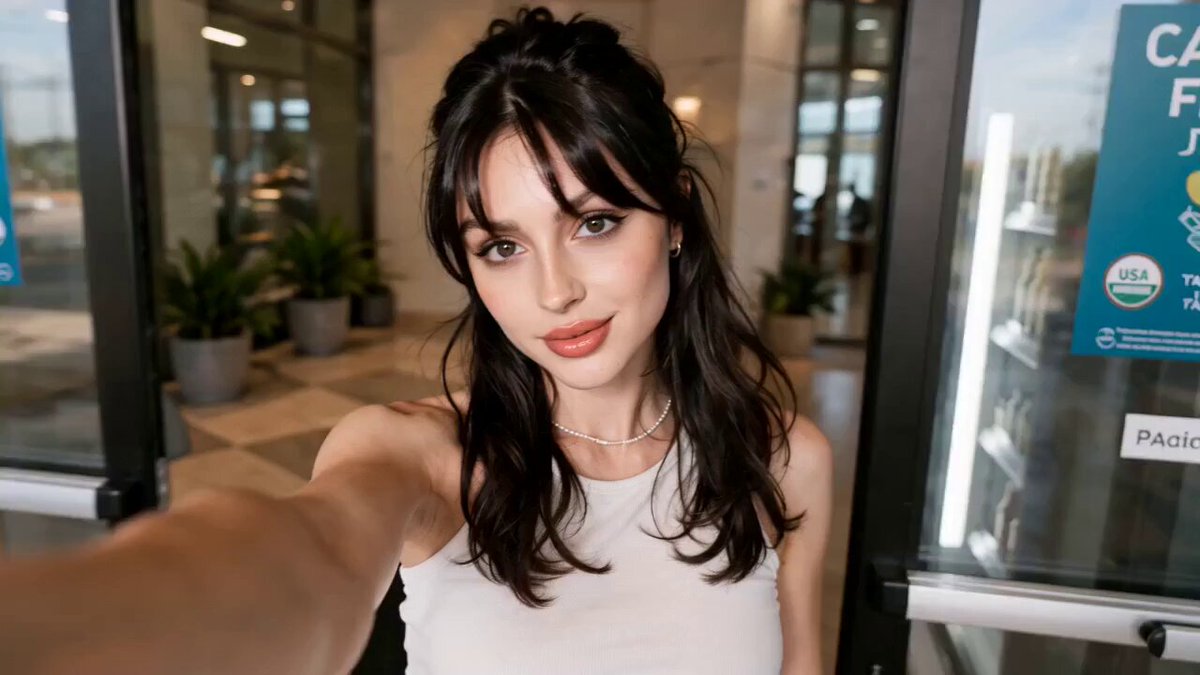
How do you generate video for voice over projects?
Describe a visual scene that supports your spoken script — the setting, mood, pacing, and motion that will pair with your narration. The tool generates video from your text, then you add your voice track separately in video editing software.
AI Video Generator with Voice Over
Narrative Documentary Scene
Input
A misty mountain landscape at dawn, slow camera pan across the valley, soft morning light, calm atmosphere, gentle clouds drifting through peaks
Expected output
A panoramic nature clip with slow movement, ready to pair with narrated commentary
Explainer Visual
Input
A hand places wooden building blocks on a table one by one, clean white background, even lighting from above, deliberate measured pace
Expected output
A clean step-by-step visual clip that leaves room for an explanatory voice track
Atmospheric Background
Input
A dimly lit library with dust floating in rays of afternoon light, very slow dolly movement forward through bookshelves, quiet contemplative mood
Expected output
A quiet, atmospheric clip with gentle movement that complements a spoken script
Generate video clips from text and pair them with separately recorded voice tracks
Create the Visual Layer First
Generate clips that match your script's mood and setting before recording audio, allowing you to plan the visual arc.
Match Scene Timing to Your Script
Describe pacing in your prompt — slow, steady, fast — to create clips that fit your narration cadence.
Iterate Visuals Independently
Refine and regenerate video clips without re-recording your voice over, saving time in the editing process.
How It Works
1
Describe the scene
Describe the desired scene and motion.
2
Choose settings
Choose the available generation settings.
3
Generate and review
Generate, review, and download a suitable result.
Pairing Generated Video with Voice Over
Plan the visual and audio tracks separately, then combine them in editing software.
Input Constraints
- Describe scenes that match the tone of your spoken content
- Keep motion subtle if the clip will play under narration without competing for attention
- Plan clip duration to fit your script timing
Practical Tips
- Write prompts with the voice track in mind — describe settings that support the spoken message
- Generate clips of varying lengths to match different script segments or narrative beats
- Download and import clips into your editing software to layer the voice track
- Review the combined result to ensure visual and audio complement each other without distraction
- Use slow camera motion or minimal activity for heavy narration; use faster motion for light commentary
Privacy
- Do not upload personal or sensitive material unless you have permission to use it.
Usage Rights
- Confirm that you have the rights needed for the inputs and intended use of the result.
Prompt recipes
Copy a structure, then adjust the subject, lighting, camera, and output details for your own result.
Documentary B-Roll for Nature Narration
A wide shot of a forest canopy at sunrise, golden light filters through leaves, camera slowly tilts upward, birds occasionally cross the frame, peaceful natural atmosphere
Slow motion and natural beauty provide a non-distracting visual backdrop for educational or documentary narration about nature.
Corporate Explainer Background
A clean modern office space with large windows, soft natural light, people working quietly in the background out of focus, camera pans slowly across the room
Professional setting with subtle motion supports business or corporate voice over without drawing attention away from the spoken message.
Product Demo Visuals
Hands interact with a sleek tech device on a white desk, close-up shots show buttons being pressed and screen lighting up, smooth camera movement, minimalist aesthetic
Clear product interaction visuals allow the voice track to explain features while the video demonstrates functionality.
Motivational Content Background
An athlete runs along a beach at sunrise, waves lap at their feet, camera tracks alongside at their pace, warm golden light, determined steady motion
Inspirational imagery with rhythmic motion pairs well with motivational or personal development narration.
Historical Documentary Scene
An old book lies open on a wooden table, candlelight flickers beside it, shadows move gently across the pages, camera slowly pushes in toward the text, timeless atmosphere
Period-appropriate setting with slow deliberate motion supports historical storytelling without overwhelming the spoken narrative.
Best use cases
Match the workflow to the input you have and the result you need before opening the generator.
Create B-roll for a documentary or educational video
Input: Describe scenic or environmental visuals with slow, steady motion that does not distract from narration
Result: Background footage that visually supports educational commentary
Tool: Text to Video with scenic and slow motion prompts
Generate visuals for a product explainer or demo
Input: Describe close-up product interactions with clear actions and minimalist settings
Result: Product demonstration clips that show functionality while voice explains features
Tool: Text to Video with product interaction prompts
Build atmospheric backgrounds for storytelling or podcasts
Input: Describe mood-setting environments with minimal motion: libraries, cafes, nature scenes
Result: Ambient visuals that create atmosphere without competing with spoken content
Tool: Text to Video with atmospheric and minimal motion prompts
Create motivational or inspirational video content
Input: Describe uplifting scenes with purposeful motion: running, climbing, creating, building
Result: Inspirational visuals that reinforce motivational narration
Tool: Text to Video with action and inspiration prompts
Limitations to know before generating
- This tool generates video only; you must record and add voice over separately in editing software
- Generated clips do not include audio or synchronized sound; plan to layer your voice track in post-production
- Scene pacing is guided by your prompt but may require trimming or speed adjustments in editing to match your script exactly
- Review the combined video and voice result to ensure visual and audio timing align before finalizing
- You are responsible for confirming you have rights for both the generated video and your voice content
Creative Suite: AI Video Generator & AI Image Generator Tools
Power up your creative workflow with our AI-driven tools. Generate stunning videos, create images, and apply custom adjustments - our AI Video Generator and AI Image Generator offer a complete solution for all your creative needs.
Strictly Prohibits Adult/NSFW Content








Pricing
Choose the credit package that works best for you.
No hidden fees • Cancel anytime • Unused credits roll over
Starter
Perfect for trying out AI creation.
Credits
200 credits / month
- Up to 20 videos per month
- Up to 100 images per month
$6.99/ month$9.9930% OFF
Billed monthly
First-time subscribers get 30% off their first month, then standard price
What's included
- Credits never expire
- Standard models
- HD, Watermark-Free Downloads
- Private Generation
- Faster Generation Speed
- Ad-free experience
Basic
Perfect for light creators.
Credits
500 credits / month
- Up to 50 videos per month
- Up to 250 images per month
$13.99/ month$19.9930% OFF
Billed monthly
First-time subscribers get 30% off their first month, then standard price
What's included
- Credits never expire
- Standard models
- HD, Watermark-Free Downloads
- Private Generation
- Faster Generation Speed
- Ad-free experience
Pro
PopularBest value for creators
Credits
1,200 credits / month
- Up to 120 videos per month
- Up to 600 images per month
$39.99/ month
Billed monthly
What's included
- Credits never expire
- All models + Early access to new models
- HD, Watermark-Free Downloads
- Private Generation
- Faster Generation Speed
- Ultra HD resolution
- Ad-free experience
Ultra
For video creators and power users.
Credits
5,000 credits / month
- Up to 500 videos per month
- Up to 2,500 images per month
$99.99/ month
Billed monthly
What's included
- Credits never expire
- All models + Early access to new models
- HD, Watermark-Free Downloads
- Private Generation
- Faster Generation Speed
- Ultra HD resolution
- Ad-free experience
Free
Standard models only — upgrade to unlock premium models.
Credits
10 free credits on signup
Questions? Contact us at support@domer.io
Start Creating Video and Voice Over Projects
Open the tool, generate clips from text that support your script, and add your voice track in editing software.