
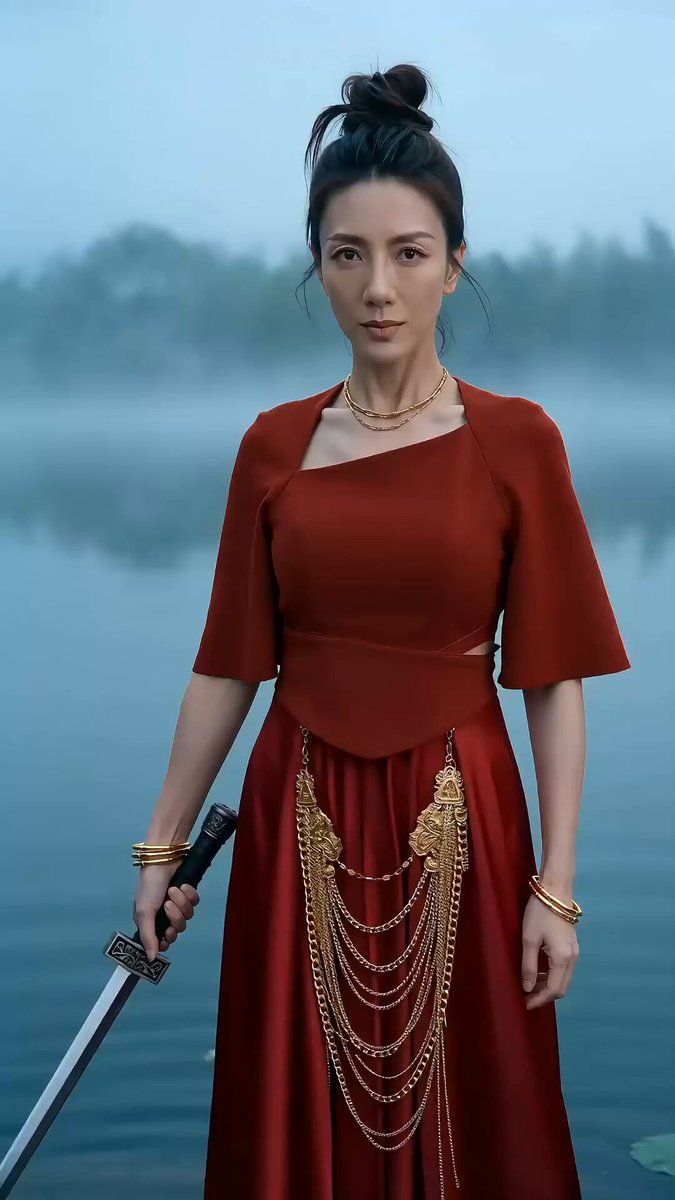
AI Video Text to Video Generator Tool
Write a scene description, choose settings, and generate a video clip. Review the result and download when it fits your project.
AI Video Generator
0/20000 characters
Cost:10
My videos
Loading...
What is an AI video text to video generator?
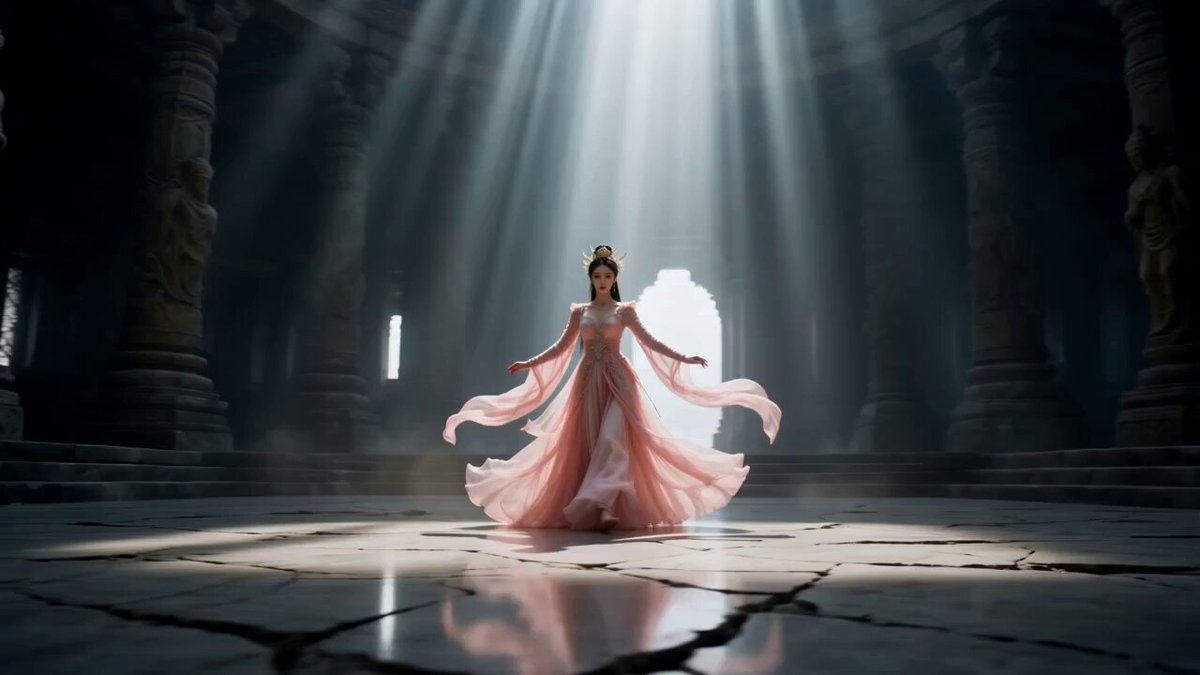
An AI video text to video generator creates short video clips from written descriptions. You describe the scene, motion, lighting, and atmosphere in plain text, choose generation settings, and the AI produces a video that matches your prompt. It's a fast way to turn concepts into visuals without filming, useful for prototyping ideas, creating background footage, or producing content from written scripts.
AI Video Text to Video Generator Tool
Rain on a window
Input
A close-up view of a rain-streaked window. Droplets run down the glass. Outside, city lights blur through the water. A streetlamp flickers in the distance.
Expected output
A video of rain on a window with running droplets and blurred distant city lights.
Cat stretching
Input
A ginger cat lying on a sunlit wooden floor. It stretches its front legs forward and yawns. Sunbeams highlight the dust particles floating in the air.
Expected output
A short video of a cat stretching and yawning in a sunbeam-lit room.
Campfire at night
Input
A campfire burning in a forest clearing at night. Flames flicker and sparks rise into the dark air. Trees around the fire are dimly lit by the orange glow.
Expected output
A video of a crackling campfire with rising sparks and trees lit by the fire glow.
Generate video clips from written descriptions using an AI text-to-video tool
Text is the only input needed
Write a description and the tool generates a video clip from your words without additional media.
Fast idea-to-video pipeline
Go from concept to visual in minutes by writing what you want to see.
Full creative control through text
Every word in your description shapes the scene, motion, and atmosphere of the output.
How It Works
1
Write the scene description
Describe the desired scene and motion.
2
Choose the generation options
Choose the available generation settings.
3
Review and download
Generate, review, and download a suitable result.
Writing clear text-to-video prompts
Clear prompts produce more accurate video output.
Input Constraints
- Describe the setting, lighting, and main subjects.
- Include movement details for anything that should be in motion.
- Keep each prompt focused on a single scene.
Practical Tips
- Open with the scene location, then describe the action.
- Be specific about light sources and colors.
- Review the result and adjust your text if needed for a second attempt.
Privacy
- Do not upload personal or sensitive material unless you have permission to use it.
Usage Rights
- Confirm that you have the rights needed for the inputs and intended use of the result.
Prompt recipes
Copy a structure, then adjust the subject, lighting, camera, and output details for your own result.
Nature documentary clip
A waterfall cascading over moss-covered rocks in a lush green forest, mist rising from the pool below, afternoon sunlight filtering through the canopy, camera slowly pans from the top of the falls to the pool
Detailed environment and camera motion create cinematic nature footage suitable for documentary or B-roll use.
Urban night scene
A busy city street at night with neon signs reflecting on wet pavement, cars passing with blurred headlights, pedestrians walking under umbrellas, camera at street level tracking forward
Combines motion, lighting, and atmosphere to create a dynamic urban scene useful for intros or mood-setting.
Product close-up with motion
A sleek silver laptop on a white desk, screen glowing with a dashboard interface, camera orbits slowly around the device, soft studio lighting from above casting gentle shadows
Professional product presentation with controlled lighting and motion, ideal for tech reviews or ads.
Abstract concept visual
Geometric shapes floating in space, rotating slowly, transitioning from dark purple to bright cyan, light rays passing through translucent surfaces, smooth camera zoom out
Abstract visuals work well for explainer videos, transitions, or illustrating intangible concepts.
Cozy interior ambience
A fireplace crackling with a warm orange glow, a knitted blanket draped over a nearby armchair, bookshelves in soft focus in the background, camera slowly pushes in toward the fire
Warm, inviting scene creates a mood suitable for lifestyle content, meditation videos, or background ambience.
Time-lapse style scene
Clouds moving rapidly across a blue sky above a grassy hill, shadows sweeping across the landscape, wildflowers swaying in the wind, camera static wide shot
Time-lapse effect adds energy and visual interest, useful for intros, transitions, or establishing shots.
Best use cases
Match the workflow to the input you have and the result you need before opening the generator.
Video intro or outro
Input: Abstract motion, logo animations, or scenic establishing shots with smooth camera motion
Result: A polished opening or closing clip that sets the tone for your content
Tool: Text to Video with motion graphics or cinematic scene prompts
B-roll for voiceover content
Input: Nature scenes, urban environments, or product close-ups with calm, steady motion
Result: Background footage that supports narration without distracting from the message
Tool: Text to Video with environment or product prompts
Concept illustration for explainer videos
Input: Abstract shapes, diagrams, or symbolic visuals representing ideas
Result: Visual aids that clarify concepts or processes during explanations
Tool: Text to Video with abstract or educational prompts
Social media content
Input: Eye-catching scenes with dynamic motion, bold colors, or relatable everyday moments
Result: Shareable clips optimized for attention-grabbing and engagement
Tool: Text to Video with energetic or relatable scene prompts
Limitations to know before generating
- Text-to-video models interpret prompts probabilistically; results may vary even with identical prompts.
- Complex scenes with multiple simultaneous actions or detailed interactions may not render as expected.
- Generated clips may require manual editing, color grading, or trimming to fit production quality standards.
- The tool does not generate audio; you will need to add music, sound effects, or voiceover separately.
Creative Suite: AI Video Generator & AI Image Generator Tools
Power up your creative workflow with our AI-driven tools. Generate stunning videos, create images, and apply custom adjustments - our AI Video Generator and AI Image Generator offer a complete solution for all your creative needs.
Strictly Prohibits Adult/NSFW Content








Pricing
Choose the credit package that works best for you.
No hidden fees • Cancel anytime • Unused credits roll over
Starter
Perfect for trying out AI creation.
Credits
200 credits / month
- Up to 20 videos per month
- Up to 100 images per month
$6.99/ month$9.9930% OFF
Billed monthly
First-time subscribers get 30% off their first month, then standard price
What's included
- Credits never expire
- Standard models
- HD, Watermark-Free Downloads
- Private Generation
- Faster Generation Speed
- Ad-free experience
Basic
Perfect for light creators.
Credits
500 credits / month
- Up to 50 videos per month
- Up to 250 images per month
$13.99/ month$19.9930% OFF
Billed monthly
First-time subscribers get 30% off their first month, then standard price
What's included
- Credits never expire
- Standard models
- HD, Watermark-Free Downloads
- Private Generation
- Faster Generation Speed
- Ad-free experience
Pro
PopularBest value for creators
Credits
1,200 credits / month
- Up to 120 videos per month
- Up to 600 images per month
$39.99/ month
Billed monthly
What's included
- Credits never expire
- All models + Early access to new models
- HD, Watermark-Free Downloads
- Private Generation
- Faster Generation Speed
- Ultra HD resolution
- Ad-free experience
Ultra
For video creators and power users.
Credits
5,000 credits / month
- Up to 500 videos per month
- Up to 2,500 images per month
$99.99/ month
Billed monthly
What's included
- Credits never expire
- All models + Early access to new models
- HD, Watermark-Free Downloads
- Private Generation
- Faster Generation Speed
- Ultra HD resolution
- Ad-free experience
Free
Standard models only — upgrade to unlock premium models.
Credits
10 free credits on signup
Questions? Contact us at support@domer.io
Turn text into video now
Open the text-to-video tool, write your scene, and generate a video clip.