
Coherent Video Generator AI
Describe your scene and motion in plain language. Generate video clips where details stay consistent across the shot.
AI Video Generator
0/20000 characters
Cost:10
My videos
Loading...
What is a coherent video generator AI?
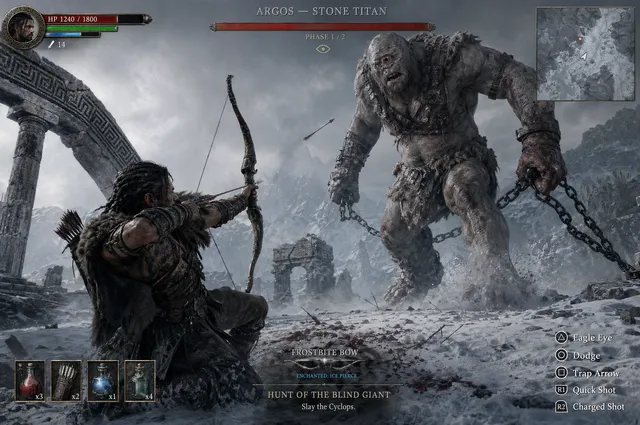
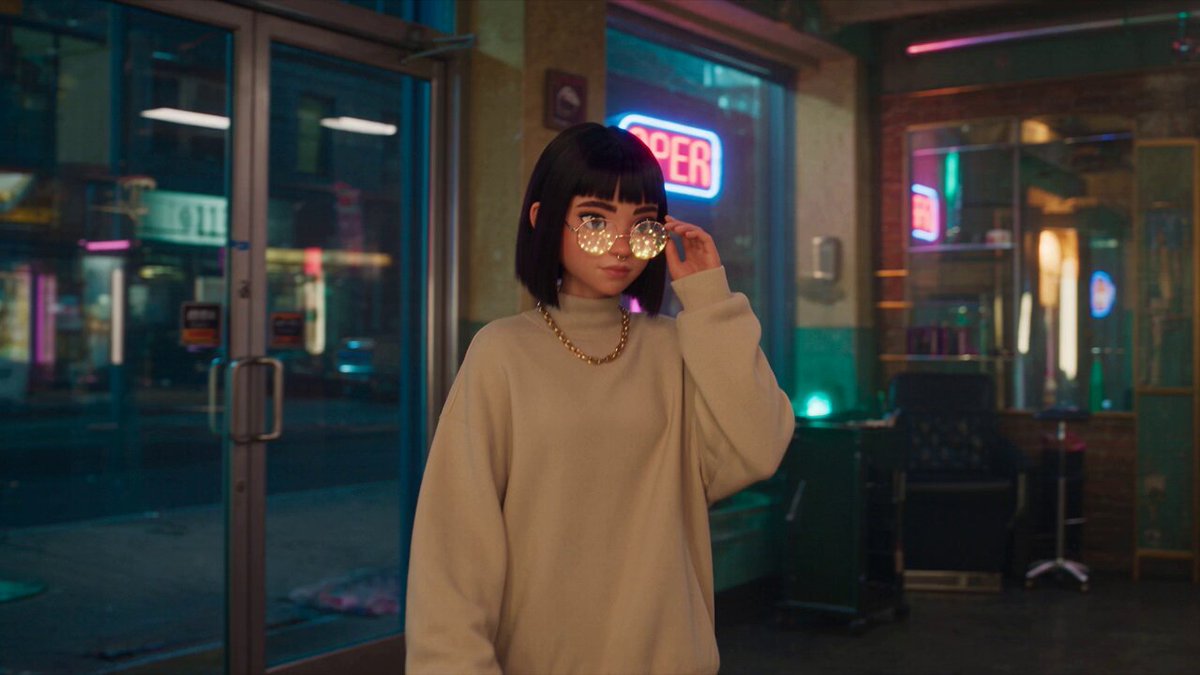
It creates video clips where visual details match your written description throughout the shot. You describe the scene, setting, lighting, and motion, then the tool generates a video you can review and refine until it fits.
Coherent Video Generator AI
Morning kitchen scene
Input
A bright kitchen at sunrise, steam rising from a coffee mug on the counter, camera slowly pushing in toward the window.
Expected output
A short clip of the kitchen with gentle steam movement and a slow approach toward the window.
Drone-style coastline
Input
Aerial view of a rocky coastline at golden hour, waves rolling in from the left, camera gliding along the shore.
Expected output
A clip that follows the shoreline from above with visible wave motion and warm evening light.
Product turntable
Input
A minimalist product shot of a white sneaker on a round pedestal, rotating slowly in soft studio light.
Expected output
A short rotation-style shot where the sneaker turns steadily on the pedestal with even lighting.
Generate video clips where scene details and motion follow a clear written description from start to finish.
One prompt, one direction
Describe the scene and the motion in plain language instead of assembling separate clips by hand.
Settings you control
Adjust the available generation settings before rendering so the result follows your description.
Review before download
Watch the generated clip and refine the prompt or settings if the motion or framing is off.
How It Works
1
Describe the scene and motion
Describe the desired scene and motion.
2
Choose generation settings
Choose the available generation settings.
3
Generate, review, download
Generate, review, and download a suitable result.
Writing a clear video prompt
Focus on what the viewer should see and how it moves.
Input Constraints
- Describe one main subject or location per clip.
- State the camera movement, such as push-in, pan, or orbit.
- Keep lighting and mood consistent within the same prompt.
- Avoid describing content you do not have permission to use.
Practical Tips
- Start with a short sentence, then add motion details on a second pass.
- Use specific words for movement: drift, glide, zoom, tilt, sweep.
- Mention timing cues like 'slowly' or 'over a few seconds' when the pace matters.
- Review the first result before downloading so you can adjust the prompt.
Privacy
- Do not upload personal or sensitive material unless you have permission to use it.
Usage Rights
- Confirm that you have the rights needed for the inputs and intended use of the result.
Prompt recipes
Copy a structure, then adjust the subject, lighting, camera, and output details for your own result.
Product showcase with push-in
A black mechanical keyboard on a white desk, RGB backlight glowing softly, camera slowly pushing in from a low angle, clean background with no other objects.
Single subject, one camera motion, controlled lighting. Push-in motion creates focus without complexity, and the clean background keeps attention on the product.
Nature scene with pan
A forest trail at dawn, mist floating between tall trees, sunlight filtering through the canopy, camera panning right to left at a steady pace.
Pan motion guides the eye through the scene. Atmospheric details like mist and sunlight add depth without requiring complex motion.
Urban time-lapse style
A busy crosswalk at dusk, pedestrians crossing in both directions, traffic lights changing from red to green, camera static with sped-up motion.
Time-lapse cues (sped-up motion, light changes) compress activity. Static camera keeps the frame stable while action unfolds.
Abstract rotation loop
A cluster of metallic spheres rotating slowly in a dark void, reflections shifting across the surface, camera orbiting around the center.
Abstract subjects work well for coherence testing. Orbit motion and reflections create visual interest without requiring photorealism.
Lifestyle establishing shot
A cozy reading nook with a armchair by a window, afternoon sunlight casting shadows on the floor, camera slowly tilting down from the window to the chair.
Tilt motion transitions naturally from light source (window) to subject (chair), creating a narrative flow that feels intentional.
Best use cases
Match the workflow to the input you have and the result you need before opening the generator.
Social media teaser
Input: Short scene with one subject and clear motion
Result: 3-5 second clip optimized for vertical formats
Tool: Text-to-video with push-in or pan motion
Website background video
Input: Looping scene with subtle, non-distracting motion
Result: Seamless or near-seamless background clip
Tool: Text-to-video with slow camera motion and neutral colors
Product demo placeholder
Input: Product-focused description with rotation or zoom
Result: Draft clip showing product from multiple angles
Tool: Text-to-video with turntable or orbit motion
Concept visualization
Input: Abstract or symbolic scene with consistent lighting
Result: Visual metaphor or mood piece
Tool: Text-to-video with abstract prompts and atmospheric details
Limitations to know before generating
- Coherence depends on prompt clarity; vague descriptions produce less predictable results.
- Complex scenes with many moving elements are harder to keep consistent.
- Human faces and hands often render poorly or inconsistently.
- Generated clips are short (typically 3-10 seconds); longer content requires multiple generations.
- You are responsible for confirming you have the rights to use the output in your context.
Creative Suite: AI Video Generator & AI Image Generator Tools
Power up your creative workflow with our AI-driven tools. Generate stunning videos, create images, and apply custom adjustments - our AI Video Generator and AI Image Generator offer a complete solution for all your creative needs.
Strictly Prohibits Adult/NSFW Content








Pricing
Choose the credit package that works best for you.
No hidden fees • Cancel anytime • Unused credits roll over
Starter
Perfect for trying out AI creation.
Credits
200 credits / month
- Up to 20 videos per month
- Up to 100 images per month
$6.99/ month$9.9930% OFF
Billed monthly
First-time subscribers get 30% off their first month, then standard price
What's included
- Credits never expire
- Standard models
- HD, Watermark-Free Downloads
- Private Generation
- Faster Generation Speed
- Ad-free experience
Basic
Perfect for light creators.
Credits
500 credits / month
- Up to 50 videos per month
- Up to 250 images per month
$13.99/ month$19.9930% OFF
Billed monthly
First-time subscribers get 30% off their first month, then standard price
What's included
- Credits never expire
- Standard models
- HD, Watermark-Free Downloads
- Private Generation
- Faster Generation Speed
- Ad-free experience
Pro
PopularBest value for creators
Credits
1,200 credits / month
- Up to 120 videos per month
- Up to 600 images per month
$39.99/ month
Billed monthly
What's included
- Credits never expire
- All models + Early access to new models
- HD, Watermark-Free Downloads
- Private Generation
- Faster Generation Speed
- Ultra HD resolution
- Ad-free experience
Ultra
For video creators and power users.
Credits
5,000 credits / month
- Up to 500 videos per month
- Up to 2,500 images per month
$99.99/ month
Billed monthly
What's included
- Credits never expire
- All models + Early access to new models
- HD, Watermark-Free Downloads
- Private Generation
- Faster Generation Speed
- Ultra HD resolution
- Ad-free experience
Free
Standard models only — upgrade to unlock premium models.
Credits
10 free credits on signup
Questions? Contact us at support@domer.io
Describe your scene in the text-to-video tool
Open the text-to-video generator, describe your scene and motion, and generate a clip you can review and download.