
Create
Copilot AI Video Generator for Step-by-Step Tutorials
Use copilot AI video generator to turn step-by-step instructions into video clips. Describe the sequence, choose settings, and download.
AI Video Generator
0/20000 characters
Cost:10
My videos
Loading...
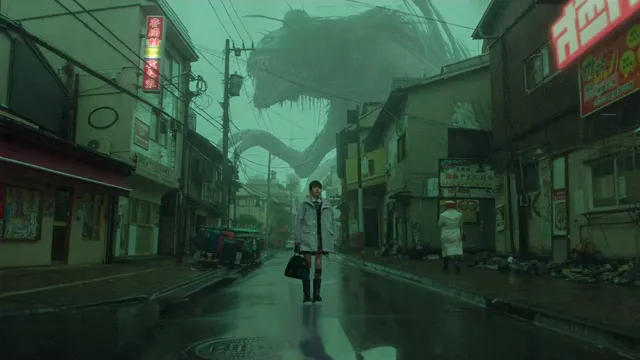
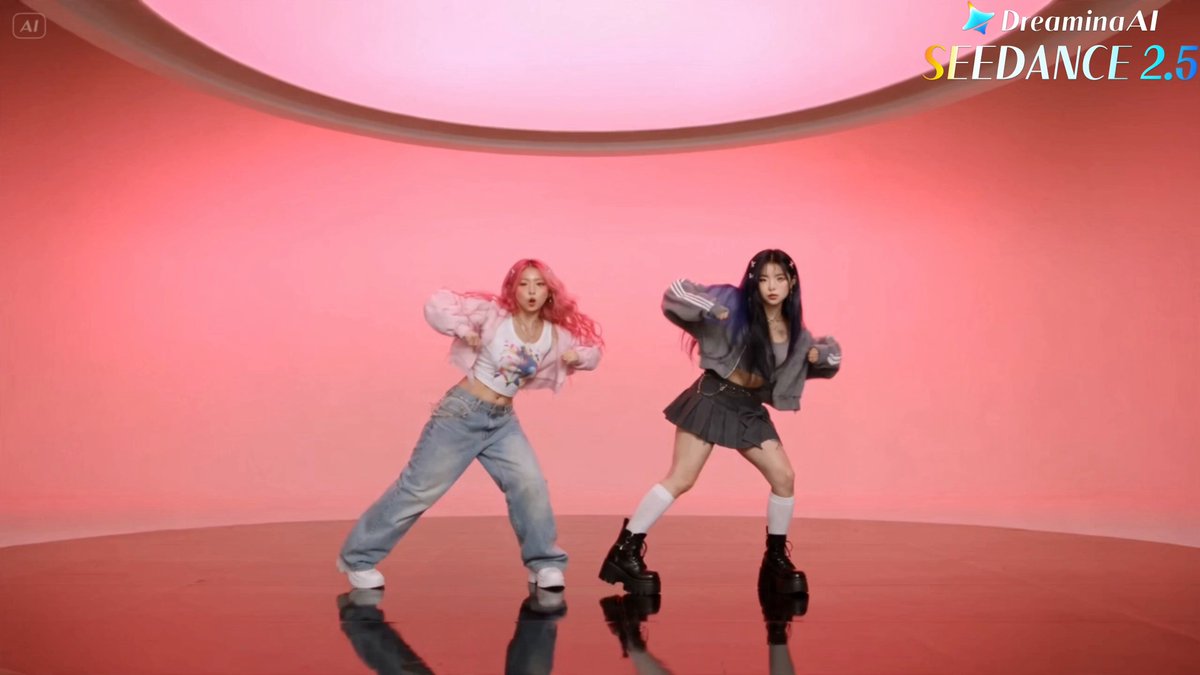
What does a copilot AI video generator do?
It takes a step-by-step text description and generates a tutorial video that follows the sequence. You describe each step in order, choose generation settings, review the result, and download the clip that fits your instructional needs.
Copilot AI Video Generator for Step-by-Step Tutorials
How-to tutorial scene
Input
A pair of hands shows how to change a bike tire: first flipping the bike over, then using a tire lever to pry off the old tire, then inserting a new inner tube.
Expected output
A step-by-step tutorial clip showing hands performing each stage of a bike tire change in sequence.
Step-based demonstration
Input
Top-down view of a workspace: first place a cutting mat, then arrange fabric pieces, then use a rotary cutter to cut along a pattern line.
Expected output
A sequential demonstration video showing each preparation step for fabric cutting on a workspace.
Educational explainer sequence
Input
An animated diagram of a plant cell: first the cell wall appears, then the cell membrane, then the nucleus and chloroplasts float into place.
Expected output
An educational animation showing plant cell parts appearing one by one in sequence.
Generate instructional or tutorial videos from step-by-step text descriptions
Translate written procedures into video
Turn documentation, manuals, or instructions into visual step-by-step guides without filming.
Visualize sequential actions clearly
Describe each step in order and generate a video that follows the same logical progression.
Create training content quickly
Produce tutorial clips from existing written training materials without a production setup.
How It Works
1
Describe the scene
Describe the desired scene and motion.
2
Choose settings
Choose the available generation settings.
3
Generate and download
Generate, review, and download a suitable result.
Writing prompts for tutorial videos
List the actions in the order they happen and describe the visual outcome of each step.
Input Constraints
- Generated tutorial videos may not show exact real-world procedures or safety requirements
- Do not rely on generated content as a substitute for professional training or safety instruction
- Review the output for accuracy if it is used for instructional purposes
Practical Tips
- Number the steps in your description to help the tool follow the sequence
- Describe the camera perspective: close-up on hands, wide shot of the workspace, or diagram view
- Include the tools or materials visible at each stage of the process
Privacy
- Do not upload personal or sensitive material unless you have permission to use it.
Usage Rights
- Confirm that you have the rights needed for the inputs and intended use of the result.
Prompt recipes
Copy a structure, then adjust the subject, lighting, camera, and output details for your own result.
Kitchen technique demo
Close-up of hands on a cutting board: first place a carrot, then hold it with one hand, then slice it with a chef's knife in steady motion, bright kitchen light
Breaks the technique into clear hand positions and tool use with strong lighting for instructional clarity.
Assembly instruction
Top-down view of a table: first lay out three wooden parts, then insert screws into pre-drilled holes, then tighten with a screwdriver, clean white background
Uses overhead framing and sequential part placement to show assembly order clearly.
Software workflow walkthrough
Screen recording style: cursor clicks File menu, then selects Export, then chooses a format from a dropdown, interface with light theme
Mimics screen-recording motion with clear click actions and UI context for software tutorials.
Craft process sequence
Hands folding an origami crane: first fold paper in half, then fold corners to center, then flip and fold wings, pastel background, soft lighting
Describes each fold in order with hand visibility and calm visual style for craft instruction.
Science experiment steps
Lab bench view: first pour liquid A into beaker, then add three drops of liquid B, then stir gently as color changes, bright overhead light
Names materials, actions, and visible outcomes in sequence for educational science content.
Best use cases
Match the workflow to the input you have and the result you need before opening the generator.
Product assembly guide
Input: Numbered steps with part names and actions described in order
Result: A sequential video showing each assembly step with visible tool and part movement
Tool: Text to Video with top-down or close-up framing
DIY or craft tutorial
Input: Step-by-step crafting actions with materials and hand positions described
Result: A hands-focused video that guides viewers through the craft process
Tool: Text to Video with hand close-up prompt
Software or app walkthrough
Input: Click-by-click UI actions with menu names and screen elements described
Result: A screen-style video showing cursor actions and interface navigation
Tool: Text to Video with screen recording style prompt
Educational science demo
Input: Lab or classroom procedure with materials, actions, and visible changes described
Result: A demonstration video showing each step and outcome for learning purposes
Tool: Text to Video with lab or classroom setting prompt
Limitations to know before generating
- Generated videos are visual interpretations and may not reflect real-world procedures, safety requirements, or exact techniques.
- Complex multi-step workflows with many actions may require breaking into shorter prompts for clarity.
- The tool does not generate voice-over, on-screen text, or annotations; you will need to add those separately.
- Sequential accuracy depends on prompt clarity; review every step for correctness before using in training or instruction.
- Not suitable as a substitute for professional training, safety instruction, or certified educational materials.
Creative Suite: AI Video Generator & AI Image Generator Tools
Power up your creative workflow with our AI-driven tools. Generate stunning videos, create images, and apply custom adjustments - our AI Video Generator and AI Image Generator offer a complete solution for all your creative needs.
Strictly Prohibits Adult/NSFW Content








Pricing
Choose the credit package that works best for you.
No hidden fees • Cancel anytime • Unused credits roll over
Starter
Perfect for trying out AI creation.
Credits
200 credits / month
- Up to 20 videos per month
- Up to 100 images per month
$6.99/ month$9.9930% OFF
Billed monthly
First-time subscribers get 30% off their first month, then standard price
What's included
- Credits never expire
- Standard models
- HD, Watermark-Free Downloads
- Private Generation
- Faster Generation Speed
- Ad-free experience
Basic
Perfect for light creators.
Credits
500 credits / month
- Up to 50 videos per month
- Up to 250 images per month
$13.99/ month$19.9930% OFF
Billed monthly
First-time subscribers get 30% off their first month, then standard price
What's included
- Credits never expire
- Standard models
- HD, Watermark-Free Downloads
- Private Generation
- Faster Generation Speed
- Ad-free experience
Pro
PopularBest value for creators
Credits
1,200 credits / month
- Up to 120 videos per month
- Up to 600 images per month
$39.99/ month
Billed monthly
What's included
- Credits never expire
- All models + Early access to new models
- HD, Watermark-Free Downloads
- Private Generation
- Faster Generation Speed
- Ultra HD resolution
- Ad-free experience
Ultra
For video creators and power users.
Credits
5,000 credits / month
- Up to 500 videos per month
- Up to 2,500 images per month
$99.99/ month
Billed monthly
What's included
- Credits never expire
- All models + Early access to new models
- HD, Watermark-Free Downloads
- Private Generation
- Faster Generation Speed
- Ultra HD resolution
- Ad-free experience
Free
Standard models only — upgrade to unlock premium models.
Credits
10 free credits on signup
Questions? Contact us at support@domer.io
Create your tutorial video
Open the text-to-video generator, describe your step-by-step instructions, and generate a visual guide.