

Ethical AI Video Generator for Text-to-Video
Describe scenes with clear intent, review each result before use, and respect rights. Generate video clips with a responsible workflow.
AI Video Generator
0/20000 characters
Cost:10
My videos
Loading...
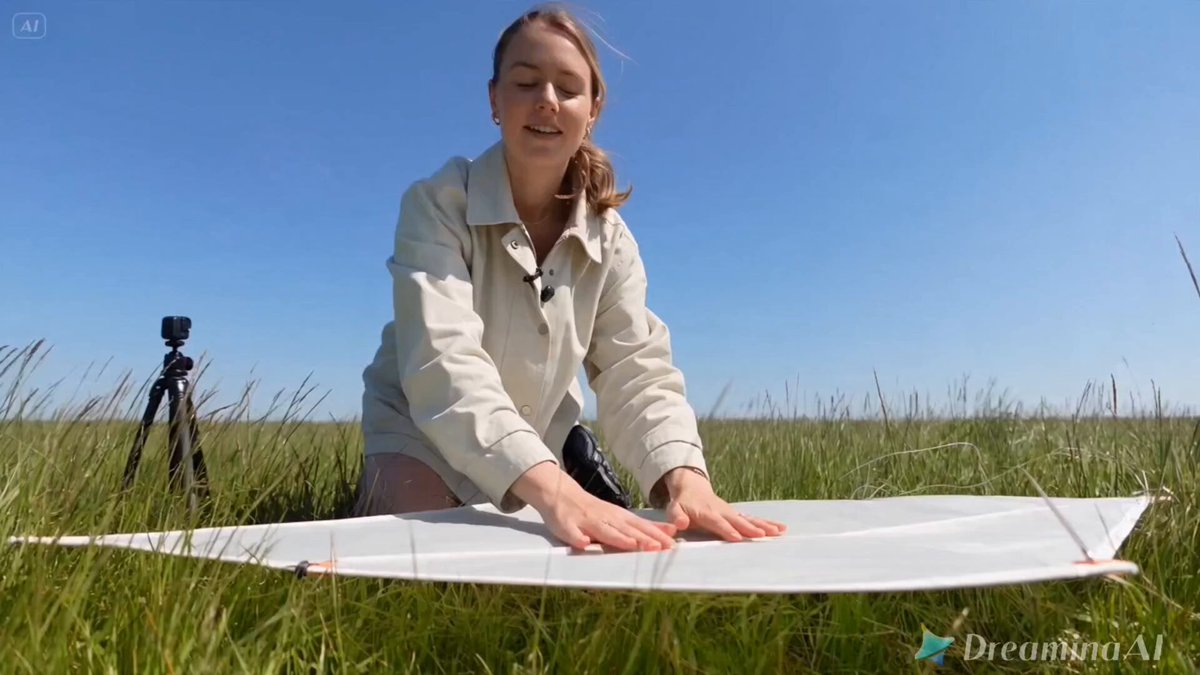
What is an ethical AI video generator?
An ethical AI video generator creates video clips from text prompts while keeping the process transparent and rights-aware. You describe a scene, choose settings, review each result for accuracy, and confirm permissions before use.
Ethical AI Video Generator for Text-to-Video
Animated science explainer
Input
A classroom scene where a student explains how plants convert sunlight into energy, with a gentle camera zoom toward the diagram on the board.
Expected output
A short animated clip of the classroom with the student in view and a slow zoom toward the diagram.
Brand narrative intro
Input
A small bakery opening at dawn, warm light over fresh bread on the counter, no text or logos in the frame.
Expected output
A clean intro sequence with the bakery interior and warm morning light, matching the described pacing.
Product in context
Input
A reusable water bottle on a desk beside a laptop, with a subtle pan across the workspace from left to right.
Expected output
A steady clip of the desk scene with the bottle in focus and simple, even camera movement.
Turn a text prompt into a video clip while keeping the workflow transparent, rights-aware, and easy to review
Visible prompt intent
Writing the scene and motion in plain text keeps the idea clear before you generate anything.
Review before use
Checking each clip for accuracy and fit lets you catch off-target scenes before sharing or publishing.
Rights-aware workflow
Confirming permissions for inputs and intended use supports responsible handling of the result.
How It Works
1
Describe the scene
Describe the desired scene and motion.
2
Choose settings
Choose the available generation settings.
3
Generate and review
Generate, review, and download a suitable result.
Responsible generation guidance
Habits that keep text-to-video generation transparent and easy to review.
Input Constraints
- Describe scenes you are allowed to depict and reuse.
- Avoid prompts that misrepresent real people, places, or events.
- Keep personal or sensitive details out of prompts unless you have permission.
Practical Tips
- State the subject, setting, and motion in separate short clauses.
- Review each result for accuracy and fit before downloading.
- Confirm your permissions for the inputs and intended use before publishing.
Privacy
- Do not upload personal or sensitive material unless you have permission to use it.
Usage Rights
- Confirm that you have the rights needed for the inputs and intended use of the result.
Prompt recipes
Copy a structure, then adjust the subject, lighting, camera, and output details for your own result.
Educational tutorial scene
A person at a whiteboard explaining the water cycle, drawing simple arrows and clouds, classroom setting with natural window light, medium shot showing both presenter and board
Describes the educational action, visual elements, setting, and framing clearly for transparent instructional content.
Product demonstration
Hands assembling a wooden puzzle on a clean table, overhead camera angle, bright even lighting, slow deliberate movements showing each step
Focuses on the task, angle, lighting, and pacing so the viewer understands exactly what will be shown.
Workplace safety training
A warehouse worker wearing a safety vest and hard hat inspecting a pallet with a clipboard, wide shot showing proper procedure, industrial lighting
Includes safety equipment, action, and context to support responsible training material creation.
Community event documentation
A group of volunteers planting trees in a park, wide shot showing teamwork, sunny afternoon, diverse participants working together, respectful framing
Names the activity, setting, participants in general terms, and emphasizes respectful representation.
Generic stock scene
A person typing on a laptop at a coffee shop, medium side angle, soft natural light from window, no recognizable faces or brands visible
Describes a common scene while explicitly avoiding identifiable details or trademarks for reusable content.
Best use cases
Match the workflow to the input you have and the result you need before opening the generator.
Educational explainer video
Input: Action, subject, and educational context
Result: Clear instructional clip showing the teaching moment
Tool: AI Video Generator with teaching and framing keywords
Brand story intro
Input: Setting, lighting mood, and brand-safe elements
Result: Clean narrative clip without logos or trademarked content
Tool: AI Video Generator with environment and lighting terms
Safety or training material
Input: Procedure, equipment, and context
Result: Clip showing proper technique or safety protocol
Tool: AI Video Generator with action and setting descriptors
Generic stock footage
Input: Common activity, neutral framing, no identifiable details
Result: Reusable clip for multiple projects
Tool: AI Video Generator with generic subject and lighting
Limitations to know before generating
- Generated clips are approximations and must be reviewed for accuracy before use
- Tool cannot verify permissions for real people, places, or trademarked content in prompts
- Ethical use depends on the user confirming rights and intended context, not the generator
- Complex scenes with multiple subjects may not render interactions as intended
- Review and human judgment are required before publishing any generated content
Creative Suite: AI Video Generator & AI Image Generator Tools
Power up your creative workflow with our AI-driven tools. Generate stunning videos, create images, and apply custom adjustments - our AI Video Generator and AI Image Generator offer a complete solution for all your creative needs.
Strictly Prohibits Adult/NSFW Content








Pricing
Choose the credit package that works best for you.
No hidden fees • Cancel anytime • Unused credits roll over
Starter
Perfect for trying out AI creation.
Credits
200 credits / month
- Up to 20 videos per month
- Up to 100 images per month
$6.99/ month$9.9930% OFF
Billed monthly
First-time subscribers get 30% off their first month, then standard price
What's included
- Credits never expire
- Standard models
- HD, Watermark-Free Downloads
- Private Generation
- Faster Generation Speed
- Ad-free experience
Basic
Perfect for light creators.
Credits
500 credits / month
- Up to 50 videos per month
- Up to 250 images per month
$13.99/ month$19.9930% OFF
Billed monthly
First-time subscribers get 30% off their first month, then standard price
What's included
- Credits never expire
- Standard models
- HD, Watermark-Free Downloads
- Private Generation
- Faster Generation Speed
- Ad-free experience
Pro
PopularBest value for creators
Credits
1,200 credits / month
- Up to 120 videos per month
- Up to 600 images per month
$39.99/ month
Billed monthly
What's included
- Credits never expire
- All models + Early access to new models
- HD, Watermark-Free Downloads
- Private Generation
- Faster Generation Speed
- Ultra HD resolution
- Ad-free experience
Ultra
For video creators and power users.
Credits
5,000 credits / month
- Up to 500 videos per month
- Up to 2,500 images per month
$99.99/ month
Billed monthly
What's included
- Credits never expire
- All models + Early access to new models
- HD, Watermark-Free Downloads
- Private Generation
- Faster Generation Speed
- Ultra HD resolution
- Ad-free experience
Free
Standard models only — upgrade to unlock premium models.
Credits
10 free credits on signup
Questions? Contact us at support@domer.io
Generate your next video responsibly
Open the text-to-video tool, describe your scene and motion, and review each clip before you use it.