
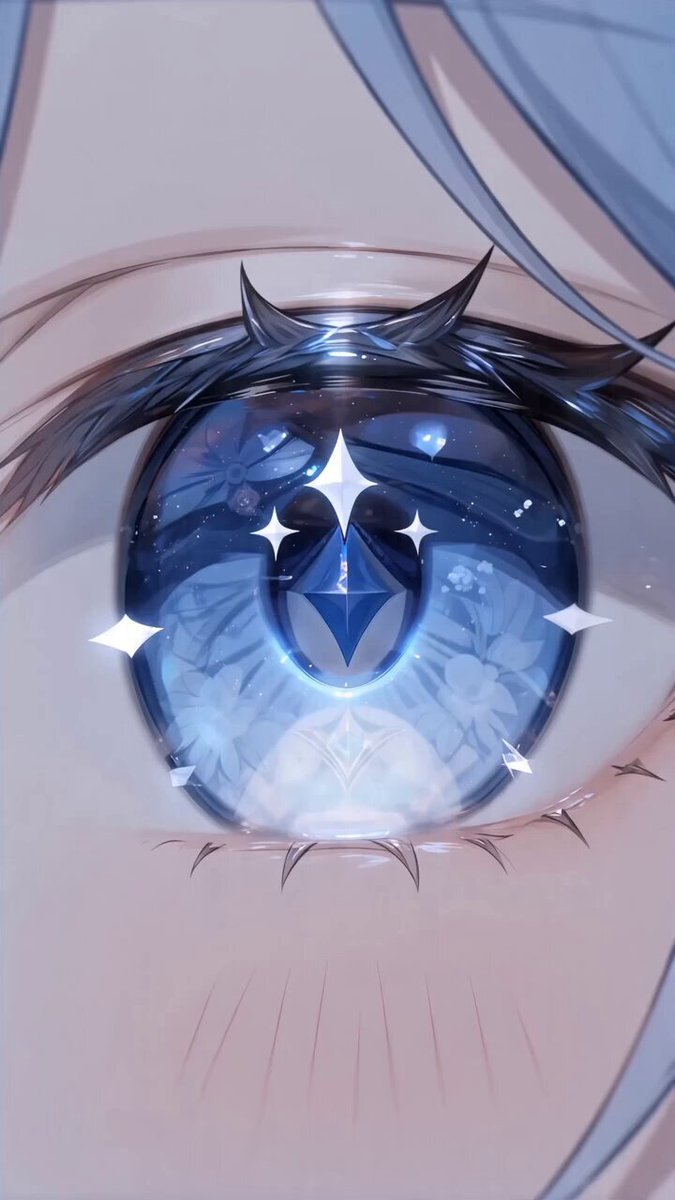
AI Photo Editor for Creative Professionals
Use ai photo editor for creative professionals to upload a project image, describe the style or concept you want to test, and review the edited version before.
AI Image Generator
0/20000 characters
0 / 16
or select from
or select from(Optional)
or select from(Optional)
or select from(Optional)
or select from(Optional)
or select from(Optional)
or select from(Optional)
or select from(Optional)
or select from(Optional)
Supports PNG, JPG, WebP
My images
Loading...

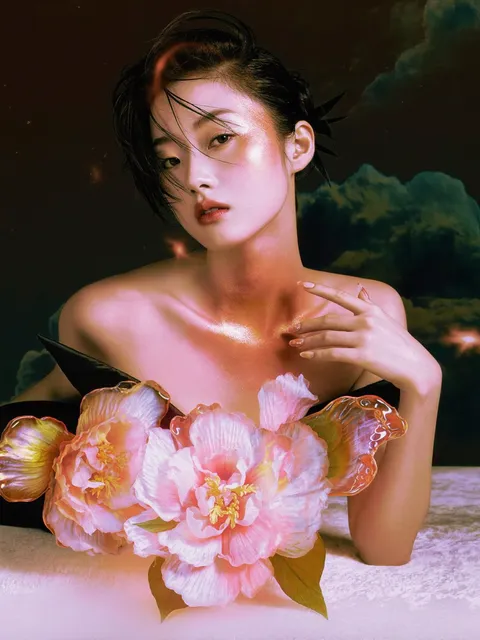
What does an ai photo editor for creative professionals do?
An ai photo editor for creative professionals takes a project image—campaign photo, product shot, or concept sketch—and applies the style direction, mood, or treatment you describe. You review the result as a preview or proof of concept before deciding whether to refine it further or present it to your client or team.
AI Photo Editor for Creative Professionals
Test a style direction
Input
Upload a campaign photo. Request: bold poster style, high contrast, dramatic shadows, graphic treatment.
Expected output
A poster-style version of the campaign photo with strong contrast and graphic elements, ready for you to review as a style test.
Match a mood board
Input
Upload a product image. Request: warm minimal-studio look, soft light, clean composition, reference mood board aesthetic.
Expected output
A refined product image with warm tones and minimal styling that aligns with your mood board, ready for client review.
Preview a concept layout
Input
Upload a rough sketch or reference. Request: clean digital illustration following the sketch layout, consistent line weight, modern style.
Expected output
A digital illustration that follows the sketch's structure and layout, ready for you to review before developing the final artwork.
Test style directions, preview concept edits, or match a mood board by editing existing images, then review the result before presenting to clients or teams.
Start with project assets you have
Test style directions or concept edits on existing campaign photos, product shots, or reference images instead of creating mockups from scratch.
Describe the creative direction
Request specific style treatments, mood adjustments, or layout previews, then compare the result with your brief or mood board.
Review before presenting
Check the edited image for alignment with creative direction, client expectations, and project goals before sharing or refining further.
How It Works
1
Upload the image you want to refine
Start with an image you have the right to edit.
2
Describe the profile-picture changes you want
Keep the requested edits specific so the intended profile look is clear.
3
Generate, compare, and download
Review the output for likeness, accuracy, and the final profile crop before using it.
Making a profile-picture edit that stays clear
A clear source image and a focused edit request make it easier to judge the result.
Input Constraints
- Only upload images you have permission to edit and use.
- Keep the requested changes focused on the profile-picture outcome you need.
- Review the final image for likeness and context before sharing it.
Practical Tips
- Use a source image with a visible face and enough detail around the subject.
- Ask for one or two concrete changes, such as a neutral background or a square crop.
- Compare the result with the original image before choosing a version to use.
Privacy
- Do not upload personal or sensitive material unless you have permission to use it.
Usage Rights
- Confirm that you have the rights needed for the inputs and intended use of the result.
Prompt recipes
Copy a structure, then adjust the subject, lighting, camera, and output details for your own result.
Bold campaign poster treatment
Campaign photo transformed into bold poster style, high contrast black and red, dramatic lighting, graphic design treatment, eye-catching composition.
A poster-style treatment quickly visualizes how a campaign asset will translate to high-impact print or digital placements, helping you test creative direction before committing to full production.
Warm minimal-studio product shot
Product photo in warm minimal studio setting, soft diffused light, clean white backdrop, subtle shadows, refined commercial photography aesthetic.
Matching a mood board's warm, minimal aesthetic lets you preview how product photography will fit the brand's visual identity before the studio shoot.
Editorial fashion with motion
Fashion photo with editorial motion blur, dynamic composition, high-fashion magazine style, dramatic pose, creative lighting, avant-garde aesthetic.
Testing editorial motion and drama on an existing fashion shot lets you explore creative directions and present concept options to the client quickly.
Vintage film look for branding
Brand image with vintage film aesthetic, grainy texture, muted color palette, nostalgic tone, analog photography feel.
Applying a vintage film treatment helps you test retro branding directions and evaluate whether the nostalgic mood aligns with the client's brand strategy.
Clean digital illustration from sketch
Rough sketch converted to clean digital illustration, consistent line weight, modern flat color style, polished vector-like appearance.
Transforming a sketch into a clean illustration provides a quick proof of concept for layout and composition before investing time in final vector artwork.
Moody architectural visualization
Architectural photo with moody atmospheric treatment, dramatic sky, enhanced shadows, cinematic color grade, striking visual impact.
Testing a moody, cinematic treatment on an architectural image helps you preview the emotional impact and presentation style before client review or competition submission.
Best use cases
Match the workflow to the input you have and the result you need before opening the generator.
Test creative direction for a campaign
Input: Campaign photo or brand asset with good composition
Result: Style-treated version showing bold, editorial, or graphic direction
Tool: Image to Image
Preview product photography style
Input: Existing product shot or reference image
Result: Refined product image matching mood board or brand aesthetic
Tool: Image to Image
Visualize concept from a sketch
Input: Rough sketch or layout drawing
Result: Clean digital preview following the sketch's structure and intent
Tool: Image to Image
Explore editorial or fashion treatments
Input: Fashion or portrait photo with clear subject
Result: Editorial-style image with motion, drama, or high-fashion aesthetic
Tool: Image to Image
Limitations to know before generating
- The edited image is a preview or concept test, not a final deliverable; always review for alignment with client expectations and project goals before presenting.
- Complex style treatments involving precise brand elements, specific typefaces, or detailed layouts may require manual refinement after initial generation.
- Matching a mood board is subjective; the output interprets your description and may need iteration to align with the reference aesthetic.
- This tool does not verify rights or permissions for the source image; you are responsible for ensuring you have the right to edit and use project assets.
- Results depend on the source image quality and how clearly you describe the desired style; ambiguous prompts may produce unexpected interpretations.
- For client-facing work, always compare the output against your creative brief and brand guidelines before sharing or using in presentations.
Creative Suite: AI Video Generator & AI Image Generator Tools
Power up your creative workflow with our AI-driven tools. Generate stunning videos, create images, and apply custom adjustments - our AI Video Generator and AI Image Generator offer a complete solution for all your creative needs.
Strictly Prohibits Adult/NSFW Content








Pricing
Choose the credit package that works best for you.
No hidden fees • Cancel anytime • Unused credits roll over
Starter
Perfect for trying out AI creation.
Credits
200 credits / month
- Up to 20 videos per month
- Up to 100 images per month
$6.99/ month$9.9930% OFF
Billed monthly
First-time subscribers get 30% off their first month, then standard price
What's included
- Credits never expire
- Standard models
- HD, Watermark-Free Downloads
- Private Generation
- Faster Generation Speed
- Ad-free experience
Basic
Perfect for light creators.
Credits
500 credits / month
- Up to 50 videos per month
- Up to 250 images per month
$13.99/ month$19.9930% OFF
Billed monthly
First-time subscribers get 30% off their first month, then standard price
What's included
- Credits never expire
- Standard models
- HD, Watermark-Free Downloads
- Private Generation
- Faster Generation Speed
- Ad-free experience
Pro
PopularBest value for creators
Credits
1,200 credits / month
- Up to 120 videos per month
- Up to 600 images per month
$39.99/ month
Billed monthly
What's included
- Credits never expire
- All models + Early access to new models
- HD, Watermark-Free Downloads
- Private Generation
- Faster Generation Speed
- Ultra HD resolution
- Ad-free experience
Ultra
For video creators and power users.
Credits
5,000 credits / month
- Up to 500 videos per month
- Up to 2,500 images per month
$99.99/ month
Billed monthly
What's included
- Credits never expire
- All models + Early access to new models
- HD, Watermark-Free Downloads
- Private Generation
- Faster Generation Speed
- Ultra HD resolution
- Ad-free experience
Free
Standard models only — upgrade to unlock premium models.
Credits
10 free credits on signup
Questions? Contact us at support@domer.io
Test creative directions on your project images
Open Image to Image, upload a campaign photo or product shot, describe the style you want to preview, and review the result before presenting.