
Create
AI Photo Editor Open Eyes Correction
Use ai photo editor open eyes to upload a photo where someone is blinking and request open eyes—review the result to confirm natural appearance and facial.
AI Image Generator
0/20000 characters
0 / 16
or select from
or select from(Optional)
or select from(Optional)
or select from(Optional)
or select from(Optional)
or select from(Optional)
or select from(Optional)
or select from(Optional)
or select from(Optional)
Supports PNG, JPG, WebP
My images
Loading...
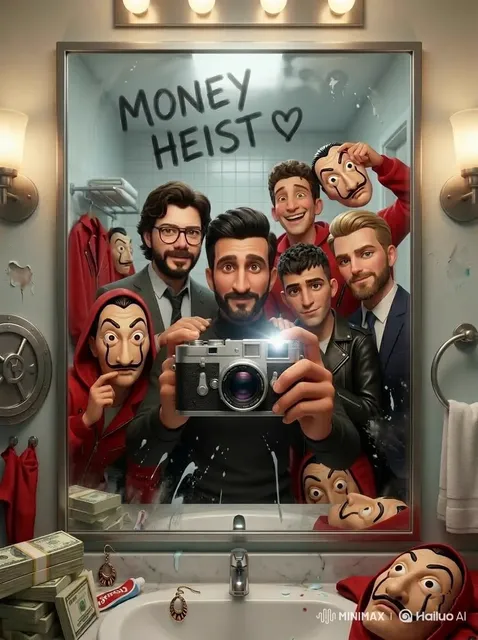
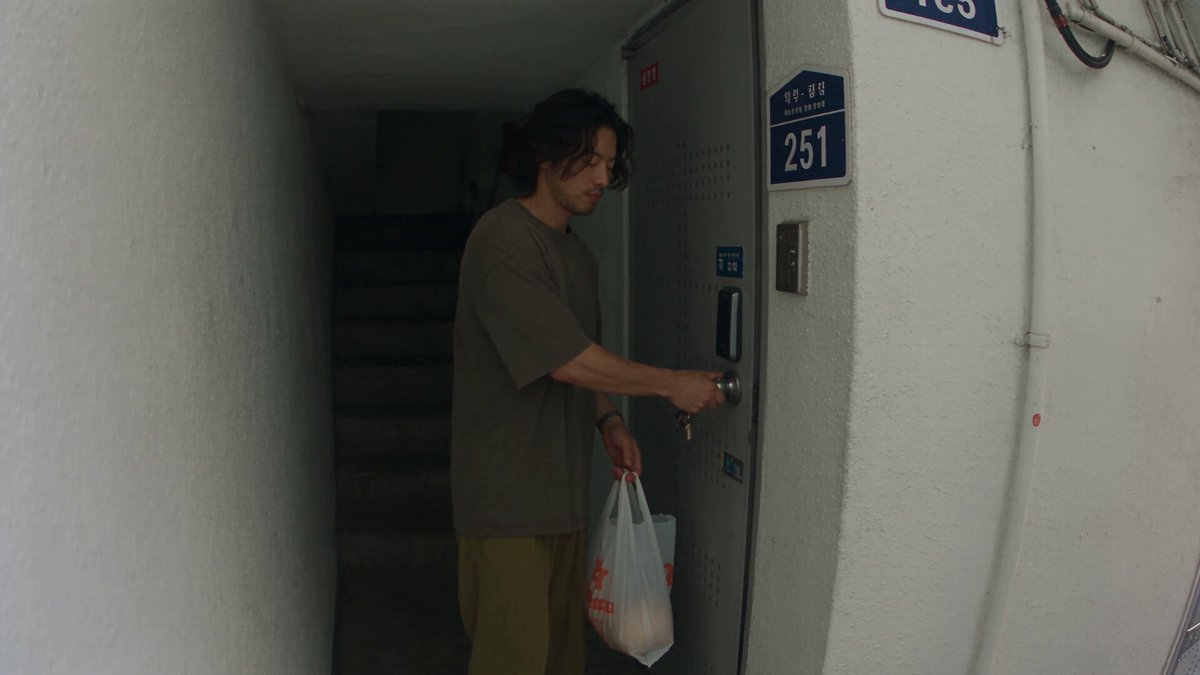
How do I fix closed eyes in a photo?
Upload the photo to Image to Image and describe the correction you need—such as 'open the person's eyes naturally' or 'fix blinking in the center person'—then review the result to confirm the eyes look realistic and the face remains recognizable.
AI Photo Editor Open Eyes Correction
Group photo where one person is blinking
Input
Family photo with one person's eyes closed mid-blink
Expected output
A corrected version where that person's eyes are open and natural-looking, matching their expression and the lighting of the original photo.
Portrait with eyes half-closed from bright light
Input
Outdoor portrait with squinting or half-closed eyes due to sun
Expected output
A version with fully open eyes that look natural and comfortable, preserving the person's face shape, expression, and the rest of the scene.
Pet photo where the animal's eyes are closed
Input
Photo of a dog or cat with eyes closed or sleepy-looking
Expected output
A version with alert, open eyes appropriate to the animal, keeping the fur, pose, and background unchanged.
Correct a photo where someone is blinking or has closed eyes by generating a version with natural-looking open eyes while preserving the rest of the image.
Rescue photos from blinking mistakes
Fix an otherwise perfect photo where someone happened to blink, without retaking the shot or losing the moment.
Control the correction
Specify which person or subject needs the eye correction and review the result before deciding to use it.
Preserve the rest of the photo
The correction targets only the eyes and immediate area, leaving the rest of the face, pose, background, and other people unchanged.
How It Works
1
Upload the image you want to refine
Start with an image you have the right to edit.
2
Describe the profile-picture changes you want
Keep the requested edits specific so the intended profile look is clear.
3
Generate, compare, and download
Review the output for likeness, accuracy, and the final profile crop before using it.
Correcting closed eyes while maintaining natural appearance
Requesting a natural, realistic correction and carefully reviewing the result helps ensure the edited eyes match the person's actual appearance and the photo's lighting.
Input Constraints
- Only upload images you have permission to edit and use.
- Describe the correction clearly—specify which person or subject needs open eyes if there are multiple people in the photo.
- Review the corrected result closely for natural appearance, correct eye color and shape, and overall facial likeness before using it.
Practical Tips
- Use terms like 'natural open eyes,' 'realistic eye correction,' or 'fix blinking naturally' to guide the tool toward subtle, believable results.
- If the photo has multiple people, specify which person needs correction—such as 'open eyes on the person in the center' or 'fix blinking on the left.'
- Compare the corrected version with other photos of the same person to verify that the eyes look realistic and true to their actual appearance.
Privacy
- Do not upload personal or sensitive material unless you have permission to use it.
Usage Rights
- Confirm that you have the rights needed for the inputs and intended use of the result.
Prompt recipes
Copy a structure, then adjust the subject, lighting, camera, and output details for your own result.
Fix blinking in a group photo naturally
Open the eyes of the person on the right side who is blinking, keeping the eye correction natural and realistic to match the lighting and expression in the rest of the photo.
Specifies which person needs correction, requests natural realism, and ties the result to the existing photo context for consistency.
Correct squinting eyes in outdoor portrait
Open the squinting eyes in this outdoor portrait to a natural, comfortable open position while preserving the person's face shape, expression, and the sunlight in the scene.
Describes the problem (squinting), requests a specific correction, and protects the rest of the face and scene from unintended changes.
Make a pet's eyes look alert in a photo
Replace the closed, sleepy eyes in this dog photo with alert, open eyes that match the dog's natural eye color and shape, keeping the rest of the image unchanged.
Names the subject and problem, requests realistic eye correction with matching attributes, and preserves the surrounding image.
Open eyes in a formal headshot
Fix the mid-blink closed eyes in this formal headshot with natural, fully open eyes that match the professional lighting and neutral expression of the photo.
Describes the context (formal headshot), requests correction tied to the photo's tone, and ensures the result fits the professional setting.
Correct both eyes in a close-up portrait
Open both eyes naturally in this close-up portrait, ensuring the eye color, shape, and reflections match the lighting and the person's actual appearance.
Specifies that both eyes need correction, requests natural matching attributes, and emphasizes realism and lighting consistency for close inspection.
Best use cases
Match the workflow to the input you have and the result you need before opening the generator.
Fix blinking in important group photos
Input: Group photo where one or more people have closed eyes but the composition and setting are otherwise perfect
Result: A corrected version where all people have natural-looking open eyes, ready for printing or sharing
Tool: Image to Image with specific eye correction prompt for affected individuals
Rescue outdoor portraits with squinting
Input: Outdoor portrait where bright light caused squinting or half-closed eyes
Result: A version with comfortable, open eyes that look natural in the outdoor lighting context
Tool: Image to Image with eye opening prompt that preserves outdoor lighting and expression
Correct professional headshots or profile pictures
Input: Headshot or profile photo where the subject is blinking or has closed eyes
Result: A professional-quality corrected headshot with natural open eyes suitable for business or profile use
Tool: Image to Image with natural eye correction prompt
Fix closed eyes in pet photos
Input: Photo of a pet with closed or sleepy eyes
Result: A version with alert, open eyes that match the animal's natural appearance
Tool: Image to Image with animal eye correction prompt
Limitations to know before generating
- Eye correction is an interpretation based on the visible parts of the face—review carefully to confirm the result looks natural and matches the person's actual appearance.
- Photos with very small faces, extreme angles, or heavy shadows may produce less realistic eye corrections.
- The tool generates new open eyes; it cannot recover the exact eye position or gaze direction from a different frame or photo.
- Corrected eyes may not perfectly match the person's unique eye shape, color, or reflections—compare with other photos of the same person to verify accuracy.
- Heavy corrections or multiple attempts may introduce artifacts or unnatural appearance—use the subtlest correction that achieves the result.
Creative Suite: AI Video Generator & AI Image Generator Tools
Power up your creative workflow with our AI-driven tools. Generate stunning videos, create images, and apply custom adjustments - our AI Video Generator and AI Image Generator offer a complete solution for all your creative needs.
Strictly Prohibits Adult/NSFW Content








Pricing
Choose the credit package that works best for you.
No hidden fees • Cancel anytime • Unused credits roll over
Starter
Perfect for trying out AI creation.
Credits
200 credits / month
- Up to 20 videos per month
- Up to 100 images per month
$6.99/ month$9.9930% OFF
Billed monthly
First-time subscribers get 30% off their first month, then standard price
What's included
- Credits never expire
- Standard models
- HD, Watermark-Free Downloads
- Private Generation
- Faster Generation Speed
- Ad-free experience
Basic
Perfect for light creators.
Credits
500 credits / month
- Up to 50 videos per month
- Up to 250 images per month
$13.99/ month$19.9930% OFF
Billed monthly
First-time subscribers get 30% off their first month, then standard price
What's included
- Credits never expire
- Standard models
- HD, Watermark-Free Downloads
- Private Generation
- Faster Generation Speed
- Ad-free experience
Pro
PopularBest value for creators
Credits
1,200 credits / month
- Up to 120 videos per month
- Up to 600 images per month
$39.99/ month
Billed monthly
What's included
- Credits never expire
- All models + Early access to new models
- HD, Watermark-Free Downloads
- Private Generation
- Faster Generation Speed
- Ultra HD resolution
- Ad-free experience
Ultra
For video creators and power users.
Credits
5,000 credits / month
- Up to 500 videos per month
- Up to 2,500 images per month
$99.99/ month
Billed monthly
What's included
- Credits never expire
- All models + Early access to new models
- HD, Watermark-Free Downloads
- Private Generation
- Faster Generation Speed
- Ultra HD resolution
- Ad-free experience
Free
Standard models only — upgrade to unlock premium models.
Credits
10 free credits on signup
Questions? Contact us at support@domer.io
Fix Closed Eyes in Your Photo
Open Image to Image, upload a photo where someone is blinking, describe the eye correction you need, and review the result before downloading.