
Create
AI Generator Image to Video: Animate a Still
With this AI generator image to video workflow: add a photo you have rights to, describe the motion, then review and download the animated clip.
AI Video Generator
0/20000 characters
Cost:10
My videos
Loading...
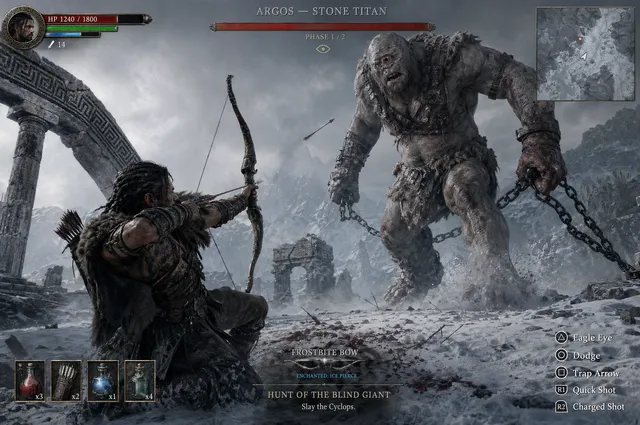
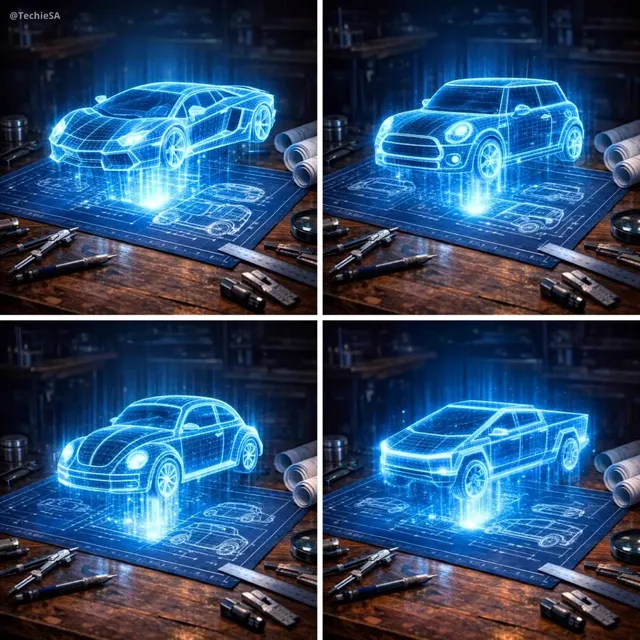
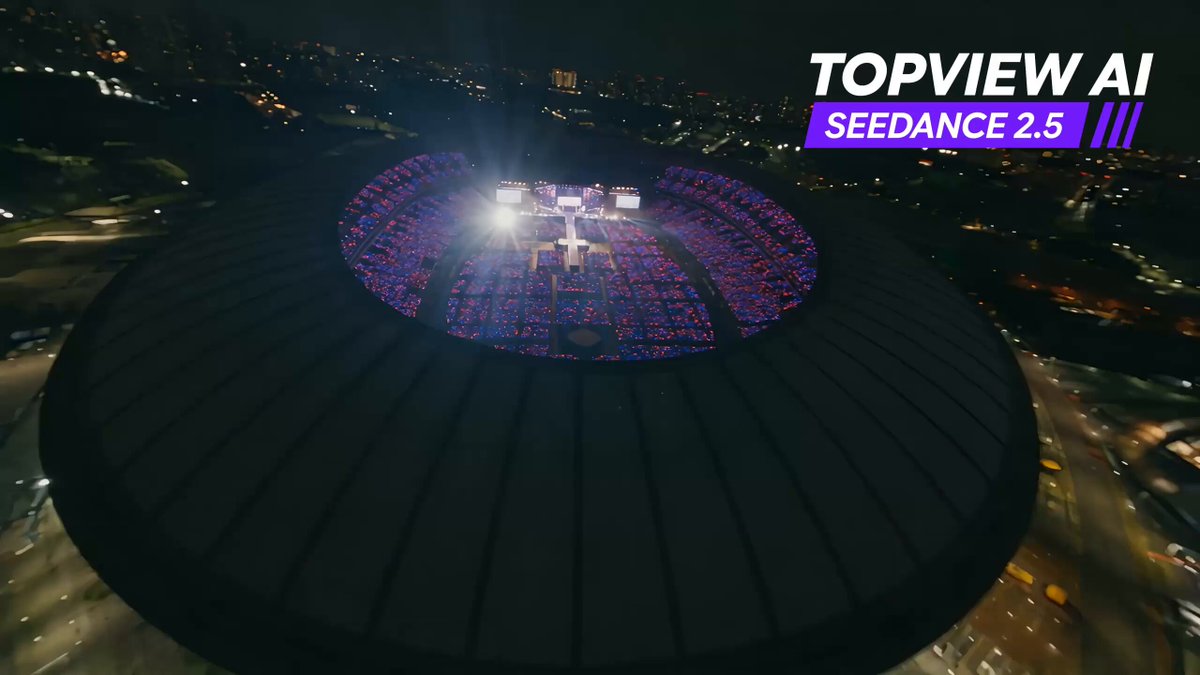
How does an image-to-video generator work?
You start from a still image instead of a blank prompt. You provide a picture you are allowed to use, describe how it should move — a pan, drifting clouds, a slow rotation — and the route generates a short animated clip from that combination. This page is useful when you already have the frame: landscape photos, illustrations, product shots, or art you made yourself. Review motion and edge quality before downloading, and keep the rights situation of the source image in mind.
AI Generator Image to Video: Animate a Still
Landscape parallax
Input
A mountain photo taken at dawn, with the motion instruction 'slow camera pan to the right, clouds drifting left, gentle light'.
Expected output
A clip with subtle parallax and moving clouds, subject to review of the ridge edges for warping.
Illustration brought to life
Input
A digital painting of a harbor, with the instruction 'boats bobbing softly, water rippling, everything else still'.
Expected output
A calm animated version of the painting in which only the water and boats move.
Product showcase rotation
Input
A studio photo of a ceramic mug, with the instruction 'slow turntable rotation left to right, fixed camera, soft shadows'.
Expected output
A rotation clip of the mug that you check for label consistency and surface drift.
Animate a still image you are allowed to use by providing it with a motion description, then review and download the short generated clip.
Your image sets the scene
The composition, palette, and subject come from your picture, so the clip starts visually on target instead of from scratch.
Motion in plain words
You describe the movement — pan, ripple, rotate — in a sentence instead of building keyframes or rigs.
Reuse assets you already have
Photos and illustrations you hold rights to become short motion pieces without a reshoot or a redesign.
How It Works
1
Provide and describe
Provide an image you are allowed to use and describe the motion.
2
Choose settings
Choose the available animation settings.
3
Generate and review
Generate, review, and download a suitable result.
Getting clean motion from one still
Small, well-named motions preserve the source image; ambitious ones distort it.
Input Constraints
- Only animate images you are allowed to use — your own photos, licensed art, or cleared assets.
- Animate photos of people only with their permission.
- Keep the motion description small; large transformations distort the source.
- Check faces, text, and logos in the result before any use.
Practical Tips
- Describe motion relative to the frame: 'clouds drift left', 'camera pushes in', 'subject turns slowly'.
- Say what should stay still — anchoring most of the frame reduces warping.
- Sharp, well-lit sources animate more cleanly than blurry crops.
- If edges ripple, regenerate with a slower and smaller motion description.
Privacy
- Do not upload personal or sensitive material unless you have permission to use it.
Usage Rights
- Confirm that you have the rights needed for the inputs and intended use of the result.
Prompt recipes
Copy a structure, then adjust the subject, lighting, camera, and output details for your own result.
Photo parallax
Source: [landscape photo you own]. Motion: slow pan to the right, foreground and background moving at slightly different speeds, no subject motion. Use for: an establishing shot built from a still.
Differential pan reads as depth without touching the subject, which keeps the source image intact.
Ambient life
Source: [illustration or render you have rights to]. Motion: only [one element — water, steam, or leaves] moves in a gentle cycle; everything else static. Use for: living backgrounds for pages or streams.
A single moving element is easy to verify and unlikely to distort the rest of the frame.
Object turntable
Source: [product photo on a plain background]. Motion: one steady rotation, camera fixed, shadows soft and stable. Use for: a showcase loop after checking label and texture drift.
A fixed camera and a single rotation make errors obvious, so the review pass is straightforward.
Character idle motion
Source: [your own character art, not a real person]. Motion: gentle breathing movement and slight hair sway, face unchanged. Use for: an idle animation for a game or channel asset.
Micro-motion keeps the design stable while making art feel alive, and avoiding real people removes likeness risks.
Reveal push-in
Source: [key art or poster you made]. Motion: slow push-in with a slight upward tilt, subtle vignette, no cuts. Use for: an intro sting or a thumbnail-to-video transition.
A push-in adds energy while preserving the composition, and one camera move keeps the clip predictable.
Best use cases
Match the workflow to the input you have and the result you need before opening the generator.
Animating travel photos for reels
Input: Sharp landscape photos with clear depth layers
Result: Parallax clips after checking ridge and horizon edges
Tool: Domer Image to Video
Motion versions of portfolio art
Input: Your own illustrations with isolated moving elements
Result: Subtle ambient-animation versions to embed in a portfolio
Tool: Domer Image to Video
Product showcase loops
Input: Clean product photos on plain backgrounds
Result: Rotation or push-in clips to review for surface consistency
Tool: Domer Image to Video
Limitations to know before generating
- The tool animates one image plus a motion description per generation; it does not stitch multi-shot stories or add sound.
- Large or complex motions distort faces, text, and fine patterns — check those areas first.
- You must hold rights to the source image; animating other people's photos without permission is not acceptable use.
- Results vary with source quality, and blurry or low-resolution inputs animate poorly.
Creative Suite: AI Video Generator & AI Image Generator Tools
Power up your creative workflow with our AI-driven tools. Generate stunning videos, create images, and apply custom adjustments - our AI Video Generator and AI Image Generator offer a complete solution for all your creative needs.
Strictly Prohibits Adult/NSFW Content








Pricing
Choose the credit package that works best for you.
No hidden fees • Cancel anytime • Unused credits roll over
Starter
Perfect for trying out AI creation.
Credits
200 credits / month
- Up to 20 videos per month
- Up to 100 images per month
$6.99/ month$9.9930% OFF
Billed monthly
First-time subscribers get 30% off their first month, then standard price
What's included
- Credits never expire
- Standard models
- HD, Watermark-Free Downloads
- Private Generation
- Faster Generation Speed
- Ad-free experience
Basic
Perfect for light creators.
Credits
500 credits / month
- Up to 50 videos per month
- Up to 250 images per month
$13.99/ month$19.9930% OFF
Billed monthly
First-time subscribers get 30% off their first month, then standard price
What's included
- Credits never expire
- Standard models
- HD, Watermark-Free Downloads
- Private Generation
- Faster Generation Speed
- Ad-free experience
Pro
PopularBest value for creators
Credits
1,200 credits / month
- Up to 120 videos per month
- Up to 600 images per month
$39.99/ month
Billed monthly
What's included
- Credits never expire
- All models + Early access to new models
- HD, Watermark-Free Downloads
- Private Generation
- Faster Generation Speed
- Ultra HD resolution
- Ad-free experience
Ultra
For video creators and power users.
Credits
5,000 credits / month
- Up to 500 videos per month
- Up to 2,500 images per month
$99.99/ month
Billed monthly
What's included
- Credits never expire
- All models + Early access to new models
- HD, Watermark-Free Downloads
- Private Generation
- Faster Generation Speed
- Ultra HD resolution
- Ad-free experience
Free
Standard models only — upgrade to unlock premium models.
Credits
10 free credits on signup
Questions? Contact us at support@domer.io
Give one photo motion
Open the image-to-video tool with a photo you have rights to, describe one simple motion, and review the clip before downloading.