
AI Art Generator Combine Two Images in One Prompt
An AI art generator combine two images prompt describes both references in words: subject one, subject two, and the blend you want in one scene.
AI Image Generator
0/20000 characters
My images
Loading...
How do you combine two images with an AI art generator?
On this route you do it with one sentence instead of two files. Take the first reference and the second, write both into a single prompt as subject one and subject two, add the relationship you want, side by side, merged into one scene, one in the foreground and one behind, and name a style so both halves render consistently. Then choose the available generation settings and review the result. It is the right approach when the two ideas belong together, two pets in one portrait, a mountain range behind a field, a product inside a setting, and the wrong one when you need exact pixels from either source, because this route generates from text rather than stitching uploaded files.
AI Art Generator Combine Two Images in One Prompt
Two pets in one family portrait
Input
A golden retriever and a gray tabby cat sitting together on a picnic blanket, warm afternoon light, soft oil painting style, both animals looking toward the viewer.
Expected output
One painted scene where both animals appear side by side with consistent light and brushwork, ready to review for likeness of mood.
Two landscapes as one vista
Input
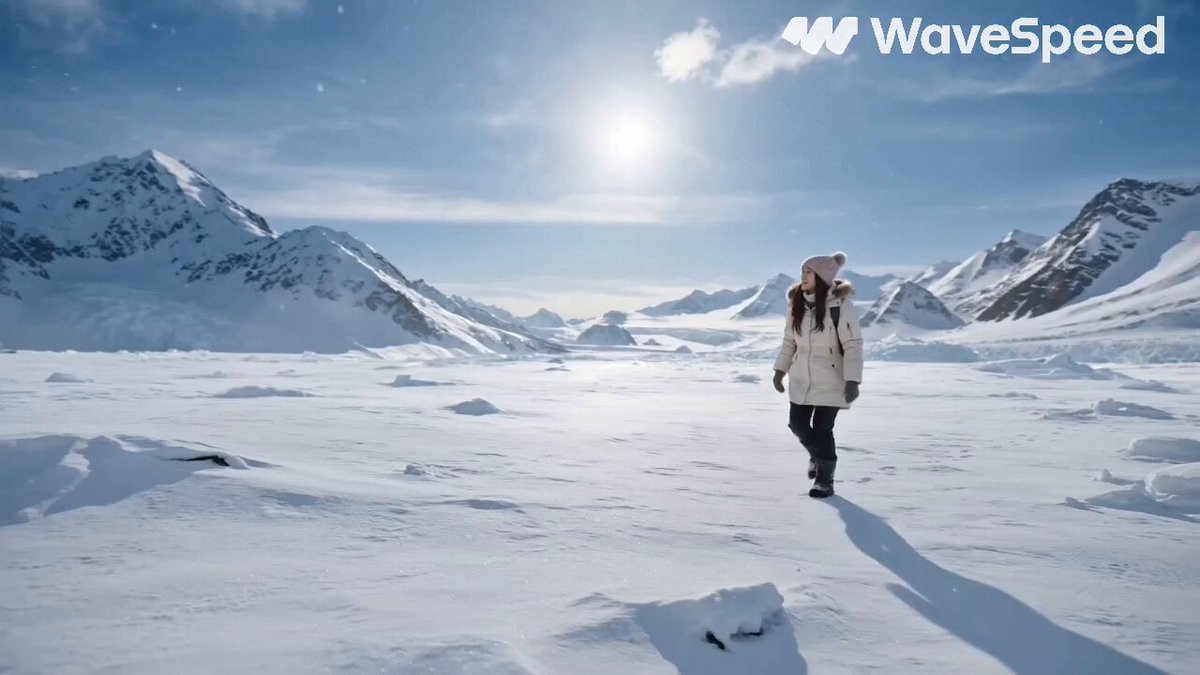
A snowy mountain range rising behind a lavender field at golden hour, wide vista, soft haze where the ranges meet, matte painting style.
Expected output
A single believable vista in which the mountains and the field share one light source and horizon.
Product placed into a described setting
Input
A glass perfume bottle resting on moss beside a small waterfall, macro detail, cool green palette, dew on the glass, product photography style.
Expected output
A product-style scene combining the object and the natural setting with matching light and depth of field.
Fuse two visual ideas into one image by describing both references in a single text prompt, then generate and review the blend.
Settle either-or debates with a both-and image
When two directions both have supporters, a blended draft shows what the combination actually looks like before anyone commits.
You control the balance in words
Word order and detail decide which idea dominates: give the foreground subject the longer clause and the background a short one.
One prompt means one consistent style
Because both references enter the same sentence, the halves come out with the same palette and lighting instead of colliding like a collage.
How It Works
1
Describe the image you want
Describe the desired image.
2
Choose the generation settings
Choose the available generation settings.
3
Generate, review, and download
Generate, review, and download a suitable result.
Structuring a two-subject prompt that blends cleanly
The failure mode is a tug of war. The fix is to give each subject a clear role and a clear amount of space in the sentence.
Input Constraints
- This route reads one text prompt; it cannot stitch or merge two uploaded files.
- Do not expect real people's likenesses to survive a described merge, and do not attempt them.
- Describe only material you have the rights to use on both sides of the blend.
- One blended scene per prompt; three or more subjects usually produce a muddle.
Practical Tips
- Write subject one, subject two, then the relationship: 'together on', 'behind', 'reflected in', 'growing out of'.
- Spend more words on the subject that matters most; detail pulls attention.
- Add 'a single unified scene' when you want a photograph-like blend rather than a collage look.
- If one side swallows the other, cut its adjectives in half and generate again.
Privacy
- Do not upload personal or sensitive material unless you have permission to use it.
Usage Rights
- Confirm that you have the rights needed for the inputs and intended use of the result.
Prompt recipes
Copy a structure, then adjust the subject, lighting, camera, and output details for your own result.
Two-pet family portrait
A family portrait of two pets: a [breed or species one] and a [breed or species two] sitting close together on [shared surface], [one shared activity such as watching leaves fall], warm [time of day] light, soft oil painting style with visible brushwork; use it as a framed family print after review.
A shared surface and a shared activity force the two subjects into one interaction, which is what makes the merge read as a portrait rather than a splice.
Dual-landscape vista
One wide vista combining two places: [landscape one] in the foreground and [landscape two] rising behind it, soft haze where they meet, shared [time of day] light across both, matte painting style; use it as concept art for a story setting.
Foreground-background roles plus shared haze and light are the two tricks painters use to join terrains, so the prompt borrows proven structure.
Character and machine pairing
A pilot in [described gear] standing beside a [described vehicle] in an open hangar, both under the same overhead lamps, the character at one-third scale for contrast, cinematic concept art, cool palette; use it as key art for a game pitch.
Stating the scale relationship prevents the two subjects from competing for size, and shared lamps bind them into one lighting setup.
Keepsake blend of two memories
A single keepsake scene blending two family memories: [memory one, such as a grandmother's garden in bloom] wrapped around [memory two, such as a picnic table set for tea], soft watercolor washes blending the two zones at the edges, gentle morning palette; use it as a print for a family gift.
Instructing the two zones to blend at the edges turns a potential split-screen into one continuous memento, which suits the emotional purpose.
Palette collision background
An abstract background where two palettes meet: [palette one] flowing in from the left and [palette two] from the right, meeting in a [soft gradient or torn-paper edge], fine grain texture, quiet negative space at the top; use it as a section divider in a deck.
Naming the meeting style, gradient versus torn edge, decides whether the blend feels smooth or energetic, which is the actual design decision.
Best use cases
Match the workflow to the input you have and the result you need before opening the generator.
A family portrait with two pets who never sat still together
Input: Two short subject descriptions, a shared surface or activity, and one painting style
Result: A single warm portrait where both animals coexist under one light, worth a likeness check before printing
Tool: Text to Image
Concept vista merging two terrains
Input: Foreground and background landscape roles plus shared weather and time of day
Result: One believable wide scene suitable as story or game concept art after review
Tool: Text to Image
Product shown inside a described scene
Input: The product described by shape and material plus a setting with matching mood light
Result: A mock-style shot with the object grounded in the scene, ready for a landing page discussion
Tool: Text to Image
Limitations to know before generating
- The route takes one text prompt, so there is no file stitching; both references must survive as descriptions.
- Balance is word-driven: the more detailed subject tends to dominate, and correcting it means editing, not dragging layers.
- Merges can produce odd junctions, extra elements, or doubled features, so review at full size before use.
- Real people's likenesses cannot be carried reliably by description and should stay out of merge prompts.
- Rights for both sides of the blend, and for the combined result's intended use, remain your responsibility.
Creative Suite: AI Video Generator & AI Image Generator Tools
Power up your creative workflow with our AI-driven tools. Generate stunning videos, create images, and apply custom adjustments - our AI Video Generator and AI Image Generator offer a complete solution for all your creative needs.
Strictly Prohibits Adult/NSFW Content








Pricing
Choose the credit package that works best for you.
No hidden fees • Cancel anytime • Unused credits roll over
Starter
Perfect for trying out AI creation.
Credits
200 credits / month
- Up to 20 videos per month
- Up to 100 images per month
$6.99/ month$9.9930% OFF
Billed monthly
First-time subscribers get 30% off their first month, then standard price
What's included
- Credits never expire
- Standard models
- HD, Watermark-Free Downloads
- Private Generation
- Faster Generation Speed
- Ad-free experience
Basic
Perfect for light creators.
Credits
500 credits / month
- Up to 50 videos per month
- Up to 250 images per month
$13.99/ month$19.9930% OFF
Billed monthly
First-time subscribers get 30% off their first month, then standard price
What's included
- Credits never expire
- Standard models
- HD, Watermark-Free Downloads
- Private Generation
- Faster Generation Speed
- Ad-free experience
Pro
PopularBest value for creators
Credits
1,200 credits / month
- Up to 120 videos per month
- Up to 600 images per month
$39.99/ month
Billed monthly
What's included
- Credits never expire
- All models + Early access to new models
- HD, Watermark-Free Downloads
- Private Generation
- Faster Generation Speed
- Ultra HD resolution
- Ad-free experience
Ultra
For video creators and power users.
Credits
5,000 credits / month
- Up to 500 videos per month
- Up to 2,500 images per month
$99.99/ month
Billed monthly
What's included
- Credits never expire
- All models + Early access to new models
- HD, Watermark-Free Downloads
- Private Generation
- Faster Generation Speed
- Ultra HD resolution
- Ad-free experience
Free
Standard models only — upgrade to unlock premium models.
Credits
10 free credits on signup
Questions? Contact us at support@domer.io
Two ideas, one sentence, one image
Open the tool, describe both references and their relationship in a single prompt, and review the first blend it returns.