
AI Art Generator Concept Art: Build Visual Worlds
Turn text prompts into character, environment, and prop references. Generate concept art, review the result, and refine your worldbuilding in minutes.
AI Image Generator
0/20000 characters
My images
Loading...
What is AI art generator concept art?
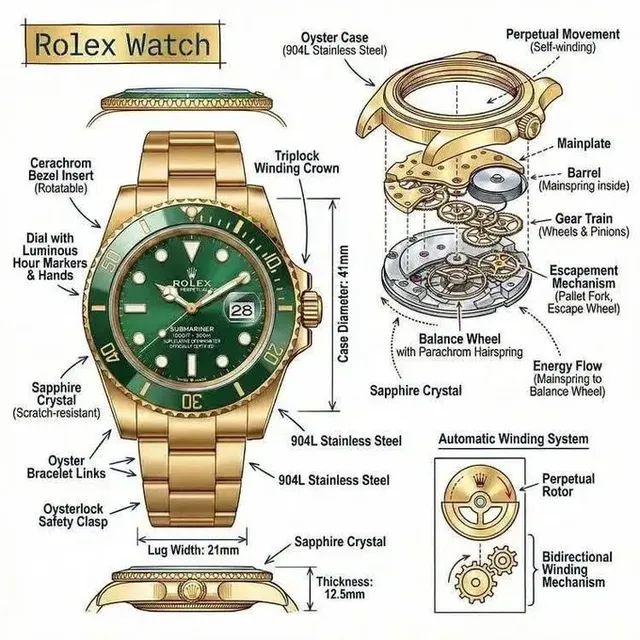
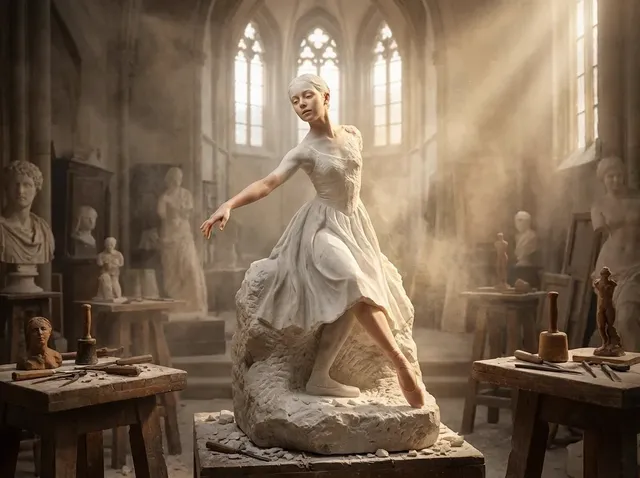
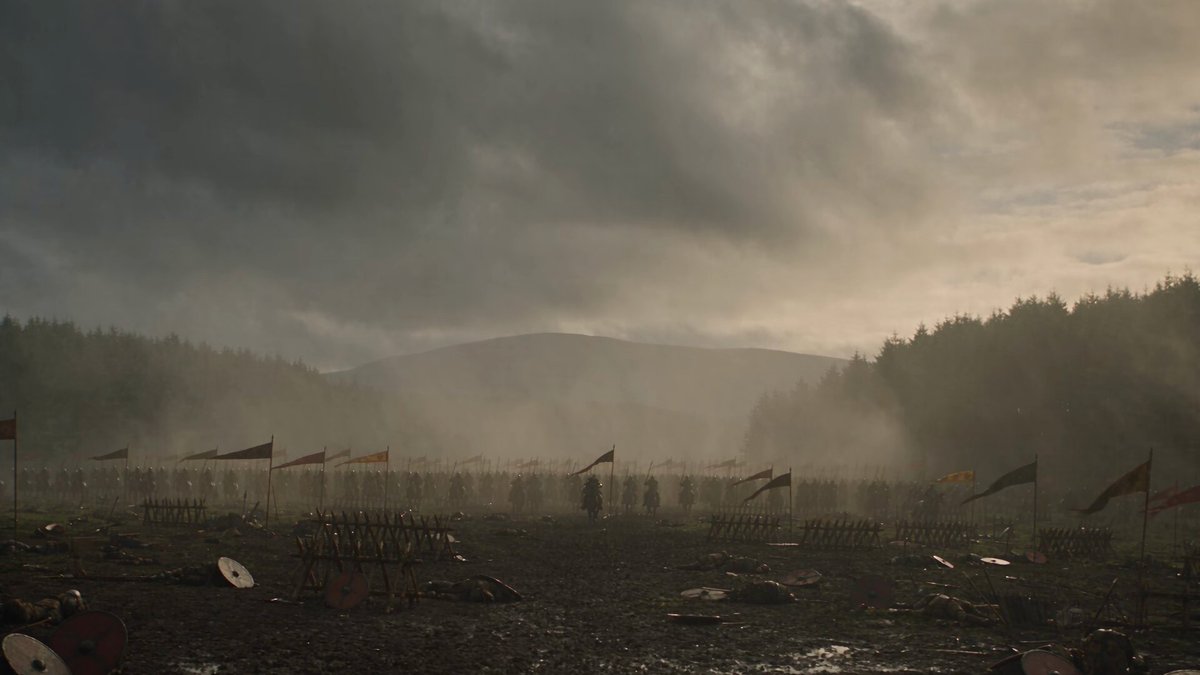
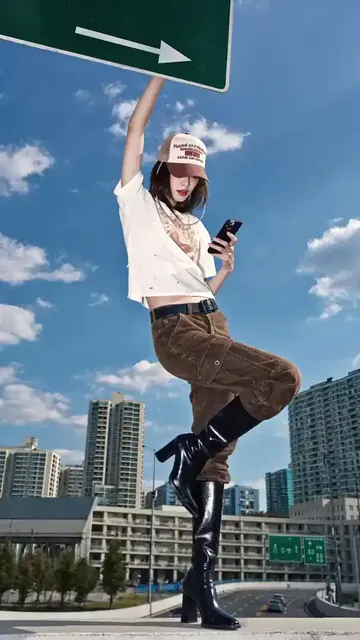
It's a text-to-image workflow that lets you describe a character, environment, or prop and generate a visual reference you can review, iterate, and use for games, stories, or client presentations.
AI Art Generator Concept Art: Build Visual Worlds
Fantasy environment concept
Input
A misty mountain pass with a stone bridge, pine forest, and a traveler on foot, wide establishing shot, painterly style
Expected output
A wide painterly concept of the mountain pass with the bridge, forest, and traveler.
Character concept sheet
Input
A young scout in a green hooded cloak holding a lantern, front view, clean character design with subtle shading
Expected output
A clean front-view character concept showing the scout, cloak, and lantern.
Sci-fi vehicle prop
Input
A compact hover rover with rounded panels, teal and white finish, side view on a plain background, product-style concept
Expected output
A side-view concept render of the hover rover with the teal and white finish described.
Visualize characters, environments, and props from text descriptions to support worldbuilding, pitches, and early-stage design work.
Visualize ideas before final art
Turn written concepts into reference images you can share and refine.
Test moods and compositions
Adjust prompts to try different lighting, palette, and framing quickly.
Support worldbuilding and pitches
Create character, environment, and prop references for games, stories, or client presentations.
How It Works
1
Describe the concept
Describe the desired image.
2
Choose settings
Choose the available generation settings.
3
Generate and review
Generate, review, and download a suitable result.
Guidance for concept art generation
Describe subject, mood, and composition for useful references.
Input Constraints
- Specify the subject such as character, environment, or prop
- Describe mood, lighting, and palette to guide the concept
- Review the result against your brief before using it
Practical Tips
- Mention the viewpoint such as front view, side view, or wide shot
- Add style words like painterly, realistic, or stylized
- Keep the prompt focused on one concept at a time
Privacy
- Do not upload personal or sensitive material unless you have permission to use it.
Usage Rights
- Confirm that you have the rights needed for the inputs and intended use of the result.
Prompt recipes
Copy a structure, then adjust the subject, lighting, camera, and output details for your own result.
High-fantasy character with backstory cues
A weathered ranger with a scarred face, leather armor patched with cloth, carrying a recurve bow and a worn map case, standing in a forest clearing at dusk, realistic concept art
The physical details and props suggest a history and role, which helps concept artists and writers align on the character's place in the story.
Sci-fi interior with functional layout
A spaceship cockpit with wrap-around viewports, two pilot seats with worn upholstery, holographic control panels, and emergency oxygen tanks mounted on the wall, isometric view, technical concept illustration
Isometric view and functional details make the space readable for game designers or 3D modelers who need to understand layout and scale.
Creature design with environmental context
A bipedal amphibian creature with webbed fingers, bioluminescent markings on its back, crouched beside a glowing tidal pool, side view, naturalistic fantasy concept
Placing the creature in its habitat and specifying bioluminescence gives visual context for how it might behave and where it lives.
Urban environment with storytelling elements
A narrow alleyway in a cyberpunk city, neon signs in multiple languages, steam rising from vents, a food cart vendor under a torn awning, wide shot from ground level, moody digital painting
Layered details like steam, signs, and the vendor add life and suggest narrative potential, which helps directors and writers pitch the scene.
Weapon or tool prop with usage details
A medieval crossbow with a hand-carved wooden stock, brass trigger mechanism, and a leather strap, side view on a neutral background, technical illustration with annotations
Side view and technical style make the prop clear for 3D modeling, and the materials described help guide texturing decisions.
Best use cases
Match the workflow to the input you have and the result you need before opening the generator.
Pitching a game environment to a team
Input: Setting description with mood, lighting, and key landmarks
Result: Wide establishing shot showing spatial layout and atmosphere
Tool: Text-to-image with wide-shot and painterly style keywords
Designing a character for a comic or story
Input: Character traits, costume, pose, and viewpoint
Result: Front or three-quarter view concept showing face, costume, and proportions
Tool: Text-to-image with character-design and front-view keywords
Creating prop references for 3D modeling
Input: Object name, materials, viewpoint, and functional details
Result: Clean side or isometric view with clear edges and surface detail
Tool: Text-to-image with technical-illustration and side-view keywords
Exploring visual styles for a project
Input: Core subject with multiple style variations in separate prompts
Result: Several concepts showing the same subject in different artistic treatments
Tool: Text-to-image with style keywords like painterly, realistic, or stylized
Limitations to know before generating
- Results depend on prompt clarity; vague descriptions produce generic or inconsistent visuals.
- Fine details like text on signs, intricate patterns, or exact proportions may not match your mental image without iteration.
- Generated concepts are starting points, not final production art; review for anatomy, perspective, and style consistency before use.
- Complex scenes with many subjects or overlapping elements may require multiple prompts and manual compositing.
Creative Suite: AI Video Generator & AI Image Generator Tools
Power up your creative workflow with our AI-driven tools. Generate stunning videos, create images, and apply custom adjustments - our AI Video Generator and AI Image Generator offer a complete solution for all your creative needs.
Strictly Prohibits Adult/NSFW Content








Pricing
Choose the credit package that works best for you.
No hidden fees • Cancel anytime • Unused credits roll over
Starter
Perfect for trying out AI creation.
Credits
200 credits / month
- Up to 20 videos per month
- Up to 100 images per month
$6.99/ month$9.9930% OFF
Billed monthly
First-time subscribers get 30% off their first month, then standard price
What's included
- Credits never expire
- Standard models
- HD, Watermark-Free Downloads
- Private Generation
- Faster Generation Speed
- Ad-free experience
Basic
Perfect for light creators.
Credits
500 credits / month
- Up to 50 videos per month
- Up to 250 images per month
$13.99/ month$19.9930% OFF
Billed monthly
First-time subscribers get 30% off their first month, then standard price
What's included
- Credits never expire
- Standard models
- HD, Watermark-Free Downloads
- Private Generation
- Faster Generation Speed
- Ad-free experience
Pro
PopularBest value for creators
Credits
1,200 credits / month
- Up to 120 videos per month
- Up to 600 images per month
$39.99/ month
Billed monthly
What's included
- Credits never expire
- All models + Early access to new models
- HD, Watermark-Free Downloads
- Private Generation
- Faster Generation Speed
- Ultra HD resolution
- Ad-free experience
Ultra
For video creators and power users.
Credits
5,000 credits / month
- Up to 500 videos per month
- Up to 2,500 images per month
$99.99/ month
Billed monthly
What's included
- Credits never expire
- All models + Early access to new models
- HD, Watermark-Free Downloads
- Private Generation
- Faster Generation Speed
- Ultra HD resolution
- Ad-free experience
Free
Standard models only — upgrade to unlock premium models.
Credits
10 free credits on signup
Questions? Contact us at support@domer.io
Create your first concept art reference
Open the text-to-image tool, describe your concept, and generate a reference you can review and refine.