
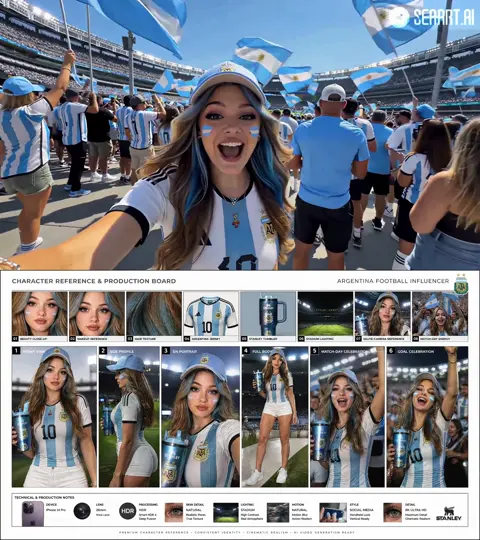
AI Art Generator iOS App
Generate art on your iPhone or iPad. Open the browser-based tool, describe what you want, and create images optimized for mobile viewing.
AI Image Generator
0/20000 characters
My images
Loading...
How do you use an AI art generator on iOS?
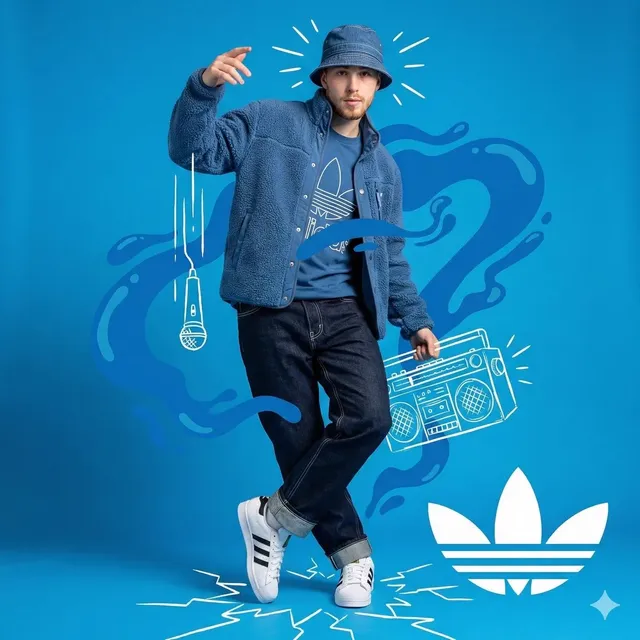
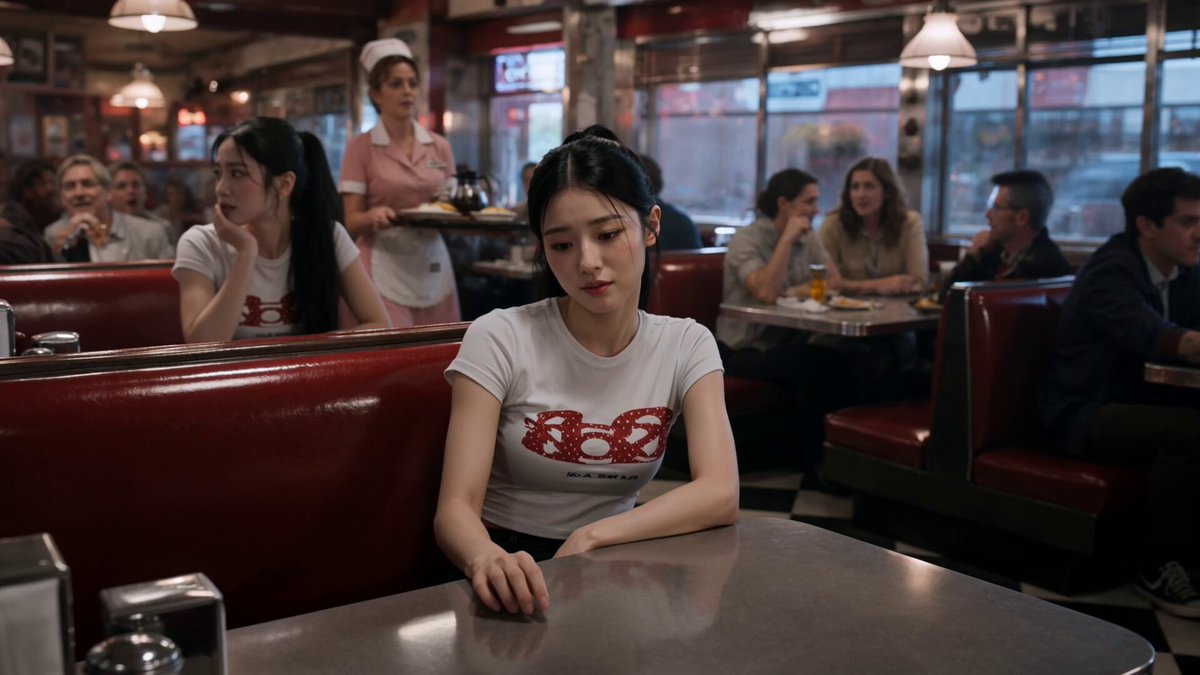
To use an AI art generator on iOS, open the tool in your iPhone or iPad browser, write a text description of the image you want, choose generation settings, and generate. The tool works through the browser without requiring an app download. For mobile-optimized results, specify vertical or portrait orientation in your prompt, and mention mobile use cases like wallpaper or profile picture. Review the image on your device screen, then download and save it to your camera roll.
AI Art Generator iOS App
Digital Painting on iPhone
Input
A vibrant digital painting of a neon cityscape, purple and blue colour scheme, futuristic style, suitable for mobile wallpaper.
Expected output
A bright digital painting of a futuristic city with neon colours, optimised for mobile screen viewing.
iPad Abstract Wallpaper
Input
Abstract flowing shapes in pastel gradients, smooth curves, calm and minimal, iPad wallpaper proportions.
Expected output
A smooth abstract composition with flowing pastel shapes suitable for an iPad home screen.
Custom Profile Picture
Input
A cute cartoon-style owl wearing a tiny graduation cap, simple clean design, bright colours, avatar format.
Expected output
A simple cartoon owl avatar in bright colours, suitable for use as a profile picture.
Describe AI-generated art on iPhone and iPad through a browser-based text-to-image workflow
Create art on the go
Generate images directly from your iPhone or iPad without needing a desktop computer.
Mobile-optimized generation
Create images with mobile use in mind, including wallpapers and social media content.
No desktop required
Access the text-to-image tool from your iOS device and generate visuals anywhere.
How It Works
1
Describe the image
Describe the desired image.
2
Choose settings
Choose the available generation settings.
3
Generate and download
Generate, review, and download a suitable result.
Using AI art on iOS
Tips for mobile image generation.
Input Constraints
- Consider the screen ratio when describing the image.
- Keep prompts clear for mobile-friendly results.
- Review the image on your device before saving.
- Check file size if sharing or using as wallpaper.
- Ensure you have a stable internet connection.
Practical Tips
- Specify 'vertical' or 'portrait' for phone-optimised images.
- Use 'wallpaper' in the prompt for suitable compositions.
- Try simple subjects for clearer results on smaller screens.
- Save generated images to your camera roll for later use.
Privacy
- Do not upload personal or sensitive material unless you have permission to use it.
Usage Rights
- Confirm that you have the rights needed for the inputs and intended use of the result.
Prompt recipes
Copy a structure, then adjust the subject, lighting, camera, and output details for your own result.
iPhone lock screen wallpaper
A calming ocean wave at sunset, soft pink and orange sky, vertical format, minimalist composition for iPhone lock screen
Specifies vertical orientation and lock screen use case, with a simple subject and calming colors suitable for daily viewing.
iPad home screen abstract
Geometric abstract shapes in teal and coral, smooth gradients, horizontal format, iPad wallpaper proportions
Names the iPad aspect ratio and abstract style to produce a wallpaper that does not distract from app icons.
Profile avatar for social media
A simple cartoon fox head with a friendly expression, bright orange and white, circular composition, avatar format
Describes a centered, simple design suitable for small circular profile picture display across social platforms.
Mobile story background
A soft bokeh background with blurred city lights at dusk, warm tones, vertical format for Instagram story
Uses vertical format and soft focus to create a background that does not compete with story overlay text or stickers.
Motivational quote background for iPhone
A mountain peak above the clouds at sunrise, vertical format, empty space in the upper third for text overlay, inspirational mood
Combines vertical orientation with intentional text space and an uplifting subject for motivational wallpaper use.
Best use cases
Match the workflow to the input you have and the result you need before opening the generator.
iPhone or iPad wallpaper
Input: Vertical or horizontal format, simple subject, calming or minimal aesthetic
Result: Wallpaper-ready image that looks good at lock screen or home screen resolution
Tool: Text to Image with aspect ratio and wallpaper keywords
Social media avatar
Input: Circular or square composition, simple centered subject, bright colors
Result: Profile picture that reads clearly at small sizes
Tool: Text to Image with avatar format and centered subject
Story or post background
Input: Vertical format, soft focus or minimal detail, space for text overlays
Result: Background image that supports overlay content without visual clash
Tool: Text to Image with vertical format and overlay space
Quick sketch or reference on the go
Input: Straightforward subject description without complex detail
Result: Visual draft for creative projects or quick idea capture
Tool: Text to Image with simple prompt
Limitations to know before generating
- Mobile browser performance varies; older devices may experience slower generation or display.
- Small screen size makes it harder to review fine details; use pinch-to-zoom for inspection.
- File size and format may require adjustment before using as wallpaper or uploading to some platforms.
- Internet connection quality affects generation speed; use Wi-Fi for best performance.
- Portrait orientation must be specified in the prompt or settings; the tool does not auto-detect device type.
Creative Suite: AI Video Generator & AI Image Generator Tools
Power up your creative workflow with our AI-driven tools. Generate stunning videos, create images, and apply custom adjustments - our AI Video Generator and AI Image Generator offer a complete solution for all your creative needs.
Strictly Prohibits Adult/NSFW Content








Pricing
Choose the credit package that works best for you.
No hidden fees • Cancel anytime • Unused credits roll over
Starter
Perfect for trying out AI creation.
Credits
200 credits / month
- Up to 20 videos per month
- Up to 100 images per month
$6.99/ month$9.9930% OFF
Billed monthly
First-time subscribers get 30% off their first month, then standard price
What's included
- Credits never expire
- Standard models
- HD, Watermark-Free Downloads
- Private Generation
- Faster Generation Speed
- Ad-free experience
Basic
Perfect for light creators.
Credits
500 credits / month
- Up to 50 videos per month
- Up to 250 images per month
$13.99/ month$19.9930% OFF
Billed monthly
First-time subscribers get 30% off their first month, then standard price
What's included
- Credits never expire
- Standard models
- HD, Watermark-Free Downloads
- Private Generation
- Faster Generation Speed
- Ad-free experience
Pro
PopularBest value for creators
Credits
1,200 credits / month
- Up to 120 videos per month
- Up to 600 images per month
$39.99/ month
Billed monthly
What's included
- Credits never expire
- All models + Early access to new models
- HD, Watermark-Free Downloads
- Private Generation
- Faster Generation Speed
- Ultra HD resolution
- Ad-free experience
Ultra
For video creators and power users.
Credits
5,000 credits / month
- Up to 500 videos per month
- Up to 2,500 images per month
$99.99/ month
Billed monthly
What's included
- Credits never expire
- All models + Early access to new models
- HD, Watermark-Free Downloads
- Private Generation
- Faster Generation Speed
- Ultra HD resolution
- Ad-free experience
Free
Standard models only — upgrade to unlock premium models.
Credits
10 free credits on signup
Questions? Contact us at support@domer.io
Generate art on your iOS device
Open the text-to-image tool from your iPhone or iPad and start creating.