

AI Image Generator Design Mockups & Concepts
Use ai image generator design to create design mockups, layouts, and visual concepts from text. Generate brand boards, UI screens, posters, and graphics.
AI Image Generator
0/20000 characters
My images
Loading...
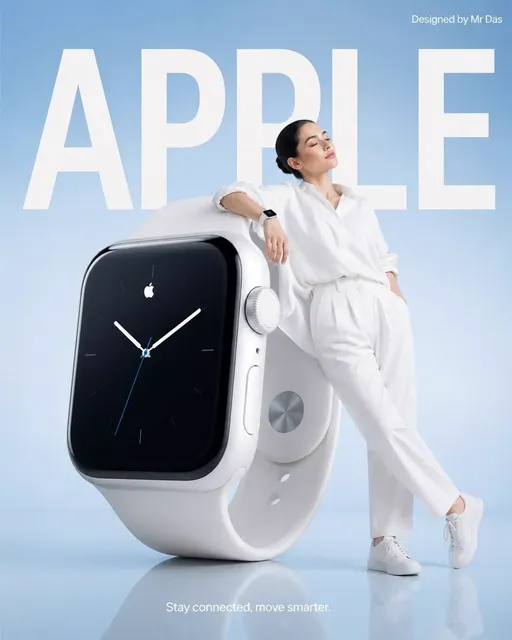

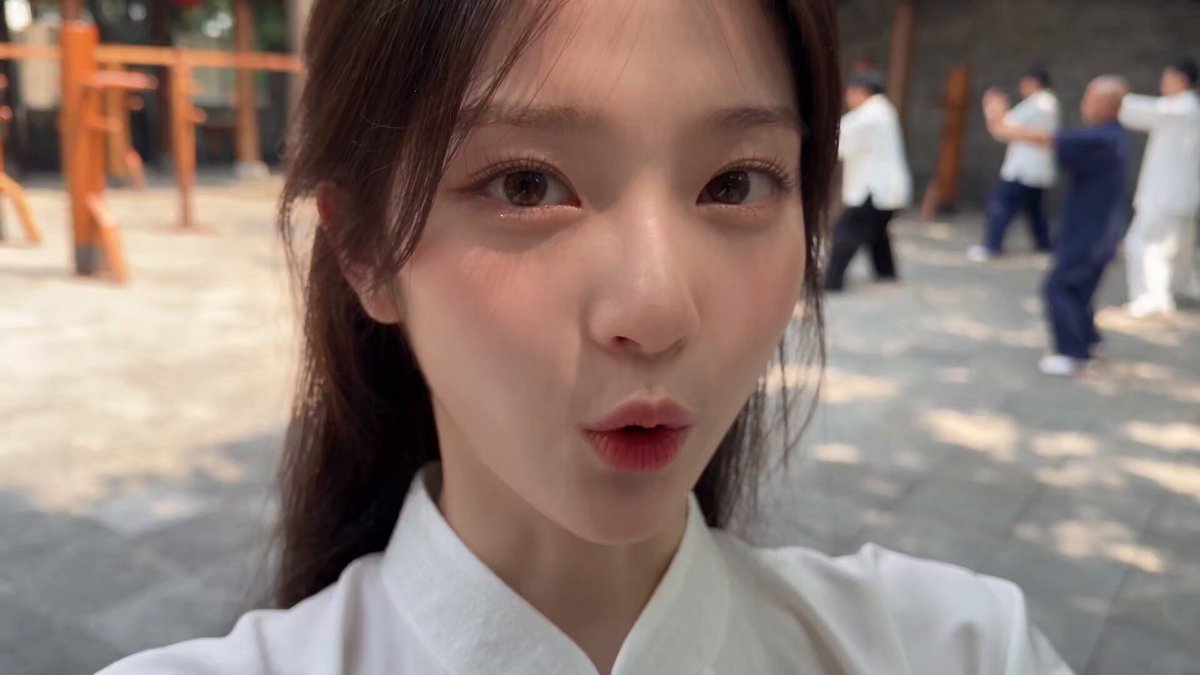
Generating Design-Oriented Images
An AI image generator for design creates visual mockups, layout concepts, brand boards, and graphic compositions from text descriptions. Describe the design type, color palette, typography style, and layout structure, and the tool generates a visual concept that serves as a reference for design projects, client presentations, or creative exploration.
AI Image Generator Design Mockups & Concepts
Brand Identity Concept
Input
A modern brand identity board with logo variations, color palette swatches in teal and coral, typography samples, and business card mockup
Expected output
A professional brand identity layout with organized logo concepts, coordinated color swatches, and stationery mockups
Digital Product Mockup
Input
A mobile app UI display on three iPhone frames showing a fitness app interface with graphs, workout tracking, and progress screens
Expected output
A polished product mockup showing an app interface across multiple device screens with clean UI elements and data visualization
Poster Layout Design
Input
A minimalist event poster design with bold typography, geometric shapes, limited color palette of black white and red, modern layout
Expected output
A clean poster composition with strong typographic hierarchy, geometric decorative elements, and balanced negative space
Generate design-oriented images including mockups, layouts, graphics, and visual concepts using AI
Quick Design Concept Generation
Generate visual design ideas, mockups, and layout concepts in seconds rather than hours of manual layout work.
Multiple Design Directions
Explore different design approaches, color schemes, and compositions by iterating on your text prompt description.
Client Presentation Visuals
Create concept visuals for client pitches, mood boards, and design proposals without building full mockups manually.
How It Works
1
Describe the desired image.
Describe the desired image.
2
Choose the available generation settings.
Choose the available generation settings.
3
Generate, review, and download a suitable result.
Generate, review, and download a suitable result.
Creating Design Concepts
Describe layout type, color palette, style, and format in your prompt for useful design imagery.
Input Constraints
- Generated images are visual concepts, not production-ready design files
- Do not use generated images as final logo or brand assets without refinement
- Review colors and layout for accessibility and readability
Practical Tips
- Specify the design type: 'brand board', 'UI mockup', 'poster layout', or 'social graphic'
- Mention specific colors: 'teal and coral', 'monochrome', 'warm earth tones'
- Describe the visual style: 'minimalist', 'bold', 'corporate', 'playful', 'elegant'
Privacy
- Do not upload personal or sensitive material unless you have permission to use it.
Usage Rights
- Confirm that you have the rights needed for the inputs and intended use of the result.
Prompt recipes
Copy a structure, then adjust the subject, lighting, camera, and output details for your own result.
Brand Mood Board
A brand mood board layout with photography samples in warm earth tones, texture swatches of linen and wood, color palette chips in terracotta and cream, minimal sans-serif typography examples, organized grid composition
Combines visual samples, textures, colors, and typography in an organized layout that demonstrates cohesive brand direction, useful for presenting brand concepts to clients or teams.
Mobile App UI Mockup
Three smartphone screens displayed side by side showing a meditation app interface, soft pastel purple and blue gradient backgrounds, simple icons, clean typography, modern minimalist UI design
Describes a multi-screen app flow with specific color scheme and design style, producing a mockup that visualizes user journey and interface aesthetics for product presentations.
Social Media Template
An Instagram post template design with a bold geometric frame in bright orange and navy blue, space for text in the center, modern graphic design style, square aspect ratio
Specifies social platform, layout structure, color scheme, and aspect ratio to create a reusable template concept that fits platform requirements and visual brand guidelines.
Event Poster Layout
A concert poster design with large bold sans-serif headline at top, abstract wave pattern background in pink and purple gradients, space for details at bottom, vertical format, contemporary design
Details typographic hierarchy, background treatment, content zones, and format to generate a poster layout that balances visual impact with functional information display.
Website Landing Section
A website hero section layout with left-aligned headline text and right-side device mockup showing an app interface, clean white background with subtle blue accent shapes, modern web design style
Describes two-column layout, content placement, and visual accents typical of landing pages, producing a wireframe-like concept that guides web design implementation.
Print Brochure Spread
A two-page magazine spread mockup with large feature image on left page, text columns with pull quote on right page, clean grid layout, professional editorial design, minimal color palette
Specifies print format, page relationship, content types, and editorial style to create a print design concept suitable for brochure or publication planning.
Best use cases
Match the workflow to the input you have and the result you need before opening the generator.
Client pitch visuals
Input: Design concepts with clear style, color palette, and composition descriptions
Result: Presentation-ready visuals that communicate design direction
Tool: Text to Image with style and layout terminology
Mood board creation
Input: Collections of visual elements, textures, colors, and style references
Result: Cohesive mood boards showing brand or project aesthetic direction
Tool: Text to Image with texture, color, and composition keywords
UI/UX exploration
Input: Interface layouts with screen types, navigation, and visual hierarchy
Result: Conceptual UI mockups for discussion and iteration
Tool: Text to Image with UI component and layout descriptors
Print design concepts
Input: Layout descriptions with format, typography, and content zones
Result: Visual concepts for posters, brochures, or editorial layouts
Tool: Text to Image with print format and layout keywords
Limitations to know before generating
- Generated design images are conceptual references, not production files with editable layers or vector elements
- Text within generated designs is decorative and not production-ready; actual typography should be added in design software
- Complex UI interactions, micro-animations, or responsive behaviors cannot be visualized in static generated images
- Brand identity elements like logos require refinement and vectorization in professional design tools before use
- Color accuracy may vary; generated palettes should be sampled and matched to brand standards before implementation
Creative Suite: AI Video Generator & AI Image Generator Tools
Power up your creative workflow with our AI-driven tools. Generate stunning videos, create images, and apply custom adjustments - our AI Video Generator and AI Image Generator offer a complete solution for all your creative needs.
Strictly Prohibits Adult/NSFW Content








Pricing
Choose the credit package that works best for you.
No hidden fees • Cancel anytime • Unused credits roll over
Starter
Perfect for trying out AI creation.
Credits
200 credits / month
- Up to 20 videos per month
- Up to 100 images per month
$6.99/ month$9.9930% OFF
Billed monthly
First-time subscribers get 30% off their first month, then standard price
What's included
- Credits never expire
- Standard models
- HD, Watermark-Free Downloads
- Private Generation
- Faster Generation Speed
- Ad-free experience
Basic
Perfect for light creators.
Credits
500 credits / month
- Up to 50 videos per month
- Up to 250 images per month
$13.99/ month$19.9930% OFF
Billed monthly
First-time subscribers get 30% off their first month, then standard price
What's included
- Credits never expire
- Standard models
- HD, Watermark-Free Downloads
- Private Generation
- Faster Generation Speed
- Ad-free experience
Pro
PopularBest value for creators
Credits
1,200 credits / month
- Up to 120 videos per month
- Up to 600 images per month
$39.99/ month
Billed monthly
What's included
- Credits never expire
- All models + Early access to new models
- HD, Watermark-Free Downloads
- Private Generation
- Faster Generation Speed
- Ultra HD resolution
- Ad-free experience
Ultra
For video creators and power users.
Credits
5,000 credits / month
- Up to 500 videos per month
- Up to 2,500 images per month
$99.99/ month
Billed monthly
What's included
- Credits never expire
- All models + Early access to new models
- HD, Watermark-Free Downloads
- Private Generation
- Faster Generation Speed
- Ultra HD resolution
- Ad-free experience
Free
Standard models only — upgrade to unlock premium models.
Credits
10 free credits on signup
Questions? Contact us at support@domer.io
Create Your Design Concept
Open the text-to-image tool, describe your design project needs, and generate visual concepts for your next project.