
Create
AI Image Generator from Drawing to Render
Describe your sketch concept and the rendering style you want. Generate polished images from rough drawing ideas.
AI Image Generator
0/20000 characters
My images
Loading...
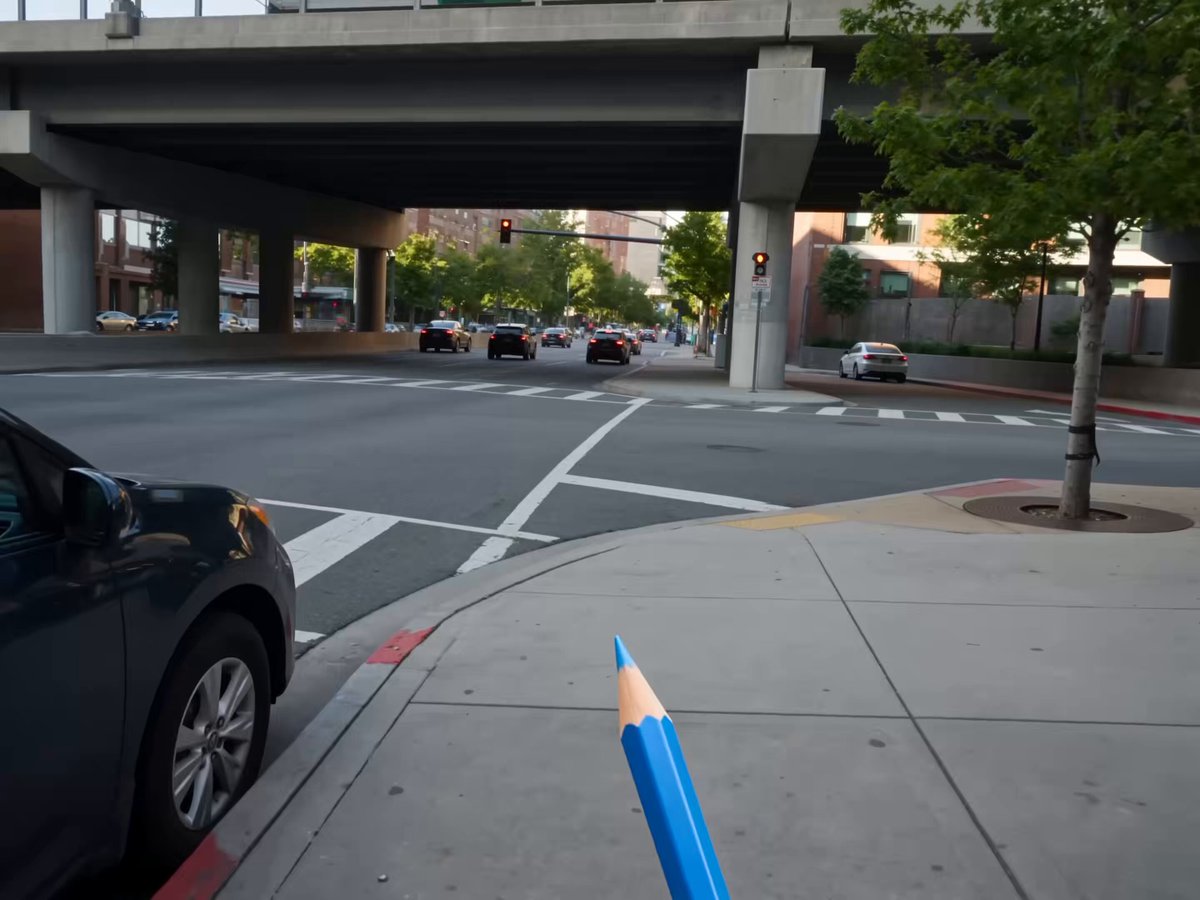
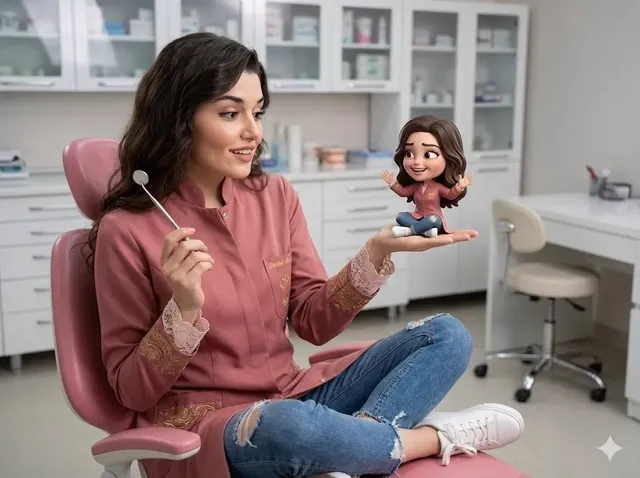
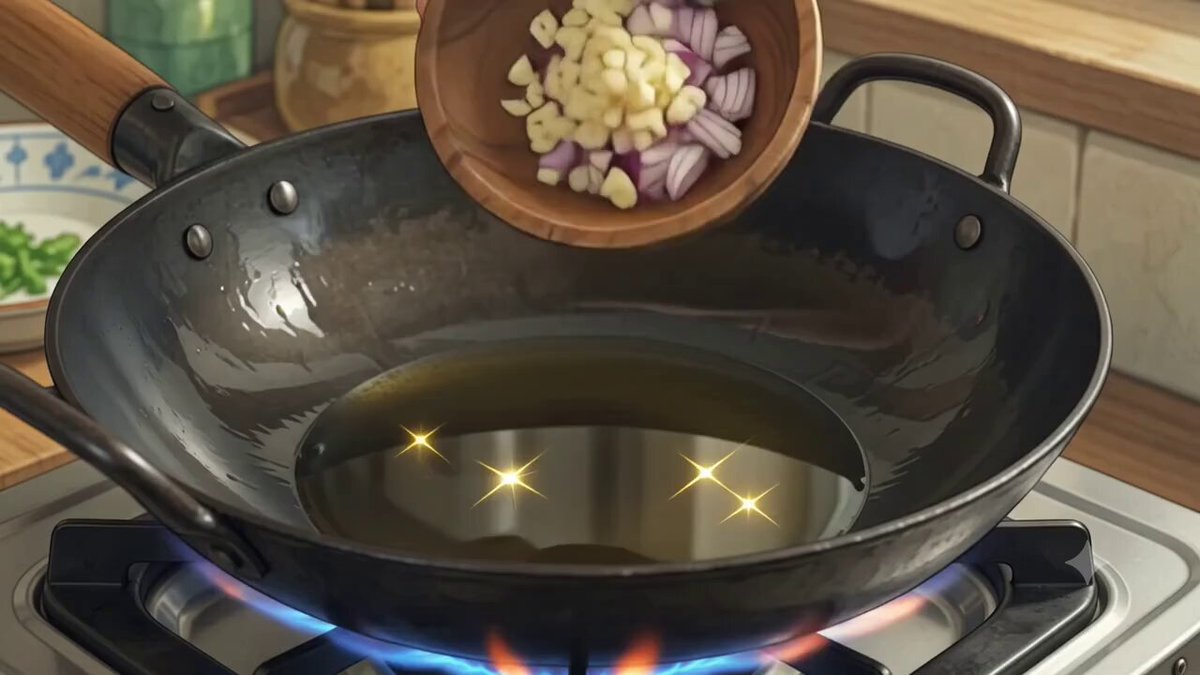
How do I turn a drawing into a rendered image?
Describe the key elements of your drawing — the composition, main subjects, and layout — along with the rendering style you want applied, such as realistic, digital painting, or watercolor. The tool generates a polished image based on your description.
AI Image Generator from Drawing to Render
Character sketch to full render
Input
Pencil sketch of a knight with a spear and shield, render as a fully colored digital painting with dramatic lighting and detailed armor
Expected output
A fully rendered digital painting of a knight character with applied color, lighting, and texture detail based on the sketch concept
Storyboard to scene
Input
Rough line drawing of two people sitting at a cafe table, render as a realistic street scene with warm afternoon light and city background
Expected output
A detailed cafe scene with applied color, lighting, and environmental context derived from the sketch layout
Product concept to mockup
Input
Simple line drawing of a water bottle with a clean minimalist shape, render as a realistic product photo with studio lighting and neutral background
Expected output
A photorealistic product image showing the bottle with proper shading, reflections, and material texture
Transform a hand-drawn sketch or rough drawing concept into a polished, rendered image by describing it in text.
Visualize rough concepts quickly
Transform basic sketches into polished visuals without spending hours on detailed rendering.
Explore multiple styles from one sketch
Use the same drawing as a base and apply different rendering styles to compare results.
Bridge ideation and presentation
Move from rough concept sketches to presentation-ready images in a single workflow.
How It Works
1
Describe the desired image
Describe the desired image.
2
Choose the available generation settings
Choose the available generation settings.
3
Generate, review, and download a suitable result
Generate, review, and download a suitable result.
Working from sketches
Describe the key elements of your drawing and specify the rendering style you want applied. Clear composition descriptions help maintain the original layout.
Input Constraints
- Avoid claiming the tool perfectly reproduces every element from a sketch.
- Do not guarantee that complex hand-drawn details will be preserved exactly.
- Keep the sketch description clear enough that the prompt guides the output direction.
Practical Tips
- Describe the most important elements from your sketch in the prompt.
- Specify the rendering style you want such as realistic, digital painting, or watercolor.
- Mention lighting direction and color palette to guide the final look.
Privacy
- Do not upload personal or sensitive material unless you have permission to use it.
Usage Rights
- Confirm that you have the rights needed for the inputs and intended use of the result.
Prompt recipes
Copy a structure, then adjust the subject, lighting, camera, and output details for your own result.
Architectural sketch to photorealistic render
Line drawing of a modern two-story house with large windows and a flat roof, render as a photorealistic architectural visualization with natural daylight, green lawn, blue sky
Describes the sketch composition and specifies a photorealistic style with environmental context, useful for architecture presentations.
Character design to fantasy illustration
Rough sketch of a hooded mage holding a glowing staff, render as a detailed fantasy digital painting with dramatic purple and blue lighting, mystical atmosphere
Takes a simple character sketch and applies genre-specific rendering style and lighting to create a finished illustration.
Storyboard frame to cinematic shot
Stick-figure storyboard of a person standing at the edge of a cliff looking at a sunset, render as a cinematic wide-angle shot with warm golden light and dramatic sky
Translates a basic storyboard frame into a fully realized scene by adding style, lighting, and atmosphere.
Product sketch to clean mockup
Simple pencil sketch of a smartphone with a rounded screen, render as a clean product mockup with soft studio lighting, white background, glossy screen finish
Converts a rough product concept into a polished commercial-style image ready for presentations or marketing.
Landscape sketch to painterly scene
Rough sketch of mountains with a lake in the foreground, render as an oil painting with thick brushstrokes, warm sunset colors, impressionist style
Applies a traditional art style to a landscape sketch, useful for turning quick ideas into finished art pieces.
Best use cases
Match the workflow to the input you have and the result you need before opening the generator.
Transform concept sketches into client-ready visuals
Input: Clear composition descriptions with target rendering style and lighting
Result: Polished images suitable for presentations or client review
Tool: Text to Image with sketch layout and style keywords
Explore different rendering styles for one design
Input: Same sketch description with varying style keywords (realistic, painterly, digital)
Result: Multiple versions of the same concept in different visual treatments
Tool: Text to Image with consistent composition and varied style prompts
Develop storyboards into scene references
Input: Storyboard frame descriptions with cinematic style and lighting notes
Result: Detailed scene images that match storyboard layouts
Tool: Text to Image with cinematic and compositional guidance
Generate product mockups from rough sketches
Input: Product shape and key features with studio lighting and background notes
Result: Clean product images ready for marketing or design review
Tool: Text to Image with product and presentation style keywords
Limitations to know before generating
- The tool generates from text descriptions of your drawing, not uploaded sketch files.
- Complex or highly detailed sketches may not translate perfectly; focus on the main composition and key elements.
- Fine details from hand-drawn work (like intricate patterns or specific line styles) may not be preserved.
- Results depend on how clearly you describe both the sketch and the target rendering style.
- Multiple attempts may be needed to match the composition and style you have in mind.
Creative Suite: AI Video Generator & AI Image Generator Tools
Power up your creative workflow with our AI-driven tools. Generate stunning videos, create images, and apply custom adjustments - our AI Video Generator and AI Image Generator offer a complete solution for all your creative needs.
Strictly Prohibits Adult/NSFW Content








Pricing
Choose the credit package that works best for you.
No hidden fees • Cancel anytime • Unused credits roll over
Starter
Perfect for trying out AI creation.
Credits
200 credits / month
- Up to 20 videos per month
- Up to 100 images per month
$6.99/ month$9.9930% OFF
Billed monthly
First-time subscribers get 30% off their first month, then standard price
What's included
- Credits never expire
- Standard models
- HD, Watermark-Free Downloads
- Private Generation
- Faster Generation Speed
- Ad-free experience
Basic
Perfect for light creators.
Credits
500 credits / month
- Up to 50 videos per month
- Up to 250 images per month
$13.99/ month$19.9930% OFF
Billed monthly
First-time subscribers get 30% off their first month, then standard price
What's included
- Credits never expire
- Standard models
- HD, Watermark-Free Downloads
- Private Generation
- Faster Generation Speed
- Ad-free experience
Pro
PopularBest value for creators
Credits
1,200 credits / month
- Up to 120 videos per month
- Up to 600 images per month
$39.99/ month
Billed monthly
What's included
- Credits never expire
- All models + Early access to new models
- HD, Watermark-Free Downloads
- Private Generation
- Faster Generation Speed
- Ultra HD resolution
- Ad-free experience
Ultra
For video creators and power users.
Credits
5,000 credits / month
- Up to 500 videos per month
- Up to 2,500 images per month
$99.99/ month
Billed monthly
What's included
- Credits never expire
- All models + Early access to new models
- HD, Watermark-Free Downloads
- Private Generation
- Faster Generation Speed
- Ultra HD resolution
- Ad-free experience
Free
Standard models only — upgrade to unlock premium models.
Credits
10 free credits on signup
Questions? Contact us at support@domer.io
Transform your drawing
Open the text-to-image tool, describe your sketch and target style, and generate a polished render from your concept.