
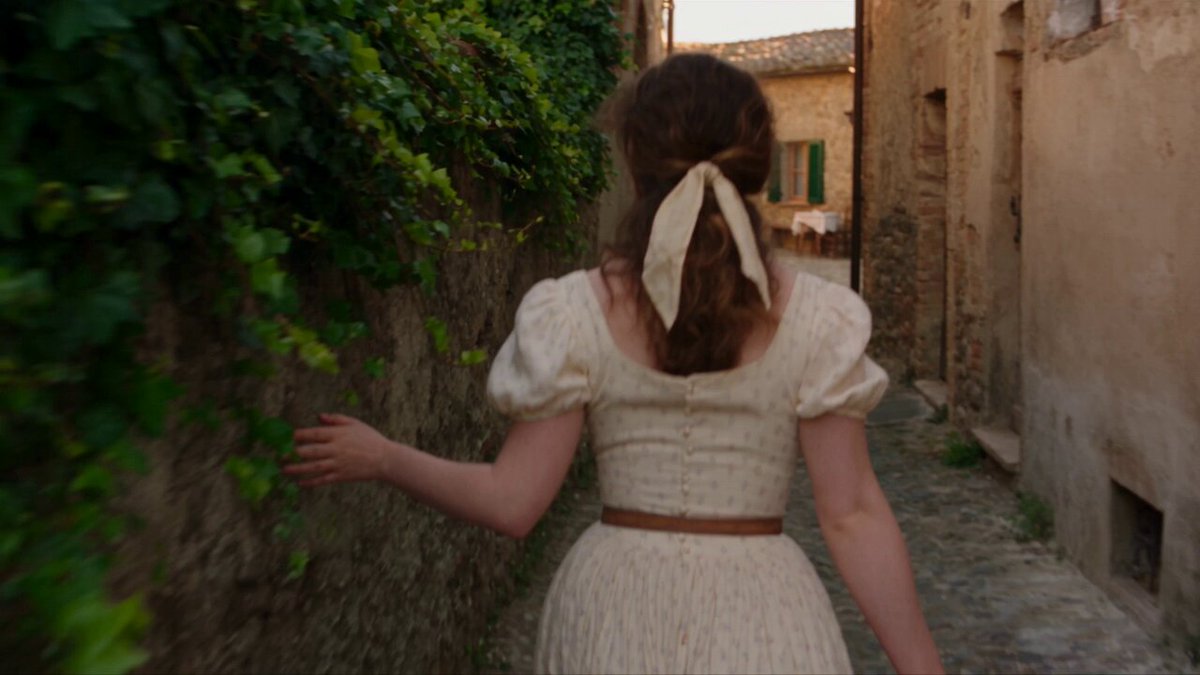
AI Image Generator Stable Workflow
Generate dependable images with repeatable prompts. Write clear descriptions, lock your settings, and build a consistent visual set.
AI Image Generator
0/20000 characters
My images
Loading...
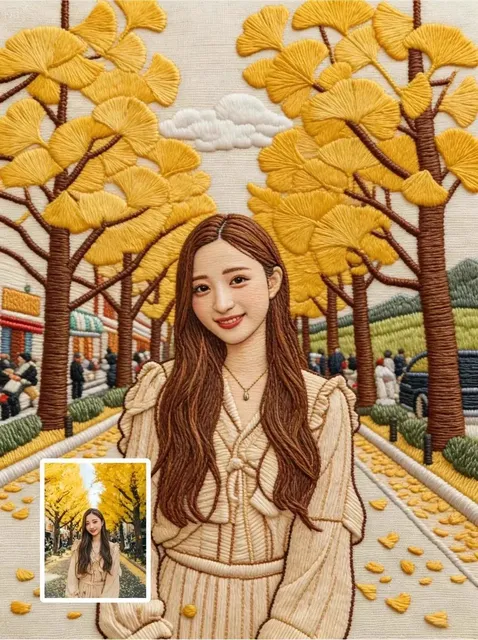
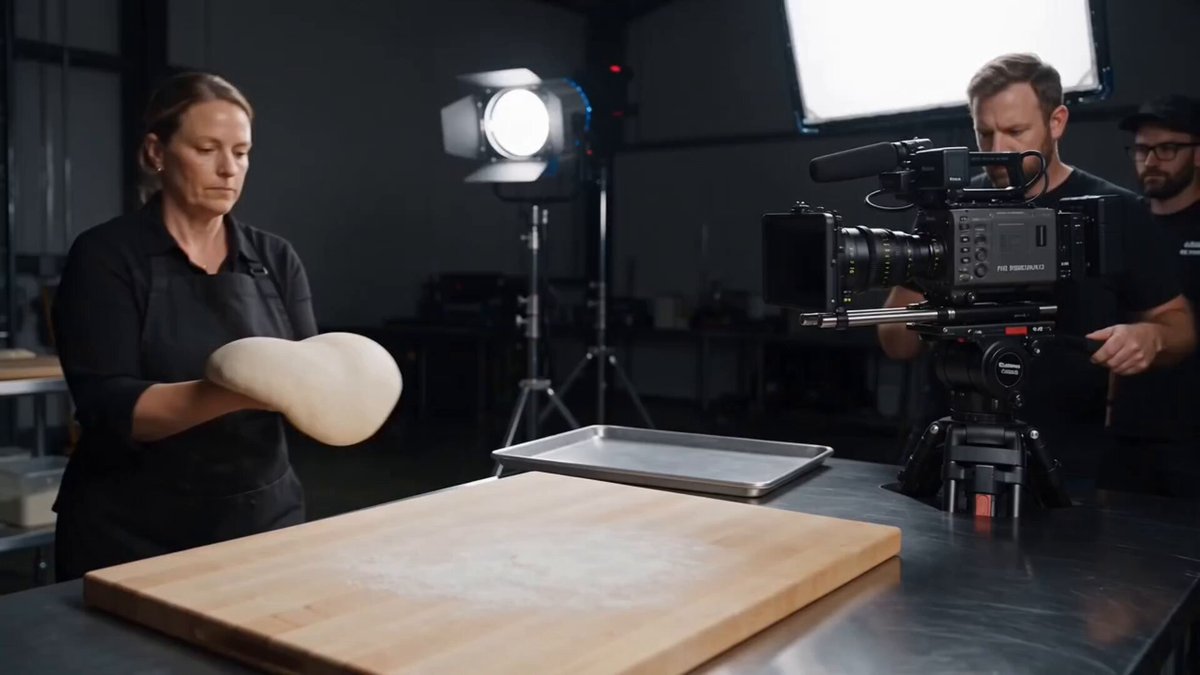
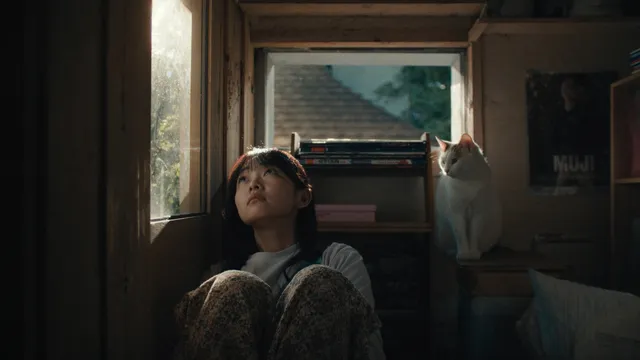
What makes an AI image generator workflow stable?
A stable workflow uses consistent prompt structure, fixed style keywords, and unchanged generation settings. By reusing the same description pattern and adjusting only the subject, you get images that feel cohesive and predictable across a project.
AI Image Generator Stable Workflow
Icon set
Input
A small flat icon of a cloud in one style, then the same style for sun, rain, and wind icons with consistent rounded corners
Expected output
A matching set of flat weather icons with the same line weight and corners, ready to review for consistency
Brand illustration
Input
A soft pastel illustration of a coffee cup on a saucer, minimal shapes, warm neutral background
Expected output
A pastel brand-style illustration of the coffee cup; compare it with other prompts using the same style words
Slide background
Input
A subtle gradient background with faint geometric lines, muted blue tones, no text
Expected output
A quiet gradient background image suitable for a slide deck; verify it stays unobtrusive behind content
Create dependable, consistent images for repeated design work
Cohesive output
Reusing the same subject, style, and palette words helps images in a set look like they belong together.
Fewer restarts
A clear prompt with lighting and composition details gives you a closer first draft, so you adjust instead of starting over.
Simple review loop
Each result is a file you can inspect, regenerate, or download when it fits the project.
How It Works
1
Describe the image
Describe the desired image.
2
Choose settings
Choose the available generation settings.
3
Generate and review
Generate, review, and download a suitable result.
Building a consistent image set
Fix your style words, describe each subject the same way, and review the set together.
Input Constraints
- Keep the same style and palette words across prompts
- Describe one main subject per image
- Avoid asking for exact replicas of existing artwork
- Review the full set before using it in one place
Practical Tips
- Write a reusable style phrase like flat illustration with rounded shapes and soft shadows
- Set the mood and light once and repeat it
- Change only the subject when you want variety in a set
- Regenerate individual pieces that break the pattern
Privacy
- Do not upload personal or sensitive material unless you have permission to use it.
Usage Rights
- Confirm that you have the rights needed for the inputs and intended use of the result.
Prompt recipes
Copy a structure, then adjust the subject, lighting, camera, and output details for your own result.
Flat icon with locked style
A simple flat icon of subject, rounded corners, monoline 2px stroke, soft mint green on white, centered, minimal detail
Provides a template where only the subject changes; style, stroke, color, and layout are fixed for set-wide consistency.
Product photo with repeatable setup
A product on a light oak wooden surface, top-down view, soft natural window light from the left, neutral background, product photography style
Locks surface, angle, and lighting; changing the product name keeps the composition and mood stable.
Illustration series with fixed palette
A whimsical illustration of subject in pastel pink, peach, and cream tones, hand-drawn line art, minimal background, soft shadows
Defines color palette, drawing style, and background approach; subjects vary while visual identity stays consistent.
Background pattern with set geometry
An abstract geometric pattern with hexagons and thin diagonal lines, navy blue and gold accents on dark gray, seamless repeat, modern minimal
Specifies shapes, colors, and tiling; generates cohesive patterns for brand or web use across multiple outputs.
Character lineup with uniform pose
A character type standing upright facing forward, neutral expression, arms relaxed at sides, plain white background, clean vector illustration
Fixes pose, expression, background, and style; character details vary while framing and presentation remain uniform.
Landscape with locked time and weather
A location type landscape at sunrise under clear skies, warm golden light from the horizon, long shadows, wide-angle composition, photographic realism
Sets time, weather, and lighting direction as constants; only location changes, keeping atmospheric consistency.
Best use cases
Match the workflow to the input you have and the result you need before opening the generator.
Brand illustration library
Input: Reusable style description with fixed palette, lighting, and composition structure
Result: Cohesive set of illustrations with unified visual identity
Tool: Text-to-image generator with saved prompt template
UI icon set
Input: Template prompt with consistent stroke, corners, and color; variable subject
Result: Uniform icon collection for app or web interface
Tool: Text-to-image generator with locked style keywords
Social media content series
Input: Fixed mood, color scheme, and format with changing subject or message
Result: Visually consistent feed or story series
Tool: Text-to-image generator with style guide and format settings
Product concept exploration
Input: Stable framing and lighting setup with variable product details
Result: Comparable product visuals for review and iteration
Tool: Text-to-image generator with template-based prompting
Limitations to know before generating
- AI generation is probabilistic; identical prompts produce similar but not identical results.
- Complex prompts with many details are harder to stabilize than simple, structured templates.
- Model updates or setting changes can introduce drift even with the same prompt text.
- Human figures, faces, and hands show higher variation between runs.
- Curation and iteration remain necessary; stability improves predictability, not perfection.
Creative Suite: AI Video Generator & AI Image Generator Tools
Power up your creative workflow with our AI-driven tools. Generate stunning videos, create images, and apply custom adjustments - our AI Video Generator and AI Image Generator offer a complete solution for all your creative needs.
Strictly Prohibits Adult/NSFW Content








Pricing
Choose the credit package that works best for you.
No hidden fees • Cancel anytime • Unused credits roll over
Starter
Perfect for trying out AI creation.
Credits
200 credits / month
- Up to 20 videos per month
- Up to 100 images per month
$6.99/ month$9.9930% OFF
Billed monthly
First-time subscribers get 30% off their first month, then standard price
What's included
- Credits never expire
- Standard models
- HD, Watermark-Free Downloads
- Private Generation
- Faster Generation Speed
- Ad-free experience
Basic
Perfect for light creators.
Credits
500 credits / month
- Up to 50 videos per month
- Up to 250 images per month
$13.99/ month$19.9930% OFF
Billed monthly
First-time subscribers get 30% off their first month, then standard price
What's included
- Credits never expire
- Standard models
- HD, Watermark-Free Downloads
- Private Generation
- Faster Generation Speed
- Ad-free experience
Pro
PopularBest value for creators
Credits
1,200 credits / month
- Up to 120 videos per month
- Up to 600 images per month
$39.99/ month
Billed monthly
What's included
- Credits never expire
- All models + Early access to new models
- HD, Watermark-Free Downloads
- Private Generation
- Faster Generation Speed
- Ultra HD resolution
- Ad-free experience
Ultra
For video creators and power users.
Credits
5,000 credits / month
- Up to 500 videos per month
- Up to 2,500 images per month
$99.99/ month
Billed monthly
What's included
- Credits never expire
- All models + Early access to new models
- HD, Watermark-Free Downloads
- Private Generation
- Faster Generation Speed
- Ultra HD resolution
- Ad-free experience
Free
Standard models only — upgrade to unlock premium models.
Credits
10 free credits on signup
Questions? Contact us at support@domer.io
Start a consistent image set
Open the text-to-image generator and describe your first image with a style phrase you can reuse.