
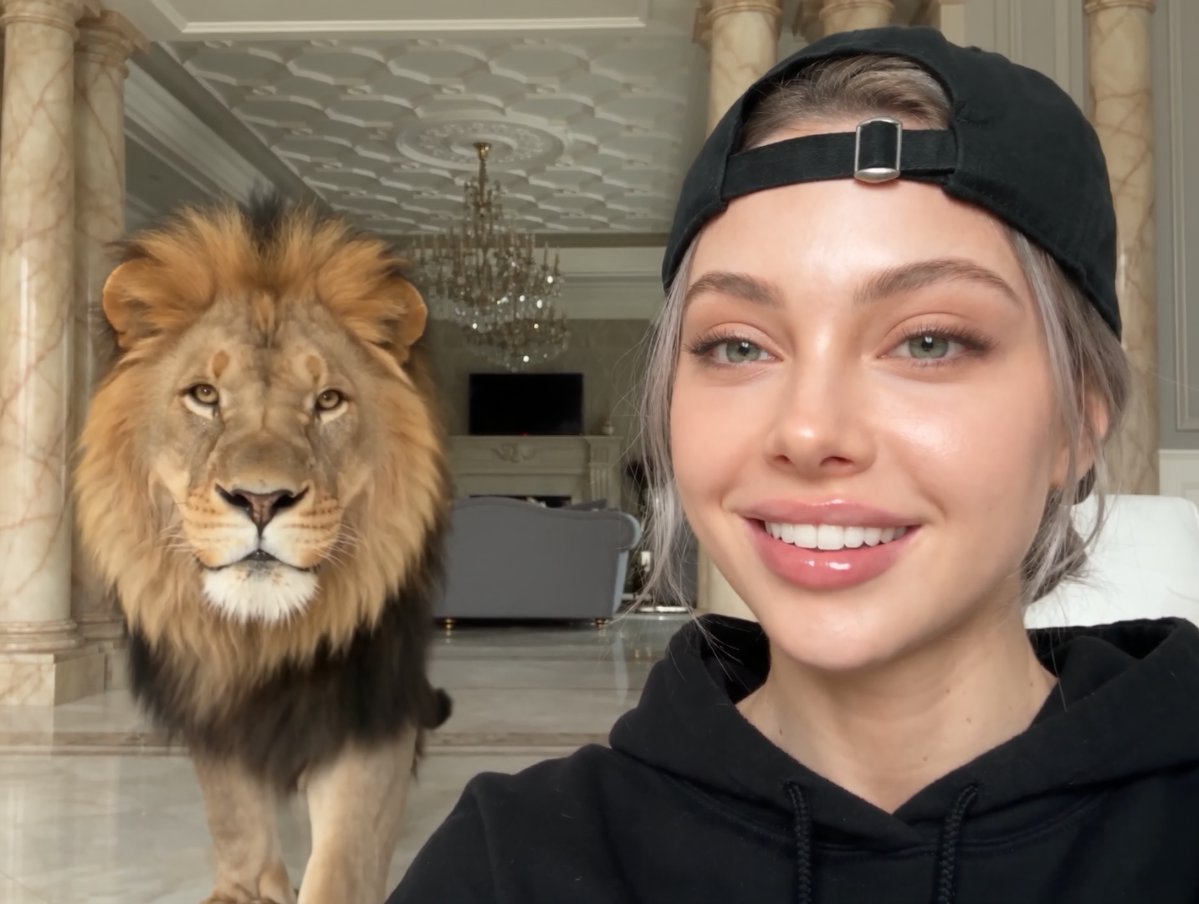
AI Professional Headshot Generator Safe
Upload a clear photo, choose a professional scenario, review the generated headshot for accuracy, and download when satisfied.
AI Image Generator
0/20000 characters
My images
Loading...

Is an AI professional headshot generator safe to use?
An AI professional headshot generator processes your photo to create professional output, and you retain control by reviewing every result before download. Safety depends on using a clear source image you have permission to edit and confirming the generated headshot accurately represents you for the intended context.
AI Professional Headshot Generator Safe
Reviewed LinkedIn headshot
Input
Upload a front-facing photo, select a corporate scenario, then review the generated headshot for likeness and framing before downloading.
Expected output
A professional LinkedIn headshot you have reviewed and approved for accuracy before publishing to your profile.
Verified team page portrait
Input
Upload a clear photo, choose a team-page scenario, then check the result for accurate representation before adding it to the company site.
Expected output
A bright approachable portrait you have verified matches your appearance and the team page context.
Approved speaker bio photo
Input
Upload a well-lit photo, select a speaker scenario, then confirm the headshot meets your bio standards before sharing with event organizers.
Expected output
A composed studio-style headshot you have confirmed is suitable for the speaker bio or program.
Create a safe-to-review professional headshot from a personal photo by selecting the scenario and visual style, then confirming the result before use.
Review before you publish
Every generated headshot is presented for your review, so you can confirm likeness and context before downloading or sharing.
Control your source image
You choose which photo to upload and can stop the process at any point if the result does not meet your standards.
Match professional expectations
Select the scenario and style that fit your intended use, then compare the result with your original photo.
How It Works
1
Upload a clear photo
Use a well-lit photo with the face clearly visible.
2
Choose a scenario and visual style
Pick the context and look that suit the profile you are preparing.
3
Generate, compare, and download
Review the output for likeness, accuracy, and the final profile crop before using it.
Using the headshot generator safely
Starting with a photo you have permission to edit and reviewing every result before use keeps the process under your control.
Input Constraints
- Upload only photos you have the right to edit and use in the intended context.
- Choose a scenario that matches the professional setting where you will publish the headshot.
- Review the generated result for accurate likeness and appropriate framing before downloading.
Practical Tips
- Use a well-lit front-facing photo to give the generator clear input.
- Select the professional scenario first, then adjust the visual style to refine the look.
- Generate multiple options and compare them before deciding which headshot to use.
Privacy
- Do not upload personal or sensitive material unless you have permission to use it.
Usage Rights
- Confirm that you have the rights needed for the inputs and intended use of the result.
Prompt recipes
Copy a structure, then adjust the subject, lighting, camera, and output details for your own result.
Verified corporate headshot
Create a professional corporate headshot with neutral studio lighting and a plain background, then review the result for accurate likeness before using it on a work profile.
Explicit review language reminds you to confirm the output matches your appearance and professional standards.
Approved creative headshot
Generate a modern creative headshot with natural light and a softly blurred background, then check the result for accurate representation before publishing.
Framing the task around approval ensures you inspect the headshot before it goes live.
Safe academic headshot
Produce a clean academic headshot with even lighting and a neutral background, then verify the likeness and framing before adding it to a faculty page.
Verification language builds a review step into the workflow, reducing the risk of publishing an unsuitable image.
Controlled speaker headshot
Create a polished speaker headshot with balanced lighting and a solid background, then confirm it meets your bio standards before sharing with event organizers.
Confirmation language keeps final approval in your hands and ensures the headshot is suitable for public use.
Reviewed startup headshot
Generate a friendly startup headshot with soft natural light and an urban background, then compare it with your original photo before adding it to the team page.
Comparison language encourages side-by-side review, helping you catch any issues before the headshot is published.
Best use cases
Match the workflow to the input you have and the result you need before opening the generator.
Work profile with approval step
Input: Clear front-facing photo with even lighting
Result: Reviewed corporate headshot confirmed for accurate likeness before publishing
Tool: AI Profile Picture Generator with corporate scenario and manual review
Team page with verification
Input: Well-lit casual photo with approachable expression
Result: Verified team portrait checked for accurate representation before adding to the site
Tool: AI Profile Picture Generator with team scenario and verification step
Speaker bio with confirmation
Input: Professional photo with neutral expression
Result: Confirmed speaker headshot approved for bio standards before sharing
Tool: AI Profile Picture Generator with speaker scenario and confirmation review
Faculty directory with inspection
Input: Formal photo with minimal background
Result: Inspected academic headshot validated for directory use before submission
Tool: AI Profile Picture Generator with academic scenario and inspection step
Limitations to know before generating
- The generator output depends on the quality of your source photo; poor lighting or obstructions may produce less accurate results.
- Every generated headshot should be reviewed for likeness and context before use, as AI interpretation may vary from your expectations.
- The tool applies scenario and style settings but cannot correct fundamental issues in the original photo.
- Safety depends on your own review process; the generator does not automatically validate suitability for professional use.
Creative Suite: AI Video Generator & AI Image Generator Tools
Power up your creative workflow with our AI-driven tools. Generate stunning videos, create images, and apply custom adjustments - our AI Video Generator and AI Image Generator offer a complete solution for all your creative needs.
Strictly Prohibits Adult/NSFW Content








Pricing
Choose the credit package that works best for you.
No hidden fees • Cancel anytime • Unused credits roll over
Starter
Perfect for trying out AI creation.
Credits
200 credits / month
- Up to 20 videos per month
- Up to 100 images per month
$6.99/ month$9.9930% OFF
Billed monthly
First-time subscribers get 30% off their first month, then standard price
What's included
- Credits never expire
- Standard models
- HD, Watermark-Free Downloads
- Private Generation
- Faster Generation Speed
- Ad-free experience
Basic
Perfect for light creators.
Credits
500 credits / month
- Up to 50 videos per month
- Up to 250 images per month
$13.99/ month$19.9930% OFF
Billed monthly
First-time subscribers get 30% off their first month, then standard price
What's included
- Credits never expire
- Standard models
- HD, Watermark-Free Downloads
- Private Generation
- Faster Generation Speed
- Ad-free experience
Pro
PopularBest value for creators
Credits
1,200 credits / month
- Up to 120 videos per month
- Up to 600 images per month
$39.99/ month
Billed monthly
What's included
- Credits never expire
- All models + Early access to new models
- HD, Watermark-Free Downloads
- Private Generation
- Faster Generation Speed
- Ultra HD resolution
- Ad-free experience
Ultra
For video creators and power users.
Credits
5,000 credits / month
- Up to 500 videos per month
- Up to 2,500 images per month
$99.99/ month
Billed monthly
What's included
- Credits never expire
- All models + Early access to new models
- HD, Watermark-Free Downloads
- Private Generation
- Faster Generation Speed
- Ultra HD resolution
- Ad-free experience
Free
Standard models only — upgrade to unlock premium models.
Credits
10 free credits on signup
Questions? Contact us at support@domer.io
Create a reviewed professional headshot
Open the AI Profile Picture Generator, upload a clear photo, and review the result before downloading.