
Checkpoint AI Image Generator
Generate consistent images from structured prompts. Use repeatable settings and clear descriptions for reliable, predictable results.
AI Image Generator
0/20000 characters
My images
Loading...
What is a checkpoint AI image generator?
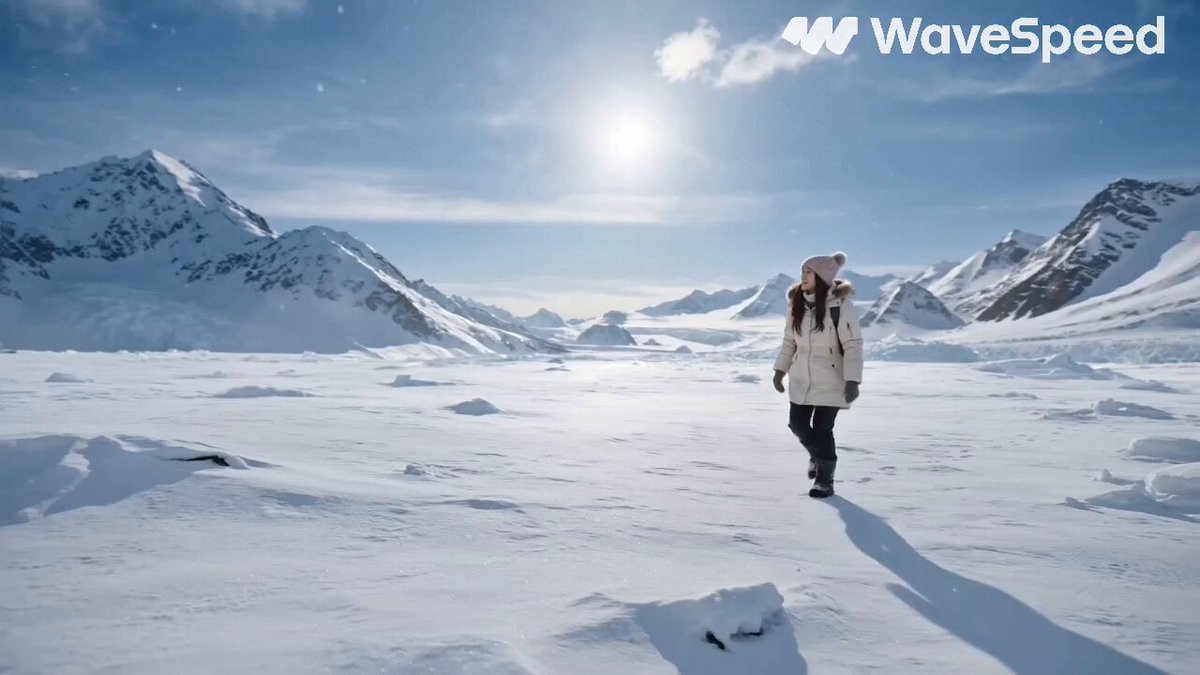
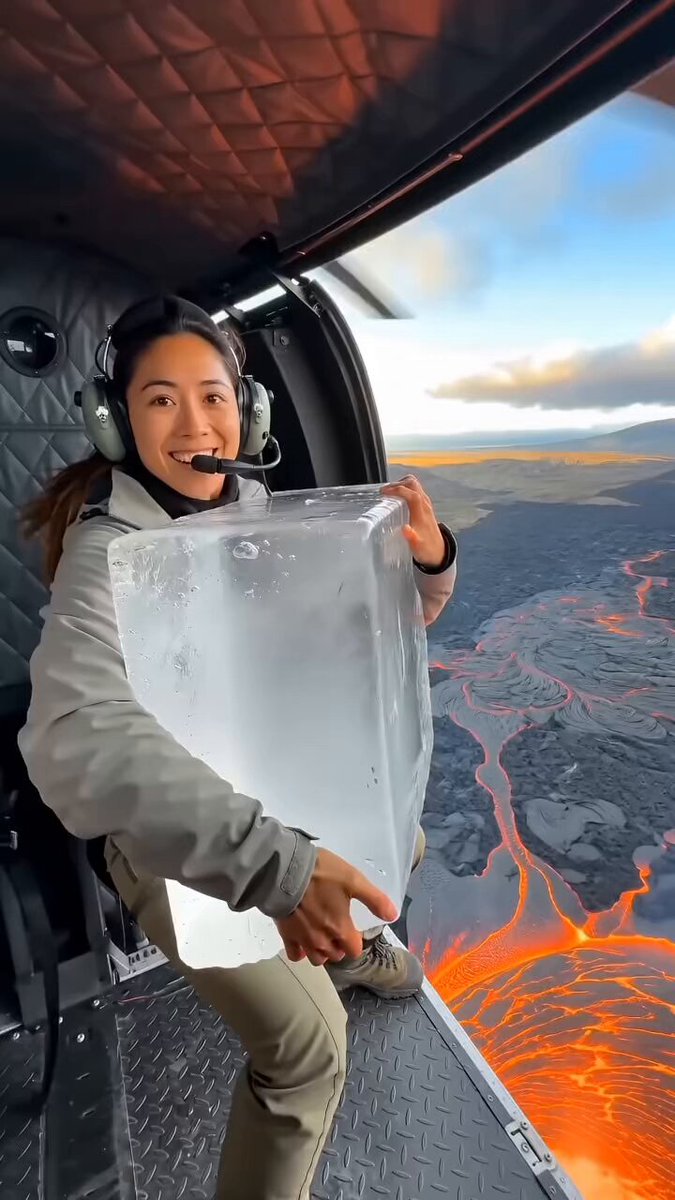
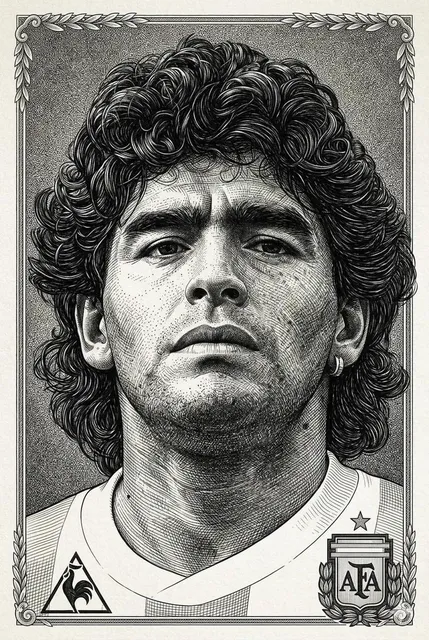
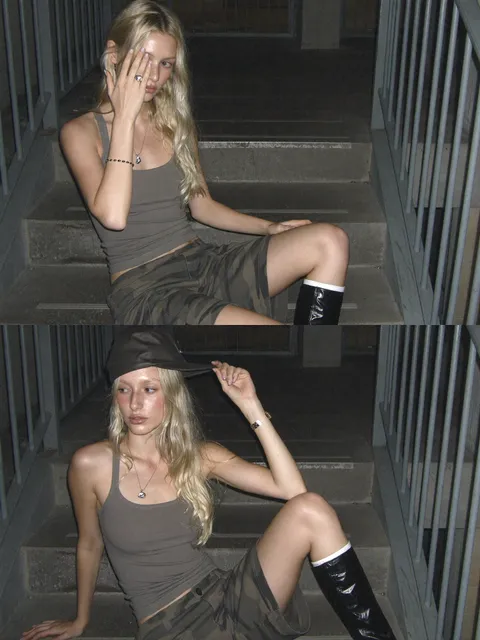
A checkpoint AI image generator produces consistent image quality by maintaining a stable model state. In practice, using structured prompts and repeatable settings gives you predictable results. The term checkpoint refers to a consistent model version, ensuring that the same prompt and settings produce visually coherent outputs across multiple generations.
Checkpoint AI Image Generator
Consistent portrait style
Input
A woman in her 20s with curly auburn hair and freckles, wearing a cream-colored linen shirt, natural window lighting from the left, soft focus background, warm and natural color palette, three-quarter portrait framing
Expected output
A portrait image with natural skin tones, visible curly hair texture and freckles, soft natural lighting, and consistent color warmth across multiple generations of similar prompts
Reliable product composition
Input
A clear glass bottle of olive oil with a green label, standing next to a wooden cutting board with a sprig of rosemary and a chunk of parmesan cheese, overhead flat lay composition, neutral bright lighting from above
Expected output
A flat-lay composition with the olive oil bottle as the main subject, visible label details, food items arranged on the cutting board, consistent overhead perspective and even lighting
Predictable landscape framing
Input
A rolling green hillside with a single oak tree at the top, a winding dirt path leading to the tree, fluffy white clouds in a blue sky, warm afternoon sunlight casting gentle shadows, wide landscape composition, vibrant natural colors
Expected output
A landscape image with a prominent oak tree on a hill, visible path leading toward it, cloud detail in the sky, warm sunlight and shadow patterns, consistent landscape framing
Generate images from text prompts with consistent, reliable quality by using structured descriptions and repeatable settings.
Structured prompts for reliable results
Consistent prompt structure — subject, setting, lighting, style — leads to predictable output quality across different prompts.
Settings maintain visual coherence
Running the same settings with structured prompts produces results with consistent framing, style, and quality.
Review and compare across generations
Generate multiple outputs and compare them for style and quality consistency before choosing the version to keep.
How It Works
1
Describe the desired image.
Describe the desired image.
2
Choose the available generation settings.
Choose the available generation settings.
3
Generate, review, and download a suitable result.
Generate, review, and download a suitable result.
Writing for Consistent Results
A repeatable prompt structure helps maintain output quality.
Input Constraints
- Follow the same order in every prompt — subject first, then setting, then lighting, then style
- Use consistent terminology for the same visual concepts across prompts
- Keep similar length and detail level for comparable quality
Practical Tips
- Create a prompt template and reuse the same structure with different subjects
- Copy and paste a working prompt, then swap the subject description only
- Note which settings produce the best results and reuse them
- Save effective prompts to maintain consistency across future sessions
Privacy
- Do not upload personal or sensitive material unless you have permission to use it.
Usage Rights
- Confirm that you have the rights needed for the inputs and intended use of the result.
Prompt recipes
Copy a structure, then adjust the subject, lighting, camera, and output details for your own result.
Structured portrait template
Subject: person with specific features, Clothing: detailed description, Lighting: source and quality, Background: level of detail, Color palette: warm/cool/neutral, Framing: head-and-shoulders, three-quarter, full-body
Following the same slot-based structure for every portrait prompt produces consistent framing, lighting quality, and color treatment across different subjects.
Repeatable product shot
Product: item with color and material, Surface: texture and color, Composition: angle and arrangement, Lighting: direction and quality, Style: photography, illustration, 3D render
Product shots need consistent perspective and lighting. A fixed template ensures every generated product image has the same professional presentation style.
Consistent landscape format
Terrain: hills, mountains, plains, Focal element: tree, building, path, Sky: cloud type and color, Lighting: time of day and quality, Composition: wide, panoramic, square, Color mood: vibrant, muted, warm, cool
Landscapes benefit from repeatable composition and lighting. Using the same structure ensures horizon placement, focal points, and atmospheric quality remain consistent.
Stable interior scene
Room type: living room, kitchen, bedroom, Furniture: specific pieces and arrangement, Lighting: natural, artificial, mixed, Color scheme: dominant colors, Style: modern, rustic, minimalist, Camera angle: eye-level, overhead, corner
Interior design visuals require consistent perspective and style. A structured template ensures every room render has the same professional spatial coherence.
Reliable food photography
Dish: main item and ingredients, Plating: plate type and arrangement, Surface: table or background material, Garnish: herbs or accent items, Lighting: overhead, side, natural, Style: rustic, modern, editorial
Food photography demands consistent color accuracy and composition. A fixed template ensures appetizing lighting and plating style across all generated food images.
Best use cases
Match the workflow to the input you have and the result you need before opening the generator.
Portrait series for a project
Input: Structured portrait template with consistent lighting, framing, and color palette
Result: Multiple portraits with visually coherent style, lighting quality, and composition
Tool: Text to Image with saved prompt template
Product catalog generation
Input: Repeatable product shot template with fixed angle, lighting, and background
Result: Product images with consistent perspective, lighting, and professional presentation
Tool: Text to Image with product template
Landscape or environment concept art
Input: Consistent landscape format with fixed horizon, lighting, and composition style
Result: Landscape images with coherent framing, atmospheric quality, and color mood
Tool: Text to Image with landscape template
Interior design visualization
Input: Stable interior scene template with repeatable perspective and style
Result: Interior renders with consistent spatial coherence and professional lighting
Tool: Text to Image with interior template
Limitations to know before generating
- Consistency depends on using the same prompt structure and settings; small wording changes can shift style or composition.
- The term checkpoint is often associated with specific model versions in other tools; this tool does not expose model checkpoint selection.
- Identical prompts may still produce minor visual variations; review each output rather than assuming perfect replication.
- Complex or contradictory prompts reduce consistency; simpler, more focused descriptions yield more predictable results.
- Structured prompts improve reliability but do not guarantee exact visual duplication across separate generation sessions.
Creative Suite: AI Video Generator & AI Image Generator Tools
Power up your creative workflow with our AI-driven tools. Generate stunning videos, create images, and apply custom adjustments - our AI Video Generator and AI Image Generator offer a complete solution for all your creative needs.
Strictly Prohibits Adult/NSFW Content








Pricing
Choose the credit package that works best for you.
No hidden fees • Cancel anytime • Unused credits roll over
Starter
Perfect for trying out AI creation.
Credits
200 credits / month
- Up to 20 videos per month
- Up to 100 images per month
$6.99/ month$9.9930% OFF
Billed monthly
First-time subscribers get 30% off their first month, then standard price
What's included
- Credits never expire
- Standard models
- HD, Watermark-Free Downloads
- Private Generation
- Faster Generation Speed
- Ad-free experience
Basic
Perfect for light creators.
Credits
500 credits / month
- Up to 50 videos per month
- Up to 250 images per month
$13.99/ month$19.9930% OFF
Billed monthly
First-time subscribers get 30% off their first month, then standard price
What's included
- Credits never expire
- Standard models
- HD, Watermark-Free Downloads
- Private Generation
- Faster Generation Speed
- Ad-free experience
Pro
PopularBest value for creators
Credits
1,200 credits / month
- Up to 120 videos per month
- Up to 600 images per month
$39.99/ month
Billed monthly
What's included
- Credits never expire
- All models + Early access to new models
- HD, Watermark-Free Downloads
- Private Generation
- Faster Generation Speed
- Ultra HD resolution
- Ad-free experience
Ultra
For video creators and power users.
Credits
5,000 credits / month
- Up to 500 videos per month
- Up to 2,500 images per month
$99.99/ month
Billed monthly
What's included
- Credits never expire
- All models + Early access to new models
- HD, Watermark-Free Downloads
- Private Generation
- Faster Generation Speed
- Ultra HD resolution
- Ad-free experience
Free
Standard models only — upgrade to unlock premium models.
Credits
10 free credits on signup
Questions? Contact us at support@domer.io
Generate Reliable Images From Your Prompts
Use structured descriptions and consistent settings to produce predictable, high-quality results. Generate, review, and compare across versions.