
Create
AI Animation Generator From Text Prompts
Describe a scene and how it should move, and this AI animation generator from text produces a short video clip you can review and download.
AI Video Generator
0/20000 characters
Cost:10
My videos
Loading...
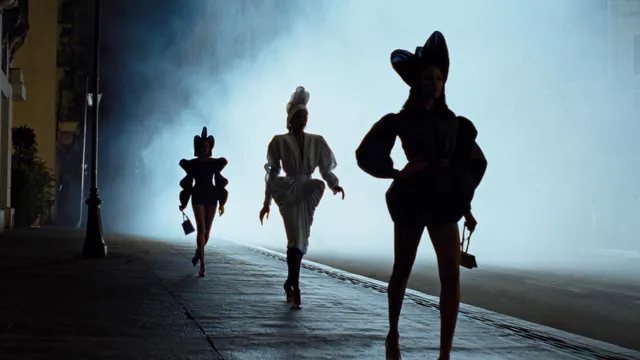
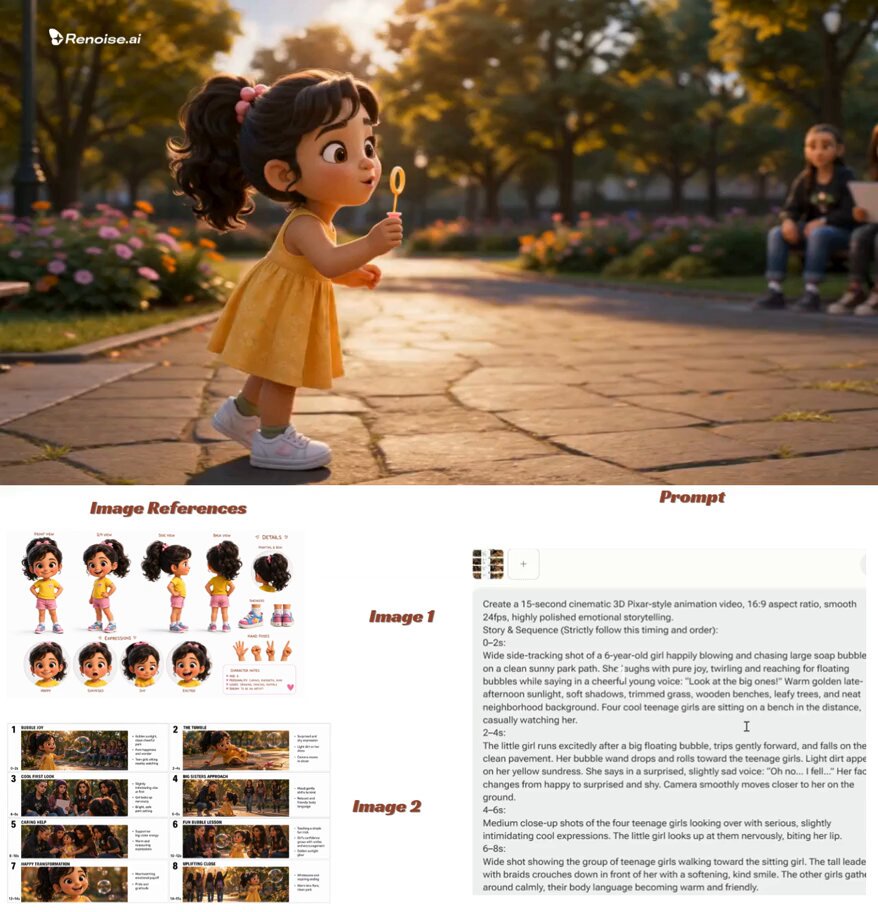
Can you generate animation just from a text description?
Yes — that is what a text-to-video route does. You write what appears in the scene and how it moves, choose from the available generation settings, and get a short generated clip to review. This page helps you write motion descriptions that produce usable footage sooner: one subject, one camera behavior, and a clear statement of what should stay still. Review each clip for artifacts and motion coherence before you download it.
AI Animation Generator From Text Prompts
Opening landscape shot
Input
Slow aerial push over a misty pine valley at sunrise, soft golden light, gentle parallax, cinematic composition.
Expected output
A short clip with drifting mist and steady forward motion that you can check for edge stability before use.
Character motion test
Input
A courier in a yellow jacket cycles down a rainy neon-lit street at night, camera tracking alongside, puddle reflections.
Expected output
A side-tracking shot where wheels and reflections stay coherent, subject to review of limb motion.
Abstract motion loop
Input
Ink in water forming slow swirling shapes, deep blue background, macro framing, no cuts.
Expected output
A fluid, continuous motion clip that can serve as a background layer once you verify it loops visually.
Turn a written scene and motion description into a short generated video clip you can review and download.
Motion described in words
You specify speed, direction, and camera behavior in plain language instead of building keyframes in timeline software.
Concept checks before production
A generated clip shows whether a scene idea reads on screen before you commit crew, gear, or full animation effort.
No rigging required
There is no character rig, mesh, or scene setup step — the description itself drives the motion.
How It Works
1
Describe
Describe the desired scene and motion.
2
Choose settings
Choose the available generation settings.
3
Generate and review
Generate, review, and download a suitable result.
Writing motion descriptions that hold up
The best text-to-animation prompts are narrow: one subject, one motion, one camera decision.
Input Constraints
- Describe one continuous scene per prompt; multi-cut sequences usually blur together.
- State what stays still as well as what moves — stillness anchors the clip.
- Keep the description scoped to a single moment rather than a sequence of events.
- Review motion coherence and artifacts before using any clip.
Practical Tips
- Structure prompts as subject, action, camera, then lighting and mood.
- Start with simple physical motions — drifting, pouring, tracking — before complex interactions.
- Words like slow, steady, and no cuts reduce flicker in results.
- Save the prompt behind every clip you like so you can iterate from a known-good base.
Privacy
- Do not upload personal or sensitive material unless you have permission to use it.
Usage Rights
- Confirm that you have the rights needed for the inputs and intended use of the result.
Prompt recipes
Copy a structure, then adjust the subject, lighting, camera, and output details for your own result.
Establishing push-in
Slow forward push toward [subject or place], [time of day], steady camera, one weather detail such as [drizzle or haze], no cuts. Use for: an opening shot or scene-setting b-roll after reviewing stability.
One camera move and one subject keep the clip legible, and a steady camera gives you a single clear thing to judge.
Character action beat
[Adult character description] performs [single physical action] in [setting], camera locked as if on a tripod, natural motion speed, [lighting]. Use for: a motion test for a storyboard beat.
A locked camera removes tracking artifacts and isolates the action you actually need to evaluate.
Looping background motion
Continuous ambient motion — [drifting clouds, falling snow, or bubbling water] — over a static [scene], macro or wide framing, even pace, no camera movement. Use for: a background layer under titles or streams.
Ambient motion with a static frame is the most likely structure to loop cleanly and survive compression.
Object reveal rotation
[Object] rotating slowly on a plain surface, studio lighting, shallow depth of field, single continuous rotation, fixed camera. Use for: a showcase clip after checking surface consistency.
Rotation is a simple, predictable motion that exposes lighting and texture quality, which makes review concrete.
Stylized transition
[Scene A detail] dissolving into [scene B detail] through [transition medium such as sand, smoke, or light], gradual pace, painterly style. Use for: a stylized transition between story sections.
Naming the transition medium gives the generation a concrete in-between state instead of an abrupt jump.
Best use cases
Match the workflow to the input you have and the result you need before opening the generator.
Storyboard motion tests
Input: One line per shot describing subject, action, and camera
Result: Short clips that show whether each beat reads before you commit production time
Tool: Domer Text to Video
Background loops for streams and titles
Input: Ambient motion descriptions with a static frame
Result: Calm looping clips to layer under text after checking for flicker
Tool: Domer Text to Video
Social concept pitches
Input: A single-scene idea with a clear subject and one camera move
Result: A shareable draft clip that communicates the concept without a shoot
Tool: Domer Text to Video
Limitations to know before generating
- Generated motion can wobble, morph, or add artifacts, especially around hands, text, and crowds; review every clip.
- Complex multi-action scenes are unreliable — one action per prompt gives far better control.
- Clips are short, so longer narratives need multiple generations plus editing in separate software.
- Output is synthesized footage, not a recording, so do not present it as real captured video.
Creative Suite: AI Video Generator & AI Image Generator Tools
Power up your creative workflow with our AI-driven tools. Generate stunning videos, create images, and apply custom adjustments - our AI Video Generator and AI Image Generator offer a complete solution for all your creative needs.
Strictly Prohibits Adult/NSFW Content








Pricing
Choose the credit package that works best for you.
No hidden fees • Cancel anytime • Unused credits roll over
Starter
Perfect for trying out AI creation.
Credits
200 credits / month
- Up to 20 videos per month
- Up to 100 images per month
$6.99/ month$9.9930% OFF
Billed monthly
First-time subscribers get 30% off their first month, then standard price
What's included
- Credits never expire
- Standard models
- HD, Watermark-Free Downloads
- Private Generation
- Faster Generation Speed
- Ad-free experience
Basic
Perfect for light creators.
Credits
500 credits / month
- Up to 50 videos per month
- Up to 250 images per month
$13.99/ month$19.9930% OFF
Billed monthly
First-time subscribers get 30% off their first month, then standard price
What's included
- Credits never expire
- Standard models
- HD, Watermark-Free Downloads
- Private Generation
- Faster Generation Speed
- Ad-free experience
Pro
PopularBest value for creators
Credits
1,200 credits / month
- Up to 120 videos per month
- Up to 600 images per month
$39.99/ month
Billed monthly
What's included
- Credits never expire
- All models + Early access to new models
- HD, Watermark-Free Downloads
- Private Generation
- Faster Generation Speed
- Ultra HD resolution
- Ad-free experience
Ultra
For video creators and power users.
Credits
5,000 credits / month
- Up to 500 videos per month
- Up to 2,500 images per month
$99.99/ month
Billed monthly
What's included
- Credits never expire
- All models + Early access to new models
- HD, Watermark-Free Downloads
- Private Generation
- Faster Generation Speed
- Ultra HD resolution
- Ad-free experience
Free
Standard models only — upgrade to unlock premium models.
Credits
10 free credits on signup
Questions? Contact us at support@domer.io
Write one shot, generate it
Open the text-to-video tool with a single-scene description — subject, motion, camera — and review what comes back before iterating.