
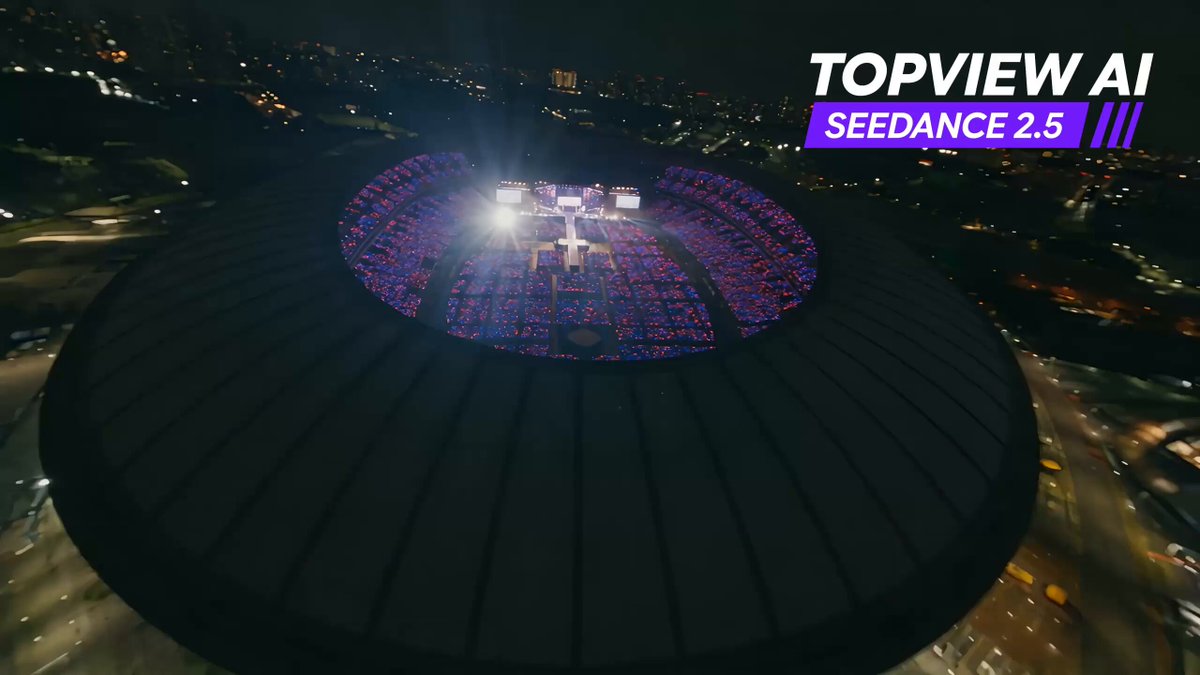
AI Proposal Video Generator
Turn proposal text into video clips. Describe the proposal structure and visuals, choose settings, then generate and review the result.
AI Video Generator
0/20000 characters
Cost:10
My videos
Loading...


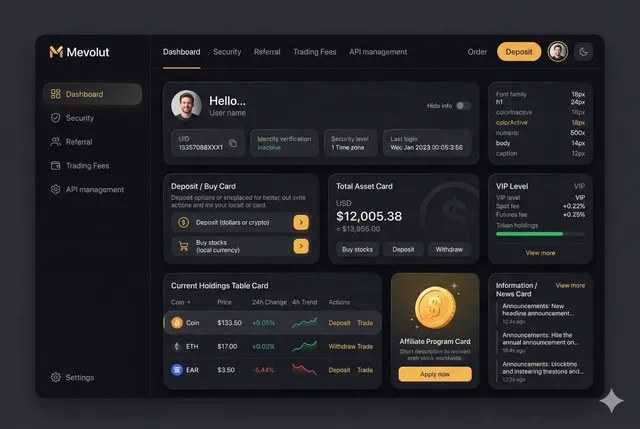
What is an AI proposal video generator?
An AI proposal video generator creates short visual explainer clips from written proposals. You describe the proposal's background, main points, outcome, and the visual style you want, then the tool generates a draft video. The result is a starting point for stakeholder presentations that you review for accuracy before sharing.
AI Proposal Video Generator
Business proposal walkthrough
Input
A three-step animated explainer for a business proposal, clean whiteboard style, showing a problem, the proposed solution, and the expected next action
Expected output
A short whiteboard-style clip that walks through the proposal problem, solution, and next steps
Product launch pitch
Input
A bold product pitch for a new app, dark background with glowing accent colors, text callouts appearing as the camera moves across feature cards
Expected output
A high-energy product pitch clip with feature cards and animated text callouts
Grant application summary
Input
A calm, professional summary video for a community grant proposal, warm office setting, charts fading in as the plan is described
Expected output
A professional summary clip with charts and steady pacing suitable for a grant application
Turn a written proposal into a short visual explainer clip
Explain proposals quickly
Turn a written proposal into a short visual walkthrough that is easier for stakeholders to follow than a wall of text
Test different angles
Regenerate with new wording or scene descriptions to try different tones and structures before you commit to one
Start from text alone
Create a first draft without slides, filming, or design work, then refine the description as needed
How It Works
1
Describe the desired scene and motion.
Describe the desired scene and motion.
2
Choose the available generation settings.
Choose the available generation settings.
3
Generate, review, and download a suitable result.
Generate, review, and download a suitable result.
Tips for proposal video drafts
Describe the proposal's structure and the tone you want so the generated clip matches your message.
Input Constraints
- Outline the main points of the proposal before generating
- Keep claims in the clip limited to what the proposal actually supports
- Do not include confidential details you are not allowed to share
Practical Tips
- Name the audience, such as investors, clients, or a review panel, in the description
- Use concrete scene language instead of vague words like professional
- Review the clip for accuracy before sending it to anyone
Privacy
- Do not upload personal or sensitive material unless you have permission to use it.
Usage Rights
- Confirm that you have the rights needed for the inputs and intended use of the result.
Prompt recipes
Copy a structure, then adjust the subject, lighting, camera, and output details for your own result.
Problem-solution-next step structure
A three-panel animated explainer: left panel shows a frustrated person at a desk with cluttered papers, center panel shows a clean organized system on a screen, right panel shows a handshake. Whiteboard style, clean lines, camera pans left to right.
Three panels create clear progression, visual metaphors simplify complex ideas, left-to-right pan guides the viewer through the logic, and whiteboard style feels approachable
Data-driven grant proposal
A calm office setting with soft natural light, a bar chart fading in showing community need, then a pie chart showing budget allocation, gentle camera push-in, professional and reassuring tone
Office setting feels formal, charts ground the proposal in data, fade-ins create pacing, push-in adds focus, and reassuring tone builds trust
Product pitch with energy
A dark background with glowing blue and purple accent lights, feature cards sliding in from the sides with bold text, camera rotating slowly around the cards, energetic and confident mood
Dark background makes accents pop, sliding cards create rhythm, rotating camera adds dynamism, and energetic mood signals innovation
Timeline-based project proposal
A horizontal timeline with milestones marked as glowing nodes, camera tracking from left to right along the timeline, each node expanding to show a brief description, clean modern style
Timeline visualizes the project schedule, glowing nodes add visual interest, left-to-right tracking follows chronological logic, and expanding nodes reveal detail progressively
Community impact story
A warm community center interior, people collaborating at a table, soft golden hour light through windows, camera slow dolly forward, hopeful and inclusive mood
Community center grounds the proposal in reality, people collaborating show the proposal in action, golden light feels warm and positive, and dolly forward creates engagement
Best use cases
Match the workflow to the input you have and the result you need before opening the generator.
Business pitch to investors
Input: A problem-solution structure with bold visuals and confident tone
Result: A high-energy pitch clip that frames the proposal as an opportunity
Tool: Text-to-video with feature cards or animated text
Grant application summary
Input: A calm, data-driven prompt with charts and professional setting
Result: A reassuring summary clip that grounds the proposal in evidence
Tool: Text-to-video with chart descriptions and office setting
Project timeline overview
Input: A timeline prompt with milestones and chronological tracking
Result: A clear visual walkthrough of the project schedule
Tool: Text-to-video with timeline and tracking motion
Community or social proposal
Input: A warm, human-centered scene with people and collaborative context
Result: A hopeful clip that shows the proposal's impact on people
Tool: Text-to-video with setting and mood details
Limitations to know before generating
- Generated clips are visual drafts; exact data, charts, and text may not render accurately
- Complex proposals with many points may require multiple clips or manual editing
- The tool cannot verify that the visuals match the written proposal; you must review for accuracy
- Clips work best as concept visuals or pitch aids, not as substitutes for detailed written proposals
- Review each result for message accuracy, tone alignment, and confidentiality before sharing
Creative Suite: AI Video Generator & AI Image Generator Tools
Power up your creative workflow with our AI-driven tools. Generate stunning videos, create images, and apply custom adjustments - our AI Video Generator and AI Image Generator offer a complete solution for all your creative needs.
Strictly Prohibits Adult/NSFW Content








Pricing
Choose the credit package that works best for you.
No hidden fees • Cancel anytime • Unused credits roll over
Starter
Perfect for trying out AI creation.
Credits
200 credits / month
- Up to 20 videos per month
- Up to 100 images per month
$6.99/ month$9.9930% OFF
Billed monthly
First-time subscribers get 30% off their first month, then standard price
What's included
- Credits never expire
- Standard models
- HD, Watermark-Free Downloads
- Private Generation
- Faster Generation Speed
- Ad-free experience
Basic
Perfect for light creators.
Credits
500 credits / month
- Up to 50 videos per month
- Up to 250 images per month
$13.99/ month$19.9930% OFF
Billed monthly
First-time subscribers get 30% off their first month, then standard price
What's included
- Credits never expire
- Standard models
- HD, Watermark-Free Downloads
- Private Generation
- Faster Generation Speed
- Ad-free experience
Pro
PopularBest value for creators
Credits
1,200 credits / month
- Up to 120 videos per month
- Up to 600 images per month
$39.99/ month
Billed monthly
What's included
- Credits never expire
- All models + Early access to new models
- HD, Watermark-Free Downloads
- Private Generation
- Faster Generation Speed
- Ultra HD resolution
- Ad-free experience
Ultra
For video creators and power users.
Credits
5,000 credits / month
- Up to 500 videos per month
- Up to 2,500 images per month
$99.99/ month
Billed monthly
What's included
- Credits never expire
- All models + Early access to new models
- HD, Watermark-Free Downloads
- Private Generation
- Faster Generation Speed
- Ultra HD resolution
- Ad-free experience
Free
Standard models only — upgrade to unlock premium models.
Credits
10 free credits on signup
Questions? Contact us at support@domer.io
Create a proposal video draft
Open the text-to-video generator, describe the proposal and the audience, and generate a clip you can review before sharing.