
Create
ai video generator course guide
Generate educational video from text. Describe teaching scenes, classroom settings, and instructional moments, then download course footage.
AI Video Generator
0/20000 characters
Cost:10
My videos
Loading...

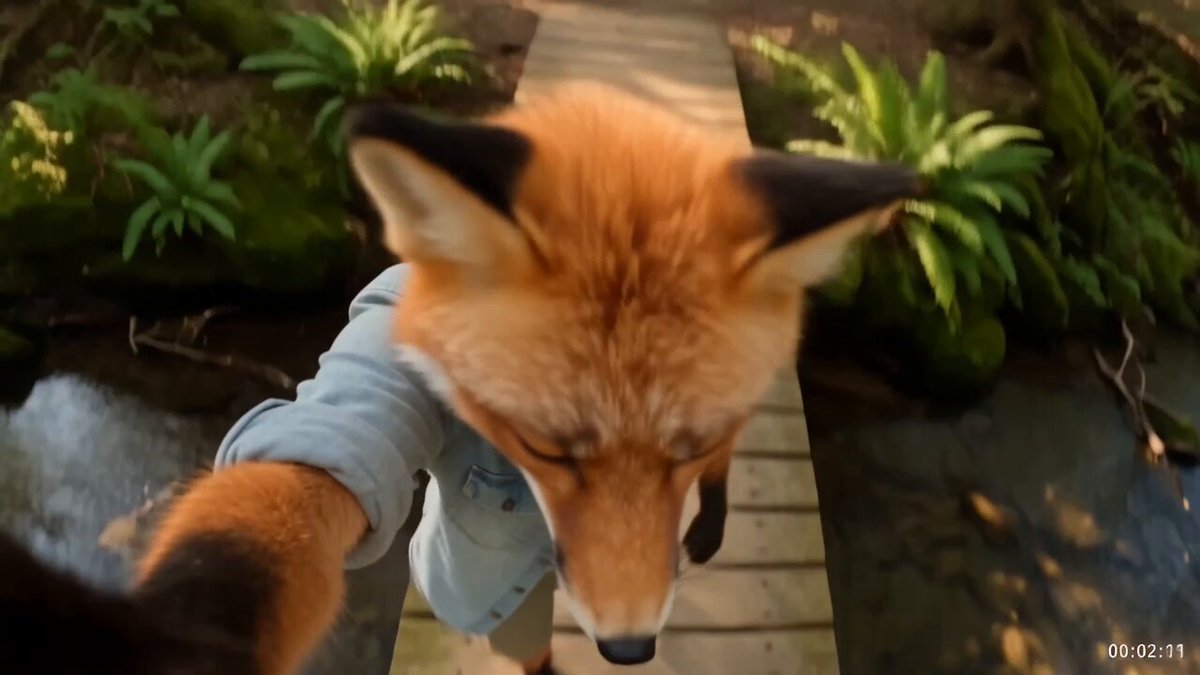
What is an AI video generator for course content?
An AI video generator for course content converts written descriptions of teaching scenes into short video clips. Describe an instructor at a whiteboard, an animated diagram, or a study scene, then review and download the result for use in online courses or training materials.
ai video generator course guide
Instructor at whiteboard
Input
Instructor writing formulas on a glass board in a modern studio, soft key lighting, smart casual attire, confident writing motion
Expected output
Educational studio scene with glass board writing and professional lighting
Animated solar diagram
Input
Animated diagram showing how solar panels generate electricity, arrows flowing from panel to house, clean educational style
Expected output
Educational animation with flowing arrows and clean diagram style
Student studying
Input
Student sitting at a desk reviewing notes with soft natural lighting from a window, books stacked, focused posture
Expected output
Study scene with natural window light and focused student posture
Generate educational video footage by describing teaching scenes, classroom settings, and instructional moments
Produce course visuals quickly
Generate educational scenes without filming each segment with actors and cameras.
Consistent educational style
Describe the same visual style across multiple course clips for a cohesive look.
Visualise abstract concepts
Create footage for topics that are difficult to film in real life.
How It Works
1
Describe the scene
Describe the desired scene and motion.
2
Choose settings
Choose the available generation settings.
3
Generate and download
Generate, review, and download a suitable result.
Tips for course video scenes
Describe the educational setting and teaching style clearly.
Input Constraints
- Describe the teaching environment visually
- Avoid making claims about educational outcomes
- Do not include personal information in your prompts
- Review the result before using it in any project
Practical Tips
- Describe the classroom or studio setting in detail
- Include teaching tools like whiteboards or screens
- Mention the lighting for professional or casual feel
- Specify whether the scene is live-action or animated
Privacy
- Do not upload personal or sensitive material unless you have permission to use it.
Usage Rights
- Confirm that you have the rights needed for the inputs and intended use of the result.
Prompt recipes
Copy a structure, then adjust the subject, lighting, camera, and output details for your own result.
Science lab demonstration
Chemistry instructor in lab coat demonstrates a color-changing reaction in a beaker, close-up on the beaker as liquid shifts from blue to purple, well-lit lab bench with safety equipment visible in background
Combines subject expertise cues with clear visual transformation and a professional setting that signals credibility for science courses.
Software tutorial screen
Screen recording style view of a code editor with syntax highlighting, cursor typing a Python function line by line, gentle zoom on the completed code block, dark theme interface
Mimics the familiar screen-share tutorial format and keeps focus on the code itself, ideal for programming course segments.
Historical timeline animation
Animated timeline graphic from 1920 to 2020, key historical events appear as labeled points with brief icon illustrations, timeline scrolls left to right, clean minimalist design with sepia tone
Delivers temporal context visually without live actors, making abstract chronology concrete for history or social studies courses.
Language lesson dialogue
Two people at a café table practicing conversational Spanish, one gestures toward a menu while speaking, natural daylight from window, friendly body language
Puts language learning in a real-world context and models interactive dialogue, helping students visualize practical application.
Math concept whiteboard
Overhead view of hand sketching a right triangle on paper, labels sides a, b, c, then draws squares on each side to illustrate Pythagorean theorem, steady camera, well-lit workspace
Step-by-step visual construction mirrors how students learn geometry, and the overhead angle keeps the diagram clear and easy to follow.
Best use cases
Match the workflow to the input you have and the result you need before opening the generator.
Introductory course module
Input: Friendly instructor greeting camera in a bright studio, gesturing toward course topic title on screen behind them
Result: Welcoming opener clip that sets tone and introduces the subject
Tool: Text to Video
Concept explanation segment
Input: Animated diagram or process flow with labels and arrows showing each stage of the concept
Result: Clear visual explanation that students can pause and review
Tool: Text to Video
Practical skill demonstration
Input: Instructor performing a task step by step, such as folding origami or measuring ingredients, with close-ups on hand movements
Result: Detailed how-to clip students can follow along with in real time
Tool: Text to Video
Review and summary
Input: Instructor summarizing key points with bullet list appearing beside them, calm tone and slower pacing
Result: Concise recap clip that reinforces main takeaways before assessment
Tool: Text to Video
Limitations to know before generating
- Generated scenes may not capture complex real-world classroom dynamics or spontaneous teaching moments
- Quality depends on prompt detail; vague descriptions can produce generic or off-topic results
- Does not replace professional filming for high-stakes courses requiring exact branding or specific instructor appearance
- Review every clip for accuracy and appropriateness before including it in published course materials
Creative Suite: AI Video Generator & AI Image Generator Tools
Power up your creative workflow with our AI-driven tools. Generate stunning videos, create images, and apply custom adjustments - our AI Video Generator and AI Image Generator offer a complete solution for all your creative needs.
Strictly Prohibits Adult/NSFW Content








Pricing
Choose the credit package that works best for you.
No hidden fees • Cancel anytime • Unused credits roll over
Starter
Perfect for trying out AI creation.
Credits
200 credits / month
- Up to 20 videos per month
- Up to 100 images per month
$6.99/ month$9.9930% OFF
Billed monthly
First-time subscribers get 30% off their first month, then standard price
What's included
- Credits never expire
- Standard models
- HD, Watermark-Free Downloads
- Private Generation
- Faster Generation Speed
- Ad-free experience
Basic
Perfect for light creators.
Credits
500 credits / month
- Up to 50 videos per month
- Up to 250 images per month
$13.99/ month$19.9930% OFF
Billed monthly
First-time subscribers get 30% off their first month, then standard price
What's included
- Credits never expire
- Standard models
- HD, Watermark-Free Downloads
- Private Generation
- Faster Generation Speed
- Ad-free experience
Pro
PopularBest value for creators
Credits
1,200 credits / month
- Up to 120 videos per month
- Up to 600 images per month
$39.99/ month
Billed monthly
What's included
- Credits never expire
- All models + Early access to new models
- HD, Watermark-Free Downloads
- Private Generation
- Faster Generation Speed
- Ultra HD resolution
- Ad-free experience
Ultra
For video creators and power users.
Credits
5,000 credits / month
- Up to 500 videos per month
- Up to 2,500 images per month
$99.99/ month
Billed monthly
What's included
- Credits never expire
- All models + Early access to new models
- HD, Watermark-Free Downloads
- Private Generation
- Faster Generation Speed
- Ultra HD resolution
- Ad-free experience
Free
Standard models only — upgrade to unlock premium models.
Credits
10 free credits on signup
Questions? Contact us at support@domer.io
Start creating course footage
Open the Text to Video tool, describe your educational scene, and generate course video.