

AI Video Generator for Businesses
Create business video clips from text. Describe scenes, choose settings, and download results for presentations or campaigns.
AI Video Generator
0/20000 characters
Cost:10
My videos
Loading...
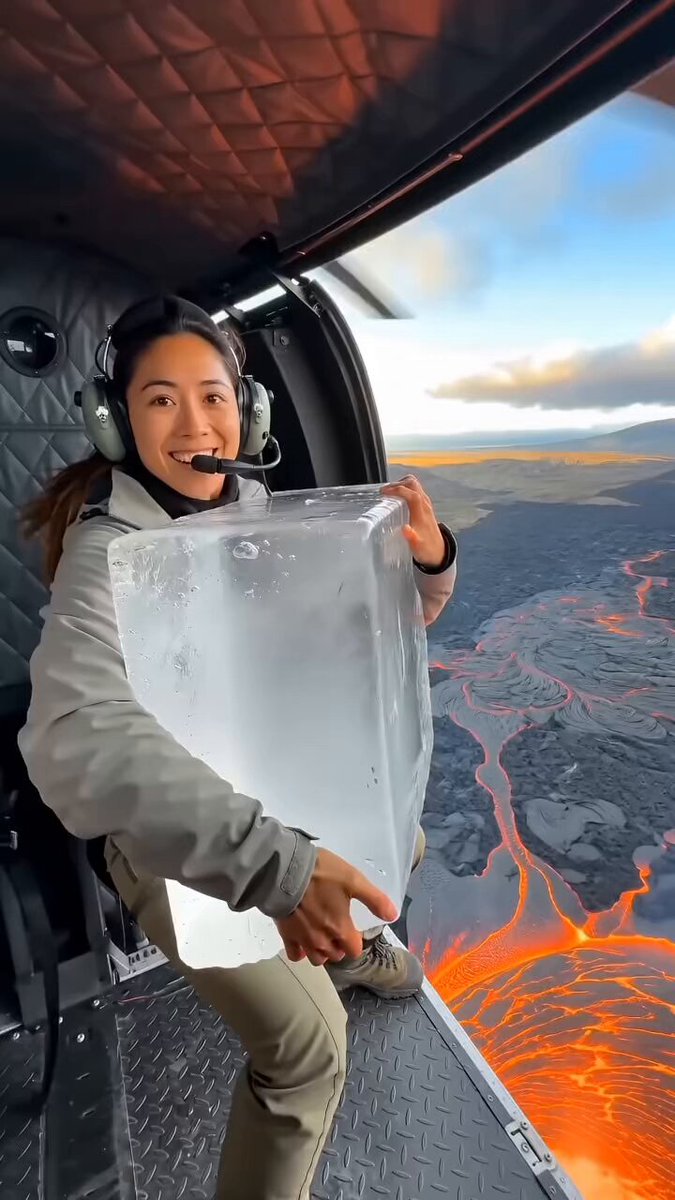


What is an AI video generator for businesses?
An AI video generator for businesses turns text descriptions into short video clips. You describe the scene, setting, and motion, choose the available settings, and review the result before downloading. It replaces the need for a production crew for drafts and internal content.
AI Video Generator for Businesses
Office scene
Input
A modern open-plan office with people at desks, natural light from large windows, steady camera pan across the room
Expected output
A professional office scene clip with natural lighting and a slow horizontal pan across the workspace
Product staging
Input
A white gadget on a clean circular podium, rotating slowly, soft gradient background, studio lighting
Expected output
A product presentation clip showing the gadget rotating on a podium with clean studio lighting
Data visual backdrop
Input
Abstract animated charts and graphs floating in a dark space with blue neon highlights, slow orbit camera
Expected output
A motion graphics-style clip with floating chart elements and blue neon accents on a dark background
Create short video clips for business content from text prompts without a production crew.
Faster concept iteration
Move from written brief to visual in minutes, then refine by editing the prompt.
No production overhead
Generate footage for internal presentations or early-stage campaigns without booking a studio or crew.
Align visuals with copy
Write the scene to match your messaging, generate it, and keep the visual direction consistent.
How It Works
1
Describe the scene
Describe the desired scene and motion.
2
Adjust settings
Choose the available generation settings.
3
Generate and review
Generate, review, and download a suitable result.
Business content tips
Clear, professional prompts produce more predictable business-ready clips.
Input Constraints
- Keep scenes workplace-appropriate and professional in tone.
- Avoid using competitor brand names or trademarked logos in prompts.
- Do not generate content that misrepresents products, services, or people.
Practical Tips
- Describe the setting first — office, studio, abstract — then add lighting and camera direction.
- Keep prompts neutral and descriptive rather than promotional.
- Review the result for brand fit before using it in external materials.
Privacy
- Do not upload personal or sensitive material unless you have permission to use it.
Usage Rights
- Confirm that you have the rights needed for the inputs and intended use of the result.
Prompt recipes
Copy a structure, then adjust the subject, lighting, camera, and output details for your own result.
Corporate office environment
A bright open office with people working at standing desks, large windows with city views, camera slowly panning right, professional atmosphere
Sets a professional tone with natural lighting and motion that suits internal or recruiting videos.
Product demo on podium
A sleek black device rotating on a white circular platform, soft gradient background, studio lighting with subtle shadows
Focuses attention on the product with clean, minimalist staging ideal for presentations or website headers.
Abstract data visualization
Floating bar charts and line graphs in a dark digital space with blue and purple neon accents, camera orbiting slowly
Creates a modern, tech-focused backdrop for data-driven presentations or explainer videos.
Conference or meeting room
A modern meeting room with a large screen showing a presentation, people seated around a table, natural light from side windows, camera steady
Depicts a realistic business meeting setting for internal training or case study content.
Brand color abstract motion
Smooth flowing liquid in brand colors (specify hex or names) on a neutral background, slow wave motion, soft lighting
Uses brand identity colors to create custom motion backgrounds for campaigns or social media.
Best use cases
Match the workflow to the input you have and the result you need before opening the generator.
Internal presentation or pitch
Input: Office or meeting room scene with professional lighting and steady camera
Result: A business-appropriate video clip for internal use or stakeholder presentations
Tool: Text-to-video with professional setting and natural lighting
Product showcase or website header
Input: Product on podium with studio lighting and rotating motion
Result: A clean product video for e-commerce, landing pages, or marketing materials
Tool: Text-to-video with studio lighting and simple product motion
Data or tech explainer background
Input: Abstract data visualization or motion graphics with brand colors
Result: A dynamic backdrop for presentations or explainer videos
Tool: Text-to-video with abstract motion and tech-style visuals
Social media or campaign asset
Input: Brand-aligned abstract motion or professional setting
Result: A short video clip for LinkedIn, Instagram, or paid ads
Tool: Text-to-video with brand colors and professional tone
Limitations to know before generating
- Generated clips are drafts and may require external editing for final campaigns
- Brand consistency depends on consistent prompt patterns and clear descriptions
- Rights to any identifiable people, products, or brand elements must be confirmed
- Review each clip for professionalism and brand fit before external use
- Complex multi-person interactions or precise staging may not render as expected
Creative Suite: AI Video Generator & AI Image Generator Tools
Power up your creative workflow with our AI-driven tools. Generate stunning videos, create images, and apply custom adjustments - our AI Video Generator and AI Image Generator offer a complete solution for all your creative needs.
Strictly Prohibits Adult/NSFW Content








Pricing
Choose the credit package that works best for you.
No hidden fees • Cancel anytime • Unused credits roll over
Starter
Perfect for trying out AI creation.
Credits
200 credits / month
- Up to 20 videos per month
- Up to 100 images per month
$6.99/ month$9.9930% OFF
Billed monthly
First-time subscribers get 30% off their first month, then standard price
What's included
- Credits never expire
- Standard models
- HD, Watermark-Free Downloads
- Private Generation
- Faster Generation Speed
- Ad-free experience
Basic
Perfect for light creators.
Credits
500 credits / month
- Up to 50 videos per month
- Up to 250 images per month
$13.99/ month$19.9930% OFF
Billed monthly
First-time subscribers get 30% off their first month, then standard price
What's included
- Credits never expire
- Standard models
- HD, Watermark-Free Downloads
- Private Generation
- Faster Generation Speed
- Ad-free experience
Pro
PopularBest value for creators
Credits
1,200 credits / month
- Up to 120 videos per month
- Up to 600 images per month
$39.99/ month
Billed monthly
What's included
- Credits never expire
- All models + Early access to new models
- HD, Watermark-Free Downloads
- Private Generation
- Faster Generation Speed
- Ultra HD resolution
- Ad-free experience
Ultra
For video creators and power users.
Credits
5,000 credits / month
- Up to 500 videos per month
- Up to 2,500 images per month
$99.99/ month
Billed monthly
What's included
- Credits never expire
- All models + Early access to new models
- HD, Watermark-Free Downloads
- Private Generation
- Faster Generation Speed
- Ultra HD resolution
- Ad-free experience
Free
Standard models only — upgrade to unlock premium models.
Credits
10 free credits on signup
Questions? Contact us at support@domer.io
Create business visuals from text
Open the text-to-video tool, describe the scene you need, and generate a clip.