
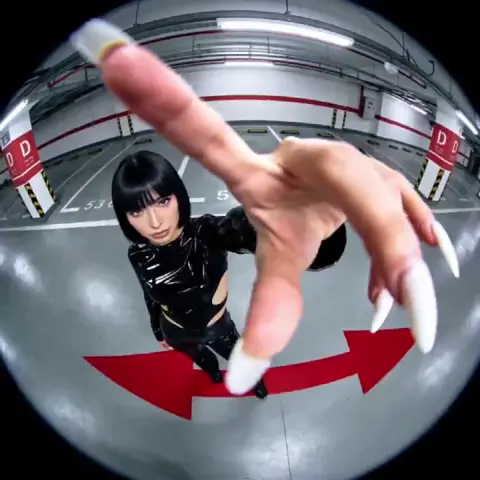
AI Video Generator Photo — Animate Still Ideas
Describe a photograph composition and add motion. Generate video clips that bring photographic scenes to life with camera moves and environmental animation.
AI Video Generator
0/20000 characters
Cost:10
My videos
Loading...
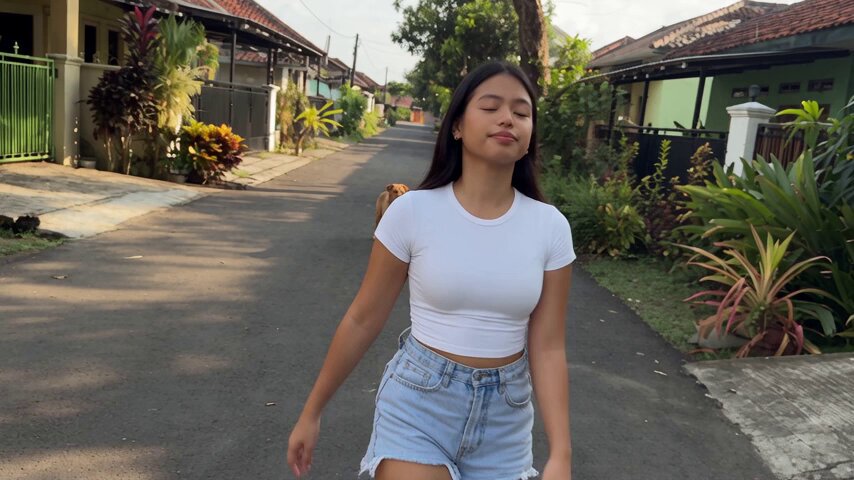
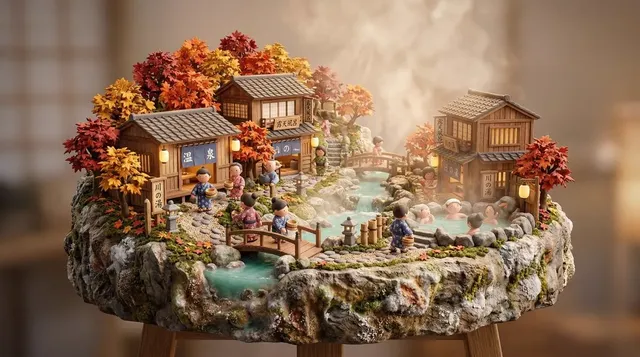
How do I generate video from a photo concept?
Describe the scene as if framing a photograph: composition, lighting, subject placement, and depth. Then add motion elements like camera pans, subject movement, or environmental effects. The tool generates a video clip that combines the photographic aesthetic with your specified motion.
AI Video Generator Photo — Animate Still Ideas
Landscape photo to video
Input
A wide-angle view of a lavender field at golden hour, rows of purple flowers stretching to the horizon, a lone tree in the distance, soft clouds.
Expected output
A landscape video clip showing a lavender field at sunset with rows of flowers and a distant tree.
Portrait-style scene with motion
Input
A person in a wide-brim hat looking out over a coastal cliff, wind moving their hair and clothes, ocean waves crashing below, warm afternoon light.
Expected output
A portrait-style video with a person on a cliff overlooking the ocean, gentle movement from wind and waves.
Still life with animation
Input
A rustic wooden table with a vase of wildflowers, a loaf of bread, and a jar of honey, soft window light from the left, dust particles floating.
Expected output
A still-life video showing a table arrangement with flowers and food, gentle lighting, and floating dust motes.
Turn photographic composition ideas into short video clips with motion
Give motion to photo ideas
Describe a still composition and add the motion element to see how it looks as a living scene.
Explore different motion styles
Experiment with slow pans, gentle zooms, or subject movement while keeping the same photographic composition.
Prototype visual concepts
Test a photograph idea as a video before deciding whether to produce it as a still or motion piece.
How It Works
1
Describe the scene
Describe the desired scene and motion.
2
Choose settings
Choose the available generation settings.
3
Generate and download
Generate, review, and download a suitable result.
Translating photo descriptions to video
Describe the composition first, then add the motion elements you want to see.
Input Constraints
- The result is a generated interpretation, not a direct animation of an existing photo
- Do not describe specific copyrighted photographs or artworks
- Review output for accuracy if the visual concept is important to your project
Practical Tips
- Start with the photographic composition: framing, subject placement, depth of field
- Add one or two motion elements: camera pan, subject movement, or environmental motion
- Describe lighting as you would for a photograph: golden hour, studio, natural window light
Privacy
- Do not upload personal or sensitive material unless you have permission to use it.
Usage Rights
- Confirm that you have the rights needed for the inputs and intended use of the result.
Prompt recipes
Copy a structure, then adjust the subject, lighting, camera, and output details for your own result.
Cinematic street photography with passing traffic
A rainy city street at dusk, neon signs reflecting on wet pavement, taxis passing through the frame with motion blur, pedestrians with umbrellas crossing in the background. Shot with shallow depth of field, warm color grading, cinematic 2.35:1 aspect ratio.
Combines photographic framing language with clear motion direction and cinematography terms to create a mood-driven urban scene.
Food photography with steam and pouring action
Overhead shot of a white ceramic bowl filled with ramen noodles, soft-boiled egg, green onions, and broth. Steam rises gently from the surface. A hand slowly pours soy sauce from a small pitcher. Natural window light from the left creates soft shadows.
Uses food photography composition rules, adds specific culinary action, and defines lighting setup for appetizing motion content.
Wildlife photography with environmental movement
A red fox sits on a mossy boulder in a forest clearing at sunrise. Mist drifts through the trees behind it. The fox's ears twitch and it turns its head slightly. Golden light filters through the canopy. Telephoto compression effect, shallow depth of field.
Describes wildlife photography technique, adds subtle animal movement, and includes atmospheric environmental motion for a natural scene.
Architectural photography with time-lapse effect
A modern glass skyscraper photographed from ground level looking up. Clouds move rapidly across the blue sky reflected in the windows. The building remains static while reflections shift. Late afternoon light creates dramatic contrast. Ultra-wide angle perspective.
Uses architectural photography perspective while adding time-based sky motion to create dynamic contrast between static structure and moving environment.
Macro product shot with reveal motion
Extreme close-up of a luxury watch on a black velvet surface. The second hand ticks smoothly. Soft studio lighting creates highlights on the metal case and crystal. Camera slowly rotates around the watch face, revealing intricate dial details.
Combines macro photography detail with functional product motion and studio lighting setup for high-end product visualization.
Best use cases
Match the workflow to the input you have and the result you need before opening the generator.
Photographer testing motion concepts before a shoot
Input: Photographic composition description with camera movement or subject motion details
Result: Preview of how a still composition will look with added motion elements
Tool: Text to Video with photography framing terms
Social media creator making cinemagraphs or living photos
Input: Still scene description with one isolated motion element like flowing water or drifting smoke
Result: Video clip with mostly static composition and subtle localized motion
Tool: Text to Video with selective motion descriptions
Marketing team prototyping product video concepts
Input: Product composition with reveal motion, rotation, or interaction
Result: Draft product video showing how static shots can incorporate movement
Tool: Text to Video with product and motion details
Filmmaker exploring visual style for a project
Input: Scene description using cinematography terms and desired camera or subject movement
Result: Style test showing how photographic framing translates to motion
Tool: Text to Video with cinematography vocabulary
Limitations to know before generating
- The tool generates video from text descriptions only; it does not accept uploaded photos for animation
- Generated results are interpretations of your description, not precise reproductions of specific photographs
- Complex camera movements like dolly shots or crane moves may not render as smoothly as simple pans or zooms
- Text, logos, or fine product details may not appear clearly in the generated output
- Motion applied to static subjects may introduce distortion or unnatural movement if the prompt is ambiguous
- Review generated clips for visual quality and accuracy before using in client work or published projects
Creative Suite: AI Video Generator & AI Image Generator Tools
Power up your creative workflow with our AI-driven tools. Generate stunning videos, create images, and apply custom adjustments - our AI Video Generator and AI Image Generator offer a complete solution for all your creative needs.
Strictly Prohibits Adult/NSFW Content








Pricing
Choose the credit package that works best for you.
No hidden fees • Cancel anytime • Unused credits roll over
Starter
Perfect for trying out AI creation.
Credits
200 credits / month
- Up to 20 videos per month
- Up to 100 images per month
$6.99/ month$9.9930% OFF
Billed monthly
First-time subscribers get 30% off their first month, then standard price
What's included
- Credits never expire
- Standard models
- HD, Watermark-Free Downloads
- Private Generation
- Faster Generation Speed
- Ad-free experience
Basic
Perfect for light creators.
Credits
500 credits / month
- Up to 50 videos per month
- Up to 250 images per month
$13.99/ month$19.9930% OFF
Billed monthly
First-time subscribers get 30% off their first month, then standard price
What's included
- Credits never expire
- Standard models
- HD, Watermark-Free Downloads
- Private Generation
- Faster Generation Speed
- Ad-free experience
Pro
PopularBest value for creators
Credits
1,200 credits / month
- Up to 120 videos per month
- Up to 600 images per month
$39.99/ month
Billed monthly
What's included
- Credits never expire
- All models + Early access to new models
- HD, Watermark-Free Downloads
- Private Generation
- Faster Generation Speed
- Ultra HD resolution
- Ad-free experience
Ultra
For video creators and power users.
Credits
5,000 credits / month
- Up to 500 videos per month
- Up to 2,500 images per month
$99.99/ month
Billed monthly
What's included
- Credits never expire
- All models + Early access to new models
- HD, Watermark-Free Downloads
- Private Generation
- Faster Generation Speed
- Ultra HD resolution
- Ad-free experience
Free
Standard models only — upgrade to unlock premium models.
Credits
10 free credits on signup
Questions? Contact us at support@domer.io
Bring your photo idea to life
Open the text-to-video generator, describe your photograph concept, and see it as a moving scene.