
AI Video Generator Policies You Should Know
Learn the policies for AI video generators: what you can upload, how to confirm rights, and what to review before using generated videos.
AI Video Generator
0/20000 characters
Cost:10
My videos
Loading...
What are AI video generator policies?
AI video generator policies cover what you can upload, how to confirm your content rights, and what to review before using generated videos. Key points include avoiding personal or sensitive material without permission, confirming you have rights for inputs and intended use, and reviewing every result before sharing.
AI Video Generator Policies You Should Know
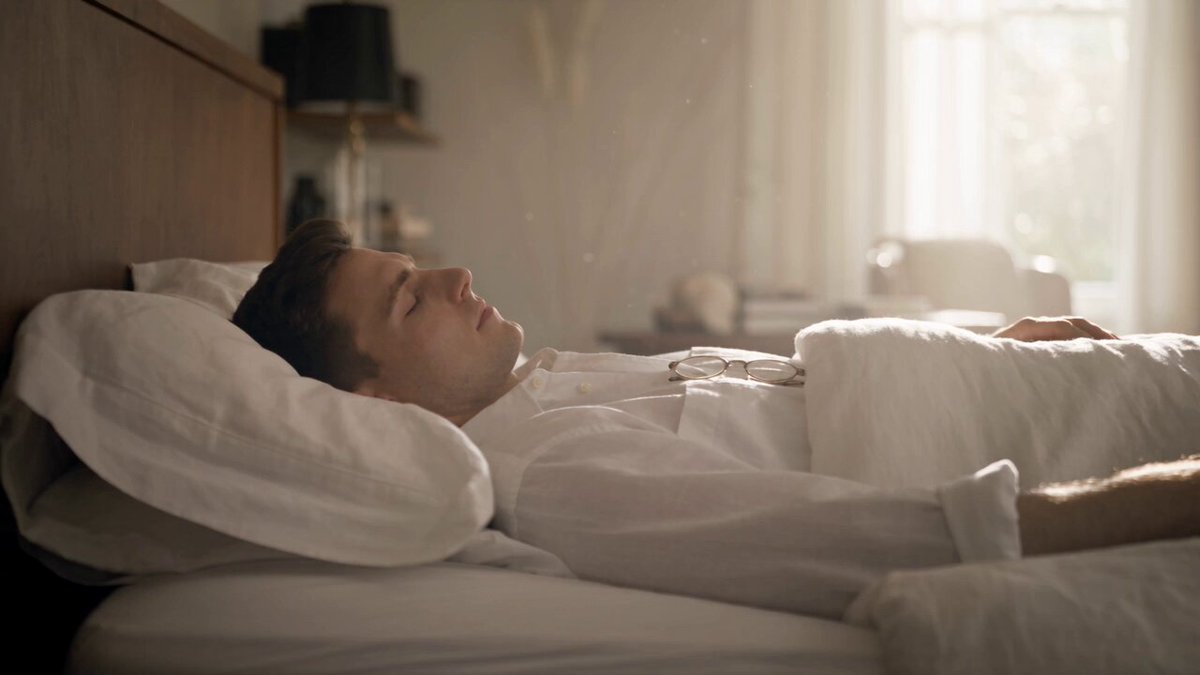
Team onboarding scene
Input
A modern office meeting room with employees watching a presentation, soft natural light, a slow camera pan across the room.
Expected output
A generated office scene with seated people, changing light, and a slow panning motion.
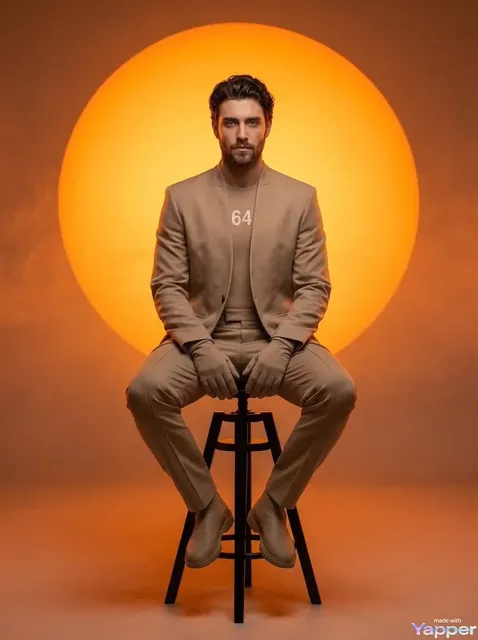
Product demonstration clip
Input
A coffee machine on a bright kitchen counter, steam rising from a freshly poured cup, a hand pressing the start button, shallow depth of field.
Expected output
A product-style clip with rising steam, a pressing hand, and a soft-focus kitchen background.
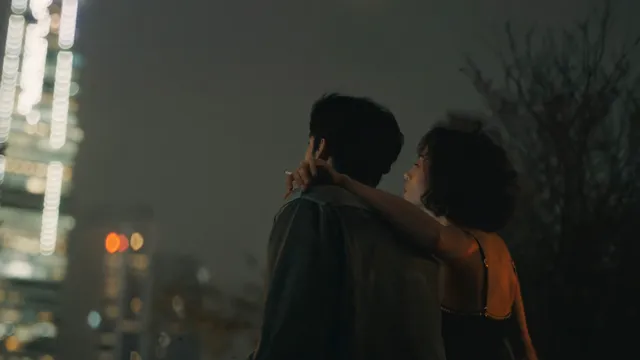
Public event scene
Input
A city park festival with food stalls, string lights, and people walking between tents at dusk, gentle crowd movement.
Expected output
A generated park scene with moving crowds, flickering string lights, and an evening atmosphere.
Understand privacy, rights, and content guidelines before using an AI video generator
Clear before-you-start checklist
Know what to consider around privacy and rights before generating, so your use stays within what you are allowed to do.
Simple text-to-video workflow
Describe the scene and motion, choose the available settings, and generate a video you can review.
Review before you save
Check each result against your intended use before downloading or sharing it.
How It Works
1
Describe the scene
Describe the desired scene and motion.
2
Choose settings
Choose the available generation settings.
3
Generate and download
Generate, review, and download a suitable result.
Policies to keep in mind
A few checks before you generate keep your use responsible and within your rights.
Input Constraints
- The tool generates video from text prompts.
- Review each generated video before downloading or sharing it.
- Personal or sensitive material needs permission before you upload or describe it.
- You are responsible for confirming rights for your inputs and intended use.
Practical Tips
- Write prompts for scenes you have the right to depict.
- Avoid describing real people or private settings without permission.
- Check what you plan to do with the result before generating.
- Regenerate with adjusted wording if a result is not what you intended.
Privacy
- Do not upload personal or sensitive material unless you have permission to use it.
Usage Rights
- Confirm that you have the rights needed for the inputs and intended use of the result.
Prompt recipes
Copy a structure, then adjust the subject, lighting, camera, and output details for your own result.
Generic office scene for training
A neutral modern office with empty desks, soft overhead lighting, and a whiteboard in the background. Camera slowly pans left to right. No identifiable people or company branding visible.
Generic settings avoid privacy and trademark concerns, making the clip safe for internal or public use.
Product demo without branding
A generic kitchen appliance on a clean countertop. A hand presses a button and steam rises. Bright even lighting. No logos or brand names visible on the appliance.
Focusing on the action rather than brand identity keeps the clip compliant and reusable.
Public event with crowd anonymity
A festival scene at sunset with food stalls and string lights. Crowds move between tents, but all faces are out of focus or facing away. Warm ambient lighting.
Describing anonymized crowds respects privacy while still capturing the event atmosphere.
Abstract concept visual
Geometric shapes float and rotate slowly against a gradient background. Soft glowing edges. No text, people, or identifiable objects.
Abstract visuals carry no rights or privacy risk and work for presentations or backgrounds.
Nature scene with no people
A forest stream flows over smooth rocks. Sunlight filters through the trees. Leaves drift slowly downstream. No people, animals, or man-made structures visible.
Natural scenes without people or property avoid most rights and privacy issues.
Best use cases
Match the workflow to the input you have and the result you need before opening the generator.
Internal training video
Input: Generic office or workplace scene with no identifiable people, branding, or sensitive details
Result: A safe-to-use clip for employee onboarding or process documentation
Tool: AI video generator with neutral, anonymized scene prompts
Public marketing video
Input: Abstract or product-focused scene with no third-party branding, logos, or copyrighted imagery
Result: A rights-compliant clip you can publish on social media or your website
Tool: AI video generator with original, non-branded scene descriptions
Event recap for social media
Input: Crowd scenes with anonymized faces and no visible private property or trademarks
Result: A shareable event clip that respects attendee privacy and avoids brand conflicts
Tool: AI video generator with out-of-focus or distant crowd prompts
Presentation background
Input: Abstract or nature scene with no people, text, or identifiable locations
Result: A clean, distraction-free background loop with no rights concerns
Tool: AI video generator with abstract or natural motion prompts
Limitations to know before generating
- The tool does not verify whether you have rights to the scenes or elements you describe; that responsibility is yours.
- Generated videos may include unexpected details; always review the result before using it publicly or commercially.
- Privacy compliance depends on your prompt; describing identifiable people or private locations without permission may violate privacy rules.
- The generator does not provide legal advice; consult a legal professional if you are unsure about your intended use.
- Some use cases, such as commercial advertising or public campaigns, have stricter rights requirements than personal or internal use.
Creative Suite: AI Video Generator & AI Image Generator Tools
Power up your creative workflow with our AI-driven tools. Generate stunning videos, create images, and apply custom adjustments - our AI Video Generator and AI Image Generator offer a complete solution for all your creative needs.
Strictly Prohibits Adult/NSFW Content








Pricing
Choose the credit package that works best for you.
No hidden fees • Cancel anytime • Unused credits roll over
Starter
Perfect for trying out AI creation.
Credits
200 credits / month
- Up to 20 videos per month
- Up to 100 images per month
$6.99/ month$9.9930% OFF
Billed monthly
First-time subscribers get 30% off their first month, then standard price
What's included
- Credits never expire
- Standard models
- HD, Watermark-Free Downloads
- Private Generation
- Faster Generation Speed
- Ad-free experience
Basic
Perfect for light creators.
Credits
500 credits / month
- Up to 50 videos per month
- Up to 250 images per month
$13.99/ month$19.9930% OFF
Billed monthly
First-time subscribers get 30% off their first month, then standard price
What's included
- Credits never expire
- Standard models
- HD, Watermark-Free Downloads
- Private Generation
- Faster Generation Speed
- Ad-free experience
Pro
PopularBest value for creators
Credits
1,200 credits / month
- Up to 120 videos per month
- Up to 600 images per month
$39.99/ month
Billed monthly
What's included
- Credits never expire
- All models + Early access to new models
- HD, Watermark-Free Downloads
- Private Generation
- Faster Generation Speed
- Ultra HD resolution
- Ad-free experience
Ultra
For video creators and power users.
Credits
5,000 credits / month
- Up to 500 videos per month
- Up to 2,500 images per month
$99.99/ month
Billed monthly
What's included
- Credits never expire
- All models + Early access to new models
- HD, Watermark-Free Downloads
- Private Generation
- Faster Generation Speed
- Ultra HD resolution
- Ad-free experience
Free
Standard models only — upgrade to unlock premium models.
Credits
10 free credits on signup
Questions? Contact us at support@domer.io
Generate video with clear policies in mind
Open the text-to-video tool, describe your scene, and generate a video you can review and use responsibly.