

AI Video Generator Sample — Preview Before You Create
Use ai video generator sample to generate a test clip from a scene description to preview output quality, motion style, and prompt interpretation before your.
AI Video Generator
0/20000 characters
Cost:10
My videos
Loading...
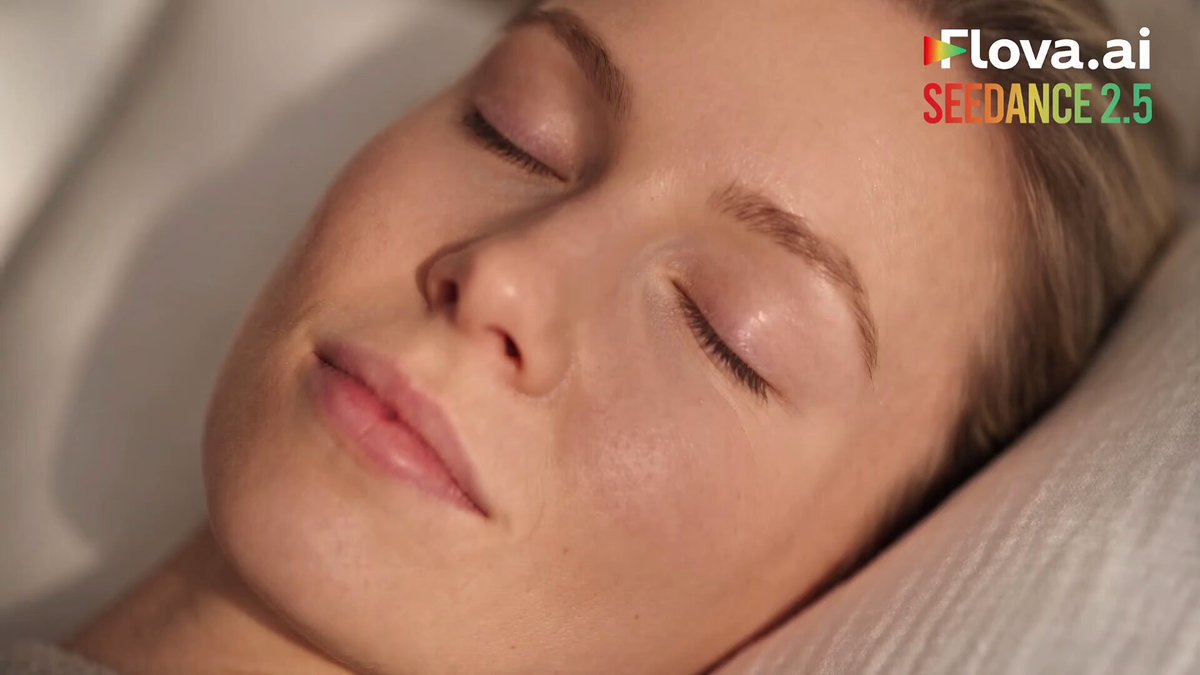
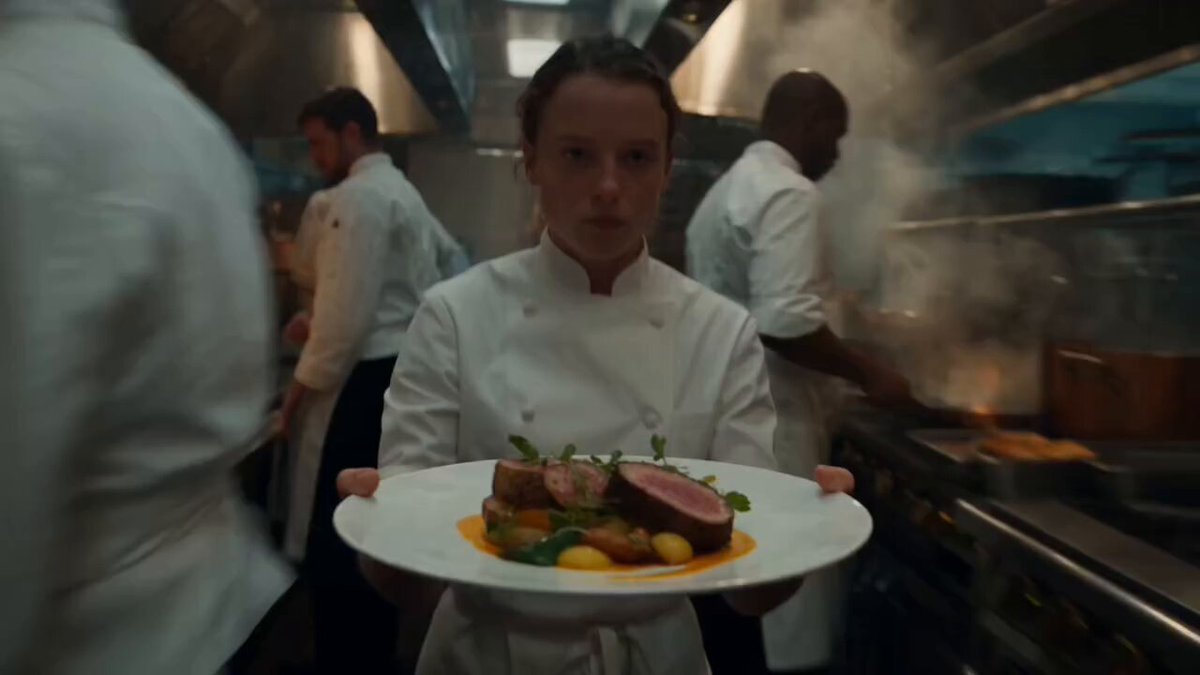
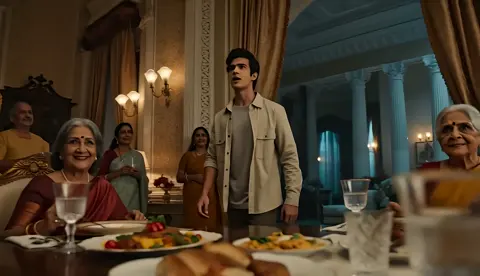
What is an AI video generator sample?
An AI video generator sample is a test clip you create from a short text prompt to evaluate the tool's output quality, visual style, and how well it interprets scene descriptions before committing to a full project or workflow.
AI Video Generator Sample — Preview Before You Create
Sample scene test
Input
A red balloon floating up through a bright blue sky with scattered white clouds, gentle upward camera movement following the balloon.
Expected output
A short test clip showing a red balloon rising through a blue sky with clouds, with a following camera.
Demo concept
Input
A single candle flame flickering in a dark room, warm orange light illuminating the surroundings, fixed camera with subtle flame movement.
Expected output
A demo clip of a candle flame in darkness with warm lighting and subtle motion, suitable for evaluating visual quality.
Quick quality check
Input
A glossy red sports car parked on a wet city street at night, neon reflections on the car surface, camera slowly circling the car.
Expected output
A test clip of a sports car with reflective surfaces, night lighting, and neon colour reflections for quality assessment.
Test video generation quality and workflow by creating a sample clip from a text prompt
Preview before production
Generate a sample clip to see the output style and quality before committing to a full project.
Test different prompt styles
Try different scene descriptions to see how prompt phrasing affects the visual result.
Evaluate output coherence
Review sample clips for motion smoothness, visual coherence, and prompt adherence.
How It Works
1
Describe the scene and motion
Describe the desired scene and motion.
2
Choose generation settings
Choose the available generation settings.
3
Generate and download
Generate, review, and download a suitable result.
Getting the most from sample clips
Use simple, focused descriptions for clearer sample results.
Input Constraints
- The tool accepts English text prompts for video generation.
- Results are generated visuals — they are not recordings of real events.
- The tool does not generate audio, speech, or music alongside the video.
Practical Tips
- Start with a simple scene to establish a baseline for quality.
- Note how different prompt details affect the visual output.
- Review multiple samples to understand the tool range.
- Keep the scene focused on one subject for clearer results.
- Review the generated video before using it in any project.
Privacy
- Do not upload personal or sensitive material unless you have permission to use it.
Usage Rights
- Confirm that you have the rights needed for the inputs and intended use of the result.
Prompt recipes
Copy a structure, then adjust the subject, lighting, camera, and output details for your own result.
Simple motion baseline
A single white paper airplane gliding slowly across a blue sky, steady horizontal motion, clear daylight.
One subject, one direction, neutral lighting — helps you see how the tool handles basic motion before adding complexity.
Lighting and reflection test
A glass of water on a wooden table, sunlight streaming through a window creating shadows and reflections, camera slowly rotating around the glass.
Tests the tool's ability to render reflections, shadows, and natural lighting with a simple rotating camera.
Organic movement sample
A tree branch swaying gently in the wind, leaves rustling, forest background slightly out of focus, calm afternoon light.
Natural motion and depth of field are harder to generate — a good test for how the tool handles organic subjects.
Product shot baseline
A black smartphone lying flat on a white surface, camera slowly pulling back, soft studio lighting from above, clean minimal composition.
A clean product-focused prompt that helps you evaluate the tool's ability to render hard-edged objects and studio lighting.
Abstract motion quality check
Slow swirling smoke in shades of blue and purple against a black background, smooth continuous motion, no cuts or jumps.
Abstract subjects with fluid motion are a good way to test the smoothness and coherence of the generation engine.
Best use cases
Match the workflow to the input you have and the result you need before opening the generator.
Pre-project quality check
Input: Simple scene with clear subject and motion
Result: Sample clip that shows output style and motion quality
Tool: Text to Video
Test prompt phrasing styles
Input: Multiple descriptions of the same scene with different wording
Result: Comparison clips showing how prompt changes affect visuals
Tool: Text to Video
Evaluate tool capabilities
Input: Test prompts covering lighting, reflections, motion, and depth
Result: Set of sample clips showing tool strengths and limits
Tool: Text to Video
Limitations to know before generating
- Sample clips reflect the tool's interpretation of your prompt, not a guaranteed final style.
- Generated visuals are approximations and may include motion artifacts or inconsistencies.
- Quality depends on prompt clarity — vague descriptions often produce generic results.
- Samples do not include audio, so you must add sound separately if needed.
- You must review every sample before deciding to use it in a project.
Creative Suite: AI Video Generator & AI Image Generator Tools
Power up your creative workflow with our AI-driven tools. Generate stunning videos, create images, and apply custom adjustments - our AI Video Generator and AI Image Generator offer a complete solution for all your creative needs.
Strictly Prohibits Adult/NSFW Content








Pricing
Choose the credit package that works best for you.
No hidden fees • Cancel anytime • Unused credits roll over
Starter
Perfect for trying out AI creation.
Credits
200 credits / month
- Up to 20 videos per month
- Up to 100 images per month
$6.99/ month$9.9930% OFF
Billed monthly
First-time subscribers get 30% off their first month, then standard price
What's included
- Credits never expire
- Standard models
- HD, Watermark-Free Downloads
- Private Generation
- Faster Generation Speed
- Ad-free experience
Basic
Perfect for light creators.
Credits
500 credits / month
- Up to 50 videos per month
- Up to 250 images per month
$13.99/ month$19.9930% OFF
Billed monthly
First-time subscribers get 30% off their first month, then standard price
What's included
- Credits never expire
- Standard models
- HD, Watermark-Free Downloads
- Private Generation
- Faster Generation Speed
- Ad-free experience
Pro
PopularBest value for creators
Credits
1,200 credits / month
- Up to 120 videos per month
- Up to 600 images per month
$39.99/ month
Billed monthly
What's included
- Credits never expire
- All models + Early access to new models
- HD, Watermark-Free Downloads
- Private Generation
- Faster Generation Speed
- Ultra HD resolution
- Ad-free experience
Ultra
For video creators and power users.
Credits
5,000 credits / month
- Up to 500 videos per month
- Up to 2,500 images per month
$99.99/ month
Billed monthly
What's included
- Credits never expire
- All models + Early access to new models
- HD, Watermark-Free Downloads
- Private Generation
- Faster Generation Speed
- Ultra HD resolution
- Ad-free experience
Free
Standard models only — upgrade to unlock premium models.
Credits
10 free credits on signup
Questions? Contact us at support@domer.io
Describe a sample scene
Open the text-to-video tool, write a simple scene description, and generate a sample clip to test the output.