
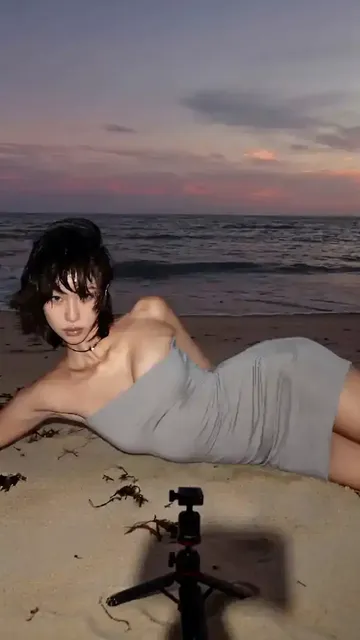
AI Video Generator UI Sample: See the Flow
Walk through a sample text-to-video flow: describe a scene, choose settings, generate, and review. See the interface in action before creating your own clips.
AI Video Generator
0/20000 characters
Cost:10
My videos
Loading...
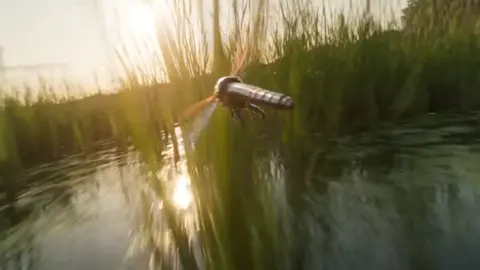
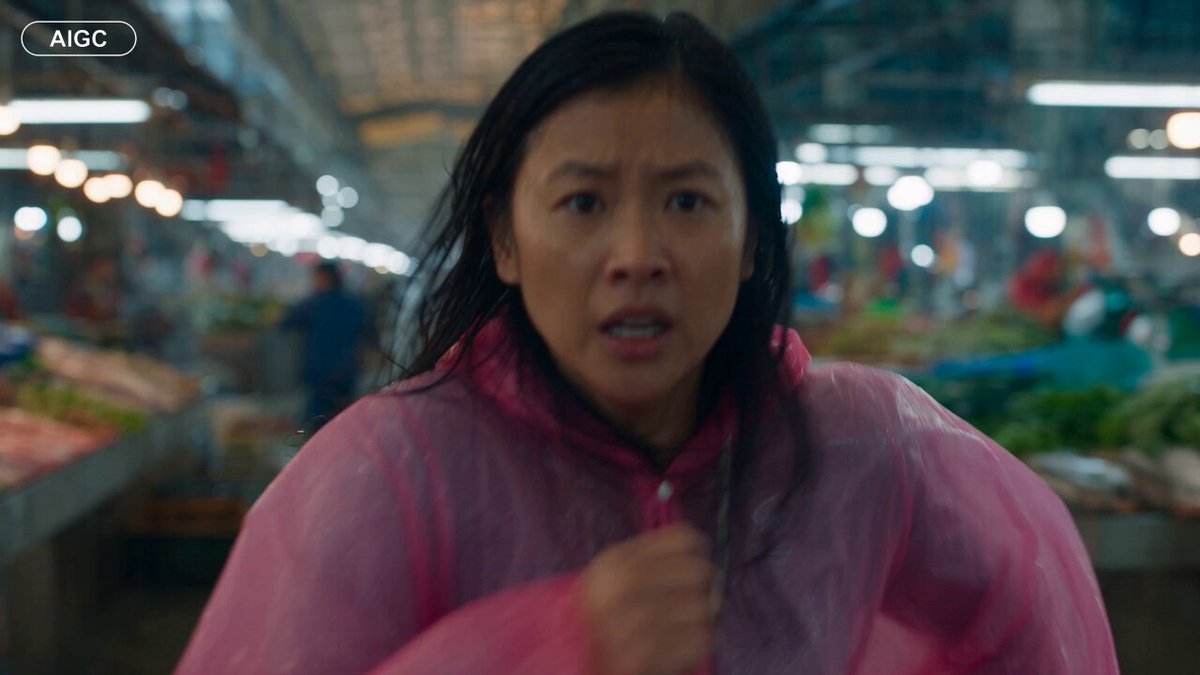
What does an AI video generator interface flow look like?
A typical flow has three steps: describe your scene in a text field, choose generation settings from the available options, then generate and review the result before downloading.
AI Video Generator UI Sample: See the Flow
Product launch clip
Input
A 6-second clip of a coffee cup being filled from a silver espresso machine, steam rising, warm morning light from a window
Expected output
A short video concept showing the described pour and steam; review for motion and framing before use.
Travel teaser
Input
A sweeping shot over a coastal road at sunset, camera slowly rising, palm trees passing in the foreground
Expected output
A short cinematic clip matching the described camera move and lighting; review before publishing.
Animated explainer beat
Input
A simple 3D scene of a bouncing orange ball with a soft shadow, gentle loop, clean studio background
Expected output
A looping animation concept of the ball and shadow; review for smoothness and loop quality.
See how a text-to-video interface works by walking through sample generation flows
See the interface before you commit
Walk through the text-to-video flow once to understand what each step expects before generating your own clips.
Match your idea to the workflow
Knowing the UI order helps you turn a scene idea into a prompt that fits the available settings.
Keep the review step front and center
The flow ends with reviewing and downloading, so you decide which result is usable before sharing.
How It Works
1
Describe the scene
Describe the desired scene and motion.
2
Choose the settings
Choose the available generation settings.
3
Generate and review
Generate, review, and download a suitable result.
Reading the sample flow
Use the sample walkthrough to see how a prompt moves through the interface.
Input Constraints
- Describe scenes and motion you are allowed to use.
- Keep prompts concrete about subject, action, and look.
- Review every generated clip before use.
- Only describe material you have permission to use.
Practical Tips
- Start with a short, single-action scene.
- Name the motion explicitly, such as pan, zoom, or rising.
- Compare a few settings to see how the output changes.
- Use the sample flow to test prompt structure before your real project.
Privacy
- Do not upload personal or sensitive material unless you have permission to use it.
Usage Rights
- Confirm that you have the rights needed for the inputs and intended use of the result.
Prompt recipes
Copy a structure, then adjust the subject, lighting, camera, and output details for your own result.
Product pour with steam effect
A close-up of espresso being poured from a silver machine into a white cup, steam rising gently, warm morning sunlight from a nearby window, slow motion pour
Combines product action (pour), visual effect (steam), lighting (warm morning), and motion style (slow motion) for a complete product clip.
Coastal road aerial shot
An aerial view sweeping over a winding coastal road at golden hour sunset, camera rising slowly, palm trees and ocean in the frame, warm orange light
Specifies camera type (aerial), motion (rising), time of day (golden hour), and visual elements (road, trees, ocean) for a cinematic travel clip.
Simple 3D looping animation
A bright orange ball bouncing gently on a white studio floor, soft shadow beneath, smooth loop, clean background, side camera angle
Describes a simple loopable animation with clear subject, motion (bounce), lighting (soft shadow), and framing for explainer use.
Tech product reveal
A sleek smartphone rotating slowly on a dark studio background, spotlight from above, reflections on glass surface, 360-degree rotation
Focuses on product (smartphone), motion (rotation), lighting (spotlight), and visual detail (reflections) for a product launch-style clip.
Nature time-lapse concept
A single flower blooming in time-lapse, petals opening from bud to full bloom, green background, soft natural light, macro close-up
Uses time-lapse concept with clear subject transformation (bud to bloom), framing (macro), and lighting for a nature documentary feel.
Best use cases
Match the workflow to the input you have and the result you need before opening the generator.
Learn the interface before your project
Input: Simple sample scene with clear subject and motion
Result: Understanding of how prompts, settings, and review flow together; ready to start real work
Tool: Text-to-video with guided sample walkthrough
Test prompt structure and settings
Input: Same sample scene with varied wording and settings
Result: Multiple clips showing how changes affect output; refine approach before real generation
Tool: Text-to-video with iterative sample testing
Evaluate tool before committing
Input: Representative scene similar to your real use case
Result: Output quality assessment and workflow fit; decide whether tool meets needs
Tool: Text-to-video with realistic sample scenario
Onboard team members to the tool
Input: Guided sample flow with clear steps and expected results
Result: Team familiarity with interface and workflow; ready to generate independently
Tool: Text-to-video with step-by-step sample guidance
Limitations to know before generating
- Sample flows show typical patterns, not all possible interface variations; actual tools may differ.
- Generated sample results are interpretations, not guaranteed outputs; quality depends on prompt clarity.
- Not all settings shown in samples may be available in every tool; check the specific platform.
- Sample clips are for demonstration; review every real generation before use or publication.
- The tool does not verify that you have rights to the concepts or elements you describe; rights clearance is your responsibility.
Creative Suite: AI Video Generator & AI Image Generator Tools
Power up your creative workflow with our AI-driven tools. Generate stunning videos, create images, and apply custom adjustments - our AI Video Generator and AI Image Generator offer a complete solution for all your creative needs.
Strictly Prohibits Adult/NSFW Content








Pricing
Choose the credit package that works best for you.
No hidden fees • Cancel anytime • Unused credits roll over
Starter
Perfect for trying out AI creation.
Credits
200 credits / month
- Up to 20 videos per month
- Up to 100 images per month
$6.99/ month$9.9930% OFF
Billed monthly
First-time subscribers get 30% off their first month, then standard price
What's included
- Credits never expire
- Standard models
- HD, Watermark-Free Downloads
- Private Generation
- Faster Generation Speed
- Ad-free experience
Basic
Perfect for light creators.
Credits
500 credits / month
- Up to 50 videos per month
- Up to 250 images per month
$13.99/ month$19.9930% OFF
Billed monthly
First-time subscribers get 30% off their first month, then standard price
What's included
- Credits never expire
- Standard models
- HD, Watermark-Free Downloads
- Private Generation
- Faster Generation Speed
- Ad-free experience
Pro
PopularBest value for creators
Credits
1,200 credits / month
- Up to 120 videos per month
- Up to 600 images per month
$39.99/ month
Billed monthly
What's included
- Credits never expire
- All models + Early access to new models
- HD, Watermark-Free Downloads
- Private Generation
- Faster Generation Speed
- Ultra HD resolution
- Ad-free experience
Ultra
For video creators and power users.
Credits
5,000 credits / month
- Up to 500 videos per month
- Up to 2,500 images per month
$99.99/ month
Billed monthly
What's included
- Credits never expire
- All models + Early access to new models
- HD, Watermark-Free Downloads
- Private Generation
- Faster Generation Speed
- Ultra HD resolution
- Ad-free experience
Free
Standard models only — upgrade to unlock premium models.
Credits
10 free credits on signup
Questions? Contact us at support@domer.io
Walk through a sample yourself
Open the text-to-video tool and run the sample flow with your own scene prompt.