
Collart AI Video Generator — Text to Video
Describe your scene in text and generate video clips. Adjust settings, review results, and download for your projects in minutes.
AI Video Generator
0/20000 characters
Cost:10
My videos
Loading...

What is the Collart AI video generator?
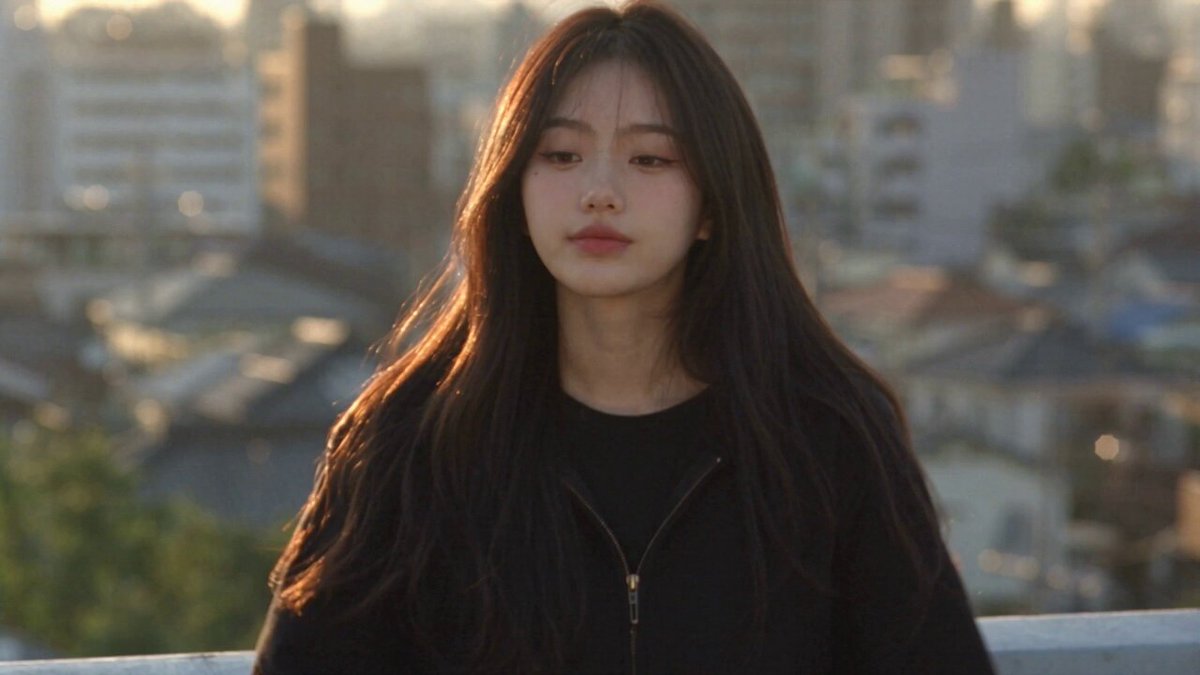
For collart ai video generator, it converts written scene descriptions into short video clips. You describe the visual elements, setting, and motion, choose generation settings, then review and download the result for use in your projects.
Collart AI Video Generator — Text to Video
Product showcase from a short description
Input
A sleek black coffee machine on a wooden counter, steam rising from a freshly poured cup, morning light streaming through a window
Expected output
A 5-second clip showing the coffee machine on the counter with steam curling upward and warm morning light across the scene
Animated storytelling scene
Input
A small fox walks through a dense green forest at dawn, dew on ferns, soft golden light filtering through the canopy
Expected output
A cinematic clip of the fox moving through the forest with animated light rays and gentle camera movement
Social media teaser clip
Input
A neon-lit city street at night, rain on the pavement, a lone figure with an umbrella walks past glowing storefronts
Expected output
A moody urban clip with neon reflections, falling rain, and the figure walking across the frame
Create short video clips from written descriptions for social posts, product demos, storytelling, or visual prototyping.
Write instead of edit
Skip complex editing software. Describe what you want to see and let the tool generate the video from your text.
Iterate fast
Change one sentence in your prompt to try a different setting, mood, or motion without redoing the entire clip.
Consistent output format
Every generation follows the same workflow so you can produce multiple clips with a repeatable process.
How It Works
1
Describe the scene and motion
Describe the desired scene and motion.
2
Choose the generation settings
Choose the available generation settings.
3
Generate and download
Generate, review, and download a suitable result.
Tips for better results
A few things to keep in mind when writing prompts for video generation.
Input Constraints
- Keep descriptions focused on one scene at a time
- Specify visual details such as lighting, color, and atmosphere
- Avoid complex multi-stage actions that span different locations
- Use concrete nouns and descriptive adjectives for clearer results
- Review each clip before using it in any project
Practical Tips
- Start with a short sentence and add details gradually
- Describe motion explicitly when you need movement in the clip
- Mention the mood or lighting for more consistent visual tone
Privacy
- Do not upload personal or sensitive material unless you have permission to use it.
Usage Rights
- Confirm that you have the rights needed for the inputs and intended use of the result.
Prompt recipes
Copy a structure, then adjust the subject, lighting, camera, and output details for your own result.
Product demo with controlled motion
A white wireless earbud case on a marble surface, lid slowly opening to reveal the earbuds inside, soft overhead lighting, camera static.
Single product, one simple motion (lid opening), controlled lighting. This setup keeps focus on the product action without distractions.
Nature scene for social media
A hummingbird hovering near a red flower in a garden, wings fluttering rapidly, morning sunlight, shallow depth of field, slow-motion effect.
Clear subject (hummingbird), specific motion (hovering, fluttering), and visual style (slow-motion, shallow focus) create a shareable nature clip.
Urban lifestyle shot
A person holding a takeout coffee cup walking down a busy city street at golden hour, camera tracking from behind, warm orange light, blurred pedestrians in the background.
Lifestyle context with motion (walking, tracking camera) and mood (golden hour). Background blur keeps focus on the subject and coffee cup.
Abstract animation for backgrounds
Flowing liquid gold and deep blue swirling together in slow motion, organic shapes morphing and blending, dark background, seamless loop.
Abstract visuals work well for backgrounds and social posts. Organic motion and looping cues help create usable, repeatable content.
Storytelling establishing shot
A small cabin in a snowy forest at dusk, smoke rising from the chimney, warm light glowing in the windows, camera slowly zooming in from a wide shot.
Combines setting, atmosphere, and camera motion to establish a story beat. Zooming in creates narrative focus and draws the viewer in.
Tech product reveal
A sleek silver laptop on a minimalist white desk, screen turning on with a soft glow, camera rotating around the laptop, clean studio lighting.
Rotation motion showcases the product from multiple angles. Clean setting and simple lighting keep attention on the tech device.
Best use cases
Match the workflow to the input you have and the result you need before opening the generator.
Instagram reel or TikTok clip
Input: Vertical-format scene with one focal subject and dynamic motion
Result: 3-10 second clip optimized for mobile viewing
Tool: Text-to-video with tracking or zoom motion
Product ad for e-commerce
Input: Product-centered description with rotation or reveal motion
Result: Clean demo clip showing product features
Tool: Text-to-video with controlled lighting and motion
Website hero or background video
Input: Looping scene with subtle motion and neutral palette
Result: Background video that does not distract from text
Tool: Text-to-video with slow, smooth motion
Storytelling or concept visualization
Input: Establishing shot with clear setting and atmosphere
Result: Cinematic clip for narrative or pitch deck
Tool: Text-to-video with wide framing and camera movement
Limitations to know before generating
- Complex scenes with many elements may produce inconsistent or distorted results.
- Human faces, hands, and fine details often render poorly or unpredictably.
- Generated clips are typically short (3-10 seconds); longer content requires multiple generations or editing.
- Motion quality varies depending on prompt complexity and available settings.
- You are responsible for confirming you have the rights to use generated clips in your context.
Creative Suite: AI Video Generator & AI Image Generator Tools
Power up your creative workflow with our AI-driven tools. Generate stunning videos, create images, and apply custom adjustments - our AI Video Generator and AI Image Generator offer a complete solution for all your creative needs.
Strictly Prohibits Adult/NSFW Content








Pricing
Choose the credit package that works best for you.
No hidden fees • Cancel anytime • Unused credits roll over
Starter
Perfect for trying out AI creation.
Credits
200 credits / month
- Up to 20 videos per month
- Up to 100 images per month
$6.99/ month$9.9930% OFF
Billed monthly
First-time subscribers get 30% off their first month, then standard price
What's included
- Credits never expire
- Standard models
- HD, Watermark-Free Downloads
- Private Generation
- Faster Generation Speed
- Ad-free experience
Basic
Perfect for light creators.
Credits
500 credits / month
- Up to 50 videos per month
- Up to 250 images per month
$13.99/ month$19.9930% OFF
Billed monthly
First-time subscribers get 30% off their first month, then standard price
What's included
- Credits never expire
- Standard models
- HD, Watermark-Free Downloads
- Private Generation
- Faster Generation Speed
- Ad-free experience
Pro
PopularBest value for creators
Credits
1,200 credits / month
- Up to 120 videos per month
- Up to 600 images per month
$39.99/ month
Billed monthly
What's included
- Credits never expire
- All models + Early access to new models
- HD, Watermark-Free Downloads
- Private Generation
- Faster Generation Speed
- Ultra HD resolution
- Ad-free experience
Ultra
For video creators and power users.
Credits
5,000 credits / month
- Up to 500 videos per month
- Up to 2,500 images per month
$99.99/ month
Billed monthly
What's included
- Credits never expire
- All models + Early access to new models
- HD, Watermark-Free Downloads
- Private Generation
- Faster Generation Speed
- Ultra HD resolution
- Ad-free experience
Free
Standard models only — upgrade to unlock premium models.
Credits
10 free credits on signup
Questions? Contact us at support@domer.io
Ready to create a video from text?
Open the text-to-video tool, write a scene description, and generate your first clip.