New
Loading...
Power up your creative workflow with our AI-driven tools. Generate stunning videos, create images, and apply custom adjustments - our AI Video Generator and AI Image Generator offer a complete solution for all your creative needs.
Create 4 to 30 second 1080p videos with synchronized dialogue, sound effects, and music in one render. Powered by Sand AI, MAGI-2 supports text prompts, first and last frames, and multi-asset visual references.
Built for creators, marketers, and studios who need continuous shots with consistent characters and sound—billed at a flat 18 credits per second with no audio surcharge.
Instead of stitching 5-second clips and dubbing sound in a separate editor, MAGI-2 renders picture and audio together across a single 4 to 30 second timeline.
Export in six aspect ratios—16:9, 9:16, 1:1, 4:3, 3:4, and 21:9—ready for widescreen, social vertical, or square placements.
Open MAGI-2 GeneratorDescribe subjects, shot cuts, camera motion, spoken lines, ambient sound, and music in prompts up to 15,000 characters. MAGI-2 generates 1080p video and matched audio in one pass, holding scene coherence through camera moves and multi-shot beats.
Upload a starting frame to animate a still photo, or add an ending frame to lock where the shot lands. Match the aspect ratio setting to your source image so framing stays clean from start to finish.
Upload up to 10 reference images and 5 reference video clips in one prompt to lock faces, outfits, products, and movement style. Reference assets by order in your prompt so MAGI-2 preserves identity across angles and close-ups.
Four steps from prompt or visual assets to a finished 1080p MP4.
Choose Text to Video for prompt-only creation, Image to Video for first-frame or start-to-end keyframe animation, or Reference to Video for multi-asset consistency.
Outline the subject, camera movement, shot timing, and any dialogue, foley, or background music you want rendered alongside the picture.
Pick an aspect ratio (16:9, 9:16, 21:9, 1:1, 4:3, or 3:4), choose any whole-second length between 4 and 30 seconds, and keep native audio on or switch it off for silent footage.
Submit the job and track progress in My Videos. Typical 5-second 1080p renders finish in about 3–5 minutes; failed renders refund credits automatically.
Transparent per-second pricing, built-in sound, and full browser workflow.
Every second costs 18 credits (72 credits for 4s, 90 for 5s, 540 for 30s) across text, image, and reference modes.
Native dialogue, ambience, and music are included in the base rate—toggle audio off anytime without paying extra to turn it on.
Cover full product reveals, dialogues, or multi-shot sequences up to 30 seconds without cutting together short clips.
Renders directly at 1920×1080 (or equivalent 1080p framing) without a separate upscaling step.
Switch cleanly between 21:9 cinema, 16:9 landscape, 4:3, 1:1 square, 3:4, and 9:16 vertical mobile.
If a generation fails or times out on the upstream provider, deducted credits are returned to your balance automatically.
Where 1080p native audio-video saves production time.
Produce 5–15 second 9:16 or 1:1 social ads with matched product visuals, voiceover, and sound effects.
Lock packaging, color, and silhouette with reference images while animating studio lighting and camera orbits.
Test multi-shot camera language, pacing, and mood audio up to 30 seconds before booking a shoot.
Bridge opening and closing keyframe illustrations smoothly using first and last frame Image to Video.
Keep recurring characters and wardrobe recognizable across scenes using multi-image reference prompts.
Generate clean 16:9 or 21:9 background footage for landing pages, presentations, and music visuals.
Exact parameters and input caps supported on Domer.
Write structured shot-by-shot scripts, timestamped cuts, and detailed audio cues without truncation.
Reference mode accepts up to 10 PNG/JPG/WebP images and 5 MP4/MOV/WebM clips per request.
Pick any integer duration from 4 seconds to 30 seconds instead of fixed 5s/10s presets.
All generations output H.264 MP4 at 1080p resolution and 25 frames per second.
Image mode supports a single starting image or a paired first and last frame for controlled transitions.
Audio generation is on by default for dialogue, foley, and score, or switch off for mute clips.
Choose the credit package that works best for you.
No hidden fees • Cancel anytime • Unused credits roll over
Perfect for trying out AI creation.
Credits
2,400 credits per year
$59.99/year billed yearly
You save $60 · the equivalent of 6 months free
What's included
Perfect for light creators.
Credits
6,000 credits per year
$119.99/year billed yearly
You save $120 · the equivalent of 6 months free
What's included
Best value for creators.
Credits
14,400 credits per year
$399.99/year billed yearly.
Save $80 compared to monthly
What's included
For video creators and power users.
Credits
60,000 credits per year
$999.99/year billed yearly.
Save $200 compared to monthly
What's included
Questions? Contact us at support@domer.io
Specs, pricing, generation time, and limits for running MAGI-2 on Domer.
Generate 4 to 30 second videos with synchronized audio from text, keyframes, or visual references—flat 18 credits per second.
A practical guide to generating background music for video with AI: prompt formulas, mixing levels, stem editing, licensing basics, and fixes for common mistakes.
A practical workflow for scripting, generating, mixing, and mastering AI voiceovers and music so your videos sound clear, cinematic, and consistent.
Learn how to plan shots, write layered prompts, keep characters consistent, and edit AI-generated footage into cinematic stories.
A practical workflow for generating LEGO pixel art style AI images and animated clips, from prompt recipes to consistency tricks and quality control.
A practical guide to building an AI video marketing workflow: shot planning, model selection, prompting, editing, governance, and performance testing.
A practical guide to thumbnail design, video previews, testing, AI-assisted visuals, and the small choices that improve click-through without misleading viewers.
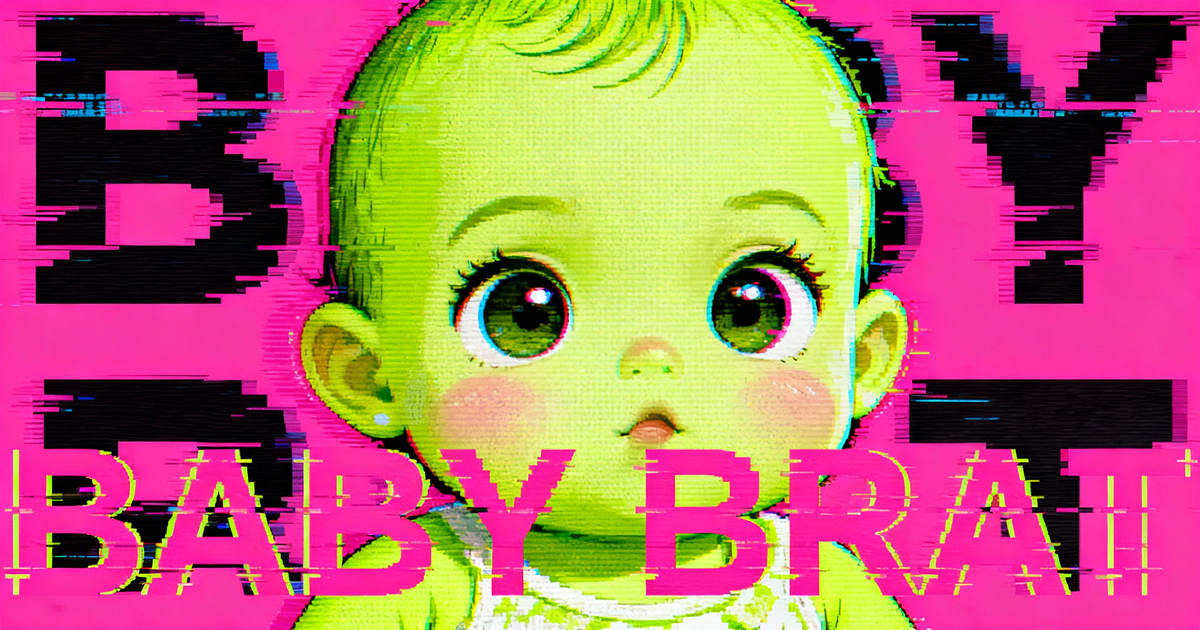
Complete guide to creating Baby Brat memes—the cursed-cute trend combining baby filters with brat aesthetics. Get the best AI prompts, tools, and tips for viral-worthy images.
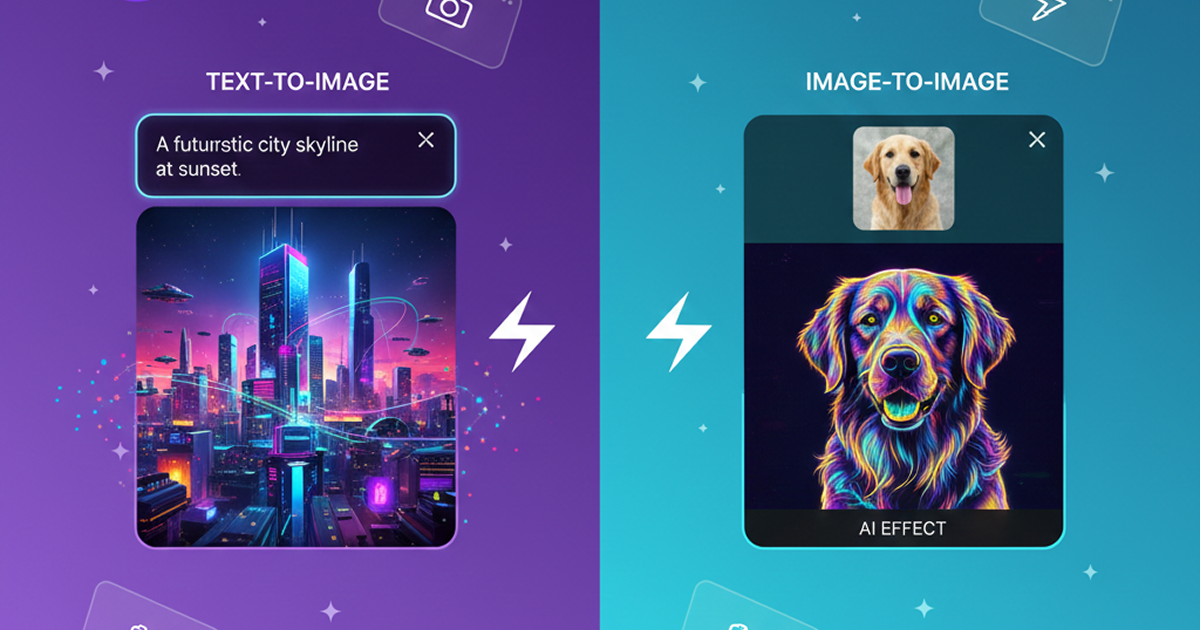
Everything you need to know about Domer AI—a fast, free image generator for creating memes, art, and transformations. Get 10 free credits to start.
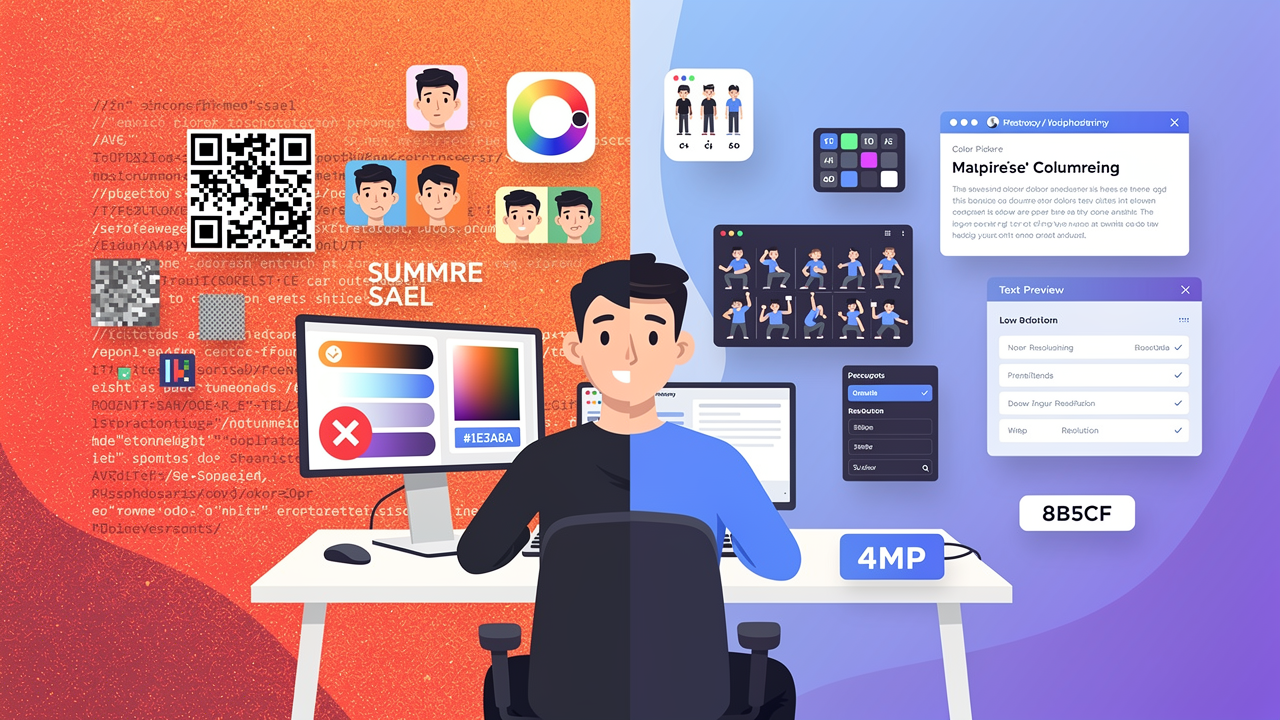
FLUX.2 solves the problems that made AI image tools frustrating—exact colors, consistent characters, readable text, print quality, and efficient workflows. Here's what actually changed.
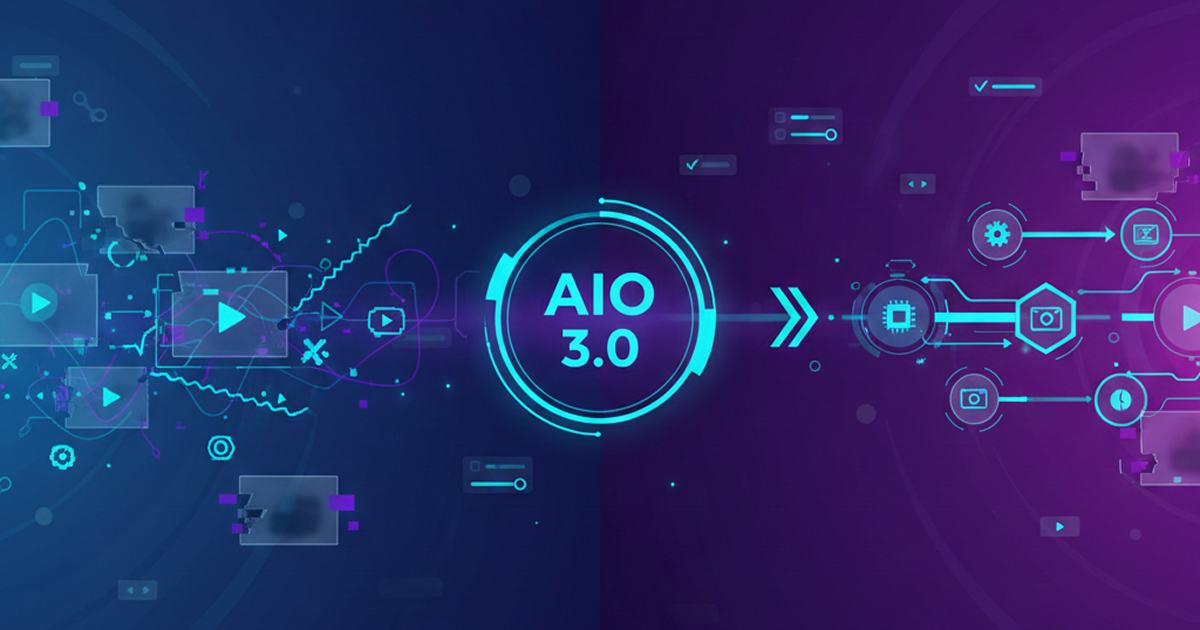
While competitors race for longer videos and higher resolution, Kling is betting on something different with its AIO model—and it might just work. A deep dive into Kling 3.0's unified approach.
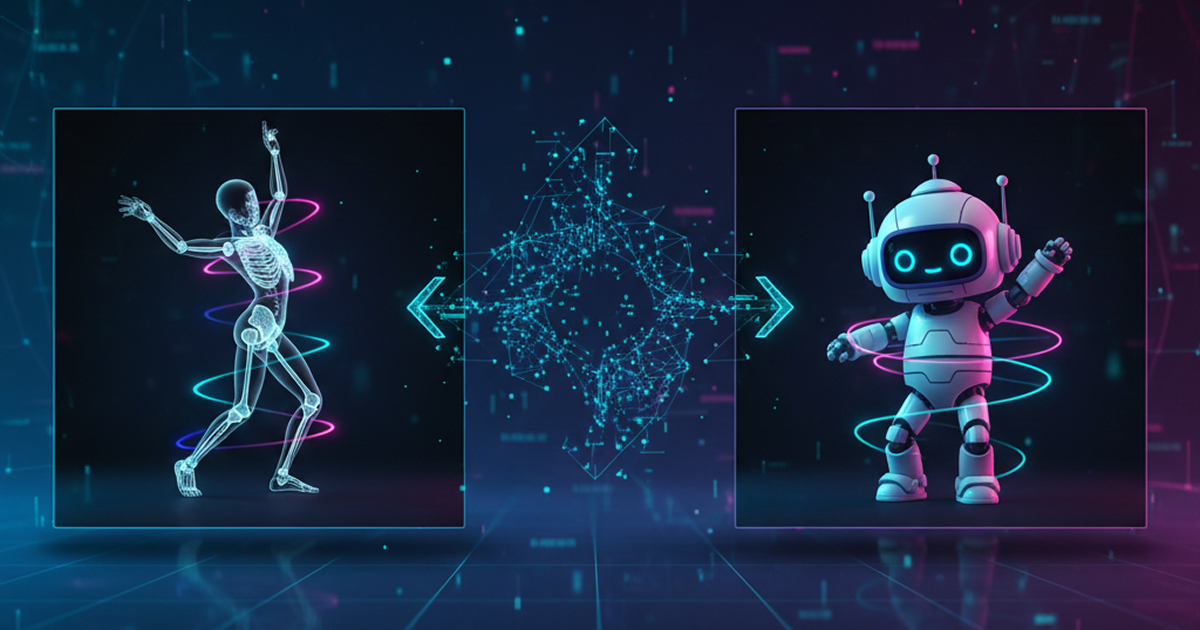
Learn how Kling Motion Control works - upload a reference video and static image to create videos with transferred motion. Complete guide with examples and tips.
Create cinematic videos from text or images with Orelon. Compare 23 video models, apply effects, and direct camera motion in one workspace — no installs.
A deep dive into the Domer meme that took over TikTok in late 2025. Learn what 'Domer' means, why it went viral, and how to create your own Domer-style images with AI.