
AI Image Generator
Loading...
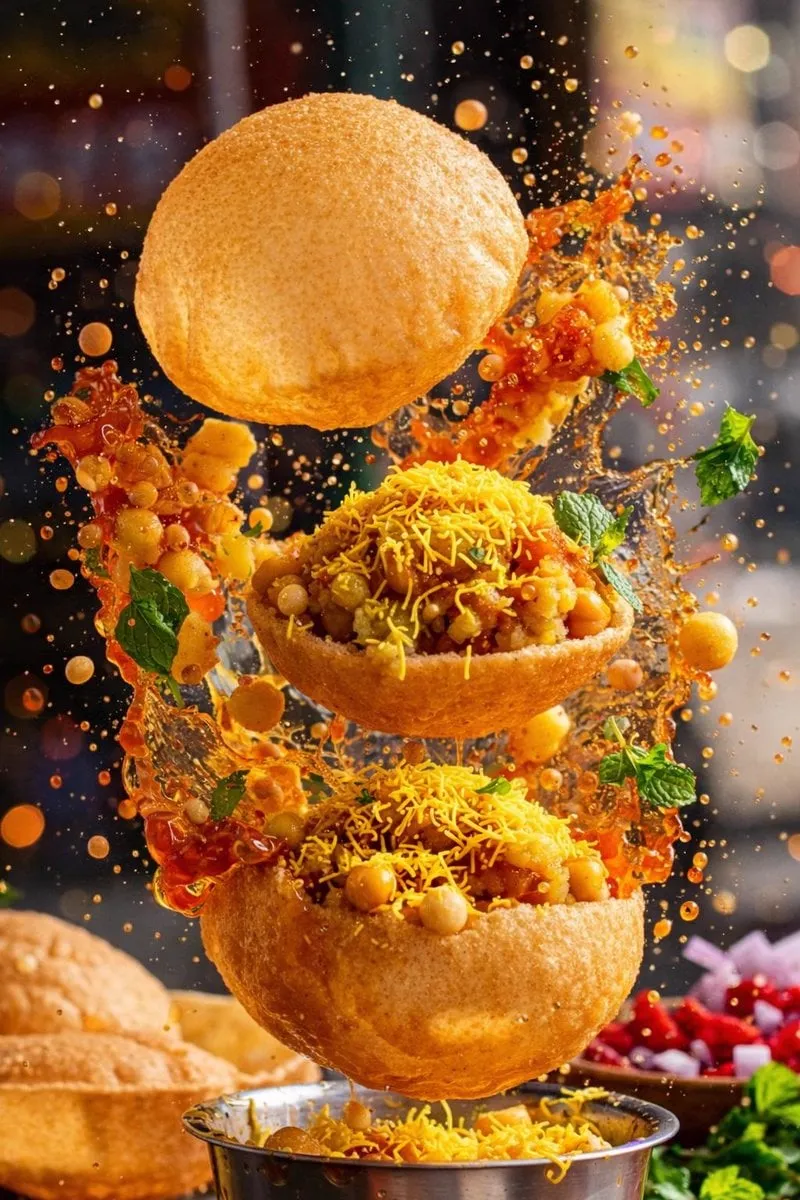
![请根据[主题]自动生成一张[博物馆图鉴式中文拆解信息图]。](https://storage.brightvectorlabs.com/prompts/bright/poster-design/2045504669401653414-0.webp)
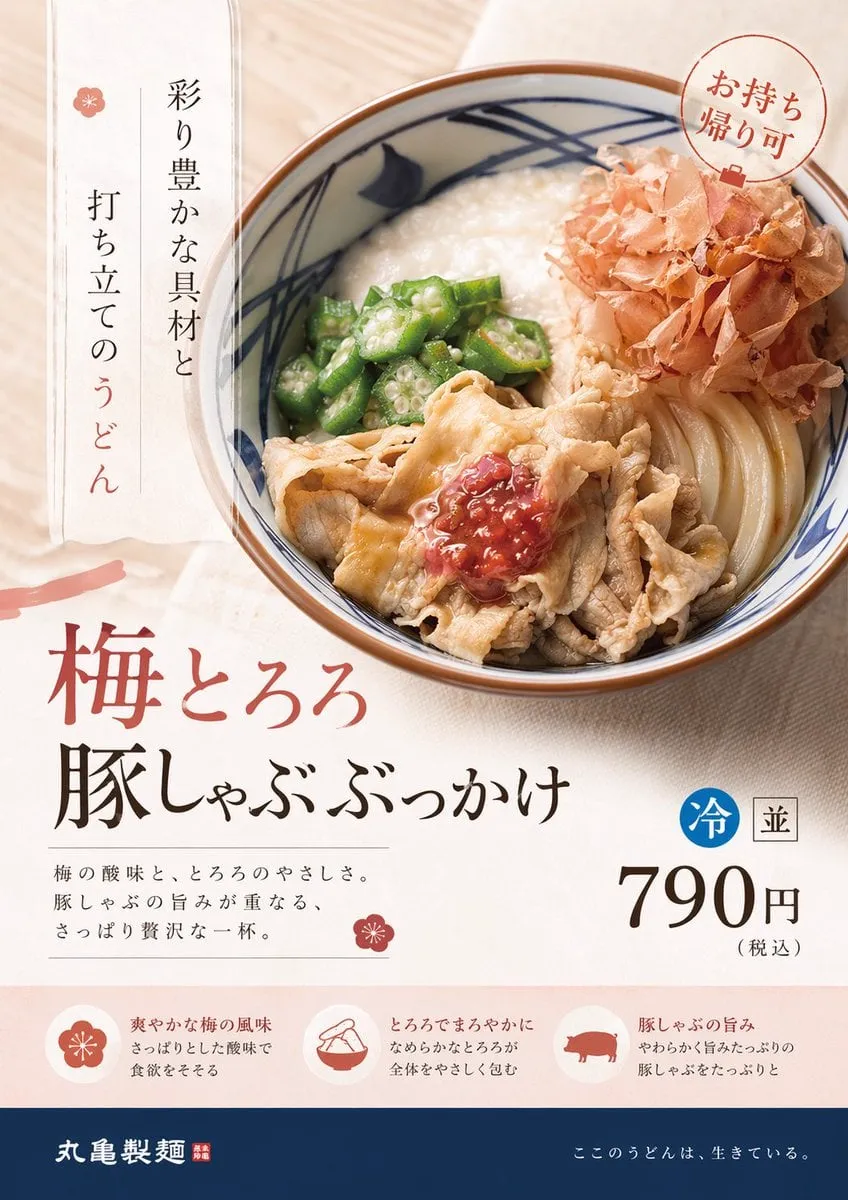
![生成一张[餐饮品牌触点矩阵]系列视觉图,用于展示一个完整的餐饮品牌视觉系统与包装应用方案。](https://storage.brightvectorlabs.com/prompts/bright/poster-design/2048360321379701233-0.webp)
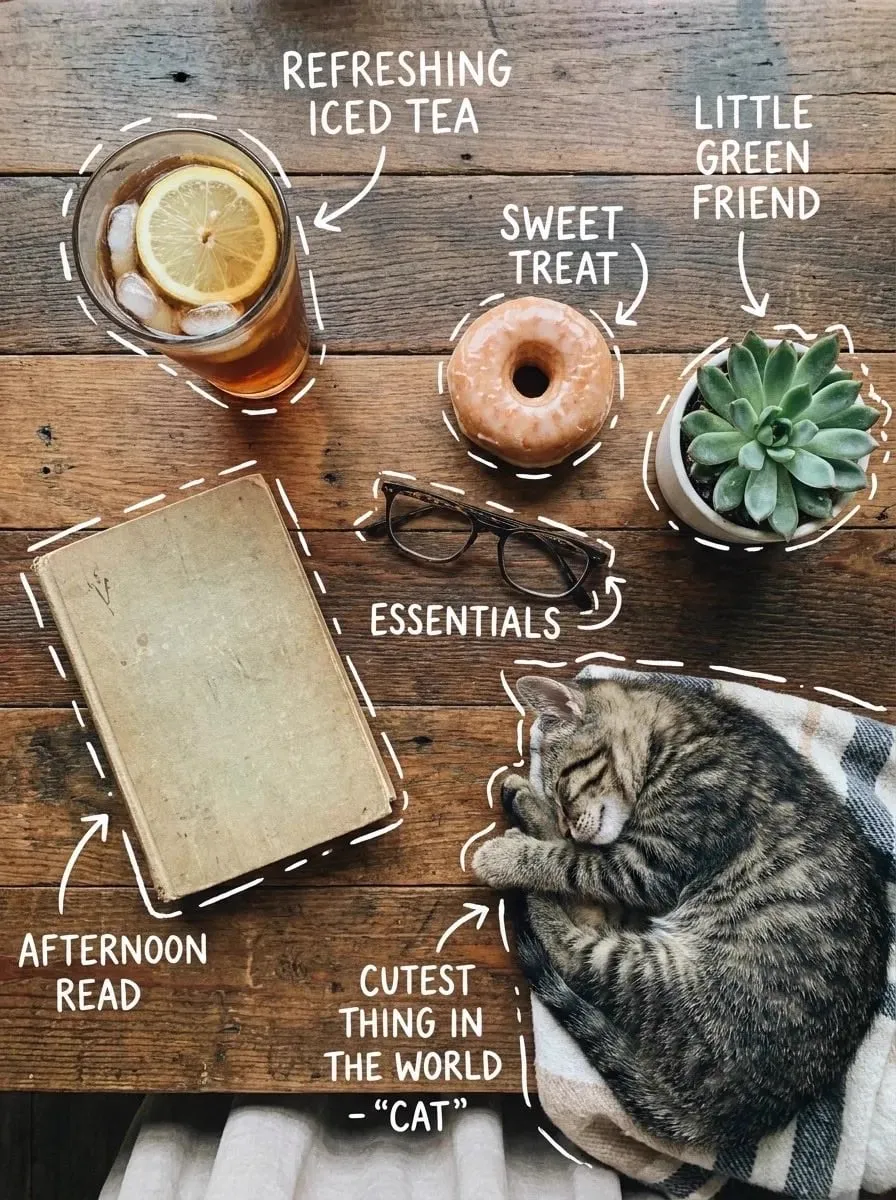
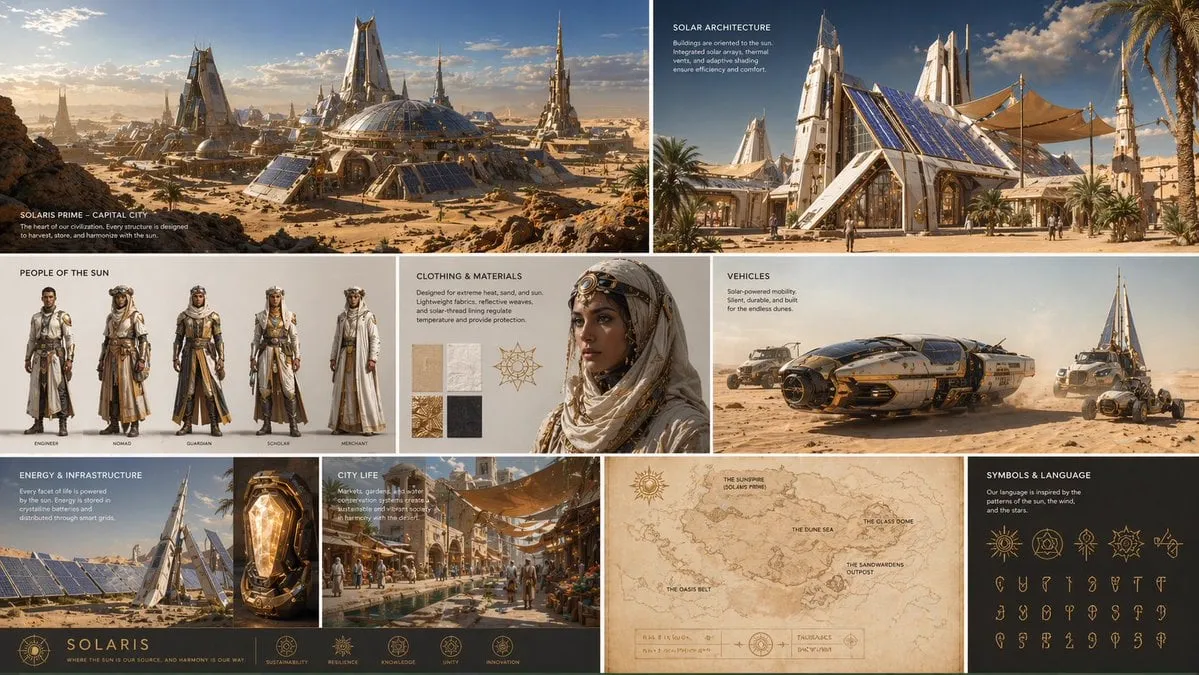
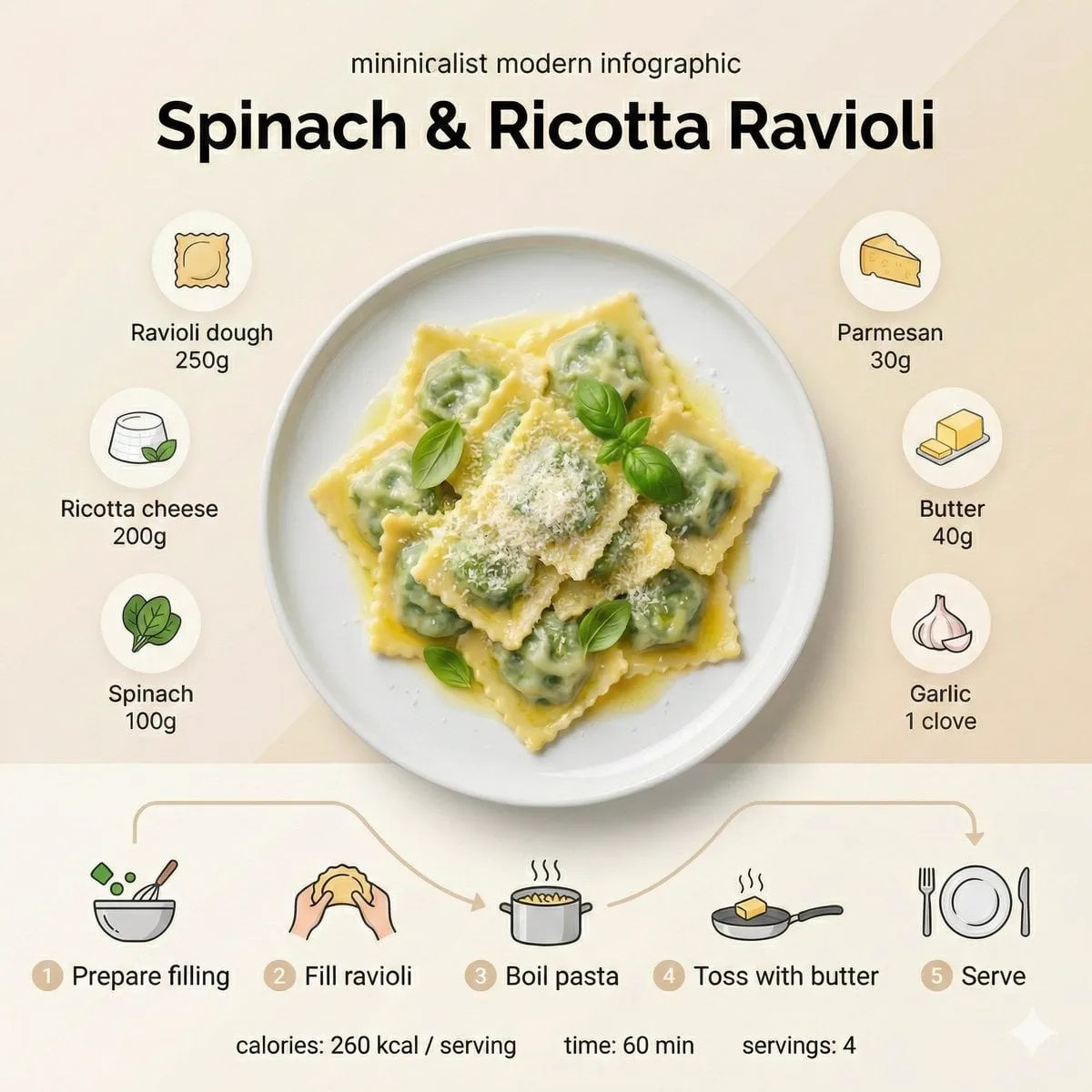
![[INPUT IMAGE: USER_PHOTO] Use the person in the input image as…](https://storage.brightvectorlabs.com/prompts/bright/poster-design/2017598696678895882-0.webp)
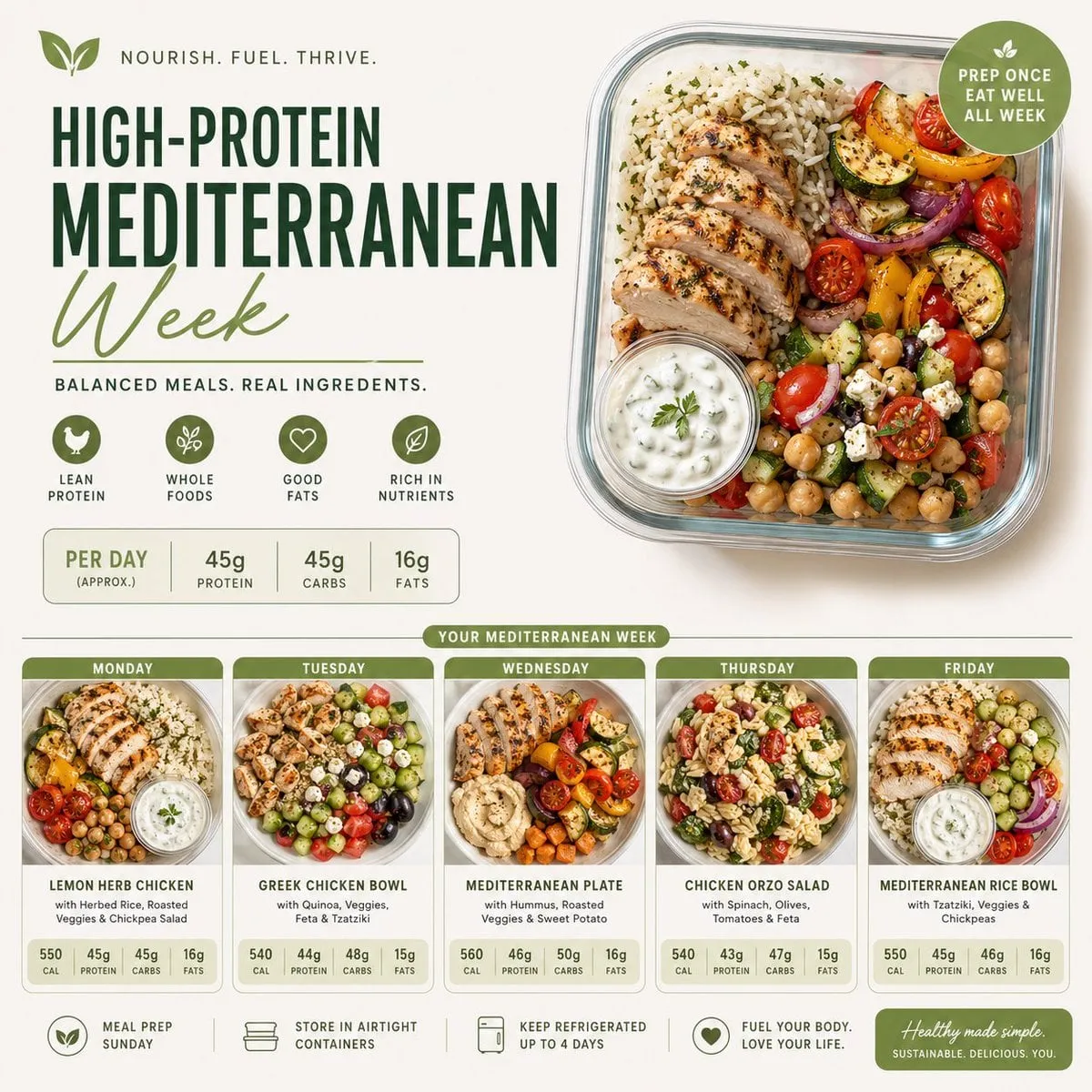
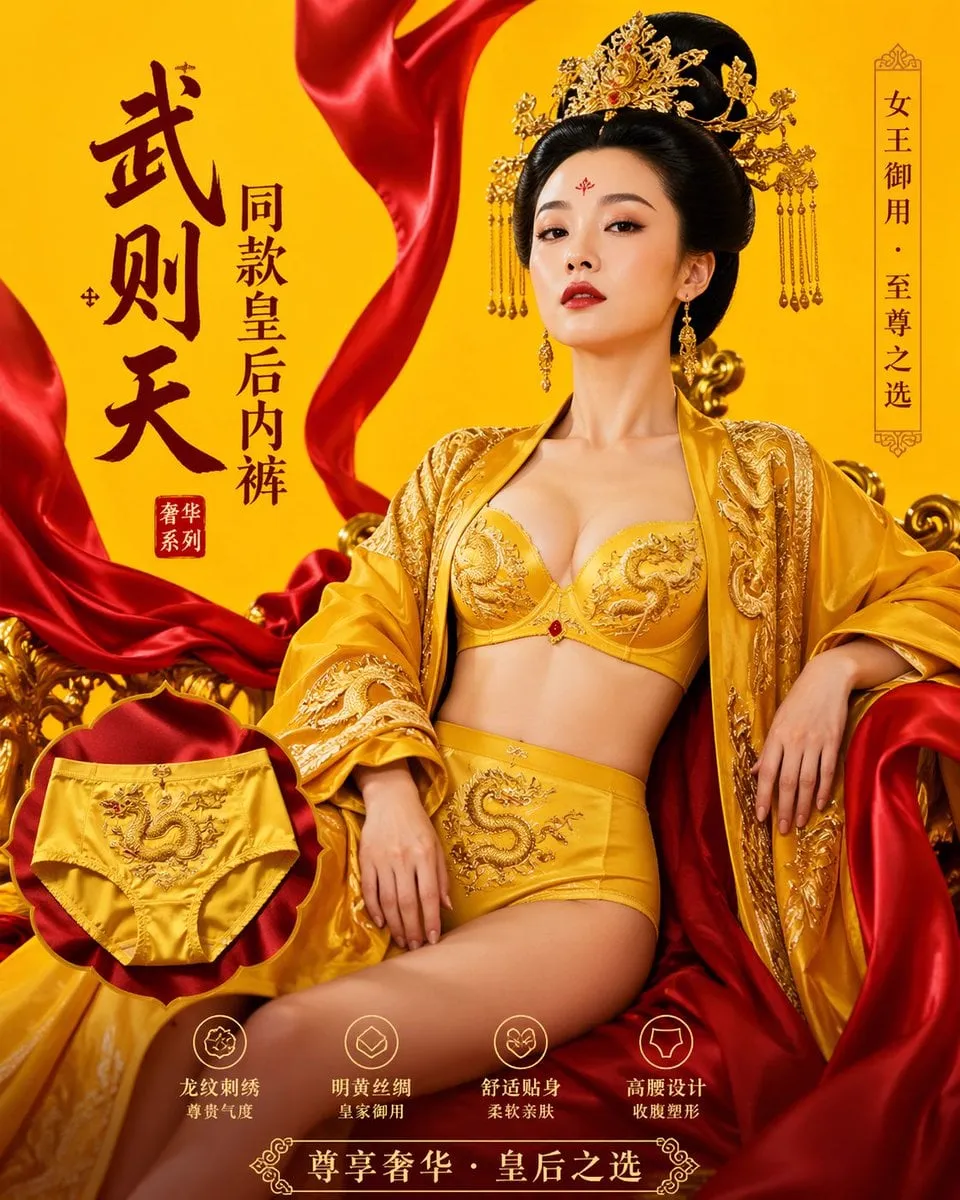

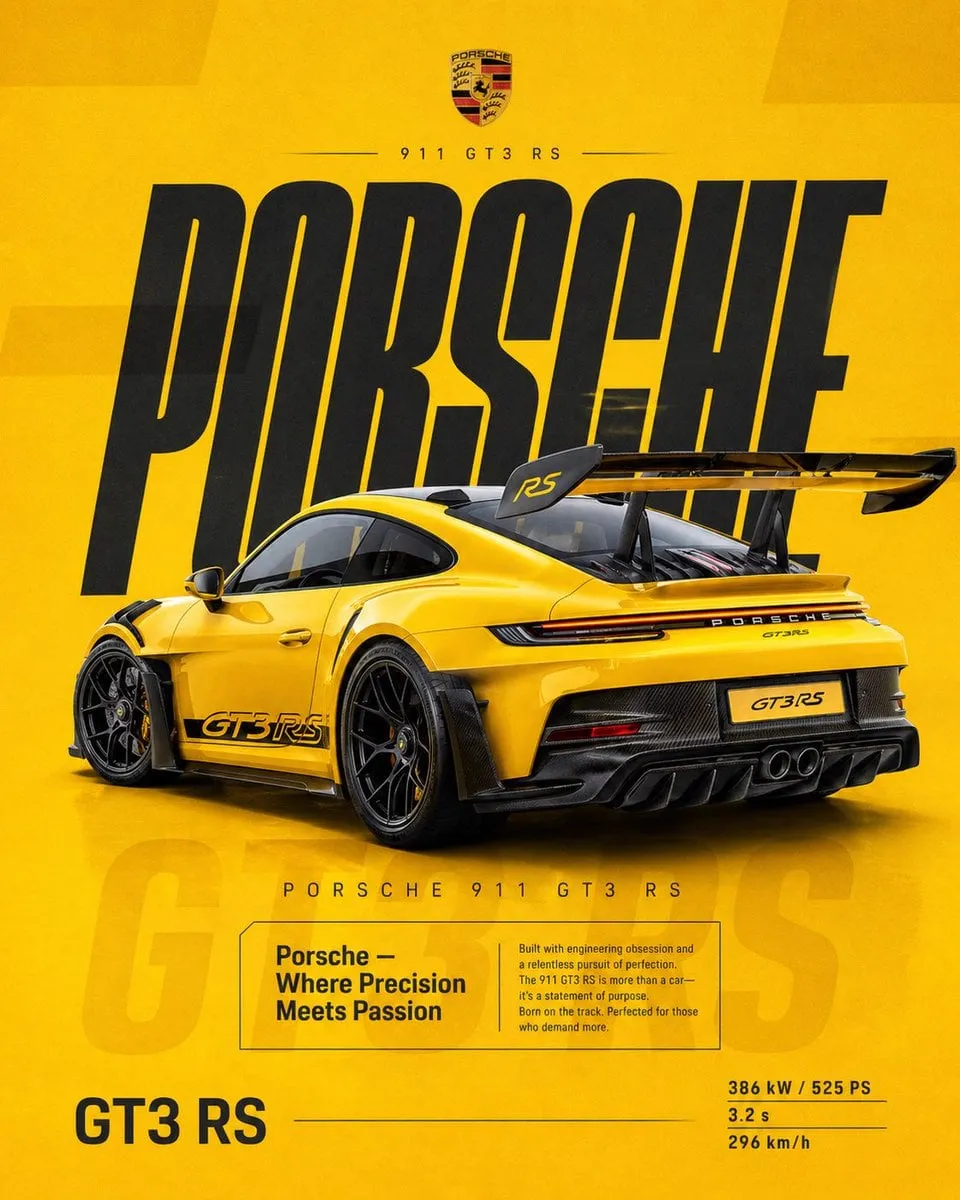

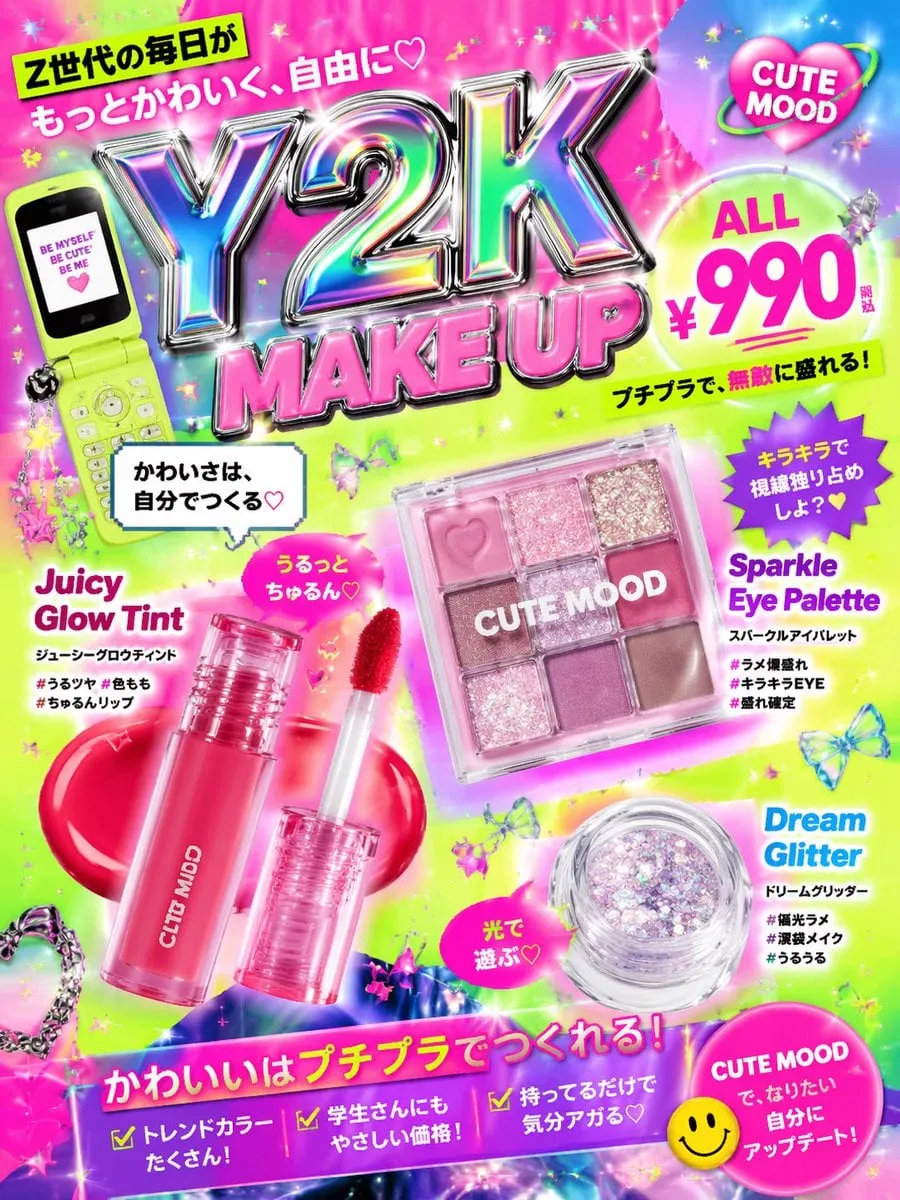
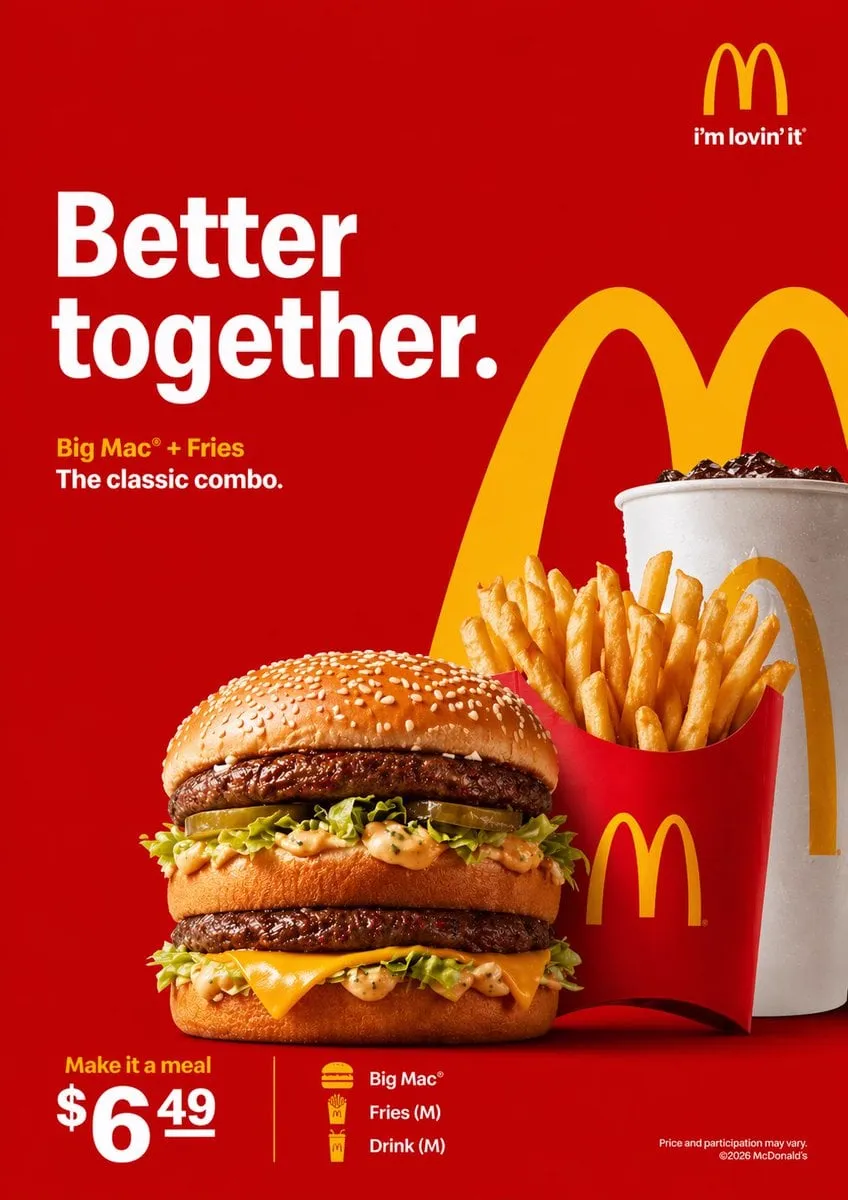
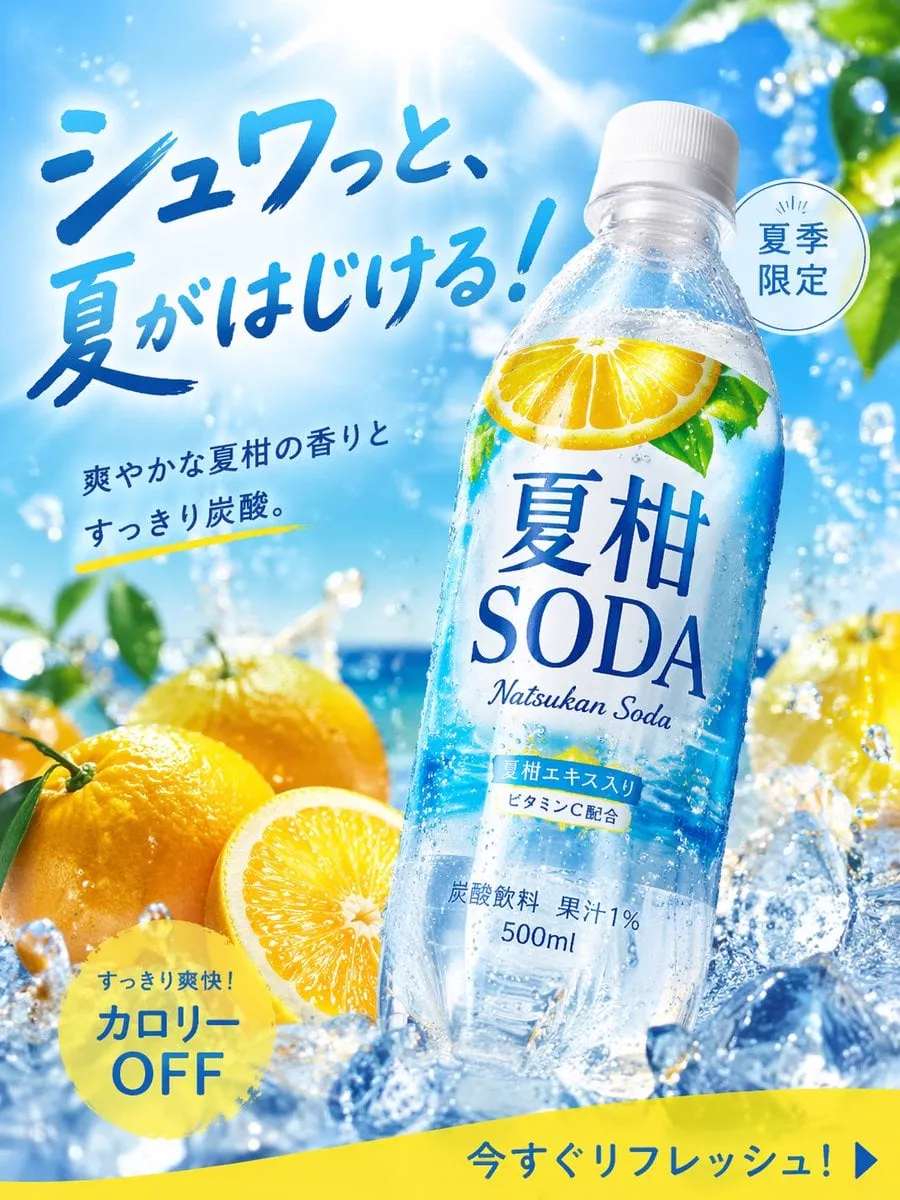
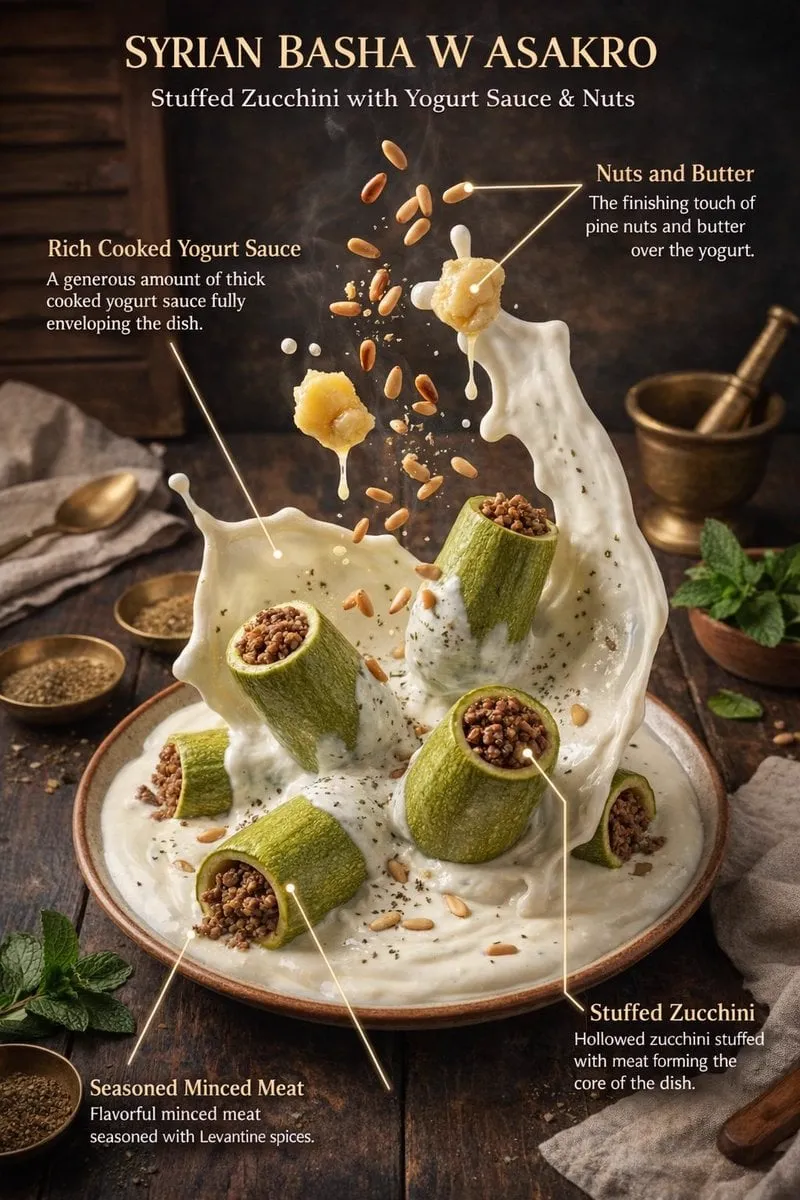
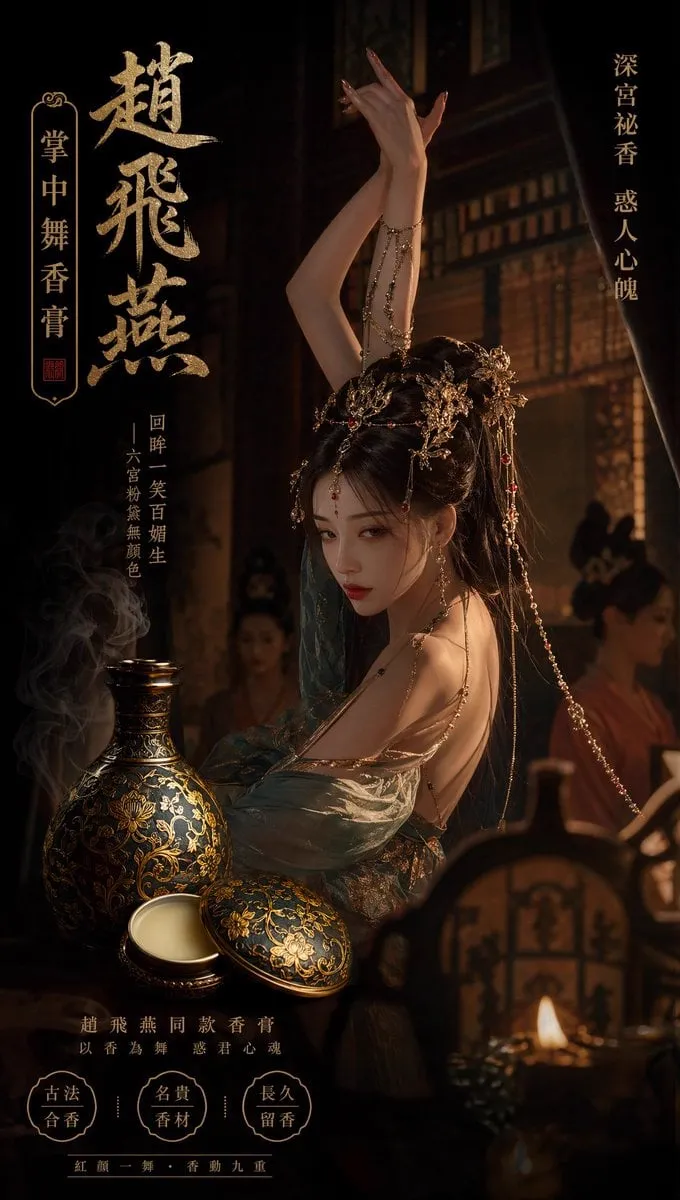
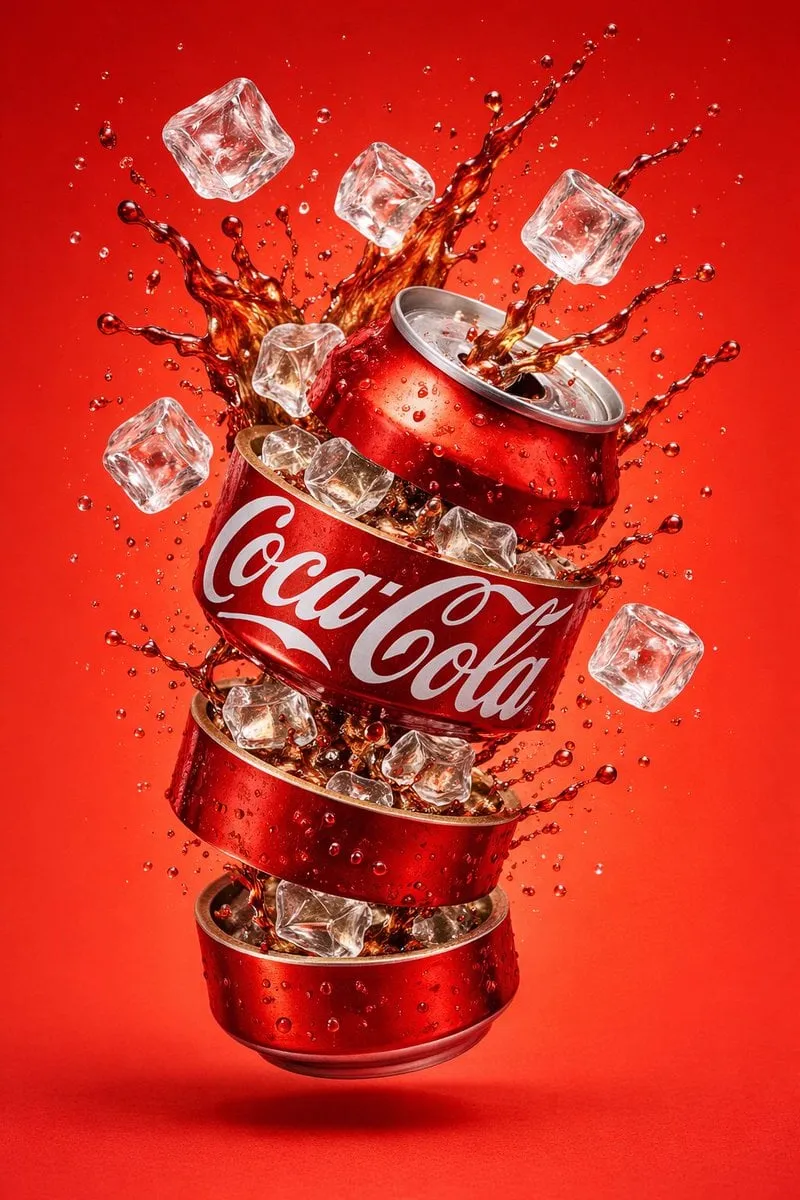
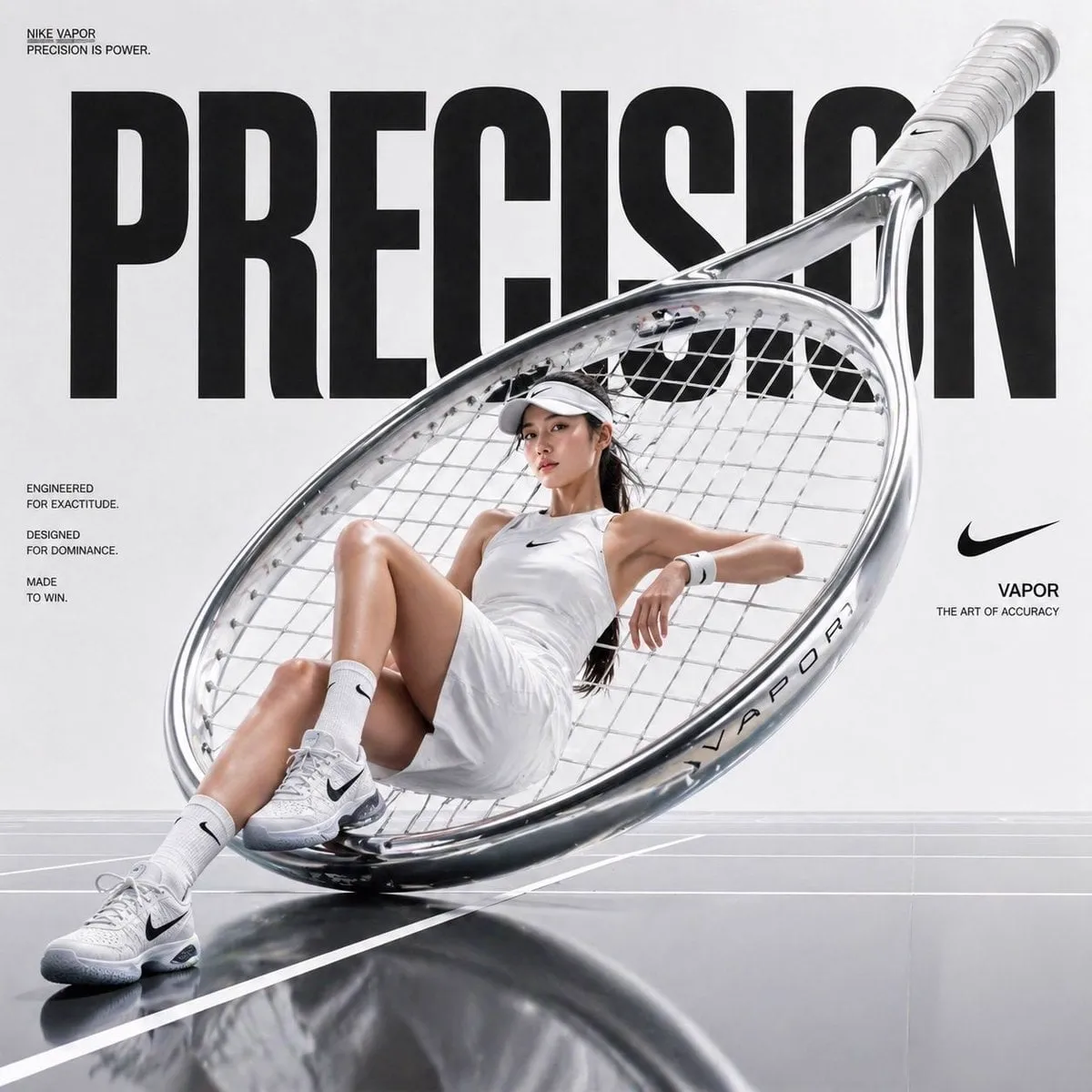
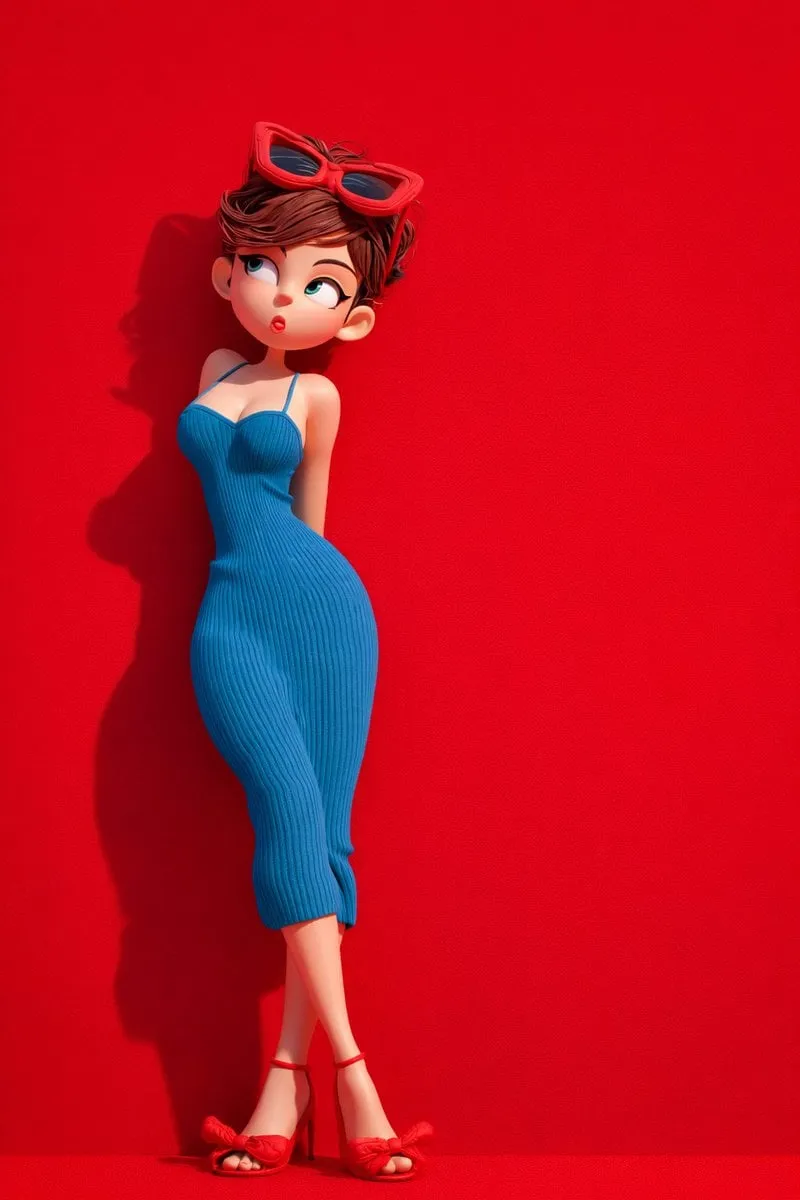
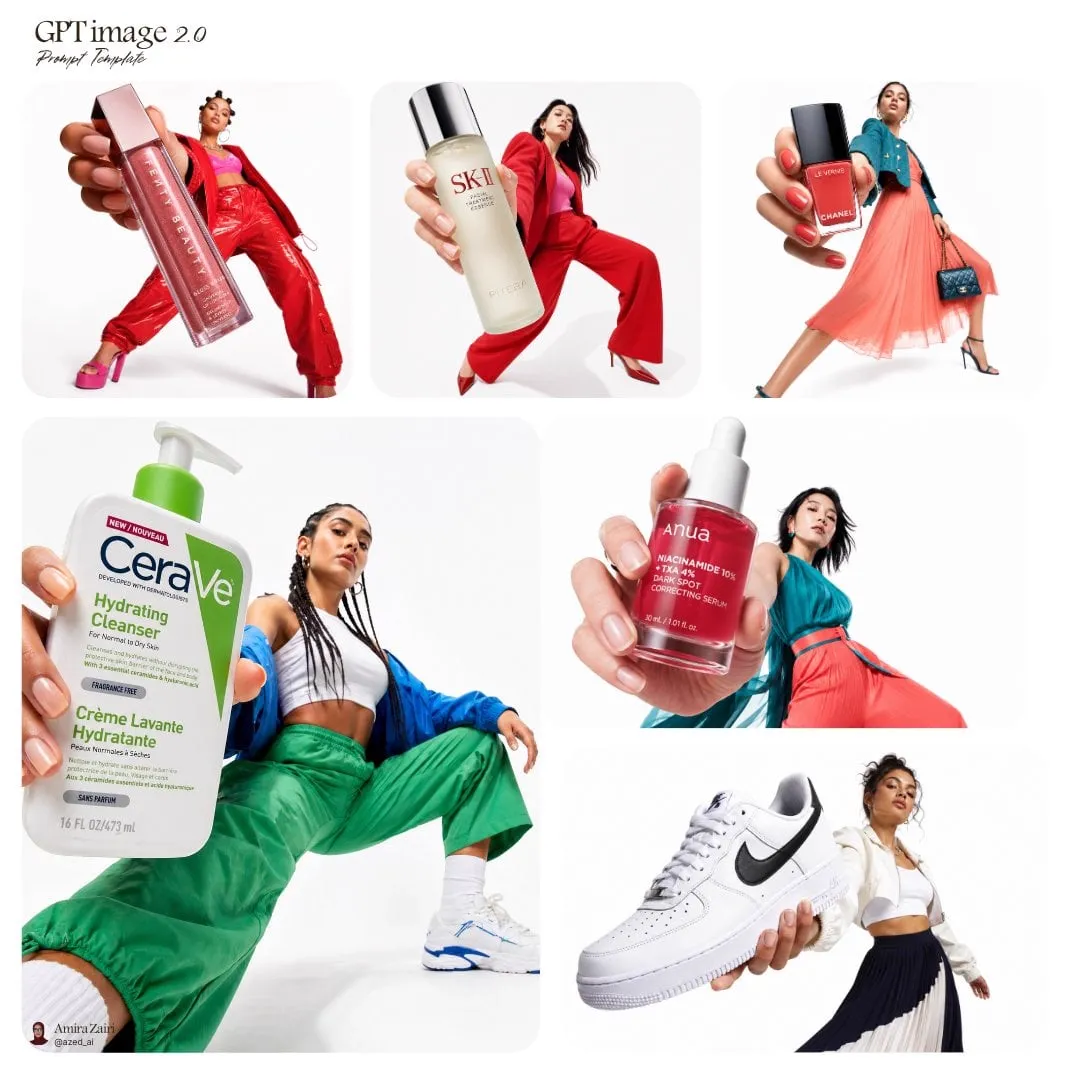
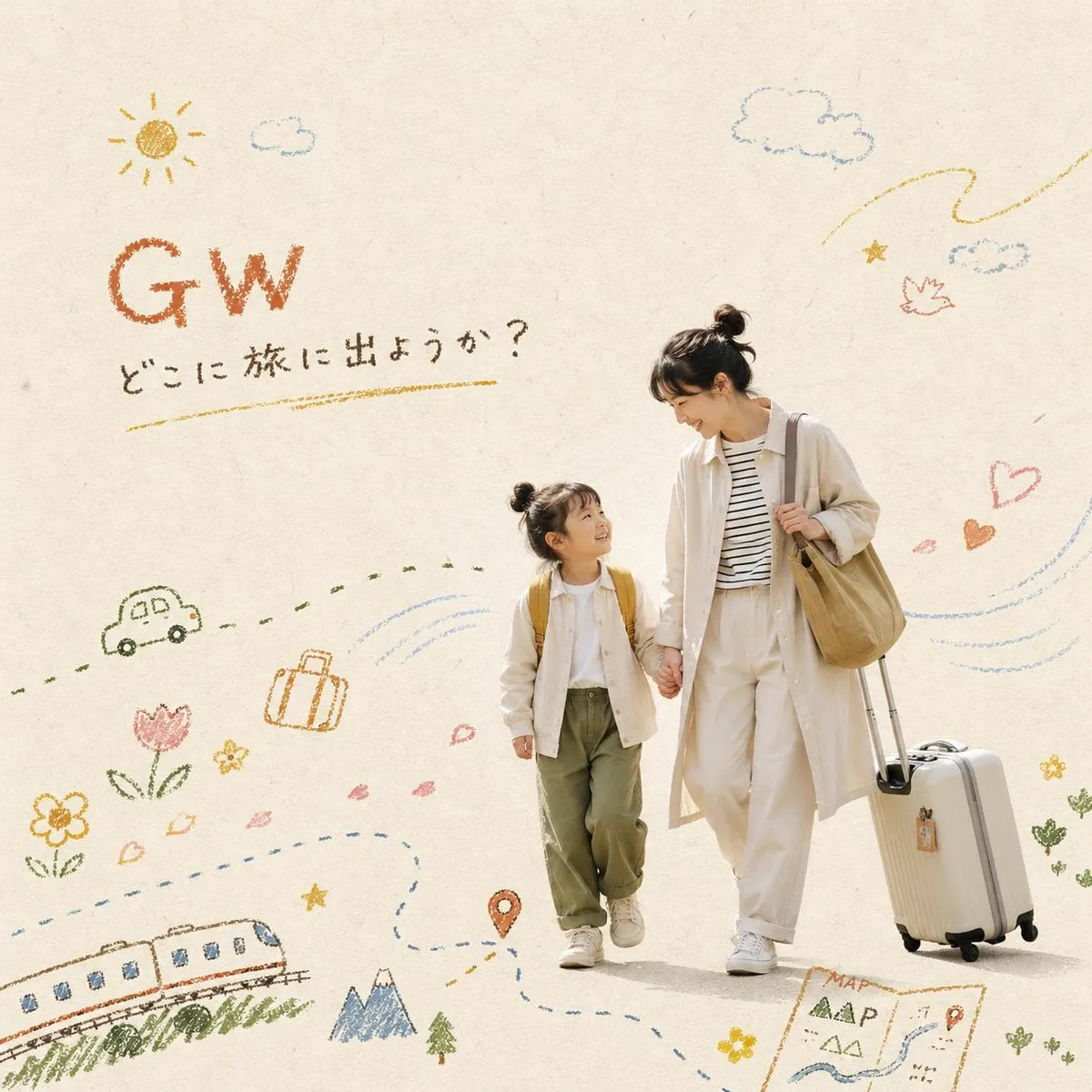
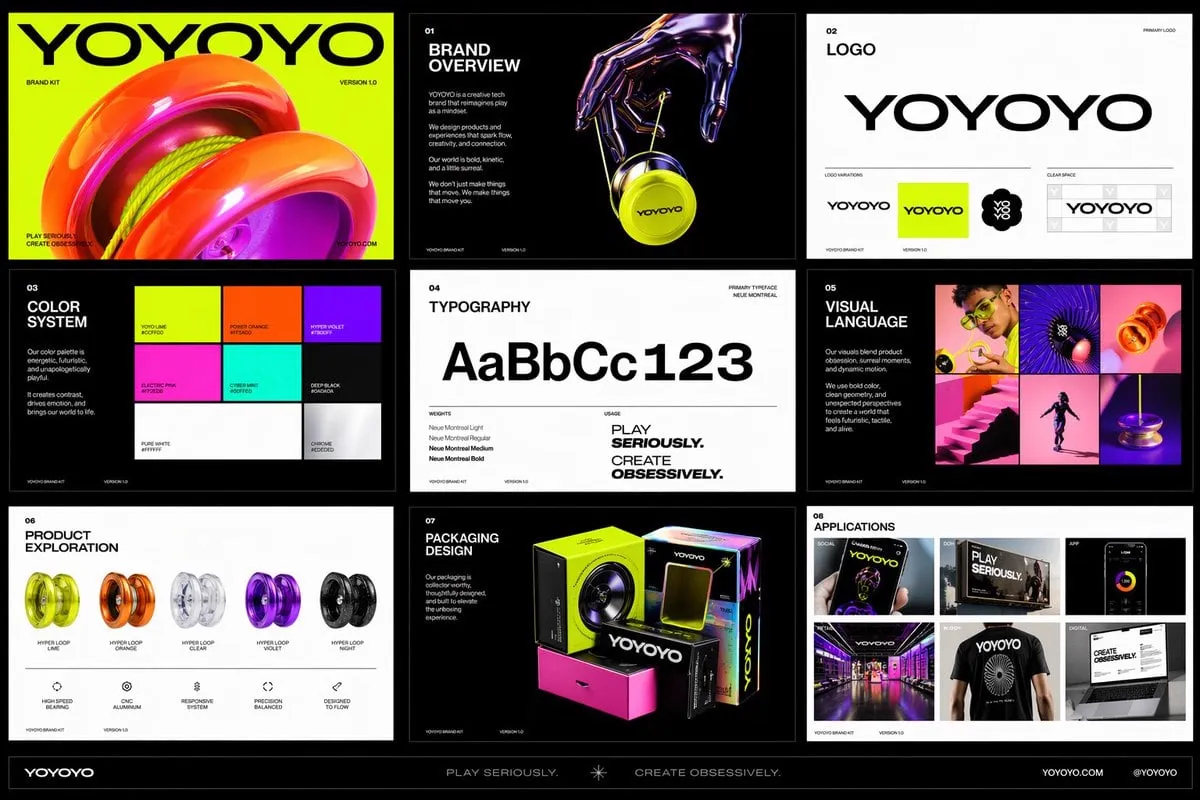
![Hyper-realistic open [COUNTRY] passport on a studio surface, wi…](https://storage.brightvectorlabs.com/prompts/bright/illustration-and-3d/2022606746343317544-0.webp)
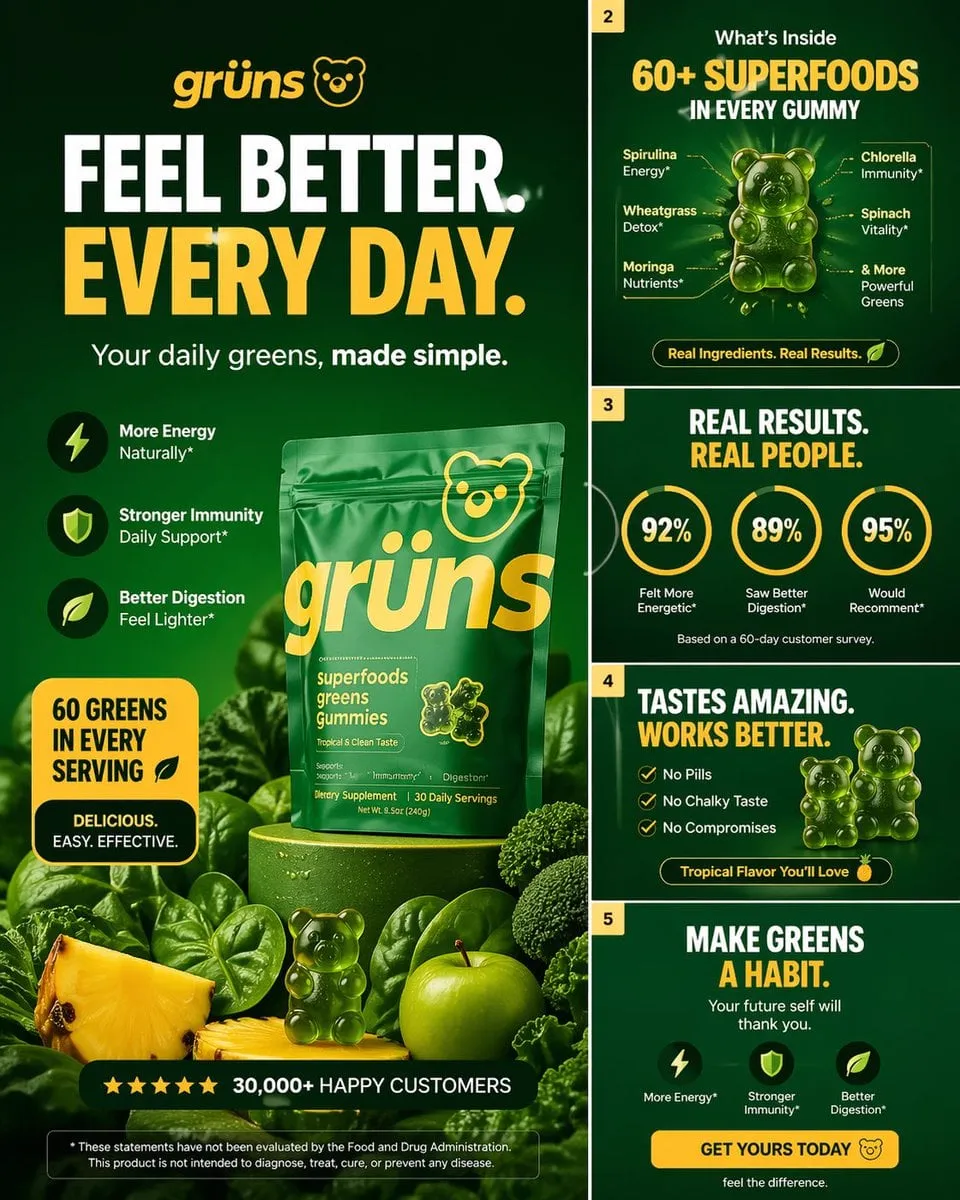
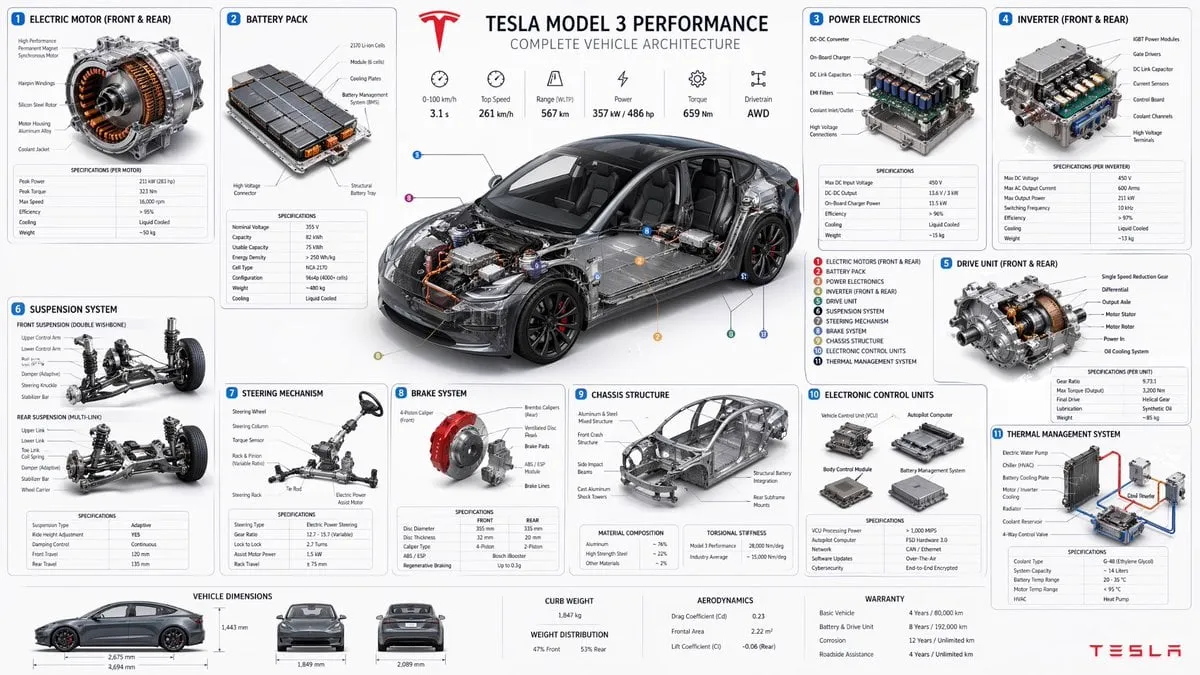
![Create a technical infographic of [VEHICLE] with a 45-degree is…](https://storage.brightvectorlabs.com/prompts/bright/illustration-and-3d/2048733383140712808-0.webp)
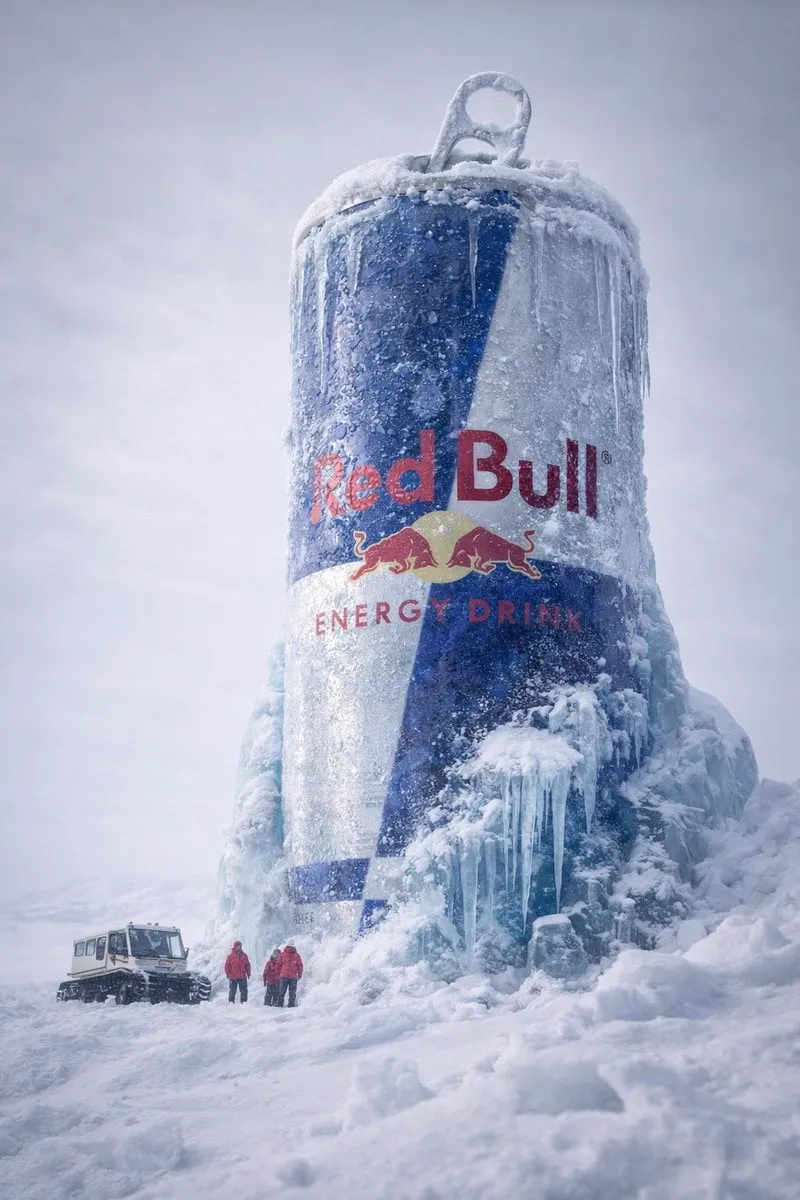

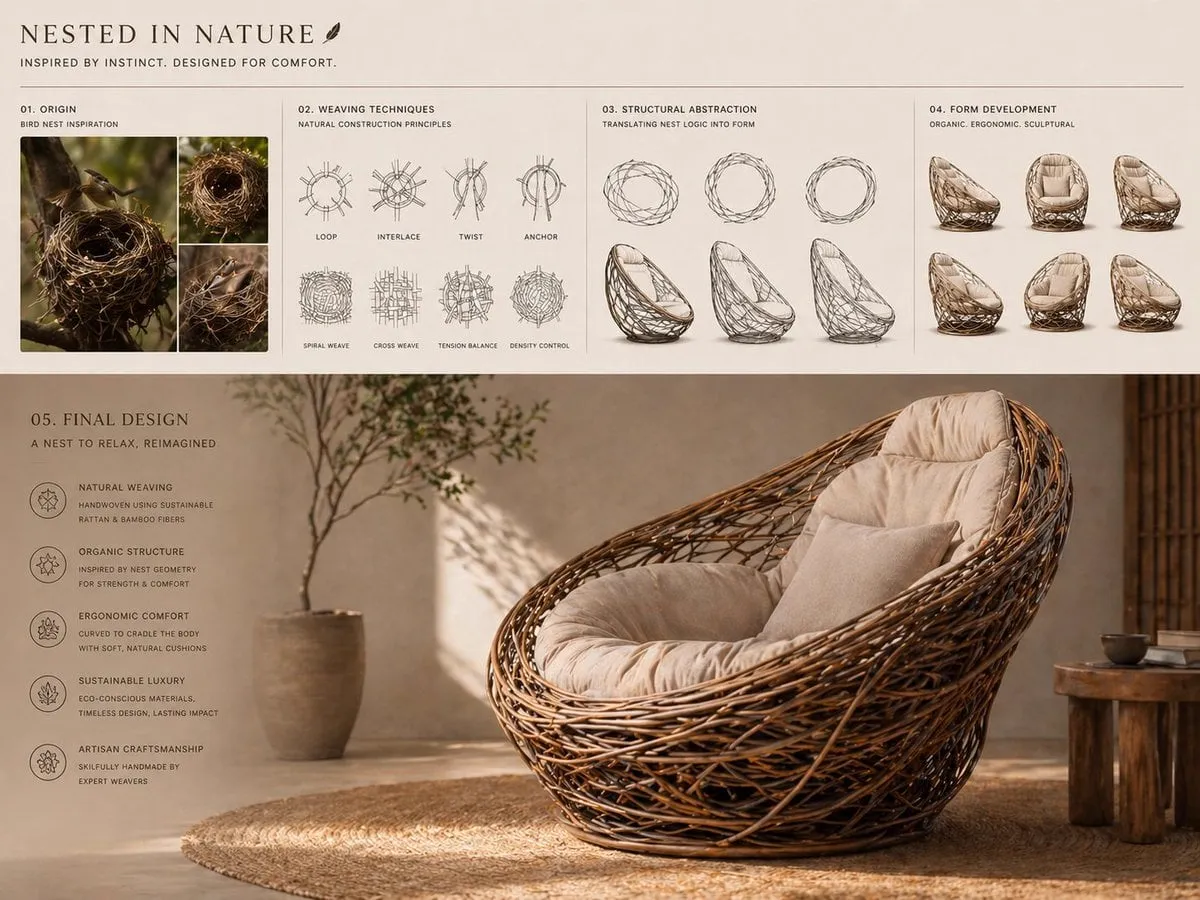
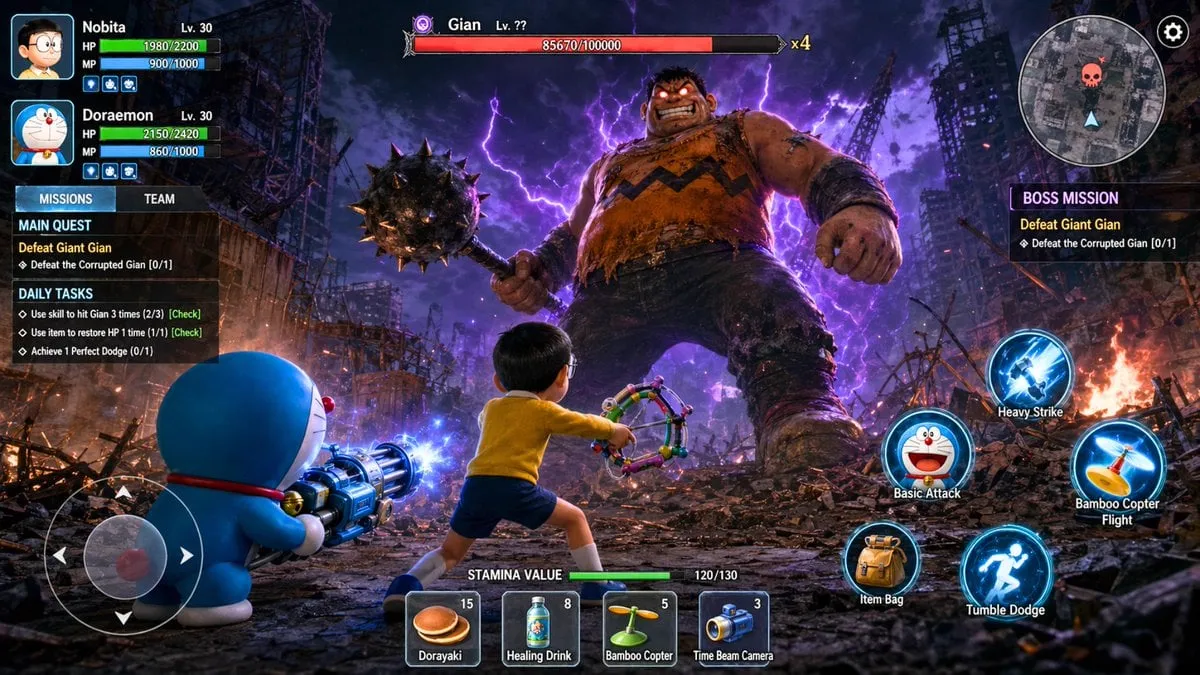
![A bitten realistic classic [brand] product on the dish, reveale…](https://storage.brightvectorlabs.com/prompts/bright/product-and-brand/2003072041889800346-0.webp)
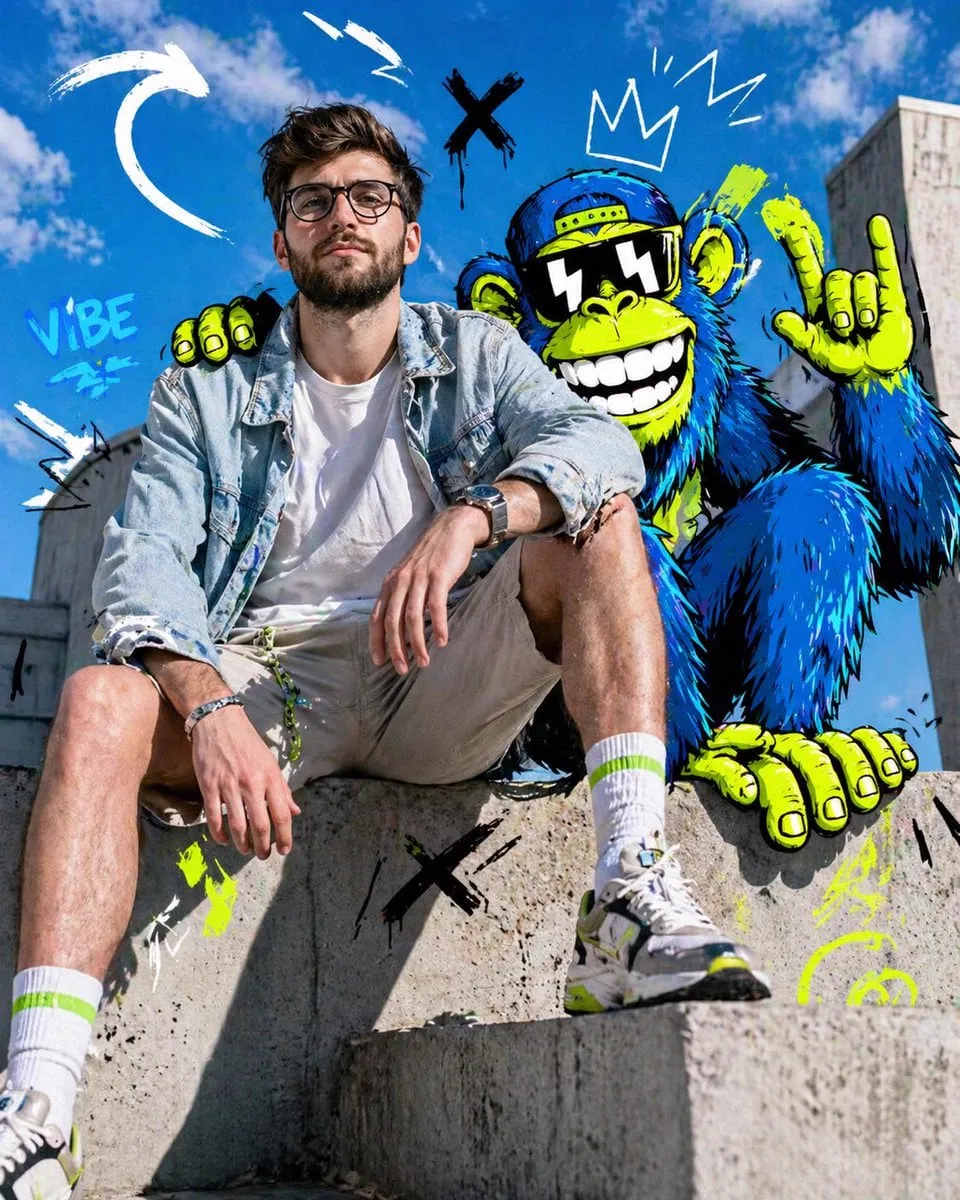
![Create a premium brand kit board for [BRAND NAME], presented li…](https://storage.brightvectorlabs.com/prompts/bright/product-and-brand/2047375056125428013-0.webp)
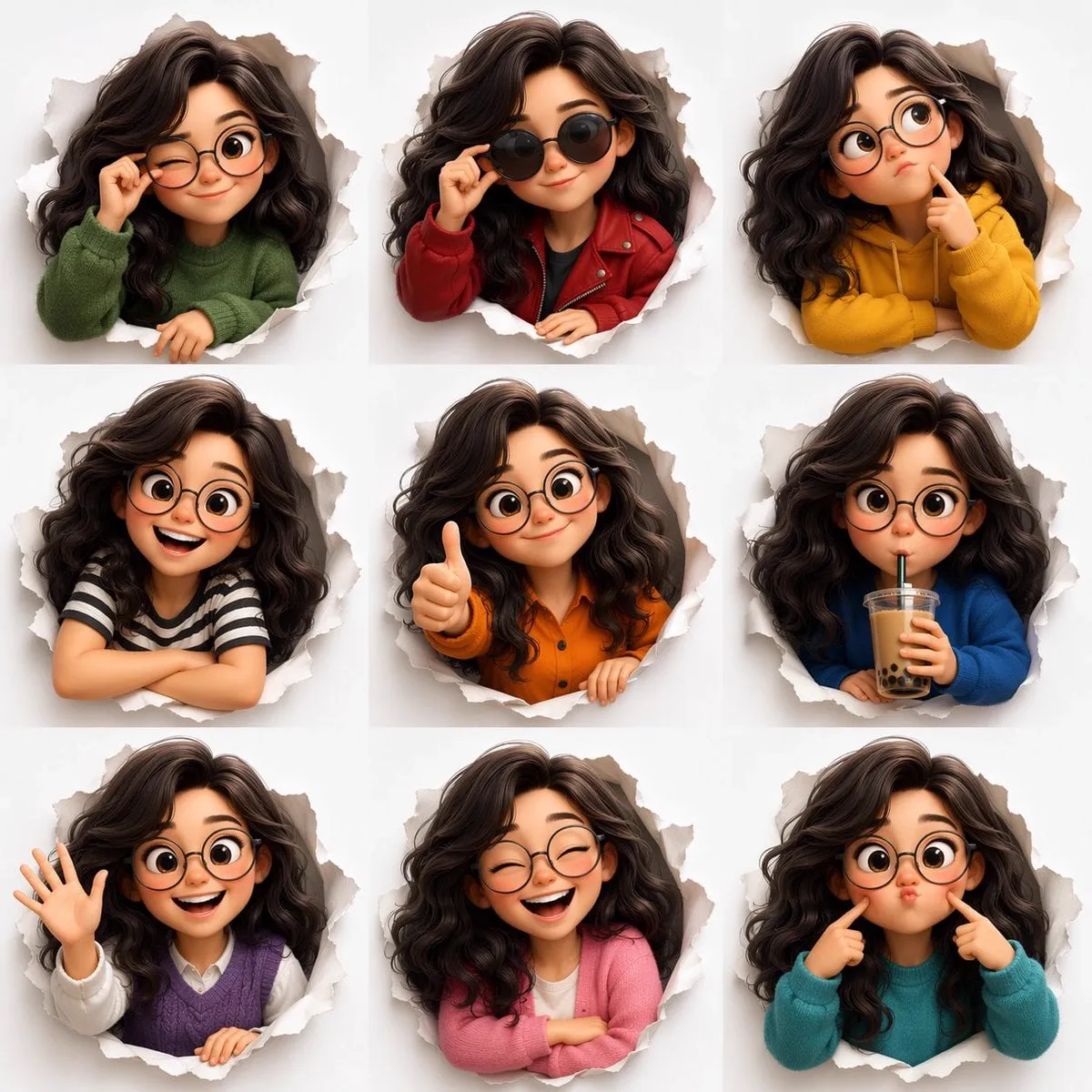

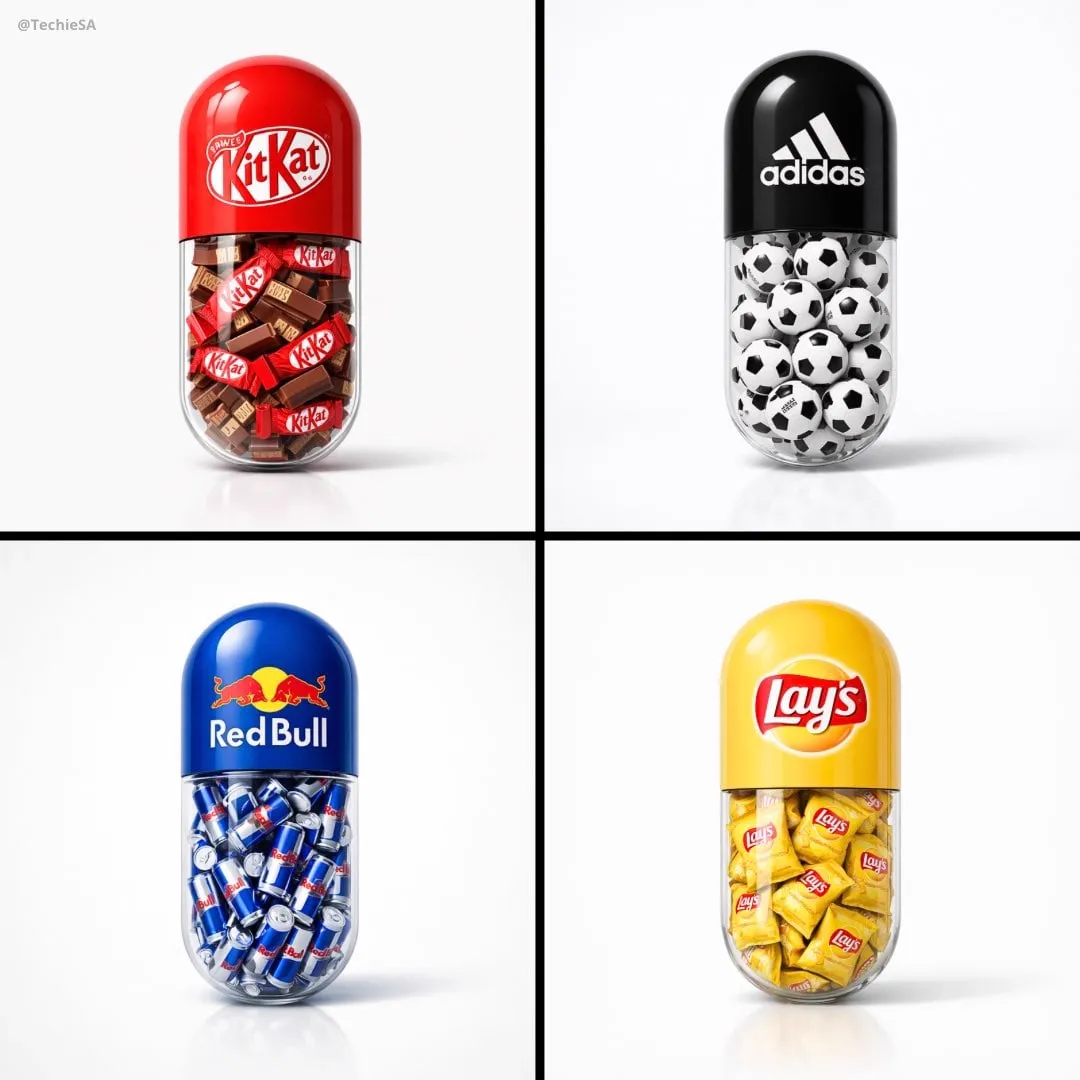

![A stylized 3D cartoon character of a [PERSON] with big expressi…](https://storage.brightvectorlabs.com/prompts/bright/illustration-and-3d/2041332501051036082-0.webp)

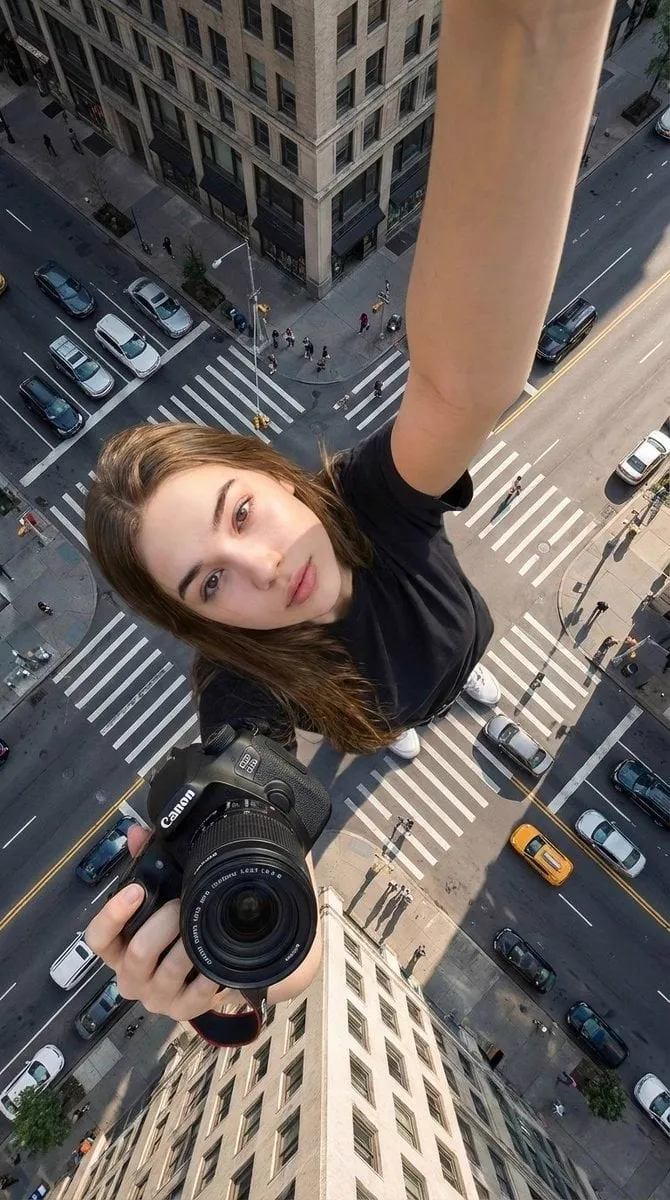
![Create a technical infographic of [OBJECT] with a 45-degree iso…](https://storage.brightvectorlabs.com/prompts/bright/ui-and-graphic/2017928823497453789-0.webp)
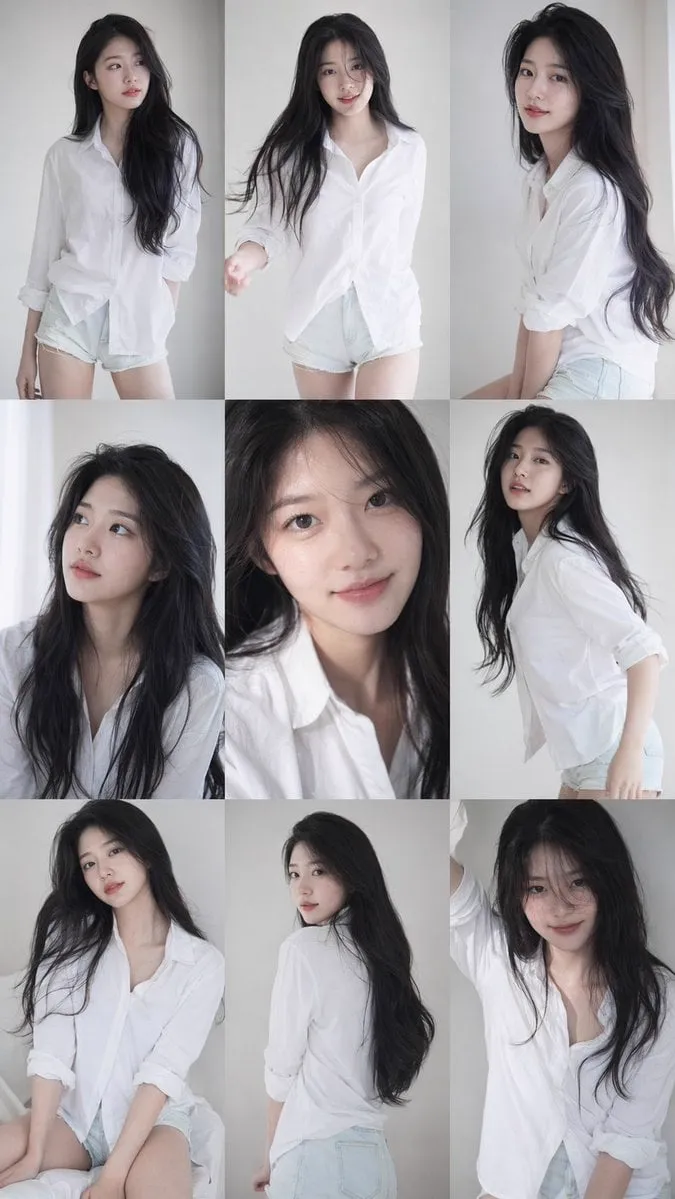
![A simple illustration of a [subject] in [outfit], [doing action…](https://storage.brightvectorlabs.com/prompts/bright/ui-and-graphic/2047993289283133945-0.webp)


![Create a cohesive collection of playful icons for [BRAND NAME],…](https://storage.brightvectorlabs.com/prompts/bright/ui-and-graphic/2047546614257221653-0.webp)
![A soft-focus dream photograph of a [subject] in a [setting], se…](https://storage.brightvectorlabs.com/prompts/bright/photography/2047631914769756180-0.webp)
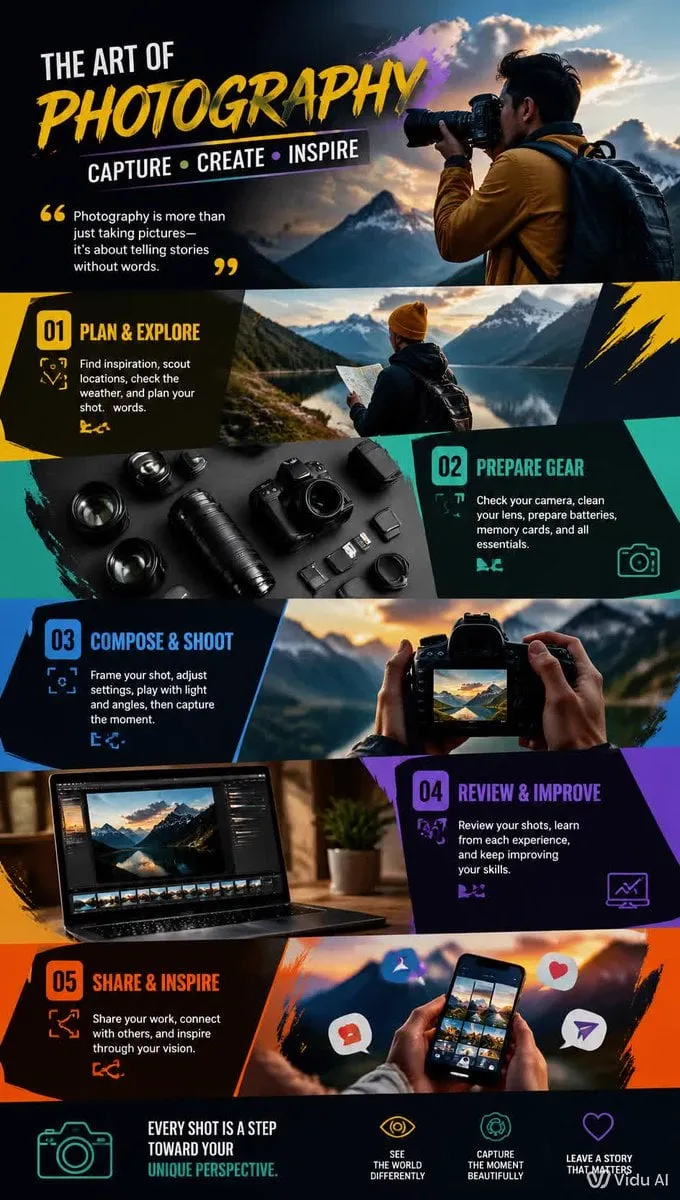

Creative Suite: AI Video Generator & AI Image Generator Tools
Power up your creative workflow with our AI-driven tools. Generate stunning videos, create images, and apply custom adjustments - our AI Video Generator and AI Image Generator offer a complete solution for all your creative needs.


AI Image Generator
Use Domer AI Image Generator to create images from text prompts or transform uploaded photos in one focused workspace. Choose from multiple AI image models, open preset templates, and move between text-to-image and image-to-image without changing tools.
Start Creating ImagesOne AI Image Generator for Text and Image Inputs
Generate original images, edit references, build product visuals, test poster ideas, keep character consistency, and reuse prompt templates from a single AI image generator.
Text to Image Generator
Turn a written prompt into an AI image. Describe the subject, style, camera angle, lighting, color palette, and format to guide the image generator.
Image to Image Generator
Upload a reference image and transform it with AI. Change the scene, style, background, product setting, or visual treatment while keeping important structure.
AI Image Templates
Open the template picker to start from preset image prompts for product posters, character consistency, visual effects, memes, thumbnails, and social graphics.
Multiple Image Models
Choose an AI image model for the job: fast ideation, realistic photos, image editing, text rendering, or polished final creative output.
Why Creators Use Domer AI Image Generator
Domer keeps AI image generation compact and practical: model selection, templates, prompt writing, reference upload, generation history, and real image examples all stay in the same workflow.
Text to Image and Image to Image Together
Switch between text-to-image and image-to-image with tabs while keeping the model selector and template library visible at the top of the generator.
Templates That Speed Up Prompting
Use image templates as practical starting points for repeatable creative tasks, then refine the prompt with your own product, character, brand, or campaign details.
Featured AI Images from Real Work
Selected creations from the ai-image scene can appear in the featured gallery, so visitors see current AI image examples while curated templates stay stable.
Useful for Daily Creative Production
Create social posts, thumbnails, product images, ad concepts, posters, profile visuals, and image edits without jumping between separate tools.
How to Use the AI Image Generator
Choose an image model, pick a template when helpful, select text or image input, then generate and refine.
Choose an AI Image Model
Start with the model selector. Pick a model for text to image, image to image, fast drafts, realistic photos, or higher-quality final output.
Open an Image Template
Use the template picker for product posters, portraits, character consistency, visual effects, memes, and other common AI image generator workflows.
Select Text or Image Input
Use Text to Image for original visuals. Use Image to Image when you want to edit, restyle, or expand an uploaded reference image.
Generate, Review, and Save
Write or refine the prompt, generate the image, review the result in your creation history, and feature strong outputs when they are worth showcasing.
AI Image Generator Features
A practical AI image maker for prompt-first creation, reference image editing, template workflows, and production-ready visuals.
Visible AI Model Selector
Compare available text-to-image and image-to-image models from one selector, with model badges, credit hints, and model descriptions in the dropdown.
Reference Image Uploads
Upload images in image-to-image mode and transform the composition, style, background, product setting, or subject treatment with a prompt.
Curated Template Library
Keep repeatable image prompt formats available for product ads, social graphics, portraits, posters, visual effects, and creative experiments.
Scene-Based Tracking
Aggregate image generations use the ai-image scene while storing the selected generation mode and template id for filtering and analytics.
Featured Gallery Ready
Promote selected real AI images below the generator as proof of quality, current creative trends, and useful prompt directions.
Commercial Creative Output
Use generated AI images for product pages, ads, social posts, concept pitches, thumbnails, and client-facing creative work.
AI Image Generator FAQs
Answers about Domer AI Image Generator, text-to-image, image-to-image, templates, and featured creations.
Latest AI Image Guides
Prompt tips, model updates, and workflow ideas for AI image generation.
Potensi Pemasaran di TikTok: Cara Cepat Menghasilkan Video Viral dengan AI
Manfaatkan potensi TikTok untuk pemasaran bisnis Anda. Pelajari strategi, tren, dan cara menggunakan AI untuk membuat video viral secara konsisten dan efisien.
সেরা AI ভিডিও এডিটিং টুল: আপনার প্রয়োজন অনুযায়ী সঠিকটি বেছে নিন
বাজারের সেরা AI ভিডিও এডিটিং টুলগুলোর তুলনা। বৈশিষ্ট্য, মূল্য এবং ব্যবহারের সুবিধার ভিত্তিতে কোন টুল আপনার জন্য সেরা, তা জানুন।
AI動画制作の新境地:ブラウザベースの動画編集ツールとAIの最適な組み合わせ方
ブラウザベースの動画編集ツールとAI動画生成を組み合わせた効率的な動画制作ワークフロー。初心者からプロまで使える最適なツール選びと活用法を解説。
Film Kalitesinde Render: Gerçek Zamanlı Fotogerçekçi Görüntü Oluşturma Teknikleri
AI ile film kalitesinde fotogerçekçi render nasıl alınır? Işıklandırma, malzeme ve kompozisyon teknikleriyle profesyonel sonuçlar elde etmenin yolları.
AI ile Senaryo Yazımı ve Çekim Tasarımı: Profesyonel Video Planlama Rehberi
AI araçlarıyla senaryo yazımı ve çekim planlaması nasıl yapılır? Fikirden son kurguya kadar tüm süreci kapsayan kapsamlı bir rehber.
Estudio de Sonido IA: Voces y Música de Fondo para Proyectos Cinematográficos
Aprende a crear bandas sonoras profesionales con IA. Genera voces en off, música de fondo y efectos de sonido para dar vida a tus proyectos audiovisuales sin contratar un estudio.

Baby Brat Meme Generator: How to Create Cursed-Cute AI Images
Complete guide to creating Baby Brat memes—the cursed-cute trend combining baby filters with brat aesthetics. Get the best AI prompts, tools, and tips for viral-worthy images.

Domer: Free AI Image Generator - Complete Features & Guide
Everything you need to know about Domer AI—a fast, free image generator for creating memes, art, and transformations. Get 10 free credits to start.

FLUX.2: The End of Five Designer Nightmares
FLUX.2 solves the problems that made AI image tools frustrating—exact colors, consistent characters, readable text, print quality, and efficient workflows. Here's what actually changed.

From Kling 2.6 to 3.0: How One AI Video Platform Is Rethinking the Entire Workflow
While competitors race for longer videos and higher resolution, Kling is betting on something different with its AIO model—and it might just work. A deep dive into Kling 3.0's unified approach.

Kling Motion Control: Transfer Motion from Video to Image with AI
Learn how Kling Motion Control works - upload a reference video and static image to create videos with transferred motion. Complete guide with examples and tips.

What Is Domer Meme? The Baby Bart Simpson Phenomenon Explained
A deep dive into the Domer meme that took over TikTok in late 2025. Learn what 'Domer' means, why it went viral, and how to create your own Domer-style images with AI.
Explore More AI Features
Start Creating with the AI Image Generator
Use one AI image generator for text prompts, reference image edits, model selection, and curated image templates.