
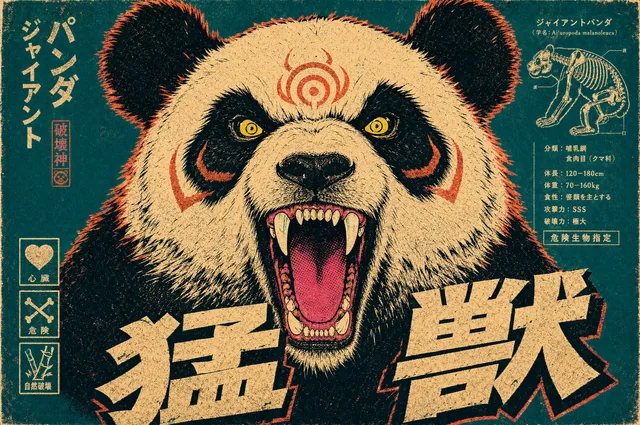
Custom Profile Picture Maker
Use custom profile picture maker to set the style, colors, and details with this custom profile picture maker, then generate a one-of-a-kind profile image to.
AI Image Generator
0/20000 characters
My images
Loading...

What is a custom profile picture maker?
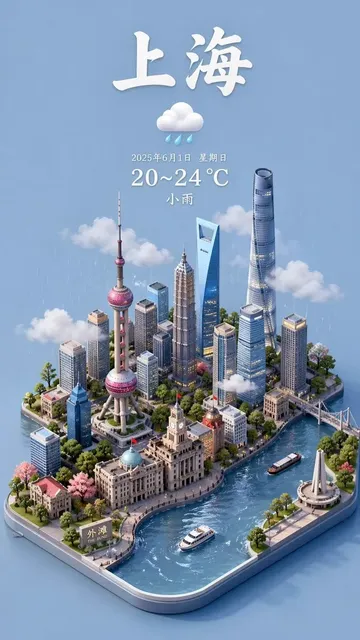
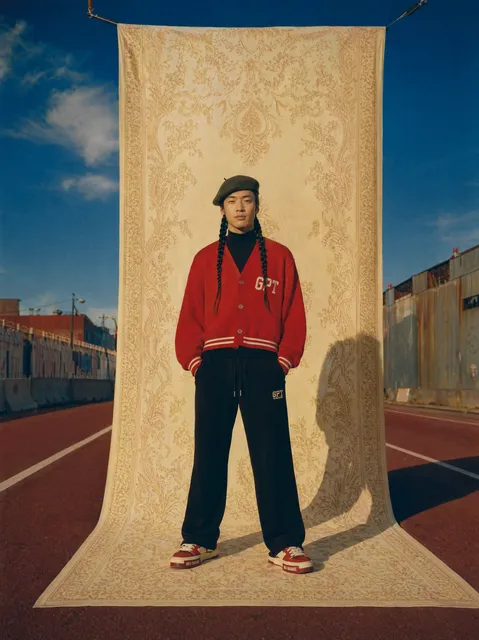
A custom profile picture maker generates unique avatars from text descriptions. You specify the art style (cartoon, geometric, abstract), color palette, distinctive features (clothing, accessories, hairstyle), and background, then the tool creates a profile-ready image. Review the result and adjust your prompt to refine the look until it fits your identity.
Custom Profile Picture Maker
Brand-color mascot
Input
A geometric robot mascot in teal and white, friendly expression, flat vector style, plain background.
Expected output
A clean mascot image you can crop to a square for a business or community handle.
Personalized cartoon avatar
Input
A cartoon person with short black hair, red beanie, denim jacket, and a warm smile, soft shading, light background.
Expected output
A friendly cartoon avatar that reflects the specific details you described.
Abstract icon
Input
An abstract circular logo with overlapping teal and orange shapes, modern minimalist style, white background.
Expected output
A distinctive abstract image that stands out in a profile feed.
Create a personalized profile picture by specifying style, colors, and details in a text prompt
Control the look
Name the style, palette, and details so the result matches the image you have in mind.
Iterate to make it yours
Tweak the description between generations to move toward a distinctive result.
Square-friendly output
Generate an image you can review, download, and crop into a clean profile frame.
How It Works
1
Describe your custom image
Describe the desired image.
2
Choose generation settings
Choose the available generation settings.
3
Generate and review
Generate, review, and download a suitable result.
Customizing your result
Specific details lead to a more personalized profile picture.
Input Constraints
- List the concrete details you want, such as colors, clothing, and expression.
- Name an art style to keep the look consistent with your intent.
- Review each result and adjust the description if the look is off.
Practical Tips
- State the color palette explicitly, such as teal and white.
- Describe distinctive features like a hat, glasses, or hairstyle.
- Keep the background simple so the subject stays the focus.
Privacy
- Do not upload personal or sensitive material unless you have permission to use it.
Usage Rights
- Confirm that you have the rights needed for the inputs and intended use of the result.
Prompt recipes
Copy a structure, then adjust the subject, lighting, camera, and output details for your own result.
Gaming avatar with personality
A cartoon fox character with orange and white fur, wearing a black hoodie and purple headphones, confident expression, vibrant anime style, dark teal background
Combines animal mascot, clothing details, expression, and gaming-appropriate style with a background that pops in profile lists.
Professional abstract avatar
A minimalist geometric face made of overlapping circles and triangles in navy blue and gold, clean lines, white background, modern corporate style
Uses abstract shapes and professional palette for a distinctive yet workplace-appropriate identity.
Creative personal avatar
A watercolor-style portrait of a person with curly brown hair, round glasses, green scarf, warm smile, soft pastel background, artistic hand-painted feel
Specifies artistic medium, key features, and warm mood for a creative personal brand.
Brand mascot square icon
A simple flat vector coffee cup mascot with a smiling face, steam forming a heart shape, brown and cream colors, centered on light beige background
Defines object, personality, brand colors, and clean composition for a business profile icon.
Sci-fi themed avatar
A low-poly astronaut helmet reflecting stars and nebula, teal and purple cosmic colors, futuristic minimal style, black background
Combines sci-fi subject, distinctive art style, and space-themed palette for a memorable tech or gaming identity.
Best use cases
Match the workflow to the input you have and the result you need before opening the generator.
Gaming or streaming handle
Input: Animal or character type, outfit, accessories, vibrant colors, expressive style
Result: A bold, personality-driven avatar that stands out in gaming communities
Tool: Text to Image
Business or brand account
Input: Abstract shapes or simple mascot, brand colors, clean minimal style
Result: A professional, recognizable icon for company social profiles
Tool: Text to Image
Creative personal brand
Input: Artistic style, personal features or symbols, expressive colors and mood
Result: A distinctive avatar reflecting creative identity for portfolios or art accounts
Tool: Text to Image
Anonymous or pseudonymous identity
Input: Abstract icon, geometric shapes, or symbolic object with chosen palette
Result: A unique visual identity without personal likeness for privacy-focused profiles
Tool: Text to Image
Limitations to know before generating
- Text-based generation cannot replicate your actual appearance; use this for stylized representations, not realistic photos.
- Complex prompts with many details can produce cluttered results; focus on 3-5 key elements for cleaner output.
- Color accuracy varies—review results and adjust color descriptions if the palette does not match your brand.
- Generated avatars may require cropping or editing for optimal framing on different platforms' profile dimensions.
- Consistency across multiple generations is not guaranteed; save successful prompts and images for future reference.
Creative Suite: AI Video Generator & AI Image Generator Tools
Power up your creative workflow with our AI-driven tools. Generate stunning videos, create images, and apply custom adjustments - our AI Video Generator and AI Image Generator offer a complete solution for all your creative needs.
Strictly Prohibits Adult/NSFW Content






Pricing
Choose the credit package that works best for you.
No hidden fees • Cancel anytime • Unused credits roll over
Starter
Perfect for trying out AI creation.
Credits
200 credits / month
- Up to 20 videos per month
- Up to 100 images per month
$6.99/ month$9.9930% OFF
Billed monthly
First-time subscribers get 30% off their first month, then standard price
What's included
- Credits never expire
- Standard models
- HD, Watermark-Free Downloads
- Private Generation
- Faster Generation Speed
- Ad-free experience
Basic
Perfect for light creators.
Credits
500 credits / month
- Up to 50 videos per month
- Up to 250 images per month
$13.99/ month$19.9930% OFF
Billed monthly
First-time subscribers get 30% off their first month, then standard price
What's included
- Credits never expire
- Standard models
- HD, Watermark-Free Downloads
- Private Generation
- Faster Generation Speed
- Ad-free experience
Pro
PopularBest value for creators
Credits
1,200 credits / month
- Up to 120 videos per month
- Up to 600 images per month
$39.99/ month
Billed monthly
What's included
- Credits never expire
- All models + Early access to new models
- HD, Watermark-Free Downloads
- Private Generation
- Faster Generation Speed
- Ultra HD resolution
- Ad-free experience
Ultra
For video creators and power users.
Credits
5,000 credits / month
- Up to 500 videos per month
- Up to 2,500 images per month
$99.99/ month
Billed monthly
What's included
- Credits never expire
- All models + Early access to new models
- HD, Watermark-Free Downloads
- Private Generation
- Faster Generation Speed
- Ultra HD resolution
- Ad-free experience
Free
Standard models only — upgrade to unlock premium models.
Credits
10 free credits on signup
Questions? Contact us at support@domer.io
Make your custom profile picture
Open the generator, describe the style and details you want, and create a profile image to review and download.