
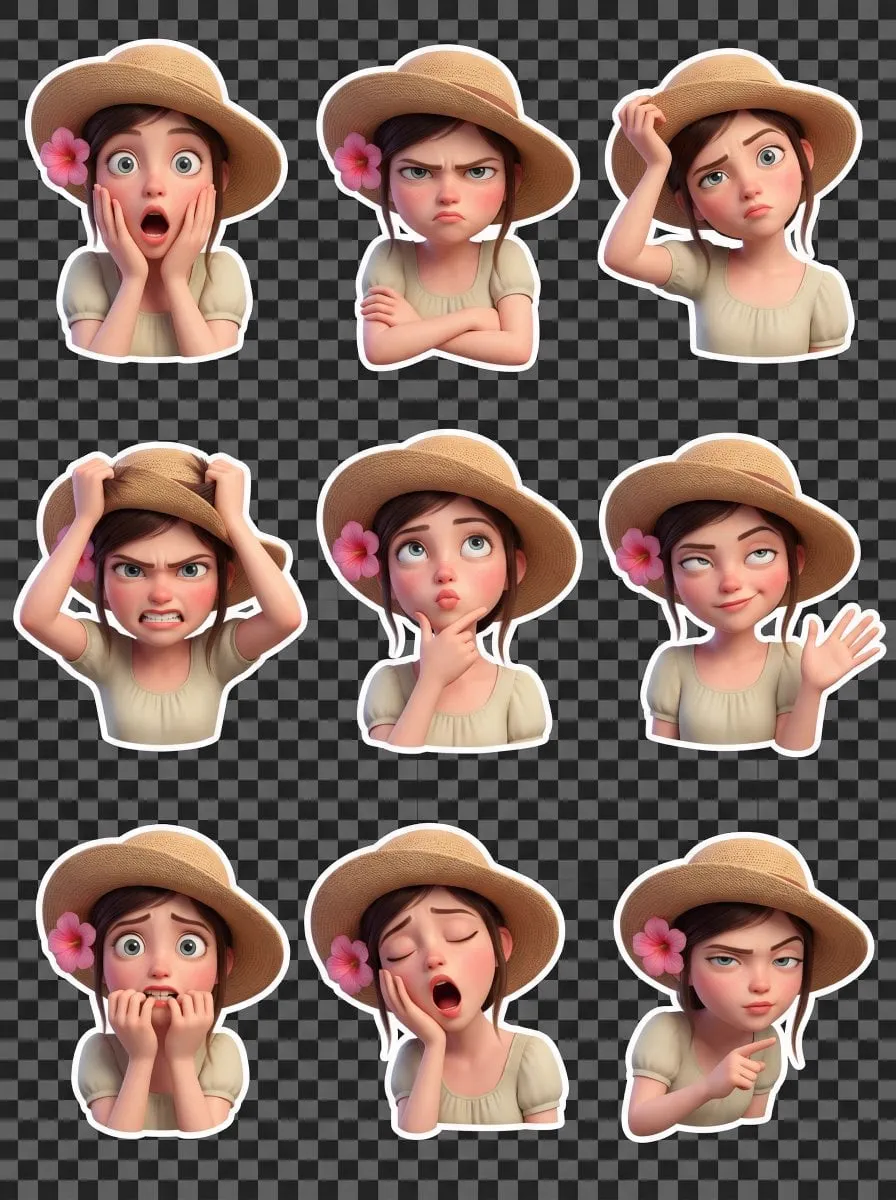
The New Standard for AI Animation and Stylization
Generative video has moved from a curiosity to a production tool that content teams reach for without a second thought. Animation and stylization, in particular, have reached a point where a single prompt can take a concept and return it wrapped in a distinct visual language, complete with motion, lighting, and emotion. The tools now rival what specialist software achieved a few years ago, and for a fraction of the effort.
This progress did not happen by accident. It came from an explosion in model choice, from photoreal text-to-video products to stylized animation engines, each tuned for a different kind of storytelling. The challenge for the modern creator is no longer finding a tool that can animate; it is choosing the right model for the right moment and combining several tools into one coherent workflow. This guide is about that choice and that workflow.
Why Animation and Stylization Matter Now
Animation and stylization are no longer niche hobbies. They are how brands keep a consistent look across campaigns, how storytellers build worlds that photography cannot, and how businesses communicate ideas that would be expensive or impossible to film. A stylized product demo, an animated mascot, a music video with a painted look, all of it depends on the same underlying craft: telling the model clearly what world you want.
The market pressure is real. Audiences scroll quickly, and content that looks generic gets skipped. A distinctive, consistent visual style is one of the fastest ways to hold attention and build recognition. The tools have caught up, so the differentiator is no longer access to expensive software but the creative discipline to choose, direct, and combine models with intention.
Comparing Leading Models Side by Side
Different models have become known for different strengths, and knowing which is which saves hours of failed generations. Among the most discussed tools are a few families that creators compare constantly.
The image-quality leaders tend to excel at photorealism and fine detail. If your priority is a lifelike face, faithful reflection, or intricate texture, reach for a model that has made a name for visual fidelity. Motion-focused tools prioritize realistic physics and smooth movement, which suits action and natural scenes. Narrative and stylized tools prioritize strong interpretation, cinematic framing, and a distinctive mood, which fits animated shorts, music videos, and branded storytelling.
The practical takeaway is to build a small scorecard of your own: which tool nails consistent characters, which handles fast motion, which produces the right mood for your brand. Reconsider the list every few months, because the landscape is moving unusually fast.
The Multi-Model Advantage
Perhaps the biggest shift is that creators no longer bet on one model. A professional workflow mixes several: one model for the hero shot, another for motion-heavy inserts, a third for stylized transitions. This is how you get the best of each without accepting any single tool's weaknesses.
The multi-model approach is also a continuity strategy. If one model struggles to keep a character consistent, you can generate the character's canonical reference in a model that excels at stills, then use that reference as the anchor while animating in a motion-focused model. The combination produces results no single model achieves alone.
To make this practical, plan your sequence before generating. Decide which shots demand photographic fidelity, which demand explosive motion, and which demand strong stylization. Assign each to the model that serves it best, then assemble in your editor and unify with a shared color grade.
The Director's Role in Orchestration
A sequence is only as good as the direction behind it. In a multi-model workflow, the director's job becomes orchestration: defining the world, the characters, and the pacing, then delegating individual shots to the tools that serve them. This is where human creativity matters most and where generic output is avoided.
Spend your effort where the model cannot help. The story beats, the emotional arc, the contrast between a quiet setup and an explosive payoff, these come from you. The model supplies the surface; the director supplies the meaning. When you treat AI as an instrument rather than an author, the result has a point of view.
Techniques for the Characterized and Stylized Look
Stylization is more than a filter; it is a consistent visual language. The most reliable way to achieve it is to lock a style block and repeat it. Decide your color palette, your lighting model, your texture or brush feel, and your framing preferences, then carry those descriptors into every prompt so the whole project reads as one world.
For stylized animation, describe the medium explicitly: "painterly watercolor," "clean vector flat design," "grainy analog film," "bold cel shading." These phrases anchor the model's interpretation. For character continuity, use reference images and keyframes to pin identity across shots. The combination of a locked style block and a locked character reference is the single most effective habit for professional-looking output.
Cinematic Control and Motion
Cinematic appeal comes from control over camera movement, lens, and pacing. Specify the shot type, the focal length, and the movement verb in every prompt so the cinematography feels intentional rather than accidental. A slow dolly into a subject reads very differently from a whip pan, and the model will honor the difference if you describe it.
Use keyframes to lock the important moments. A keyframe is a defined image the animation must arrive at, and planting them at the emotional turns of a sequence gives the final cut structure and intention. Motion-based transitions, such as a match cut on movement or a fluid morph, connect scenes with energy. Plan them ahead so the edit feels designed, not arbitrary.
From Stills to Sequences Coherently
The weakest link in most AI projects is turning a collection of great stills into a coherent sequence. The fix is a shared reference plan. Keep one canonical asset for each character, one approved style, and one palette, and feed all three into every generation. This prevents the drift that breaks believability.
When a sequence must be shot from many angles, place keyframes at the important beats and let the model interpolate the motion between them. Then assemble the pieces in an editor, cut to the story's rhythm, and apply a single unifying grade. The result is a piece that feels authored rather than assembled from fragments.
Audio as Part of the Language
Sound completes the stylization. The score, the sound design, and the mix shape how the visuals are read, and generative tools increasingly produce audio that matches a described mood. Planning audio at the same time as visuals makes the final piece cohesive.
Decide where silence creates tension, where natural sound anchors the world, and where a sting or swell lands the dramatic turns. Keep the mix legible and let it support the edit. A stylized look plus deliberate audio is what separates a demo from a finished piece.
A Workflow You Can Start Today
Begin with one short sequence and run the whole loop. Write a one-line story, split it into beats, and assign a shot type and mood to each beat. Choose a model for each shot based on its strength, lock a style block and a character reference, and generate coverage with intentional camera language.
Assemble, trim, and watch twice: once for information, once for emotion. Refine the pieces you care about and resist adding footage to hide weakness. Then export and measure what you learned. Every project refines your personal scorecard of models, and the next sequence starts faster than the last.
Promptcraft for a Distinctive Style
Stylized output rewards prompt discipline. The difference between a generic render and a distinctive one is usually the specificity of the style language, not the underlying model. Describe the medium, the texture, and the mood with concrete words rather than abstract praise.
Instead of "make it look cool," write "soft-edged painterly watercolor with visible grain, muted earth tones, and gentle motion blur." These concrete descriptors give the model a target it can actually hit. Build a reusable style block for your project and append it to every prompt, so the whole sequence shares the same visual grammar. Over repetition, the style block becomes your signature, and the audience learns to recognize your work at a glance.
Turning a Reference Into a World
A single strong reference image can become the anchor for an entire universe. When you start from a reference rather than a blank idea, you import its palette, its light, and its character into every subsequent generation. Carrying one reference through the whole workflow is the fastest way to make a stylized project feel unified.
Choose your reference carefully. It should embody the exact mood you want the whole piece to carry, not just one scene. Then use it consistently, both as an input image and as a guide for your style block. When a scene must break the mood, do it as a deliberate variation rather than an accident. The reference is your compass; the sequence stays on course because you keep checking it.
Handling Character and Style Drift
Drift is the enemy of stylized projects. A character's face inching away, a palette shifting scene to scene, or a texture that slowly erodes the look will undermine an otherwise strong sequence. The fix is early detection and rapid correction.
Build a routine: before committing to a shot, generate it in a small test and compare it against the reference side by side. If identity or style has slipped, strengthen the prompt with more explicit prose, feed the reference again, or switch models. The earlier you catch drift, the cheaper it is to fix, because re-generating one test is trivial next to re-rolling an entire scene. Vigilance here is what keeps a long sequence coherent.
Using Keyframes to Hold the Look
Keyframes give you control points in time. They are defined images the animation must pass through, and they are your most reliable tool for holding a stylized look across a longer sequence. Plant keyframes at the emotional turns and the important locations, refine them to perfection, then let the model move between them.
Keyframes also help with motion that drifts. If a character's face wobbles in movement, a well-placed keyframe forces the model to land on a consistent identity at the critical moment. Use keyframes sparingly but deliberately, at the beats where consistency matters most. A few strong anchors do more to stabilize a sequence than endless prompt tweaking.
Finding Style Ideas in the Real World
The best stylized looks are borrowed from somewhere. Study photography, painting, film, and animation for a visual language that fits your story, and translate those qualities into prompts. A fashion campaign's color discipline, a documentary's grainy intimacy, a poster artist's flat shapes, all of it can be described and aimed at.
Keep a mood board of references for each project and reverse-engineer why they work: the palette, the light, the texture, the degree of detail. Then write those reasons into your style block. This practice grounds your stylization in taste rather than hype, and it is how you develop a reliable visual voice over time instead of chasing whatever is newest.
From Experiment to a Repeatable Production Capability
Animation and stylization become assets for a business when they stop being one-off experiments. A repeatable output is worth more than a single impressive clip, because it can be turned into campaign series, branded content, and reusable templates. The discipline is to standardize the parts you do not want to think about so the creative decisions stay intentional.
Document your style blocks, your reference choices, and your tool scorecard. Once they are written down, a teammate or a future you can reproduce the look without starting from scratch. That reproducibility transforms a hobbyist's toy into a dependable production capability, and it is the step that separates creators who occasionally make something great from teams that reliably do.
The Verdict
AI animation and stylization have reached the point where the tools can keep up with good direction. What separates professional output now is orchestration: choosing the right model for each shot, locking a consistent world, and directing the camera, character, and audio with intent. Once you treat the models as instruments and take the role of the director, the quality ceiling moves into your own craft. The tools are ready; the rest is up to you.
