

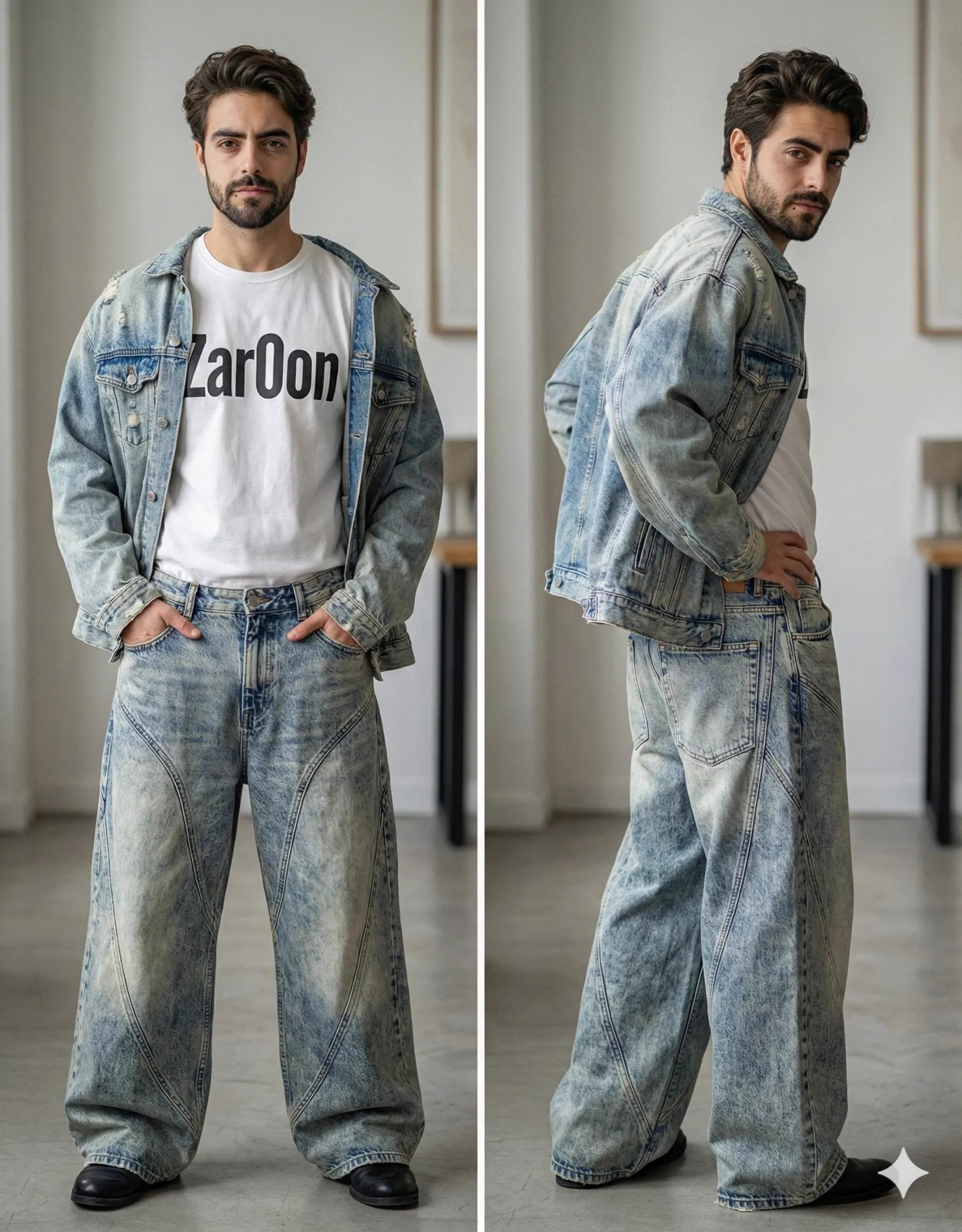
If you have generated AI video for more than an hour, you have seen the problem: your character looks perfect in one shot and completely different in the next. The hair changes, the face shifts, the clothes lose their details. It is the single most frustrating part of AI video production, and it is the difference between clips that feel random and stories that feel real.
The practical solution is multi-image fusion. Instead of describing your character with words and hoping for the best, you feed the model several reference images and let it lock the character's identity. This tutorial explains why consistency fails, how fusion works, and how to build a step-by-step pipeline that keeps characters recognizable across scenes, styles, and even models.
Why AI characters keep changing appearance
Text-to-video models are built to generate images from language. Every prompt is a new starting point. When you write "a young woman with brown hair in a red jacket", the model does not remember the woman from the previous shot. It builds a new interpretation of your words, which means a new face, a new haircut, and a new jacket.
The problem is structural, not a bug you can prompt your way around. Language cannot fully describe a human face, and even a detailed description leaves thousands of decisions to the model. Two prompts that sound identical can produce two completely different characters.
This matters because viewers are extremely sensitive to faces. A changed appearance breaks immersion instantly. For storytelling content, series, or branded characters, consistency is not a nice-to-have; it is the minimum requirement.
The limits of prompt-only approaches
Experienced creators respond to inconsistency by adding more words: eye color, nose shape, specific clothing, camera angles. This helps a little and fails a lot. Models truncate attention, long prompts dilute the important instructions, and the description can never capture the exact person in your head.
Another common workaround is generating a still image first, then animating it with image-to-video. This fixes consistency within a single clip, because the character starts from the same frame. But it fails across shots: each new clip starts from a new still, and you are back to generating the character from scratch.
The real breakthrough came with reference-based generation. Instead of describing identity in words, you show the model what identity looks like. Multi-image fusion is the technique that makes this work reliably.
What multi-image fusion actually does
Multi-image fusion takes several reference images and combines their essential features into a single representation that the generation model can reuse. It does not simply overlay the images. It extracts what makes the character recognizable: face structure, hair style, eye color, body shape, signature clothing details, and encodes those traits into the model's generation process.
The result is that every shot generated with the same fused reference starts from the same identity. The character can change expression, move, or change lighting, but the core identity stays locked.
The quality of the result depends on two things: the quality of your reference set and the fusion capability of the tool you are using. Tools that support multi-image input will usually expose a fusion or reference mode. If your tool only accepts a single image, you can still get good results by choosing the single best reference, but fusion gives you more stability.
Preparing a strong reference set
Your reference set is the foundation. A bad reference set produces bad consistency no matter how good the fusion engine is.
Start with the character's design brief: name, role in the story, and three to five visual anchors that must never change, such as hair color, eye color, a scar, or a signature piece of clothing. Then gather or generate images that show those anchors clearly.
Aim for three to five images covering different angles: a front view, a three-quarter view, a side view, and at least one with a clear facial expression. Keep the lighting and style consistent across the references. If the images disagree, the fusion will encode the disagreement, and your character will flicker between versions.
Do not overthink the technical details. The practical rule is simple: the references should look like the same person in the same world, shot in the same visual style.
One more consideration: build references at the resolution and aspect ratio you plan to use. A reference set made for a square social profile will behave differently when the video is a wide cinematic frame. If a project requires multiple formats, prepare a reference variant for each aspect ratio and test it before production. The ten minutes spent here save a full round of failed renders later.
Step-by-step: generating your first consistent scene
Here is a concrete workflow you can run today:
- Write one sentence describing the scene and the character's emotional state.
- Load your character reference set into the fusion or reference input.
- Add a style reference if you want a specific look, such as cinematic, anime, or documentary.
- Write the shot prompt with structure: subject, action, shot size, camera move, lighting.
- Generate the shot and check the result against the references. If the face drifted, regenerate before moving on.
- Keep the best take and move to the next shot, reusing the same references.
The key discipline is checking every shot against the reference set before accepting it. A drift that you accept in shot two will compound by shot eight, and the character will have visibly changed by the end of the video.
Carrying characters across scenes and styles
Consistency must survive more than a single scene. Your character needs to look the same in a sunny street, a dark room, and a stylized dream sequence.
The reference set does the heavy lifting, but you should also keep a style palette for the project: reference images that define the color grading, lighting mood, and texture of each environment. Use the style reference together with the character references, so the character and the world stay in the same visual language.
When a scene calls for a different style, such as an anime flashback inside a realistic film, generate the character in that style from the same fused identity. The features should carry over even as the rendering changes. If the model cannot hold the identity across the style switch, generate a bridge shot: a transition frame that blends the two styles, so the change feels intentional.
Using director agents to plan sequences
A director agent is a separate AI layer that plans the sequence before generation: it proposes the shots, the pacing, and the camera moves for a scene. When combined with character fusion, it gives you a powerful pipeline: the director plans what happens, and the fusion keeps the characters consistent while it happens.
Describe the scene emotionally, list the characters and their states, and let the agent propose a shot list. Review the list, adjust what you disagree with, then generate each shot with the fused references.
This separation of planning and generation is the professional pattern. The director does the thinking, the generator does the rendering, and the references guarantee continuity.
Consistency and monetization: building a character IP
Consistency is not only an aesthetic concern; it is an economic one. A recognizable character is intellectual property. An audience can invest emotionally in a character that looks the same episode after episode. Sponsors and merchandise follow the same logic: a character that changes appearance cannot be licensed, marketed, or loved reliably.
Build your character library as a reusable asset. Store the reference sets, the design briefs, and the style palettes for every character you create. Treat them like a production bible. When you start a new series, the characters you have already locked can appear in minutes instead of being redesigned from scratch.
This is how individual clips become franchises. The character is the brand, and consistency is what protects the brand.
Troubleshooting common fusion problems
The character looks right in stills but drifts in video. This is usually a reference quality problem or a model limitation. Sharpen the references, reduce the number of competing details, or switch to a model with stronger image conditioning.
The character changes when the camera moves. Some models handle identity better in certain shot sizes. Generate a test with your most extreme planned camera move first, before committing to the full sequence.
The style overrides the character. The style reference is too strong or too different from the character reference. Rebalance the reference weights if the tool exposes them, or generate the style reference from the character reference so they agree.
The character flickers between two versions. Your references disagree with each other. Pick one version, regenerate the references that do not match, and rebuild the fused set.
Fusion with video-to-video and frame control
Multi-image fusion pairs well with two other controls: video-to-video and keyframe conditioning. Together they give you precision that pure text-to-video cannot offer.
Video-to-video takes an existing clip and regenerates it with a new style or a corrected identity. This is the rescue tool for a shot that looked great in the rough pass but lost the character's face in the final render. Feed the clip and the fused references, and the model redraws the frames while preserving the motion.
Keyframe conditioning lets you pin the first and last frames of a shot. The start frame locks the composition and the character's position; the end frame locks the destination. The model generates the motion between them. When a character must walk from the left of the frame to the right, or open a door and cross the threshold, keyframes make the outcome predictable.
Use these controls in sequence: plan with keyframes, generate with fusion, and repair with video-to-video. Each tool covers a weakness of the others, and together they turn the generation process from gambling into engineering.
A worked example: two scenes, one character
Let us walk through a minimal project to see how the pieces fit. The story: a courier finds a locked door, then discovers what is behind it.
Scene one: the courier approaches the door. The reference set has three images of the courier in the same jacket, plus a style reference for a moody, desaturated look. The first shot is a wide: the courier enters the frame from the left, camera tracking gently. The keyframe pins the start and end positions. Fusion keeps the jacket and the face locked. The second shot is a medium close-up: the courier reaches for the handle. The expression prompt adds worry, and the fused identity keeps the face stable.
Scene two: the door opens. The style changes slightly to a warmer interior, so a new style reference is added, but the same character references stay in place. The first shot shows the door from inside, opening toward the camera. The courier appears in the doorway, and the model must recognize them from the fused identity even in the new lighting. The second shot is a reverse: the courier's reaction, a close-up with a slow push-in.
After generation, the audit compares every shot to the reference set. If the courier's face drifted in the reverse shot, that single shot is regenerated with video-to-video rather than the whole scene. The final assembly holds one consistent character across two locations, two moods, and eight shots.
FAQ
Do I need technical skills to use multi-image fusion?
No. Most tools expose fusion as a simple reference input: upload images, generate. The skill is in preparing good references, not in engineering.
How many reference images should I use?
Three to five consistent images is the sweet spot for most tools. More images only help if they all agree.
Can fusion keep a character consistent across different models?
Yes, if each model supports image input and you use the same fused reference set. The fused identity travels with the project.
What if my tool only accepts one reference image?
Use the single most representative image: a front-facing shot with clear facial features and signature clothing. It is less robust than fusion, but much better than text alone.
How do I fix a character that already drifted in an edited video?
Regenerate the affected shots with the reference set, then re-edit. In the future, check every shot against the references before assembly.
