
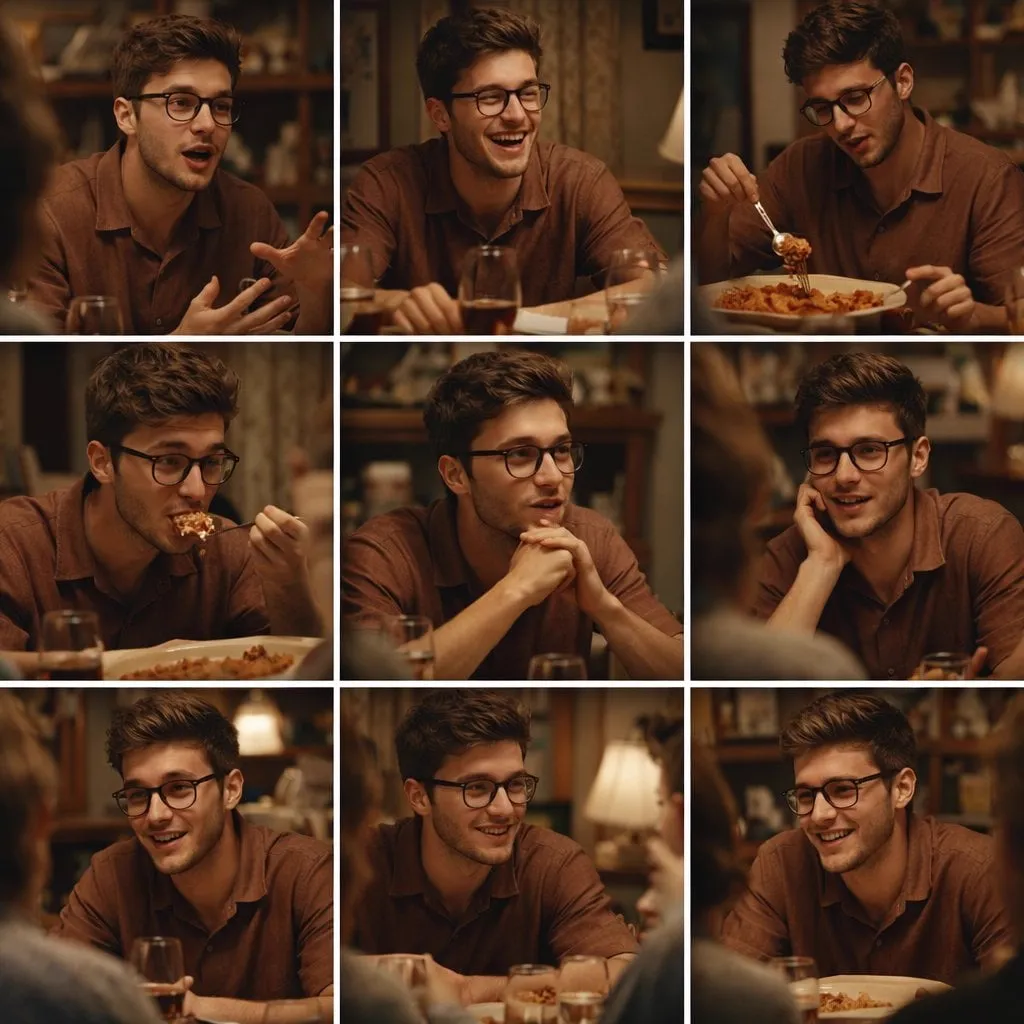

The most interesting shift in generative video is not the quality of the models; it is the layer of intelligence being built on top of them. An AI director is exactly that layer: software that takes your story idea, breaks it into scenes, decides how each scene should look, and coordinates the underlying models to produce something coherent. Instead of prompting one video at a time, you describe a project once and direct the result. This article explains what these director assistants actually do, where they help most, and how to integrate them into a professional workflow without losing creative control.
What an AI Director Assistant Does
A raw video model turns a prompt into footage. An AI director turns a story into a plan. It handles the decisions a human director would make before calling action: how the scene is composed, where the camera sits, how the light falls, how one shot connects to the next. Then it translates those decisions into the prompts and settings the video models need.
Think of it as a layer of interpretation. The human thinks in story terms: "the hero hesitates at the door." The director layer thinks in visual terms: "medium shot, eye level, slight push-in, cool light, two-second hesitation before the door opens." The video model thinks in pixels. Each layer speaks a different language, and the director assistant is the translator.
That translation is where the value sits. Creators who master prompt engineering can already get beautiful single shots. What they struggle with is maintaining a visual language across dozens of shots. The director layer holds that language steady.
Turning Narrative into Visual Language
The core skill of a director assistant is mapping story beats to camera decisions. A character discovering something important calls for a close-up and a change in framing. A scene that needs to feel oppressive calls for tighter angles and lower light. A moment of relief calls for wider space and warmer tones.
The assistant makes these mappings systematically. You provide the story and the emotional intent; it proposes the shot sizes, angles, and movements for every beat. The result is a shot list with motivation attached: not just "close-up," but "close-up because this is the moment the character understands the truth."
Reviewing these proposals is itself a learning exercise. When the assistant suggests a high angle for a scene you imagined as intimate, you have to decide why you disagree. That decision, repeated across a project, is directing.
Designing Characters That Stay Consistent
Consistency is the make-or-break problem in AI filmmaking. A character whose face changes between scenes destroys the story. The director assistant handles this by managing reference assets: a library of images that define how each character looks, how the world is styled, and how the light behaves.
You build the library once. Capture or generate reference images for each character in several poses and expressions, for the key locations, and for the color palette. The assistant then anchors every generated shot to those references, so the model keeps returning to the same visual identity instead of drifting.
This is the same job a costume designer, production designer, and script supervisor do on a film set, compressed into a folder of images and a set of rules. For solo creators, it is the difference between a collection of clips and a film.
Sequencing Scenes and Controlling Pacing
Story structure works at two levels in video: the script level, where scenes follow a narrative arc, and the shot level, where edits control rhythm. Director assistants help at both. They can propose a scene order that builds tension correctly, and they can suggest how long each shot should hold.
Pacing advice is especially useful for beginners, who tend to cut too fast or hold too long. A good assistant flags the emotional job of each moment: "this shot needs to breathe before the reveal," or "this transition is dragging; tighten it." You still make the final call, but you get feedback that normally requires a mentor or an editor with strong instincts.
Choosing the Right Model for Each Scene
No single video model is best at everything. Some excel at photorealistic humans, others at stylized animation, others at motion control. A director assistant can route each scene to the model that suits its requirements, then unify the results through the shared visual language.
That routing matters for both quality and cost. High-end models produce stunning output but are slower and more expensive. Simple scenes with modest motion needs can use efficient models without losing quality. The director layer lets you apply that judgment systematically instead of manually re-prompting every scene.
Building the routing rules takes a few projects. Keep a matrix of which model handled which kind of scene well, and feed that history back into your configuration. After a handful of productions, the assistant's default routing will reflect your actual experience rather than generic recommendations, and the quality of the output will rise without extra effort.
The same logic applies to specialized tools: one for image generation, one for video, one for upscaling, one for sound. The director assistant becomes the conductor that assembles these specialists into a single production pipeline.
Integrating a Director Assistant into Your Workflow
Start small. Pick a short project, a thirty-second piece with a clear story, and run it through the full director workflow: story, beat breakdown, shot list, reference library, generation, assembly. The goal of the first project is not perfection; it is learning where the assistant's judgment helps and where it needs correction.
Keep a project notes file. Write down the decisions you made and why: which shots you kept, which you rejected, which suggestions you overrode. After a few projects, that file becomes your directorial style guide, more useful than any template.
Reserve the final pass for yourself. AI can propose, generate, and even edit, but the last look should always be human. The audience does not care how the film was made; they care whether it works. Your taste is the quality gate.
When Automation Is Worth It
Automation pays off when the project has many similar shots, when consistency matters more than novelty, and when iteration speed is a competitive advantage. Product videos, branded series, explainer content, and narrative shorts all fit that profile. One-off experimental clips probably do not need a director layer; a good prompt is enough.
Automation is not worth it when creative control is the whole point. If you are exploring a style by trial and error, the structured workflow will slow you down. Use director assistants for production, not for play.
Making the Workflow Yours
After a few projects, formalize what you learned into a personal direction document. Write down your default shot sizes for emotional moments, the palette rules you keep returning to, how you want the camera to behave in quiet scenes versus action scenes, your motion intensity limits, and a short list of models ranked for each job you do regularly.
This document does two things. It makes your style consistent across projects, because you stop deciding everything from scratch. And it gives the director assistant a configuration: instead of teaching it your taste every time, you load your rules and let it apply them. The document evolves as you grow, and that evolution is the visible record of your development as a director.
A Day in the Life of an AI-Directed Production
Here is what a realistic production day looks like. In the morning, you define the story: three sentences, one per beat, and the emotional arc you want the audience to feel. By mid-morning, you break the story into scenes and build the reference pack for characters and locations. Before lunch, you turn each scene into a shot list with the assistant, specifying sizes, angles, and movements.
In the afternoon, you generate. You work shot by shot, reviewing each one before moving on, regenerating the failures, and keeping the passes that hold the visual language. By late afternoon, you assemble the shots, apply the color grade, and lay down the music and sound. In the evening, you watch the full piece with fresh eyes, note the problems, and fix the worst ones. The next morning, a final review, and the piece is done.
The pattern matters more than the exact schedule: story first, plan second, generate third, refine last. The assistant accelerates every stage, but it never replaces the order.
Common Pitfalls with Director Tools
The first pitfall is over-automation, letting the tool decide everything and flattening your taste into its defaults. Fix it by overriding at least one suggestion per scene, on purpose. The second is skipping the reference pack, then wondering why consistency fails; the assistant can only hold the visual language steady if you give it the language. The third is ignoring the test frame, generating full video before checking a still; a still reveals most problems for a fraction of the cost.
The fourth is not versioning prompts and references, so you cannot reproduce a result that worked or understand why one failed. Keep a project log. The fifth is treating the first suggestion as final; the assistant proposes a plan, and the plan is a starting point, not a verdict. Directors direct, and that means the last word is always yours.
The sixth pitfall is scaling too fast. A director assistant makes production feel easy, and the temptation is to jump from one short piece straight into a ten-episode series. The tools can handle the load, but your taste cannot learn at that speed. Stay small until the decisions feel automatic, then expand. The projects that stall are rarely the ones that were too ambitious on paper; they are the ones whose creators never finished the small pieces that teach the craft.
Frequently Asked Questions
Do I still need to learn filmmaking? Yes, and the assistant makes learning faster. You cannot evaluate its proposals without understanding shot language, pacing, and story structure. The tool amplifies knowledge; it does not replace it.
Can these tools direct a feature film? Not yet. They excel at short-form and modular production. As models improve, the ceiling will rise, but for now, plan projects around what the tools do reliably.
Will the output look the same as everyone else's? Only if you make the same decisions. The assistant standardizes process, not taste. Your story choices, reference library, and editorial judgment keep the work yours.
How much hand-holding do the tools need? More than the marketing suggests. Budget time for iteration, and build reference assets carefully. The quality of what you put in determines the quality of what comes out.
What should I learn first? Story structure, then shot language, then the specifics of your chosen tools. In that order, each skill makes the next one usable.
Can I use a director assistant for a solo personal project? Absolutely, and it is often the highest-value use. The assistant provides the crew you do not have: script supervisor, storyboard artist, and camera advisor all in one.
What is the best way to evaluate a new assistant tool? Run the same small project through two tools and compare the shot lists, the consistency, and the time to finish. The tool that makes your decisions easier and your output more coherent wins, regardless of marketing.
Who owns the work made with a director assistant? You own the creative direction, the reference pack, and the final edit, but check the terms of each model and platform you use, because they can differ on training and commercial use. Keep your prompts, references, and logs organized; they are the evidence of your authorship and the raw material for future projects.
Will these tools make every video look the same? Only when creators skip the creative layer. The assistant standardizes process, not vision. Two directors using the same tool with different stories, references, and editorial choices produce visibly different work, which is exactly how it should be.
The director layer of AI video is still young, but the pattern is clear: raw generation is becoming a commodity, and direction is becoming the craft. The tools will keep improving, and the creators who win will be the ones who treat them as a production system rather than a magic button. Learn the language, build the discipline, and let the assistant handle the mechanics.
