
![[BRAND NAME]: The name of the brand. Goal: Generate a single, minimalist, and...](https://storage.brightvectorlabs.com/prompts/bright/product-and-brand/2032908105994961090-0.webp)
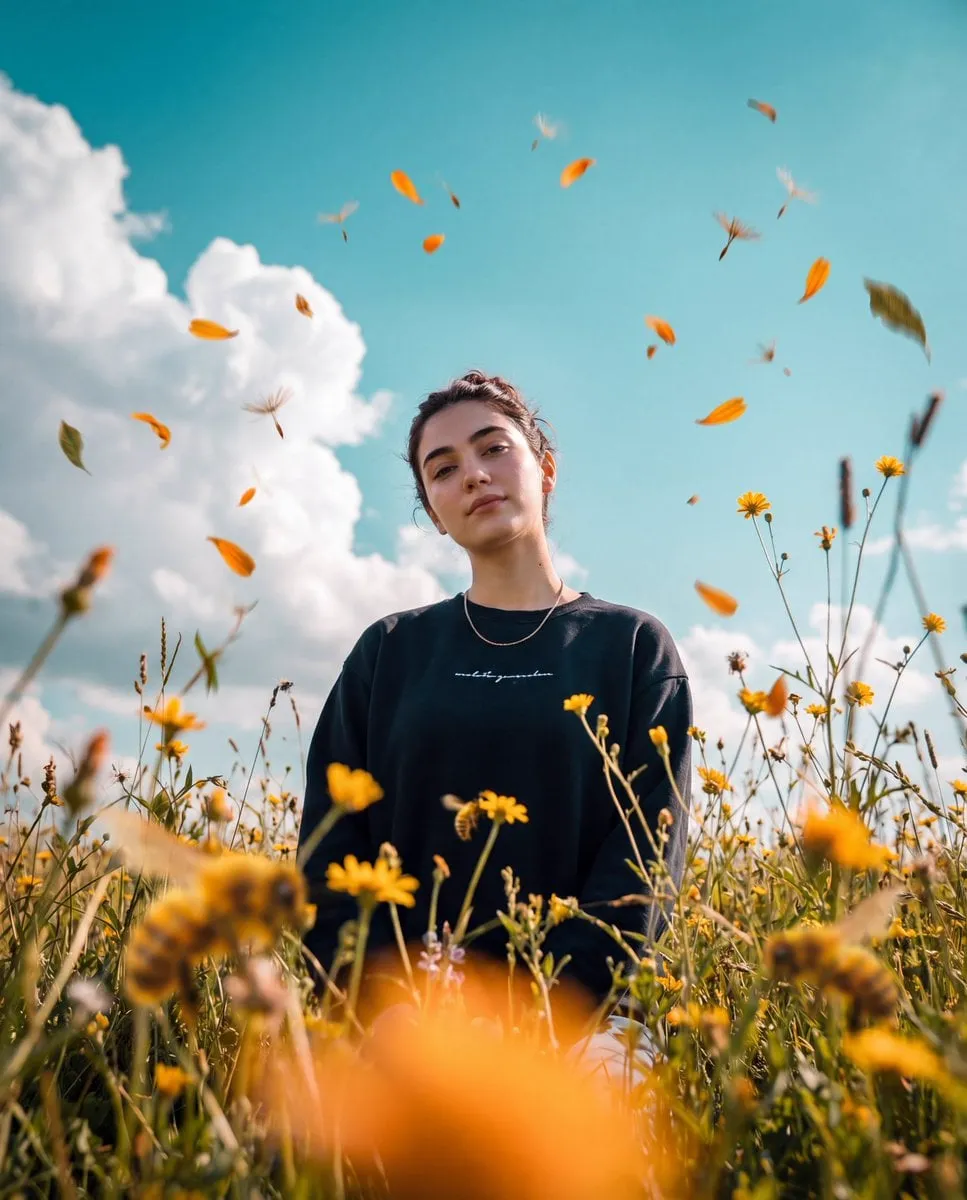
When people hear about AI-generated video, many immediately think of deepfakes: manipulated footage of real people saying things they never said. That association is understandable, but it misses what most creators actually do with the technology. The real work of AI video production is not impersonation. It is construction — building characters, worlds, and stories that stay coherent across many shots, the way a film set stays coherent across a shoot day.
This guide explains how to produce consistent visual content with AI without crossing into deepfake territory. You will learn how to lock a character's identity, keep environments stable, control motion and camera language, and build a pipeline that makes multi-scene projects feel like one world rather than a collage of unrelated clips.
Deepfake versus creative AI: drawing the line
The difference is intent and consent. Deepfakes typically replace a real person's face or voice without permission, often to deceive. Creative AI production starts with original characters, original worlds, or consented likenesses, and its purpose is expression, not deception. One is fraud; the other is filmmaking.
That distinction shapes everything downstream. If you use a real person's appearance, you need their explicit consent and a clear context of use. If you create original characters, you still owe your audience honesty about the fact that the content is AI-generated, especially when the visuals are realistic. Disclosure is not a weakness; it is what separates professional work from spam.
The practical consequence is that consistency work — the subject of this guide — is also trust work. A coherent character who looks the same in every scene reads as intentional craft. A character who shifts between shots reads as sloppy, or worse, as an attempt to hide manipulation. Consistency is both an aesthetic goal and an ethical one.
The core problem: identity consistency
Producing a multi-scene video used to require physical actors, costumes, makeup, and a crew that kept everything aligned between takes. In AI production, none of that exists physically, so the alignment must be encoded in data. The core challenge is identity consistency: the same character, with the same face, wardrobe, and features, appearing the same way in every shot.
Text prompts alone cannot achieve this. Language is too lossy to describe a face precisely enough for a model to reproduce it identically across scenes. The solution is reference-driven generation: you give the model images that define who the character is, and the model uses those images as anchors for every new shot.
Build a character sheet with several angles of the same face, a few outfit variations, and notes on the character's key visual traits. Include lighting preferences and palette choices. Then use that sheet consistently for every shot that features the character. The sheet is your makeup department and costume designer rolled into one.
Building character keyframes with multi-image fusion
The most reliable technique for identity consistency is multi-image fusion. Instead of feeding the model a single reference, you feed several: a front view of the face, a side view, a full-body shot, and a style example. The model fuses these into a shared understanding of who the character is and what the scene should look like.
Multi-image fusion works because it constrains the model from several directions at once. One image pins the face, another pins the wardrobe, another pins the environment, and a fourth pins the mood. When the model generates a new shot, it has to satisfy all of those constraints, which dramatically reduces drift.
Keyframes take this further. A keyframe is a manually approved frame that defines a critical pose, composition, or moment. By generating keyframes first and then asking the model to interpolate between them, you gain control over the shot sequence without surrendering to whatever the model happens to produce. This is the same principle animators have used for decades, adapted to generative pipelines.
Keeping environments and worlds stable
Characters are not the only thing that drifts. Environments do too: a room that changes color between shots, a city street whose layout shifts, a forest whose lighting jumps from midday to dusk for no reason. Viewers may not name the problem, but they feel it as a loss of immersion.
The fix is the same as for characters: reference-driven environment design. Create an environment sheet with wide shots of the location from multiple angles, notes on the lighting setup, and a small color palette. Use it for every shot set in that location. If a scene takes place in three rooms, create three environment sheets and label them clearly.
World building goes beyond single locations. For a project with an established universe — a series, a game, a branded campaign — create a world bible that documents locations, character sheets, style references, and recurring visual motifs. The bible ensures that episode five looks like episode one, and that a new collaborator can join the project without breaking the visual language.
Motion control and cinematography
Consistency is not only about how things look; it is also about how they move. A character's walk, a camera's glide, the timing of a cut — these are part of the visual identity of a project.
Motion control starts with the prompt: specify camera movement, shot size, and pacing explicitly. Instead of "the character walks into the room," write "slow dolly-in as the character enters from the left, medium shot, natural hand movement." The extra detail gives the model less room to improvise.
Cinematography rules keep the style unified. Decide on a small set of camera conventions — mostly handheld, or mostly locked-off, or a signature low-angle — and apply them consistently. For action sequences, define the rhythm of cuts so the energy feels deliberate. For dialogue, keep shot sizes consistent so the scene has a coherent visual grammar.
When you need precise alignment, use keyframes for the critical poses and let the model fill the motion between them. This gives you the control of traditional animation with the speed of generative production.
The pipeline behind consistent output
Consistency at scale is a systems problem. The behind-the-scenes infrastructure matters as much as the creative choices.
A production pipeline for multi-scene projects typically includes a task queue that keeps many generations organized, a versioning system that records the model, prompt, references, and settings for every accepted clip, and a review workflow that checks each shot against the project's reference sheets before it moves forward.
The task queue matters because consistency work generates many iterations. Every rejected shot is a learning signal, but only if you can see what was tried and why it failed. Versioning turns your production history into a searchable record: when a client asks for a change, you can reproduce the exact conditions of the original shot.
Review is where the discipline lives. Each shot should pass three checks: does it match the reference sheets, does it serve the beat it was created for, and does it hold up technically without artifacts? Catch drift early, in small batches, rather than discovering it after fifty shots are assembled.
A practical note on team workflow: if more than one person generates shots, define a single naming convention and a single home for references. The most common failure in collaborative projects is not bad models, but divergent conventions — two editors each building their own reference folders, two different spellings for the same character, two palettes for the same location. A short kickoff checklist that everyone must follow before generating prevents more rework than any quality gate. When the system is shared and explicit, individual contributors can move fast without creating inconsistency for everyone else.
Ethics, disclosure, and trust
Consistency work amplifies both the creative potential and the responsibility of AI video. A character who looks identical in every scene is more persuasive — which is exactly why disclosure matters.
Follow these practices:
- disclose AI generation when the content is realistic or could be mistaken for filmed footage;
- obtain explicit consent before using any real person's likeness or voice;
- avoid creating content that could mislead about real events, real people, or real products;
- respect the terms of the tools you use, including rules about commercial use and model training;
- keep records of your production process so provenance questions can be answered honestly.
None of these practices slow down a good workflow. They are the same care a professional studio takes with releases, permits, and clearances, adapted to the generative medium.
A practical workflow for multi-scene projects
Here is a workflow that keeps multi-scene projects consistent from start to finish:
- Define the world: write a one-page world bible with locations, characters, palette, and motifs.
- Build references: create character sheets and environment sheets before generating anything.
- Plan the beats: break the script into scenes and shots, one idea per shot.
- Generate keyframes: approve the critical frames first, then fill the motion between them.
- Route and review: generate shots in small batches, check each against the references, regenerate failures immediately.
- Assemble and log: cut the approved shots, add audio, and log every accepted clip's parameters.
- Publish with context: disclose AI generation where appropriate, and archive the project bible for sequels.
The workflow is deliberately unglamorous. Consistency is the product of repetition: same references, same prompts, same review standards, every time.
Frequently asked questions
Is all AI video a deepfake? No. Deepfakes are specifically manipulated media of real people, usually without consent and often to deceive. Most AI video production creates original content and is a legitimate creative medium.
How do I keep the same character consistent across many shots? Build a character sheet with multiple angles, use multi-image fusion so the model anchors on several references, and reuse the same references and settings for every shot featuring the character.
What if my character still changes appearance between shots? Strengthen the reference sheet, reduce the duration of each shot, and use keyframes to pin the most important poses. If drift persists, the scene may be asking the model to do too much in one clip.
Do I need to tell viewers that content is AI-generated? Yes, especially when the visuals are realistic. Disclosure builds trust and keeps you clear of deceptive-use rules on most platforms.
Can I use a real person's likeness with AI? Only with their explicit consent and a clear statement of how the content will be used. Without consent, it is deepfake territory.
What is the biggest mistake in multi-scene AI projects? Generating all the shots before reviewing any of them. Drift compounds; review in small batches from the first shot.
How much does a consistent pipeline cost to run? The costs are mostly time and tool subscriptions. Reference building and review are the real investments; once the pipeline exists, adding a new scene is cheap. Start small and scale the pipeline only after it proves reliable on a short project.
Do I need a different model for every style? No. Most projects work with one strong model plus references. Add a second model only when a specific weakness appears, such as poor motion handling or weak stylization, and anchor its output with the same references.
How do I know if my output is consistent enough? Show two non-adjacent shots to someone who has not seen the project. If they can tell it is the same character and world, the consistency is working. If they hesitate, rebuild the references before generating more shots.
Building worlds, not just clips
The technology behind AI video is often discussed in terms of what it can fake. The more useful conversation is about what it can build: original characters with stable identities, worlds that hold together across episodes, and stories that feel crafted rather than generated. None of that requires deceiving anyone. It requires the same things great production has always required — clear references, disciplined process, and respect for the audience. AI removes the physical constraints; the craft, and the responsibility, remain human.
