
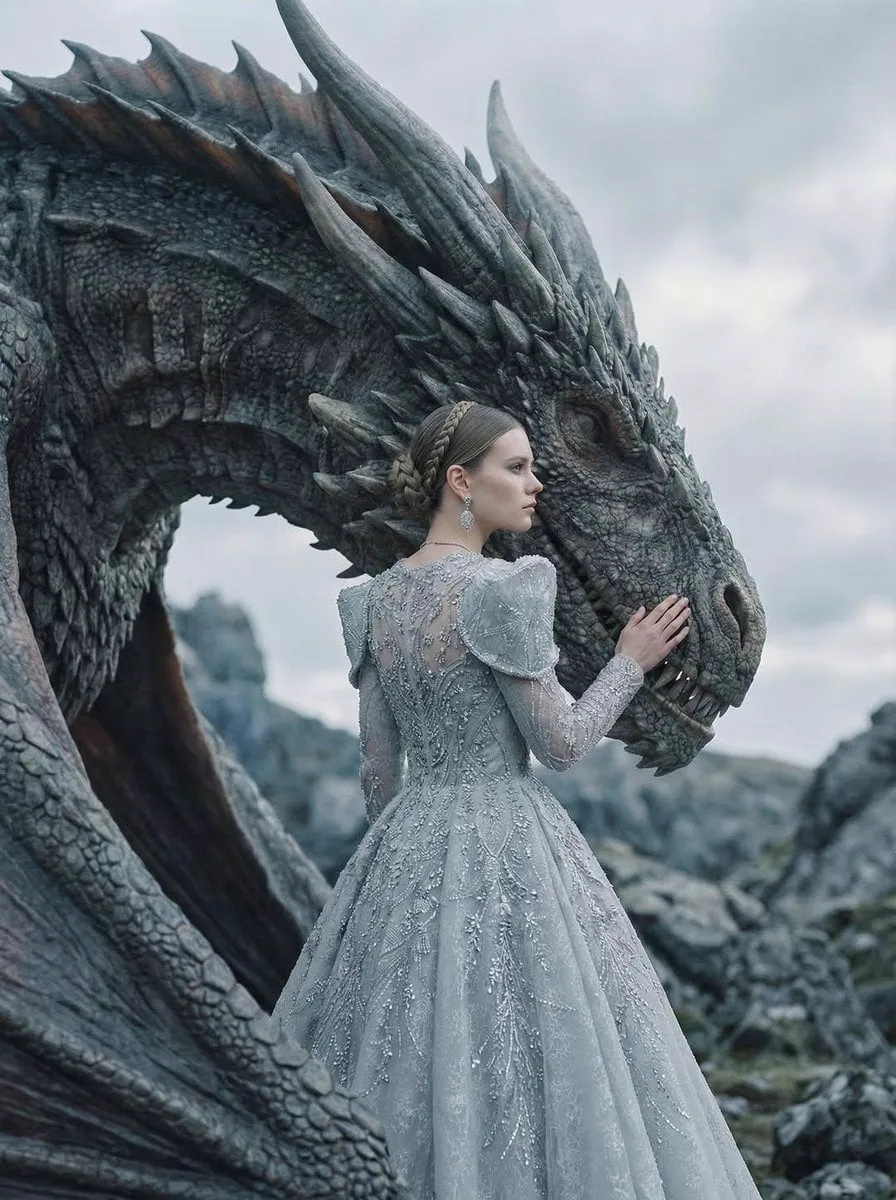
The storyboard problem every filmmaker knows
Storyboarding is where a film is actually made. Long before the cameras roll, the director and the art department translate the script into a sequence of images: where the camera sits, what the frame contains, how the light falls, and how one shot flows into the next. A good storyboard saves days of shooting. A bad one produces expensive surprises on set.
Yet for most independent creators, storyboarding is the step that never happens properly. Drawing even a rough board by hand takes skill and time. Hiring a storyboard artist is expensive. Software helps with layout, but the vision still has to come from somewhere. As a result, many creators skip previsualization entirely and improvise on set, accepting wasted shots, inconsistent framing, and re-shoots.
Generative AI has changed this equation. New AI tools can read a script, interpret camera language, generate storyboard frames, and even produce moving previsualizations. They do not replace the director's eye, but they compress a process that used to take weeks into hours. This guide explains how AI director assistants work, how to use them in a practical production workflow, and where they still fall short.
What an AI director assistant actually does
An AI director assistant is a layer of intelligence on top of video generation models. Where a text-to-video tool simply turns a prompt into a clip, a director-style tool understands the language of cinema: shot types, camera angles, camera movement, composition, tone, and pacing.
When you feed it a concept or a script, it performs several jobs at once:
- It breaks the material into discrete scenes and beats.
- It suggests a shot list with framing and camera movement for each beat.
- It generates storyboard frames that visualize those suggestions.
- It maintains visual consistency of characters, locations, and style across frames.
- It recommends which generation model fits each shot, based on complexity, style, and speed.
The result is not just a set of images. It is a plan: a previsualization pipeline that takes you from a written idea to a sequence of shots that a crew, a client, or a solo creator can execute.
The key insight is that the assistant is not making creative decisions for you. It is offering options with reasoning, and the director remains the final decision maker. Think of it as a tireless first assistant director who can produce a hundred framing ideas before breakfast.
From script to storyboard: a practical workflow
The most productive way to use an AI director assistant follows a repeatable sequence. The exact steps vary by tool, but the logic is consistent.
1. Prepare the script or concept
The quality of the storyboard starts with the quality of the input. A loose paragraph produces loose frames. Structure the material into scenes, each with a clear location, character action, and emotional beat. Include camera intentions where you have them: "close-up on the letter", "slow push-in", "wide shot revealing the city". The assistant can work with less, but it will work much better with more.
2. Generate the initial board
Ask the assistant for a first-pass storyboard of the scene or sequence. Review the frames as a group, not one by one. Look for storytelling logic: does shot B follow shot A in a way that makes sense? Is coverage adequate? Are there missing beats?
3. Iterate on framing and composition
Rarely is the first pass right. Treat the generated board as a sketch layer. Request variations: tighter close-ups, different camera heights, alternate compositions. Most assistants allow you to lock certain elements, like character appearance or location, while varying the camera. That separation of concerns is what makes iteration fast.
4. Lock character and environment references
The single most important step for consistency is fixing the visual identity of characters and settings early. Once the protagonist's face, wardrobe, and color palette are established, reuse those references for every frame. This is how you avoid the classic AI problem of a character who looks different in every shot.
5. Export and use
Export the board in a format your production can use: image sequences, contact sheets, or animated previs clips. Print the board, share it with the team, or use it as a pitch deck. The board becomes the contract between the idea and the execution.
Controlling shot consistency across the whole sequence
Consistency is the make-or-break skill in AI-driven preproduction. A storyboard that shows three different versions of the same character is useless, no matter how beautiful each frame is. Modern tools attack this problem from several directions.
- Multi-image fusion: you supply two or more reference images, and the model blends them to keep identity stable while generating new poses and angles.
- First and last frame control: you define how a shot starts and ends, which forces the model to respect continuity across the clip.
- Style locking: you fix a color grade, lighting model, or art direction that every generated frame must follow.
- Reference libraries: you store approved images of characters, props, and locations and reuse them across scenes and even across projects.
Your job in the workflow is to create those references deliberately. Generate a character sheet first, approve it, then lock it. The discipline of approving references before generating shots is what separates clean productions from chaotic ones.
Choosing the right generation model per scene
Different shots demand different model strengths. A fast, inexpensive model is fine for a simple two-shot conversation. A premium model with strong physics simulation is worth the cost for a hero shot with water, fabric, or complex camera motion. An AI director assistant can act as a matchmaker: it reads the shot description and suggests the best model for the job.
When building your own model selection strategy, keep these rules in mind:
- Reserve premium models for shots that carry emotional weight or visual spectacle.
- Use fast models for coverage and filler shots where the composition is simple.
- For character-heavy scenes, prioritize models known for consistency over raw photorealism.
- For motion-heavy scenes, prioritize models with strong physics and temporal coherence.
- Keep a record of what each model did well, so your selection improves with every project.
This approach also controls costs. By matching model capability to shot complexity, you avoid paying premium prices for shots that a mid-tier model handles perfectly.
The language of shots: what the assistant understands
To get the most out of an AI director assistant, it helps to speak its language fluently. The fundamental shot vocabulary includes:
- Shot size: extreme wide, wide, medium, close-up, extreme close-up.
- Camera angle: eye level, high angle, low angle, dutch angle, bird's eye.
- Camera movement: pan, tilt, dolly, tracking, crane, handheld, push-in, pull-back.
- Lens feel: wide angle, telephoto compression, shallow depth of field, anamorphic.
- Composition: rule of thirds, symmetry, leading lines, negative space, frame within a frame.
When you specify these elements in your prompts, the assistant can translate them into frames with surprising fidelity. When you stay vague, the model defaults to generic choices, and your board loses its point of view. Directors who describe shots in precise cinematic language get boards that look like a real film, not like a generic slideshow.
From storyboard to final video
A storyboard is not the end of production; it is the beginning. The frames generated during preproduction become the reference targets for the final video. In an AI-assisted pipeline, the same references used for the storyboard, character sheets, style locks, and environment stills, are handed to the video generation stage. The result is a much tighter connection between what was planned and what gets produced.
This continuity changes the economics of small productions. A solo creator can pitch a project with a real board, test scenes before committing budget, and walk into production with a clear shot list. Agencies can show clients moving previsualizations instead of mood boards. Studios can de-risk expensive shoots by resolving visual questions before anyone touches a camera.
The workflow also feeds backward: if the final video reveals a weakness in the storyboard, you revise the references and regenerate. The loop between planning and execution becomes fast enough to iterate on creative direction without blowing the budget.
Where AI director assistants still fall short
Honesty about limitations makes you a better user. Current tools still struggle with:
- Complex blocking: multiple characters interacting with precise choreography.
- Long-range consistency: a character that must remain identical across dozens of shots in different lighting.
- Subtext and performance: the emotional nuance an actor brings cannot be generated from a prompt.
- Legal and style constraints: generating a specific actor's likeness or a trademarked character is a rights issue, not a technical one.
Plan around these limits. Use AI for what it does well: framing, composition, previs, and iteration speed. Reserve human judgment for performance, story logic, and the final artistic call.
A checklist for your first AI storyboard
When you sit down to produce your first AI-assisted storyboard, work through this checklist. It keeps the process fast and prevents the most common failures.
- Script is broken into scenes and beats, with one line describing the key action of each beat.
- Camera intent is written for the shots that matter: shot size, angle, and movement.
- Character references are created and approved before any frames are generated.
- Environment references are locked: location, palette, lighting direction.
- A style guide exists: color grade, lens feel, and mood references.
- The initial board is reviewed as a sequence, not frame by frame.
- Iterations focus on framing and composition, while character and environment stay locked.
- The final board is exported in a usable format and shared with the team or client.
Two habits make the biggest difference. First, lock references early and treat them as fixed assets; changing a character mid-board invalidates every frame already generated. Second, review the board as a sequence, because storytelling lives in the transitions between shots, not in individual images. A board that looks beautiful frame by frame but fails as a sequence is a board that will fail on set.
Frequently asked questions
Do I need drawing skills to use an AI director assistant?
No. The assistant generates the visuals from your descriptions. You need a clear idea of the scene and basic knowledge of shot language, not drawing ability.
Will AI storyboards replace storyboard artists?
The role is shifting, not disappearing. Artists bring taste, storytelling instinct, and consistency that AI still lacks. Many artists now use AI as a speed tool in their own workflow.
How many frames should a storyboard have?
There is no fixed number. Professional boards average one frame per beat, roughly 1 to 4 frames per script page depending on pacing. Start with the beats that matter for staging and camera, not every line of dialogue.
Can I use AI-generated boards to pitch clients?
Yes, and it is one of the strongest use cases. A visual pitch communicates intent far better than a written treatment. Just be clear about what is AI-generated and what is final art.
Which tools should I start with?
Begin with a mainstream video or image generation model you already know, and add a director-oriented assistant layer on top. Learn the workflow with a single short scene before scaling to a full project.
How much does an AI storyboard cost?
Far less than a traditional board. The main costs are generation time and the tool subscription. Because iteration is cheap, you can afford to explore framing options that would be expensive with a human artist.
Can AI boards handle complex action sequences?
They handle the planning well: shot breakdown, camera angles, and pacing. Precise character choreography in the final video remains harder, so plan for a human review pass on action-heavy sequences.
What is the difference between a storyboard and a previsualization?
A storyboard is a sequence of still frames showing composition and staging. A previsualization is a moving version, often with rough animation and camera moves, closer to the final experience. Many AI tools blur the line by generating motion from the board frames directly.
How do I keep the same character across many scenes?
Build a character reference early, lock it, and reuse it in every prompt. Combine a fixed written description with approved reference images. Consistency is a discipline, not a feature you can switch on once.
