
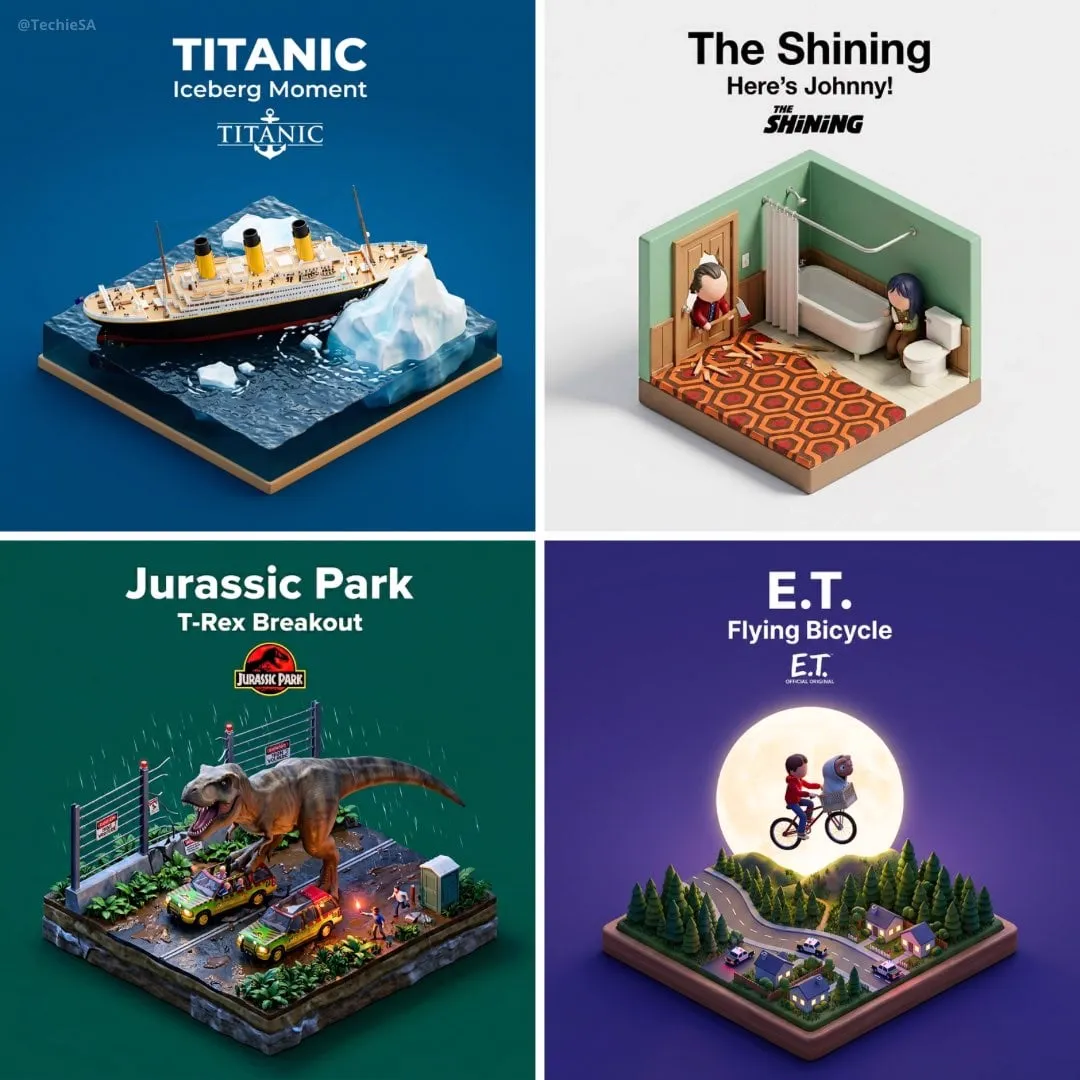

Text-to-video models got dramatically better in a very short time. Today it no longer feels like a miracle when a single sentence turns into a plausible moving scene, complete with consistent characters and believable physics. The bottleneck has moved somewhere else. Generating one beautiful shot was never really the hard part; the hard part is generating a coherent sequence of shots that feels like a planned, intentional story rather than a lucky collage. This is where the idea of an AI director assistant enters the picture, and it explains why so much of the modern conversation about generative video is really a conversation about workflow, planning, and control.
This article walks through what a director-style assistant for AI video production actually does, why pre-production automation matters more than raw model quality, and how a writer or solo creator can use this kind of tooling to build scripted, story-driven videos that read as polished rather than generated. You will see practical decision frameworks, a recommended workflow from treatment to final export, common pitfalls, and a detailed set of questions to ask before you adopt any director-assistant tool for your own production pipeline.
Why the director layer became unavoidable
For the first wave of AI video tools, the user was the director. You wrote a prompt, clicked generate, watched the result, and tweaked the prompt until something looked right. That approach works for a single clip, but it breaks down the moment you need ten clips that share the same setting, the same main character, and a continuous story arc. Each new prompt risks drifting in lighting, wardrobe, camera angle, and even the identity of the character itself. The result is a disjointed set of clips that no amount of color grading can stitch into a story.
The director assistant exists to close that gap. Rather than asking you to manually keep every detail straight in your head, it treats the whole video as a single project with a defined narrative structure, shot list, style guide, and consistency rules. You define the story once, and the tool uses that definition to guide every subsequent generation. In professional terms, this is bringing shot continuity thinking into the AI pipeline, and it is the single biggest practical upgrade most creators never think to implement.
There is also a business reason the director layer matters. Content platforms reward depth, polish, and audience retention. A video that tells a coherent multi-scene story keeps viewers watching far longer than an eye-catching but pointless single shot. As the competitive field fills with people who can produce flashy clips, the differentiator shifts from model access to storytelling ability. That is exactly the kind of advantage a director assistant gives you, because it encodes directorial judgment into the tooling rather than leaving everything to chance.
How the assistant turns a idea into a shootable script
The first job of any director assistant is to help you move from a vague concept to a concrete, shootable plan. Usually this starts with a treatment: a one or two paragraph description of the story, the tone, the emotional arc, and the audience. From there the tool structures the work into logical scenes, each with a purpose, a location, a set of characters, and a desired emotional beat.
A well-designed assistant will then let you detail each scene rather than forcing you to write a sentence and pray. You describe the action that happens in the scene, the blocking of the actors (or the movement of the subjects), the camera behavior, and the key transitions into and out of the next scene. This resembles classic screenplay coverage, but adapted for how generative models actually interpret input. Instead of stage directions for a human cast, you are writing structured guidance for a rendering system.
The structure the tool imposes matters more than the specific wording. By forcing you to define scene purpose, visual continuity, and emotional progression up front, it prevents the most common source of low-quality AI video: flying blind. Even if you never touch an advanced feature, using an outline-first workflow will measurably improve the coherence of the final product, because every clip is generated against an agreed plan rather than in isolation.
Planning cinematography before you render
Cinematography in AI video is mostly prompt craft combined with a couple of strong models. Yet beginners treat it as an afterthought, which is why so many generated videos look unmistakably synthetic. A director assistant earns its keep here by making you think about camera language before generation.
Start by deciding the visual grammar for the whole piece. Will the video favor long, slow establishing shots, or rapid handheld energy? Are you trying for warm, naturalistic, soft-glow daylight, or cold cinematic night exteriors? Defining two or three repeating camera and lighting motifs and applying them consistently across scenes is what makes a multi-shot AI video feel like one production instead of a slideshow of unrelated images.
Think about focal length and framing as narrative signals. A tight close-up on a character's face communicates intimacy or tension. A wide over-the-shoulder shot establishes scale and environment. Movement direction matters too; a character walking screen-left in one shot should not inexplicably walk screen-right in the next unless you intend a deliberate mirror. These micro-decisions, applied uniformly, are the difference between professional-looking continuity and amateur chaos. The assistant should let you set these preferences once and carry them through the entire project.
Keeping characters and environments consistent
The hardest technical problem in generative video is consistency. If your story has a heroine who appears in five scenes, she must look like the same person in all of them, which is difficult because each generation starts from noise. Director assistants approach this in a few ways, and you should understand all of them before choosing a tool.
The most common technique is reference identity. You lock in a character reference image early, derived from prompts that you approve because they capture exactly the face, hair, clothing, and style you imagine. Subsequent generations use that reference to constrain who appears on screen. Reference images also work for environments; establish the hero room, the street corner, or the warehouse once, and reuse it so every scene set in that space looks continuous.
The second technique is shared style transfer. Even when a single reference cannot constrain every frame, applying a consistent stylistic filter across all scenes keeps lighting, color palette, and texture coherent. A model with strong style-transfer capabilities can take a clip generated by a completely different tool and bring it under one visual identity, which is especially useful when you mix assets from several sources.
The third, and most important, is deliberate restraint. Consistency is easier to protect than to repair. Keep your cast small, your environments few, and your style restrained, and you dramatically reduce the number of decisions the model has to keep straight. The best creators treat consistency as a design constraint they plan around, not a quality they chase after generation.
Choosing the right model for each scene
No single video model is best at everything. Some excel at photorealism, others at physics and motion, others at stylized animation, and others at fast, low-cost iteration. A director assistant typically sits on top of a larger model library and routes each request to the model most suited to the task, which is a genuinely useful capability if you produce varied content.
For a lyrical character moment with soft light and shallow depth of field, you might want a model known for photographic quality. For a fast, dynamic action beat or a character transform, you might switch to a model with strong motion handling. For thumbnail explorations and early drafts, the fastest and cheapest model is often the right call, because you are still throwing ideas at the wall.
The strategic point is to stop thinking of models as competitors and start thinking of them as a toolbox. Draft cheap, refine specific, and finish with your strongest model only where it matters. This not only improves output but also keeps cost predictable, since you are no longer running every exploratory frame through your most expensive model. Budget-conscious creators in particular benefit from separating the ideation phase from the polish phase.
A practical workflow from treatment to final cut
Combining the ideas above into one repeatable process is the real payoff. A pragmatic director-style production workflow looks like this.
Write the treatment and story arc
Open with a one-paragraph treatment: who is the protagonist, what does she want, what obstacle stands in her way, and how does the story resolve. Define the emotional arc you want the viewer to feel at the end. Resist the urge to start generating anything until this paragraph feels right, because everything downstream inherits its quality from this decision.
Define style and continuity rules
Decide the camera grammar, lighting motifs, color palette, and the identity rules for characters and environments. Save these as project-level settings so every generation inherits them. Establish character reference images and reuse them across scenes.
Break the story into scenes
List every scene it takes to tell the treatment. For each scene write the action, the emotion, the character blocking, and the camera behavior. Keep scenes logically ordered so the visual flow carries the narrative instead of relying on a voiceover to paper over gaps.
Draft in low cost
Generate rough versions of each scene with the fastest model available. Focus on composition, pacing, and whether the emotional intent lands. Reorder, cut, and rewrite freely at this stage, because the cost of change is lowest here.
Refine key moments
With the structure locked, re-render the scenes that matter most using your strongest models for photorealism, motion, or style. Reserve premium renders for hero shots: the opening, the emotional peak, and the final payoff.
Assemble and review for continuity
Cut the scenes in order and review specifically for continuity failures, lighting drift between adjacent shots, and characterization breaks. Re-render or regenerate only the offending shots rather than starting over. This targeted repair loop is far cheaper than rebuilding the project and is the step most people skip.
The cost and speed tradeoffs of planning tools
A director assistant is a workflow product, not a magic generator, so its value shows up in economics as much as in aesthetics. Because you plan first and draft cheaply, you waste fewer generations on discarded experiments. Because you enforce consistency up front, you avoid expensive full rebuilds driven by a mid-project style change. Because you route models by task, you reserve expensive compute for the shots that actually benefit from it.
The tradeoff is an up-front time cost. Building a treatment, style guide, and scene list takes discipline, especially for creators used to typing a prompt and hitting generate. But that investment pays back quickly on anything longer than a ten-second clip. For a one-minute multi-scene piece, the planning time is a fraction of the time you would otherwise spend fighting inconsistent outputs after the fact.
There is also a cognitive benefit worth noting. Outsourcing directorial structure to the tool forces you to clarify what you actually want, which improves your prompts and your results even outside this particular assistant. Many creators find that adopting an outline-first habit makes all of their AI video work better, not just the work done inside the assistant.
Common pitfalls and how to avoid them
The most frequent failure is starting with scenes instead of a story. If you generate a bunch of impressive isolated shots and then try to arrange them into a narrative, you will run into continuity and pacing problems that are painful to fix. Always define the arc before the shots.
The second mistake is overcomplicated style. Restraint is your friend; if every scene has a wildly different look, the piece stops reading as one film. Choose a small set of repeated visual motifs and commit to them.
The third is churning. Some creators re-render endlessly chasing an impossible ideal, burning budget and time. Set an explicit iteration budget per scene before you start, and move on once a shot hits the quality bar you defined. A bounded, decisive approach produces better results than infinite refinement.
The fourth is ignoring audio. Music, voiceover, and sound effects fundamentally change how a video is perceived, yet many AI pipelines treat audio as an afterthought. Plan leitmotifs and pacing in sound as carefully as you plan visuals, and the same scene can feel dramatically stronger.
Questions to ask before you commit to a director assistant
Because the category is young and tools vary widely, it pays to evaluate carefully. Ask whether the tool locks in character references and enforces them across scenes. Ask whether it supports per-scene camera and lighting control or only global effects. Ask whether it routes across multiple models or is locked to a single generator, and whether that routing is transparent and controllable. Ask whether the plan you build is editable after generation, because plans change. Finally, ask what happens to your project data, references, and finished renders, and whether you can export everything you create without being locked in.
A good director assistant should reduce your cognitive load, not add a new opaque black box you have to trust blindly. If a tool forces you to commit to decisions you cannot revise, or hides the models it uses, keep looking. The right tool is one that gives you structure without taking away your authorship.
Frequently asked questions
Do I still need to know prompt engineering? Yes, but less of it. The assistant handles structure and consistency; you still need to describe visual intent clearly. A good understanding of lighting, framing, and motion will always make your output better.
Can a director assistant work for short vertical videos? Absolutely. Story structure is useful at any length, and a consistent visual identity helps short-form content stand out in crowded feeds. Even a 15 second Reel length gains from a defined arc and a hero shot moment.
Is planning worth it for a single clip? Probably not. If you only need one standalone shot, prompt it directly. Planning-oriented assistants earn their keep on multi-scene pieces, recurring character work, and anything published as part of a series.
Which models work best together? There is no universal answer. Photorealism leaders are excellent for hero shots and character close-ups; motion-focused models handle action and transitions; fast economy models are ideal for drafts. Match the model to the scene's dominant requirement and keep references shared across all of them.
Final thoughts
The generative video gold rush gave everyone the ability to render a beautiful frame, which means a beautiful frame is no longer a competitive advantage. The next unlock is directorial ability: understanding how to plan, how to keep a story coherent across many shots, and how to make an entire piece feel intentional. An AI director assistant externalizes that planning discipline into a repeatable workflow, turning a one-shot prompt churn into a managed production.
Whether you are a solo creator, a freelance editor, or part of a marketing team, the skills described here are the ones that will separate your work from the noise. Start with a treatment, lock your style rules, break the story into scenes, draft cheap, refine the heroes, and repair transitions surgically. The tooling will keep improving, but the fundamentals of well-planned storytelling will reward you regardless of which model you are using next year.
