

![Create a hyperrealistic, surreal spherical panorama of [CITY NAME], with its...](https://storage.brightvectorlabs.com/prompts/bright/illustration-and-3d/2009117120987320527-0.webp)
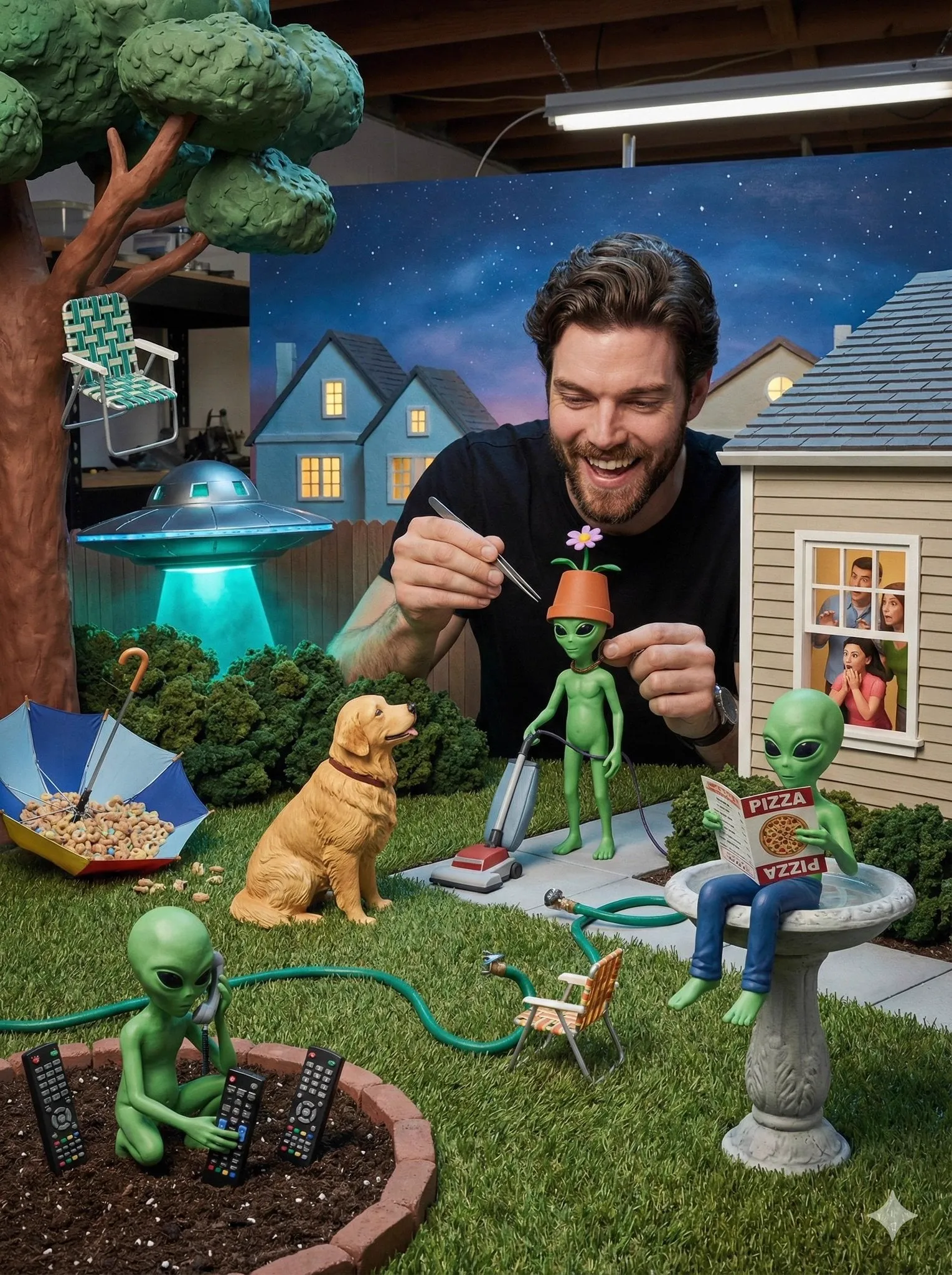
The idea of describing a scene in words and watching it come to life as an animated film used to belong to science fiction. Today, it is a routine production task. AI-based video animation has reached the point where a short paragraph can become a sequence of moving, coherent frames with cinematic lighting and believable motion. For content creators, animators, marketers, and storytellers, this is a powerful capability that changes how much video a single person can produce.
This guide walks through how text-to-animated-video technology works under the hood, why the timing is right to adopt it, how to control the outcome artistically, and what a reliable workflow looks like from concept to finished clip. The focus is practical: how to get impressive results consistently and use animation as a real production tool.
Why AI Video Animation Is More Than a Gimmick
Generative AI for video has moved from experiments to practical application. Two forces explain the shift. First, the underlying models have become dramatically better at producing coherent, high-resolution frames that hold together over time. Second, the platforms around them have matured, turning a research demo into a tool that a solo creator can use confidently.
The growth in practical use
The video-synthesis segment is growing quickly, animated by demand from marketing, education, and entertainment. What was once a novelty is now a reliable means of producing explainers, social clips, concept visualizations, and even stylistic short films. The question for most creators is no longer whether to use it, but how to use it well.
How Text Becomes Animated Video
To use a tool with intent, it helps to know what actually happens when you type a prompt and wait for the render.
Diffusion models meet transformers
The most capable systems combine two families of techniques. Diffusion models learn to construct an image by gradually reconstructing it from noise, which gives them strong grasp of detail and realism. Transformer architectures model relationships across an entire sequence, which is essential for keeping frames consistent over time. Together, they turn a text description into a series of frames that share a coherent subject, setting, and motion.
From single frame to moving sequence
A text prompt is first transformed into a visual representation, then expanded into a temporal sequence. The system decides the composition, applies motion consistent with the subject, and renders frames in rapid succession to form the clip. The quality of this motion, and the stability of the subject, are the two factors that separate impressive output from disorienting output.
The Surge in Importance of Text-to-Video
Why does this matter now, beyond novelty? Because animation and motion communicate ideas faster and more usefully than static text or images, especially in environments crowded with information.
The audience expects a high bar
The viewer feeds are saturated. A promising model is no longer enough; the output must hold together visually and tell a recognizable story in seconds. That expectation has pushed platforms to emphasize model quality and creative control rather than raw speed alone.
Faster iteration for better ideas
Because generating a draft is so much cheaper than shooting an animation, creators can test many concepts quickly. This change in economics is profound: the cost of trying an idea has fallen so far that experimentation becomes routine, and better ideas surface faster as a result.
Controlling the Art Without Fighting the Model
The difference between usable and impressive animation often comes down to how much control you can exercise. Modern tools offer several levers.
Prompt craft as the primary tool
The single most influential factor is the prompt. Good prompts are specific about the subject, the setting, the mood, and the camera. They describe action in understandable terms and avoid overloading the scene with competing moves. Writing prompts is a learnable skill, and consistent prompting is the fastest route to consistent results.
Artistic control and visual consistency
For projects where a specific style matters, control extends beyond the prompt. You can steer the aesthetic through reference images, defined palettes, and consistent styles. When a project involves recurring characters or branded looks, anchoring the production with reference frames becomes essential to keep faces, colors, and settings stable from scene to scene.
Keyframing and stitching long sequences
Most native generations are limited in length. For longer scenes, the standard technique is keyframing: define a still that pins a critical moment, run the next generation from that frame, and stitch the segments. This keeps long sequences on-message and out of the territory where models drift.
Choosing Models for Your Animation Needs
Not all video models serve the same purpose, and the smartest setups treat the model library as a kit of lenses.
Cinematic and high-fidelity models
For polished, film-like output, high-fidelity models excel at realism, lighting, and depth of field. They suit product visualization, lifestyle content, and anything where the result should feel shot on a real camera. Expect the longest render times here, so reserve them for final output.
Cost-effective and performance models
For exploration, drafts, and high-volume iteration, faster and lighter models are invaluable. They trade some fidelity for shorter render times, letting you test dozens of directions before committing resources. The typical pattern is clear: explore on the fast tier, deliver on the high-fidelity tier.
Specialty models for particular styles
Some projects need a distinctive aesthetic, a precise character consistency, or particular physics. Specialty models address these niches directly, giving animators closer control over a specific look or effect than a general-purpose generator would.
Consistency: The Make or Break of Animated Storytelling
A recurring character or setting that changes appearance between scenes is the fastest way to undermine an animated narrative. Audiences register the inconsistency even when they cannot name it, and credibility collapses.
Reference-based character stability
Modern methods solve this by anchoring production to reference images. A character's face, wardrobe, and palette are defined once and reused across the animation. Multi-image fusion goes further, merging several references into a single coherent sequence so angles and expressions stay aligned. This brings a classic filmmaking principle, continuity, into the reach of a solo creator.
Build the visual universe before animating
Consistency extends beyond faces. Establish the colors, textures, ambient light, and general look of the project before generating a single frame. This shared visual language ensures that clips generated separately still assemble into a world that feels coherent.
A Reliable Workflow From Concept to Clip
Good animation is a process, not a single lucky prompt. Here is a structure that produces consistent results.
Step 1: Define the concept and the brief
Before typing anything, decide what the animation must communicate. Write a short brief covering the subject, the mood, the intended audience, and the duration. This brief becomes your reference for every decision that follows.
Step 2: Choose the point of departure
Decide whether to start from text, from an image, or from several references. Text is ideal for exploration; image-based starts give immediate visual control; multi-image references lock in character and style for serialized work.
Step 3: Explore cheaply first
Generate quick drafts on fast, low-cost models to test tone, pacing, and motion. Iterate on the prompt until the direction is clear. Resist the urge to render full-quality versions of unvalidated ideas.
Step 4: Commit to a high-fidelity render
With a validated direction, switch to a cinematic model for the final render. Keep the keyframing in mind for longer scenes, and check segments as they complete rather than waiting for the whole clip.
Step 5: Finish with a light edit
Add the finishing touches that make a clip feel produced: subtle color grading, captions, a fitting soundtrack, and the correct crop for the intended platform. This pass separates raw generation from publishable content.
Storytelling and Pacing Tips for Animated Footage
Animating a good description is only part of the job; the viewer needs a reason to stay engaged.
Lead with a clear hook
Open the animation with something that signals what is coming. Whether it is a striking visual, a clear question, or a vivid action, the first frames decide whether the viewer pays attention. Design the opening with as much intent as any later beat.
Build a simple three-beat shape
Effective animated shorts rarely need complex plots. A clear opening, a middle that develops ideas, and a payoff that lands a point will carry most content. Keep the narrative dense but legible: every element should serve the message.
Use motion to guide attention
Motion in video directs the eye. A slow push-in can build importance, a pan can reveal scale, and a subject movement can focus the viewer on the detail that matters. Use motion like a director, not like a default behavior.
Common Mistakes and How to Avoid Them
Even experienced creators lose a lot of renders to predictable errors. Knowing them in advance protects your output.
- Vague or overloaded prompts. Specific winners beat general ones. Describe the subject, action, and mood, and avoid stacking too many motions.
- Ignoring source quality. An image or reference with artifacts yields video with artifacts. Clean the inputs first.
- Skipping the exploration phase. Rending untested ideas at full quality wastes time and compute.
- Letting characters drift. Without references, faces and settings wander. Anchor recurring elements.
- Forgetting the target format. Fix the aspect ratio and platform before rendering, not after.
- Publishing raw clips. A careful finishing pass with sound and captions changes how professional the result feels.
Frequently Asked Questions
Do I need a powerful computer?
For most platforms, no. Heavy computation runs in remote data centers; a stable connection and a browser are enough to start. Local tools exist but are not required for the majority of users.
How long does a typical animation take?
It depends on the model, duration, and resolution. A short draft can appear in under a minute, while a cinematic render may take several minutes. Plan render time and use fast models for exploration.
Can I use these animations commercially?
Usually, but always check the licensing terms of the platform and model. Paid plans generally grant broader commercial rights than free trials, and watermark-free output is not automatically equal to unrestricted use.
How do I keep a character consistent across scenes?
Use reference images and multi-image fusion. Define the character once, generate each scene from the same anchors, and review the faces before assembling long sequences.
Is this replacing animators?
Not in the sense of removing creativity. It replaces repetitive manual work and speeds up iteration, but the creative direction, the story, and the aesthetic judgment still belong to the human creator. In practice it is a tool that multiplies a creator's output.
Where Text-to-Animated Video Is Heading
Expect longer native clips, finer control over optical flow, better physics for cloth and fluid, and tighter integration with editing tools. Character consistency and multi-reference control will keep improving, making serialized AI animation more practical than ever.
The strategic reading for creators is straightforward: technical capability is no longer the limiting factor. The people who get the most from AI video animation are those who understand story, framing, motion language, and visual identity. Those skills, combined with the new production economics, are what turn text into animation that genuinely impresses.
Final Checklist Before You Render
Before confirming a render, confirm that:
- The concept and brief are clear.
- The prompt names the subject, action, mood, and camera feel.
- References, if needed, are ready and artifact-free.
- The chosen model matches the intended style and purpose.
- The aspect ratio matches the target platform.
- A fast draft validated the direction.
- Earlier segments confirm character and style hold over time.
Text-to-animated-video generation rewards intention and patience. Start with a strong concept, craft a clear prompt, lean on references for consistency, and iterate on fast models before committing to a final render. Applied with consistency, this approach turns a few lines of text into animated films that are coherent, controlled, and genuinely striking.
