
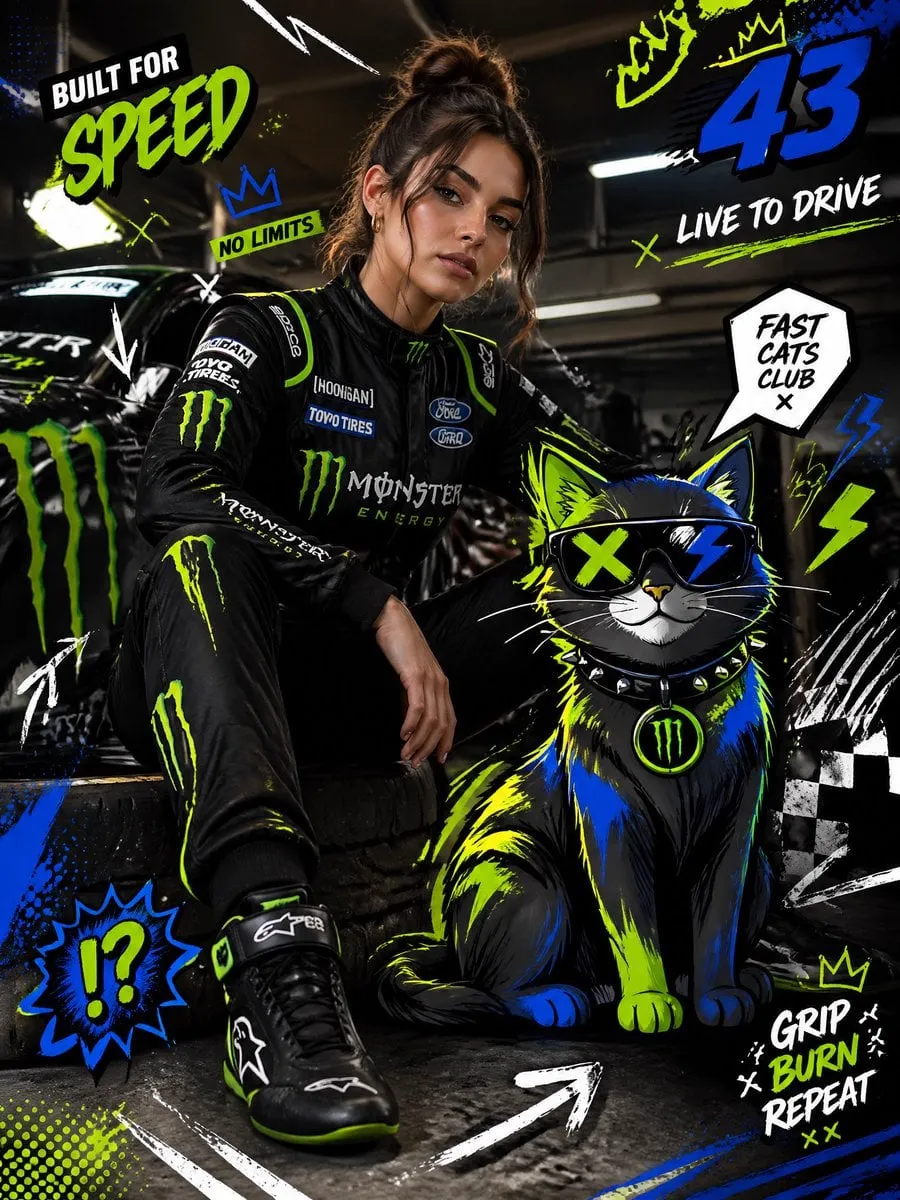

For most of video's history, filmmaking was gated behind expensive cameras, specialized crews, and long production schedules. Every new video meant a shoot, a team, and a budget. That barrier has now effectively dissolved. With modern text-to-video systems, a well-written prompt can become a finished-looking moving image in minutes, and a full narrative can be built without a single frame of traditional footage.
This is a genuine revolution in how media is produced, and it matters to marketers, educators, creators, and small businesses alike. Here is a practical look at how prompt-based video creation works, what it unlocks, and how to use it well, from writing your first prompt to running a repeatable production pipeline.
The shift from shooting to prompting
There is a quiet but profound change at the center of all this: the creative act is moving from the camera to the prompt. Instead of directing a crew to capture reality, you describe a reality for a model to construct. The prompt is no longer a supporting artifact; it is the primary creative instrument.
This shift transforms who can make video, and how fast. An idea that used to require weeks of production can be expressed as a prompt, reviewed, and regenerated in the same afternoon. It changes the economics too. The cost of producing moving images has dropped to a fraction of what it was, which means more people can afford to iterate, experiment, and publish. The result is not just easier video: it is a fundamentally different relationship between ideas and finished media.
It also changes the skill set that matters. Where filmmaking once rewarded physical logistics, scheduling, and command of hardware, text-to-video rewards language, taste, and iteration. Someone who can describe a scene vividly and judge the output critically has a real advantage, regardless of their background. That recalibration is one of the most striking consequences of this technology, and it makes the field genuinely accessible.
What text-to-video frees people to do
The practical impact shows up in everyday scenarios. A small business can create explained product videos without a crew. A teacher can illustrate a concept with a short animated sequence that would never have been budgeted otherwise. A novelist can visualize a scene to share with an audience or editors. A marketing team can test dozens of visual directions for a campaign before committing to a single concept.
The common thread is that text-to-video removes the friction between having an idea and seeing a version of it. That removes the biggest disincentive to experimentation. When a first attempt is free and fast, you are more willing to explore, revise, and try again, which is precisely the behavior that produces better creative work over time.
How diffusion models turn text into moving images
Under the surface, text-to-video leans on diffusion-based neural networks trained on enormous collections of image and video data. The model learns how objects, light, and motion appear in the real world, then uses that statistical understanding to generate frames that follow from your description.
When you enter a prompt, the model builds a noisy starting point and iteratively refines it toward an image that matches your words, then extends that into a sequence of frames to create motion. Along the way, it interprets your description into attributes like subject, setting, light, and camera movement. This is why prompt wording matters enormously. The model is not reading your mind; it is mapping your words to the patterns it learned during training, so clarity and specificity translate directly into better output.
Understanding the framing helps you diagnose failures. When a prompt yields the wrong subject, the wording probably pointed elsewhere; when it yields warped motion, the requested action was probably complex or underspecified. Rather than treating the model as a black box, think of it as a literal-minded illustrator, and you will know how to steer it.
The structure of a strong prompt
Great prompts are built from a small set of building blocks. Start with the subject and the primary action, named plainly. Add the setting and environment, then the lighting and time of day. Layer in camera movement, whether a slow push toward the subject, a lateral track, or a static wide shot. Close with the mood or emotional tone you want the viewer to feel.
Each of these layers gives the model more to work with and reduces the odds of an ambiguous result. For example, a prompt like "a woman in a red coat walking through rain at night, neon signs reflecting on wet pavement, lights flickering, slow handheld dolly forward, moody and cinematic" carries subject, action, setting, light, movement, and tone all in one sentence. The model can work with that in a way it simply cannot with "a cool street scene."
It also helps to give negative constraints, what you explicitly do not want, whether jittery motion, extra people in the background, or text and logos. Some tools support "avoid" instructions, and stating them plainly is often the fastest way to prevent recurring annoyances.
Character consistency across multiple shots
One of the hardest problems in AI video is keeping a character recognizable from one shot to the next. A face that subtly changes between scenes breaks the viewer's suspension of disbelief and ruins the narrative flow.
Several techniques help. Multi-image fusion lets you supply one or more reference images of a character, anchoring their appearance throughout a sequence. Keyframe control allows you to define specific starting and ending poses and lets the model fill in the motion between them. By combining reference images with clear continuity prompts, you can produce multi-scene projects that feel consistent rather than disjointed. This is what separates a usable sequence from a collection of unrelated clips.
Consistency is not only about faces. Brand assets, product packaging, clothing, and settings all matter for anything that will appear repeatedly. If you intend to produce a series, create and save reference assets for your recurring elements, and reuse the same descriptive language in every prompt that features them. Small habits like a fixed description of a character's outfit go a long way toward uniform results.
Storyboarding with prompts before you generate
Because prompts are so cheap to produce, they make excellent storyboards. Before generating any footage, draft a sequence of prompt beats that lays out the opening, the rising action, and the resolution. Review that written sequence for narrative sense, much as a script supervisor would, and adjust before spending computation on visuals.
This habit has a practical payoff. It forces you to settle questions of pacing and shot order before production, so you do not waste passes on a story that has not been decided. It also produces a written artifact you can share with teammates, clients, or stakeholders, making review and approval faster. In effect, you are doing the planning that once belonged to a director's prep week, compressed into a few minutes of typing.
Balancing quality, speed, and cost
Different videos deserve different levels of investment, and choosing where to spend is part of the craft. For hero content, a flagship concept, a product launch, or a brand spot, it makes sense to invest in the highest-quality generation and spend time refining it. For tests, variations, and social experiments, a faster and lighter setting is often sufficient because the goal is learning what resonates, not winning an award for a single frame.
A good rhythm is to iterate cheaply and commit deeply. Generate several variations of a concept at a modest setting, choose the strongest direction, and then produce a premium version of that one winning idea. Batching your tests this way keeps budgets predictable while preserving quality where it matters most.
Track the cost of each attempt mentally or in a simple spreadsheet. Over a few weeks, you will see patterns, which kind of video is worth premium generation and which is wasted money. That awareness turns a vague concern about cost into a concrete production skill.
Integrating AI footage into a real workflow
Generated clips rarely stand alone. A polished final product usually combines AI footage with music, sound effects, voiceover, captions, and color grading. Treat the generation as one stage in a larger pipeline rather than the whole job.
Plan the edit before you generate. Know what each shot needs to accomplish, generate with that intent, and then assemble. Consolidate a library of prompts and reference assets that worked, so a winning style can be reused. And always review on a phone screen, because that is how your audience will watch. Quality should be judged where the viewer actually sees the content.
Adding sound and captions is where many AI videos graduate from "interesting tech demo" to "watchable content." A subtle music bed and properly timed subtitles give the piece a finished feel that matters more than the perfection of any single generated frame. Do not skip this stage; it is the polish that earns repeat viewers.
The art of refining through iteration
Rarely does the first pass match the vision. The real skill is knowing how to read a weak output and adjust. If motion is stiff, describe movement explicitly and reduce clutter. If a character drifts, add reference images and simplify the scene. If the tone misses, revise the emotional descriptors rather than cranking the same prompt upward. Iteration is not a failure of the approach; it is the core workflow. Every revision teaches you more about which words create which kinds of results for the tools you are using.
It is also worth developing a critical eye beyond "good" or "bad." Ask what specifically feels off, the pacing, the lighting, the composition, the realism. Naming the specific problem tells you exactly what to change in your next attempt, and it makes you measurably better over the first handful of projects.
Common mistakes to avoid
Avoid overstuffing scenes, more elements than the model can handle leads to distortion and confusing motion. Avoid vague emotional words without visual anchors, they do not give the model enough to lock onto. Avoid endless regeneration from a weak base, instead, improve the prompt and the reference assets first. And avoid forgetting the audio. A bright clip with flat, missing sound still feels unfinished to viewers, so plan the soundtrack and captions from the beginning.
One more discipline pays off quickly: batch your iteration. Instead of generating one clip, waiting, and adjusting in a loop, write a handful of plausible variations of your prompt first, generate them together, and compare. Seeing several attempts side by side makes strengths and weaknesses obvious and teaches you far faster than inspecting output one at a time. Over your first few projects, this habit will compress weeks of trial and error into days.
Building a simple review that keeps quality high
Because the tooling removes so much production friction, the gating point for quality moves to your review. Establish a short checklist and apply it to every piece before it ships. Confirm the subject matches the intent, that motion is smooth and appropriate, that the audio and captions are timed, and that the grade suits the mood. A consistent review turns the error-prone parts of this craft into a dependable routine, so that even on a fast turnaround you never hand over something unfinished.
Great video is the sum of many small, deliberate checks done reliably rather than a single burst of attention. When every member of your team applies the same review, your output stays consistent no matter who produced the underlying clip. That reliability, more than any single generation, is what makes text-to-video genuinely usable in a professional setting.
Frequently asked questions
Do I need coding or animation skills?
No. The interaction happens entirely through natural language prompts and simple controls. The barriers are removed precisely so that non-specialists can participate.
How long does generating a video take?
It varies widely. A short, low-resolution clip can be ready in under a minute, while a longer high-definition sequence with detailed control could take several minutes. Longer and more complex scenes naturally require more compute.
Can generated video be used commercially?
Licensing depends on the platform you use. Different services have different terms, so read the policy that applies to your use case, whether personal, educational, or commercial, before publishing.
Can I use my own footage as a starting point?
Often, yes. Many text-to-video tools accept a still image or reference clip as an additional input, letting you blend your own vision with the model's generation. Check the features of your chosen service.
Final thoughts
Text-to-video has turned a costly, technical profession into an accessible creative practice. The fundamental shift is real: your words now shape the images your audiences see. Learn to prompt with clarity, keep characters consistent, spend your budget wisely, and refine through iteration. Pair generation with sound, captions, and a critical eye, and you will produce finished work, not just tech demos. The future of content creation is not about who has the biggest camera; it is about who can translate an idea into a moving image fastest and most convincingly. Start with one strong idea today and watch it come alive from a single prompt.
