
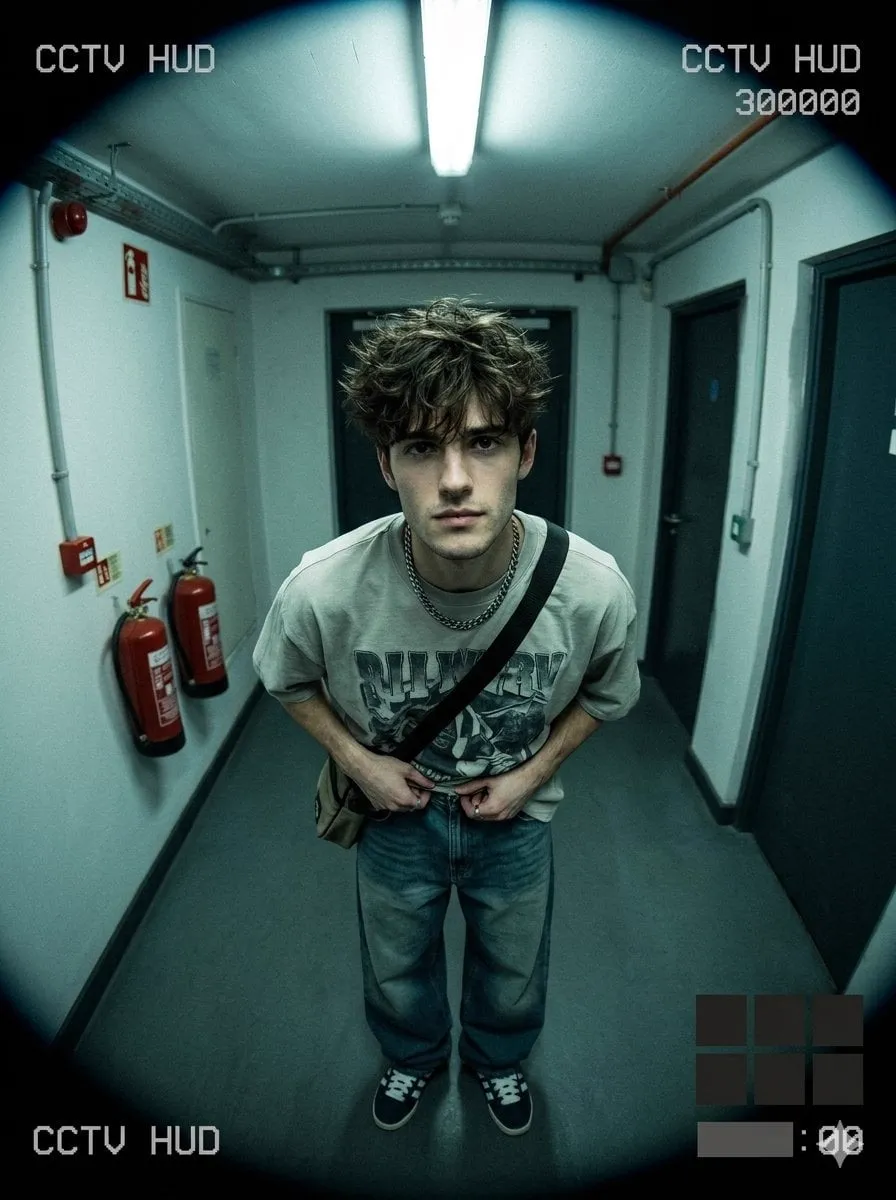

Why Great Stories Fail on the Screen
You have felt it watching AI-generated video: the premise is exciting, the first shot is gorgeous, and then the protagonist's face changes between cuts. One moment they are thirty, the next they are a different person. The audience stops believing, and the story collapses no matter how strong the idea was.
The most common reason AI videos fail is not weak writing. It is inconsistent world-building. In this guide we look at what actually keeps a story coherent across many generated frames: character keyframes, camera control, and emotional grading, and how to think about an AI director as a workflow partner rather than a magic button.
What Short-Form Video Teaches About Attention
The rise of short-form video has trained audiences to reward whoever makes their first two seconds count. But it has also trained them to punish incoherence fast. A viewer who notices the hero's face has changed is a viewer who has already checked out mentally, even if they keep watching on autopilot. That is the brutal math of modern AI content: a tiny continuity slip erases all the polish elsewhere in the piece.
The lesson from social feeds is not to go shorter forever. It is to front-load your intent. Establish who the character is, what world they occupy, and how the scene feels, inside the first few seconds, and then hold all of that steady. Viewers forgive a lot if the ground rules stay true. They forgive almost nothing if the rules shift under them.
Building the Habit Early
- Decide a single opening image before you generate anything.
- Repeat the character and setting details in every early prompt.
- Test the first two seconds as if they were the whole video.
- Only then move on to the middle and end.
Because short-form content travels so far, even a one-off clip that fails continuity can reach a large audience and quietly damage the impression of your brand or channel. Consistency therefore is not just craftsmanship; it is reputation management.
The Pillar of Visual Consistency
Characters must look like themselves in every scene. Early generation models suffered from style drift: every new shot produced a slightly different face, costume, or background texture. Short-form content masked the problem because clips were only seconds long. Once storytellers asked for longer narratives, the cracks became impossible to hide.
The fix is to define the character through multiple reference images at the start and reuse that locked definition for every shot. Think of it as building a character sheet before writing the script. If you cannot describe the character consistently in your head, no model will do it for you.
Building a Character Sheet
- Generate or find a front-facing portrait.
- Create a side profile with the same hairstyle.
- Build a full-body shot showing the outfit.
- Optionally add a close-up of a distinctive prop or accessory.
Fusion of these references is what makes later scenes stable. Lock the sheet, then treat it as read-only for the whole project.
Camera as a Storyteller
Audiences read meaning into the camera. A slow push-in signals intimacy. A wide high angle signals vulnerability or isolation. A handheld feel signals urgency. Too many AI videos default to a flat, drifting camera that tells nothing.
Plan your shots before you generate. A board of a close-up, a medium two-shot, and a wide establishing angle gives you the raw material for a scene. When each shot uses the same character references and a consistent style, the cuts assemble into a narrative even though every frame was generated separately.
A Minimal Storyboard You Can Reuse
- Wide establishing shot to set the world.
- Medium shot to introduce the character and the setting.
- Close-up to reveal reaction.
- Insert shot of a relevant detail.
- Wide or final beat to close the moment.
Keep it short. A five-shot board is enough to tell most micro-scenes.
Grading for Emotion, Not Just Looks
Two stories with identical setups can feel completely different purely through color. Warm amber tones read as memory or comfort. Cool blue reads as tension or isolation. High contrast reads as drama; a desaturated palette reads as documentary realism.
Apply a clear grading direction early and keep it constant across shots. If you change grade halfway through a sequence, viewers will feel it even if they cannot name it. Emotional tone is the fastest way to make generated footage feel intentional.
Grading Decision Guide
- Memory / nostalgia: warm, soft contrast, gentle highlights.
- Threat / tension: cool blues, lifted shadows, slight desaturation.
- Energy / promo: saturated, punchy contrast, clean highlights.
- Documentary / honest: natural color, restrained saturation.
Choose one bucket per project. Reserve grade changes for deliberate narrative beats, like a flashback.
Let an AI Director Handle the Busywork
An "AI director" is not a replacement for taste; it is a way to offload repetitive decisions so you can focus on story. It can keep naming conventions consistent, suggest a shot order from your logline, and slot the same references into each step so you do not redo work across scenes.
Make the division of labor explicit:
- The AI handles consistency, shot planning, and iteration.
- You handle dramatic arc, emotional beats, and final approvals.
That split scales. A single creator becomes a small studio because the machine absorbs the drudge work.
Structuring the Story Arc
Every story, even a very short one, benefits from a shape. A simple arc: establish normal, introduce a change, escalate, resolve. Map your generated shots onto that arc and cut anything that does not serve it.
When in doubt, cut. A gorgeous shot that stalls the story weakens the piece. Prefer fewer, purposeful shots over a longer reel that meanders.
Recommended Workflow End to End
- Write a half-page logline that states the mood and the change.
- Build the character sheet from a few reference images.
- Make a five-shot storyboard.
- Decide the grading direction.
- Generate each shot with the same references and grade.
- Assemble, review continuity, and re-render only broken shots.
Why Longer Narratives Demand a Pipeline, Not Luck
Short clips forgive inconsistency because the audience never has time to register a change. The moment you stretch a story past a few seconds, viewers start comparing one shot against the memory of the previous one, and that is when drift reveals itself. A two-minute narrative is a string of memory checks, thirty or more of them in a row. The only way to pass all of them is to stop relying on luck and build consistency into every step.
That is why the character sheet and the storyboard are not optional luxuries; they are the control system. The sheet fixes who everyone is. The board fixes what we are cut to see. Grading fixes how it all feels. When all three are locked before a single generation, you are no longer hoping the model keeps faith with you. You are feeding it the same inputs, in the same order, for every scene, and the output will naturally agree because the inputs agree.
Treating Continuity as a Test
Run a continuity pass at the halfway point, not just at the end. Export a still from each of your five shots and put them side by side. Compare hairline, eye color, costume details, and the background. If any still drifts, fix that shot now, while the rest of the pipeline can still reference the corrected version. Checking early means the drift never propagates into later scenes.
Emotion Comes From Restraint, Not Volume
Beginner-generated videos tend to over-signal: effects everywhere, dramatic zooms on every line, saturation turned up. The more deliberate works restrain motion to the moments that matter. A single slow push-in during a quiet emotional beat lands harder than constant camera motion during everything.
Think about what changes between your shots. If nothing in the scene changes, holding a stable frame is the honest choice. Save movement for when the story actually turns. This restraint reads as intention, and intention reads as quality long after the viewer has forgotten the exact frames.
The Pacing Rhythm
- Let establishing shots breathe so the audience can read the world.
- Use close-ups sparingly, at the emotional peaks.
- Cut toward the new information, not just on a timer.
- Let one quiet beat follow every busy one.
Establish a rhythm and then break it deliberately at the story's turning point. That single deliberate break tells the audience something important just happened, with no dialogue required.
Protecting Consistency Across Retries and Iteration
When a shot is rejected and you regenerate it, there is a risk of introducing a subtly different character or grade. Guard against accidental drift by always pulling from the same locked references and by typing each prompt the same way. Keep a notes file with the exact wording that produced your approved shots, so retries reproduce the style instead of inventing a new one.
A Simple Shot Log
- Shot number and name.
- The exact prompt that worked.
- The reference images used.
- The grade applied.
- Any notes on what drifted and the fix.
Over a project this log is your memory. It also accelerates your next project, because the prompts, references, and fixes are right there to reuse or adapt.
Frequently Asked Questions
How many shots do I need for a decent short? Start with five. Quality and continuity beat quantity.
Can I change the character's outfit halfway? Yes, but treat it as a new sheet; otherwise you invite drift.
Do I need expensive hardware? No. Cloud generation handles rendering; a normal laptop is enough for planning.
What is the fastest way to get better? Re-use the same references across many tests until consistency is automatic.
Should every shot show the same exact camera angle? No. Vary angles within the shot plan. Consistency is about character and style, not identical framing.
How do I fix facial drift that appears late in a project? Re-lock the character sheet and re-render only the affected shots. Never regenerate the whole sequence to fix one face.
Is a storyboard essential for AI video? Not for a twitter-style clip, but essential beyond about thirty seconds, where editing needs coverage decisions.
How long should a generated short feel? Match length to idea. A tight 60-second piece beats a padded two minutes.
Does background consistency matter as much as character consistency? Usually yes. A background that visibly changes signals a different location and confuses the story. If the setting matters, include a reference for it too, or keep prompts explicit about the location so scenes stay grounded.
What is the fastest upgrade when nothing looks right? Generate one test shot with your locks in place and critique it calmly before touching the rest. Isolate the problem to a reference, a grade, or a prompt, then fix only that. Blind re-rolling usually just produces the same failure with more coins spent.
Troubleshooting Common Glitches
- Face drifts between cuts: rebuild or refresh the character sheet and re-lock references.
- Lighting jumps: keep reference lighting consistent; add an explicit lighting note to the prompt.
- Camera feels random: swap to a blocked camera and define one movement per shot.
- Style fades mid-sequence: apply the same style reference to every shot and re-run the affected segment.
Frequently Asked Questions
How many shots do I need for a decent short? Start with five. Quality and continuity beat quantity.
Can I change the character's outfit halfway? Yes, but treat it as a new sheet; otherwise you invite drift.
Do I need expensive hardware? No. Cloud generation handles rendering; a normal laptop is enough for planning.
What is the fastest way to get better? Re-use the same references across many tests until consistency is automatic.
Final Thoughts
AI storytelling stopped being cute the moment viewers started paying attention to continuity. Keep characters locked with a solid sheet, choreograph the camera on purpose, and grade every shot with the same emotional intention. None of that is in the model; all of it is a pipeline you design. Do that once, and the machine does the rest, reliably, at scale.
